

Permissions
This isn’t in your Settings: only Admins open it.
Settings → Permissions is for Admins of an account with room for more than one person. It decides how much each Invoicing role sees.
What each role sees to begin with:
| Time | Amounts and rates | Invoices | |
|---|---|---|---|
| Admin | everyone’s, and can change it | all, including cost rates | yes |
| Finance | everyone’s, read only | all, including cost rates | yes |
| Approver | everyone’s, read only | all billable amounts | no |
| Member | their own | none | no |
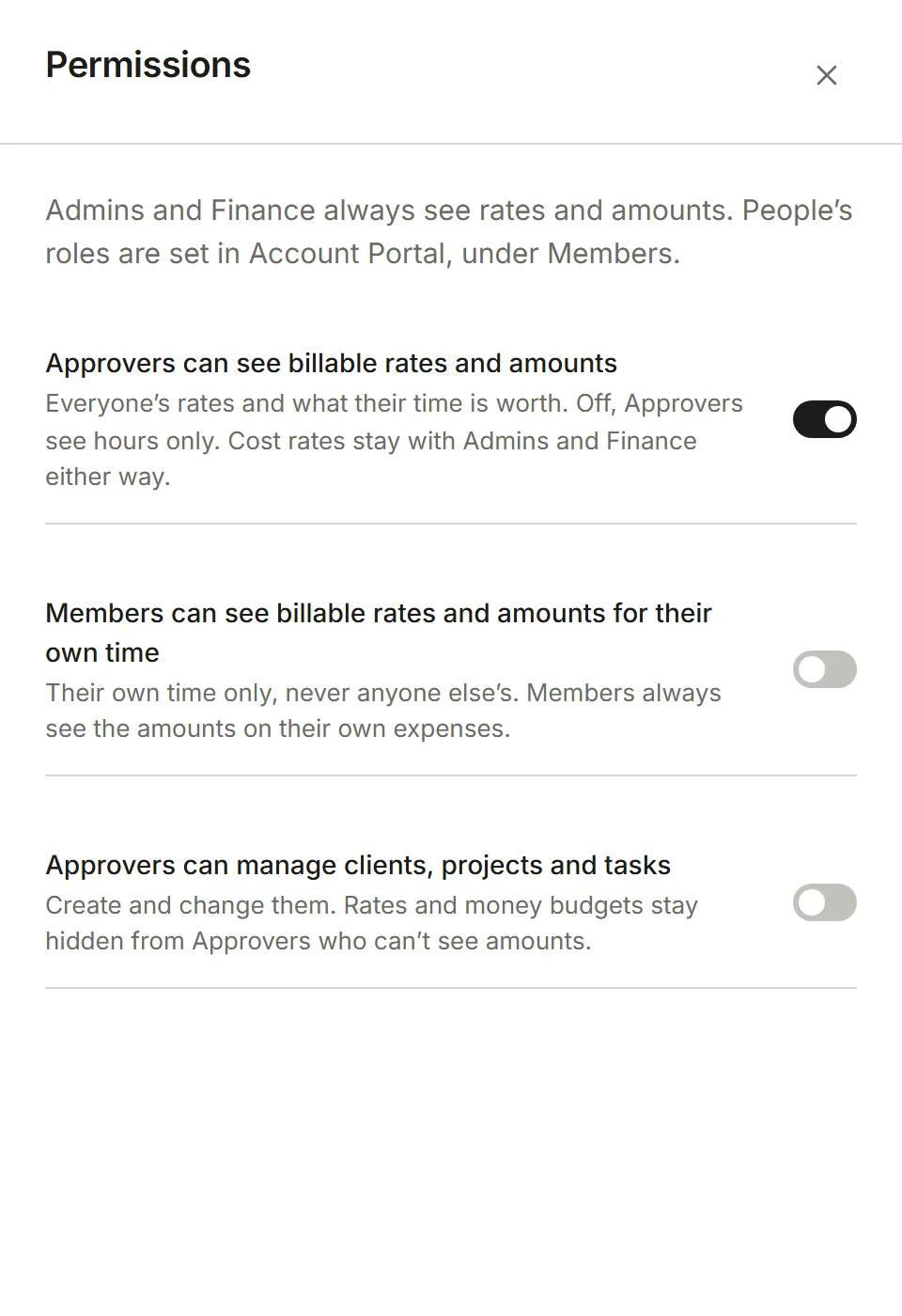
Three switches change that:
- Approvers can see billable rates and amounts. On to begin with. Off, Approvers see hours only.
- Members can see billable rates and amounts on their own work. Off to begin with.
- Approvers can manage clients, projects and tasks. Off to begin with; then only Admins can.
A change applies straight away, the next time anyone’s screen asks for something. Nobody ever sees cost rates except Admins and Finance. Amounts someone may not see are left off their screens entirely, and the server refuses them too, so they can’t be reached another way.