

Account security
Choose Account Settings from your avatar menu, then Security. Only the account’s Owner can change these settings. Tick or clear a setting, then choose Save; the panel says Saved once it’s kept.
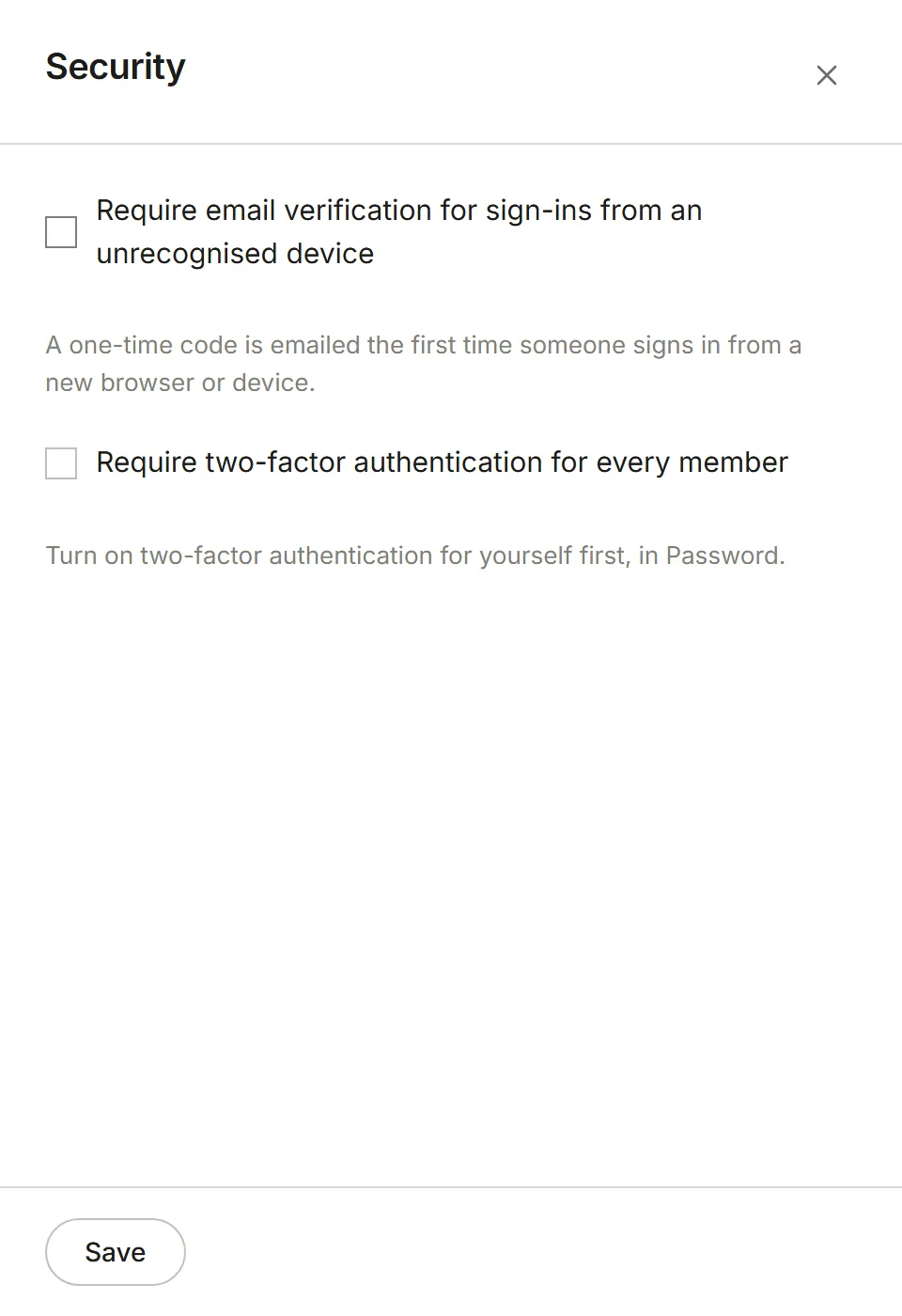
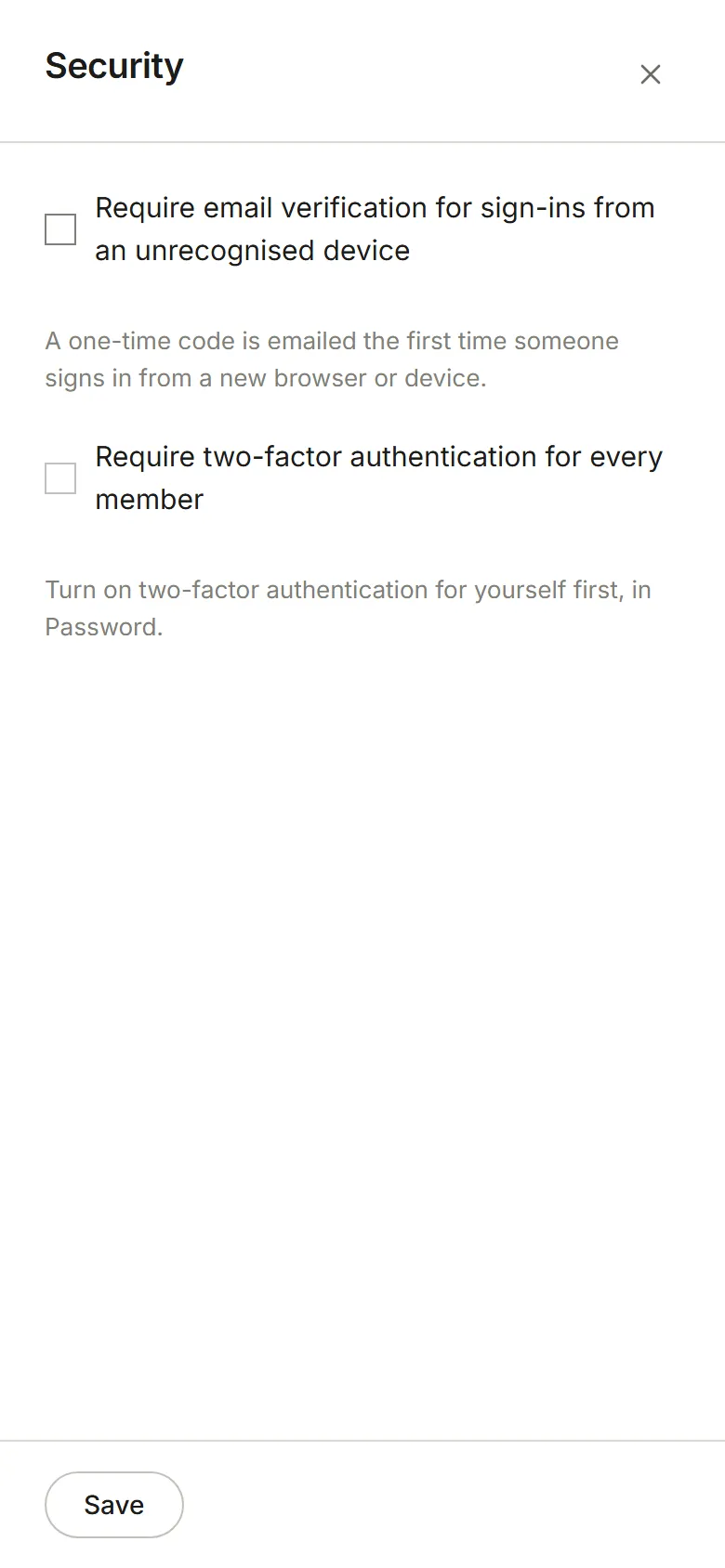
Require email verification for sign-ins from an unrecognised device. Anyone signing in to this account from a browser or device Eddish hasn’t seen before must enter a one-time code we email them. It stops someone who has only a password from getting in.
Require two-factor authentication for every member. Everyone in the account must have two-factor authentication on to use it. Members who don’t yet have it see a Turn on two-factor authentication message in place of the account, with a link straight to setting it up; once it’s on, the account opens. You need two-factor on yourself before you can require it, so the setting can’t lock you out.