Expense categories
This isn’t in your Settings: only Admins manage it, and Approvers when an Admin allows it in Permissions.
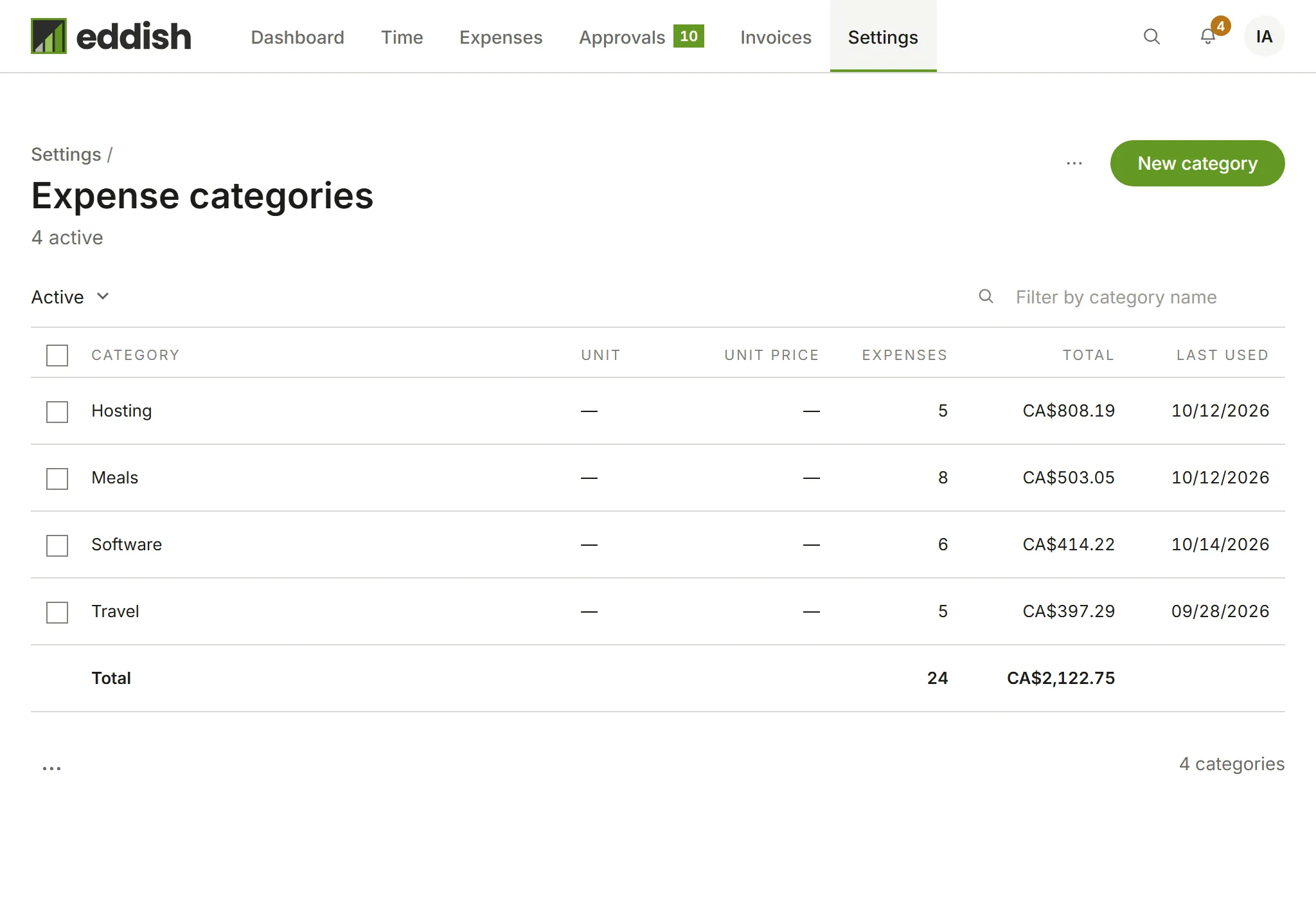
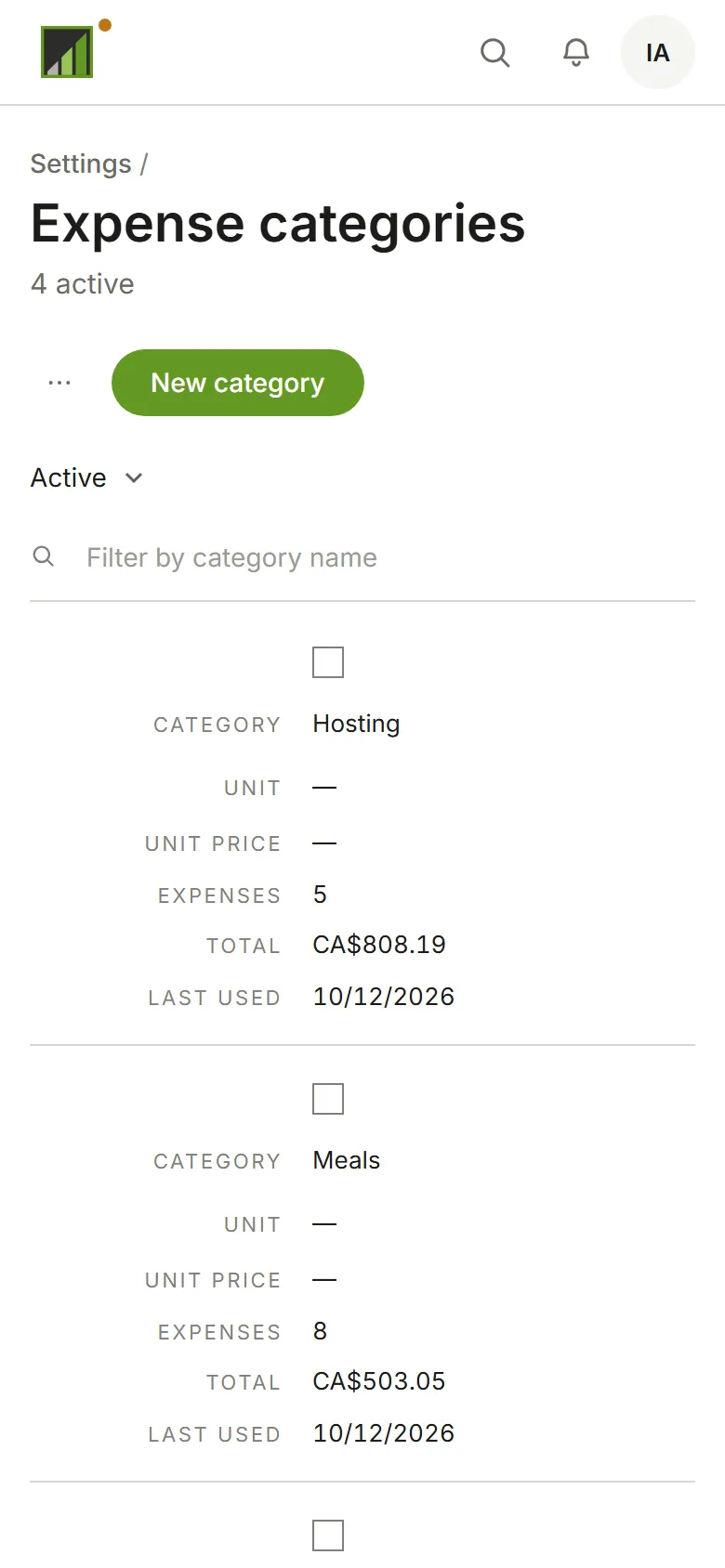
Settings → Expense categories lists the categories expenses are recorded under, with how much has been spent in each.
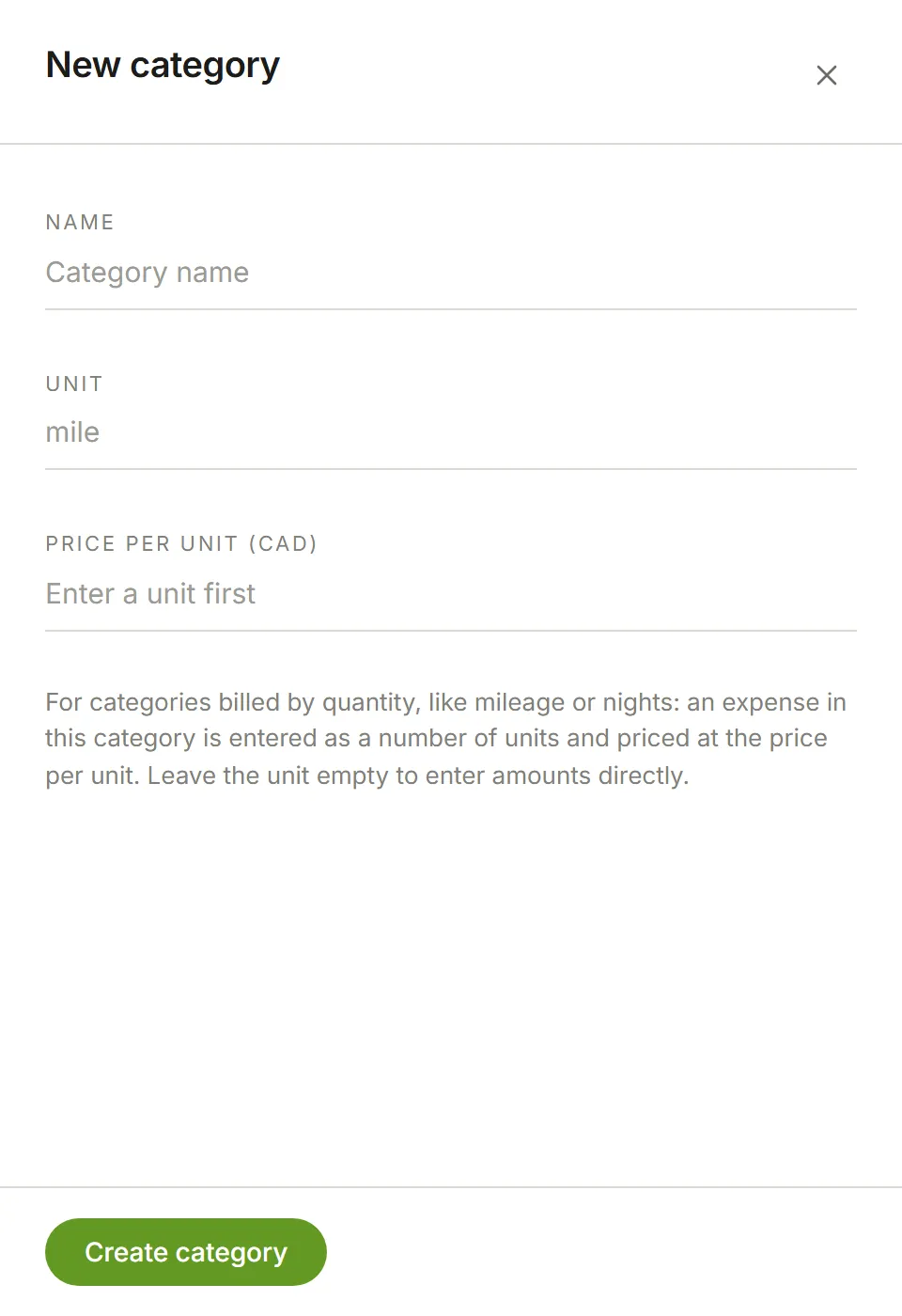
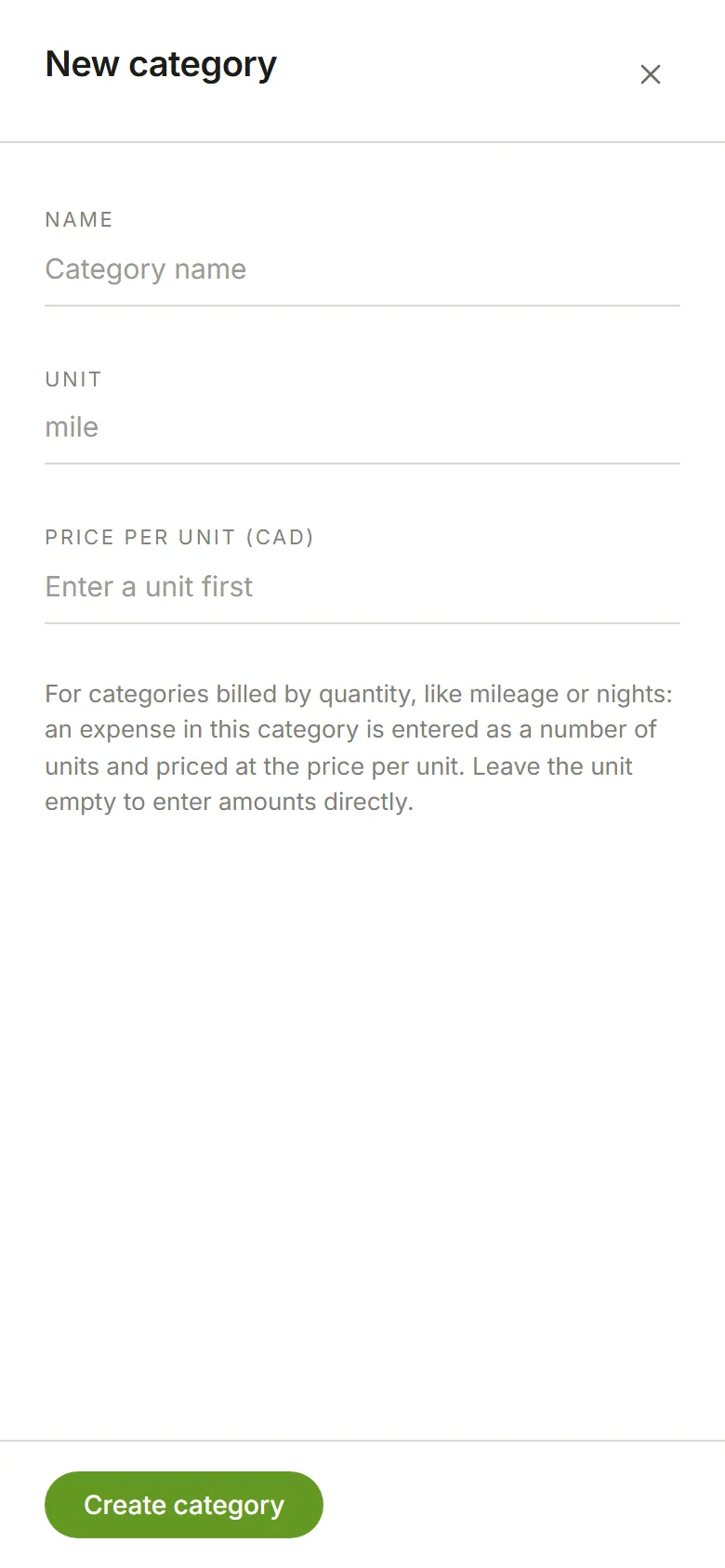
Choose New category and name it. For something billed by quantity, like mileage or nights, enter a Unit (such as mile) and the Price per unit, in the account’s currency: expenses in that category are then entered as a number of units and priced from it. Leave the unit empty to enter amounts directly. Choose Create category.