Switch between accounts
One person can belong to several accounts: your own business, and someone else’s where you work as a member. You work in one at a time, and everything you see belongs to that one.
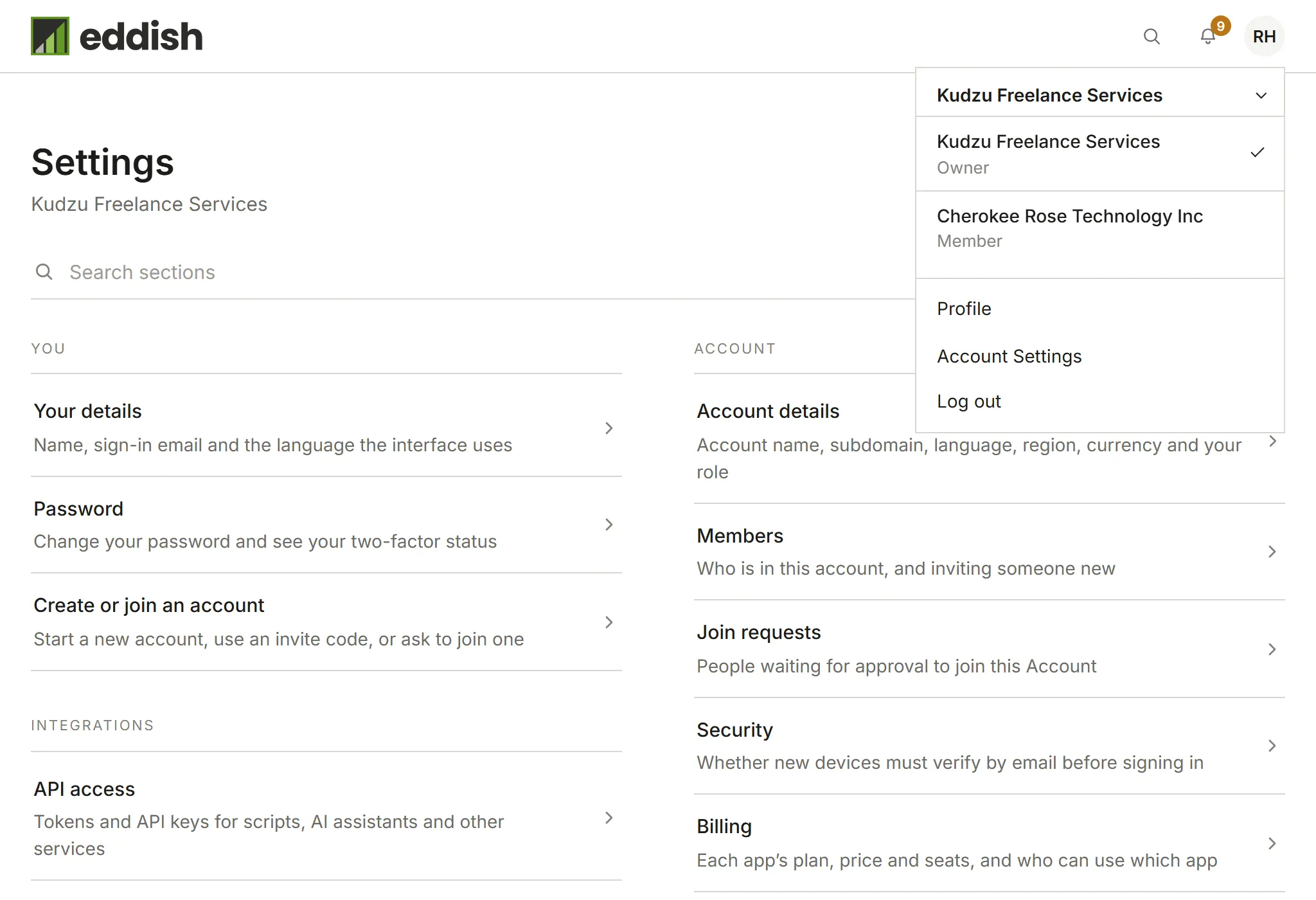
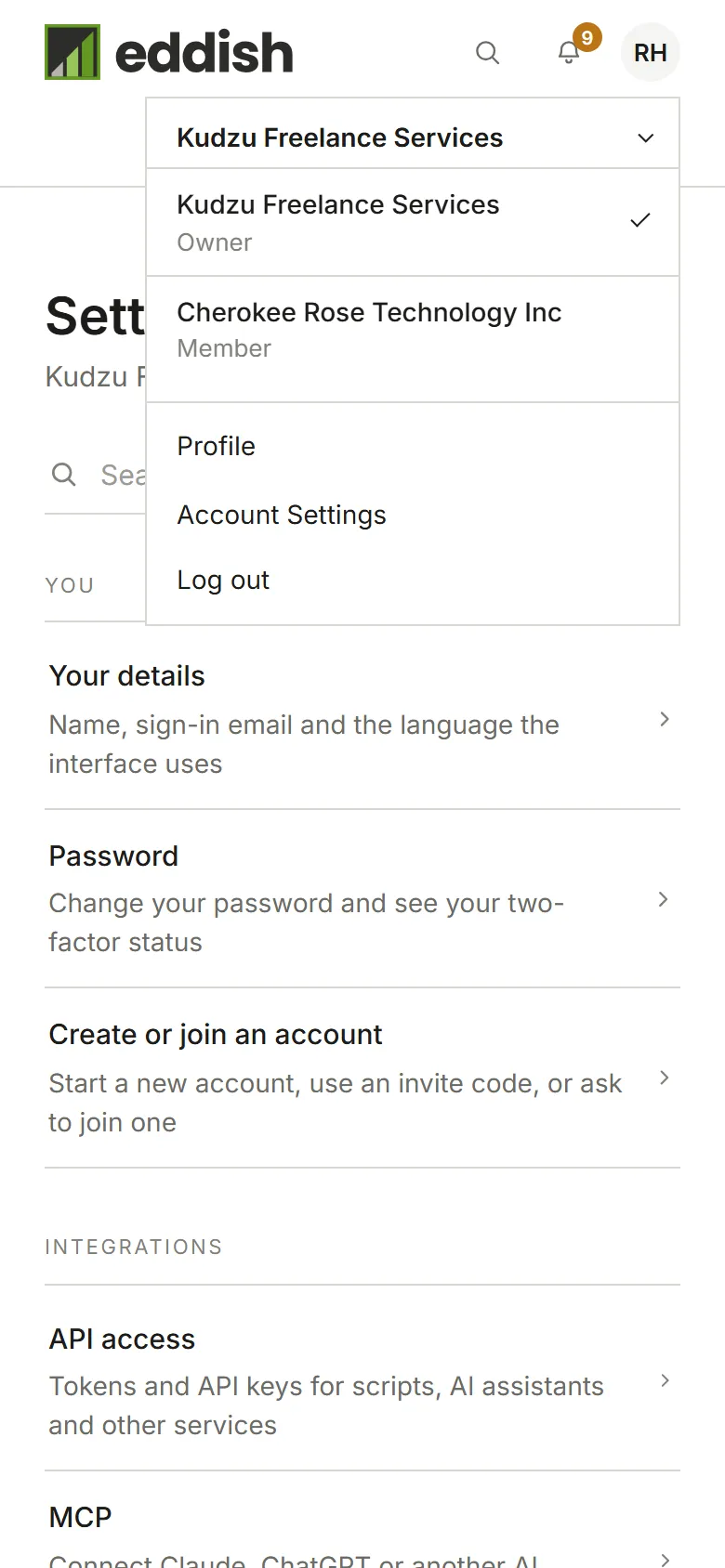
Open your avatar menu. The account you’re in is shown at the top; choose it to see the others.
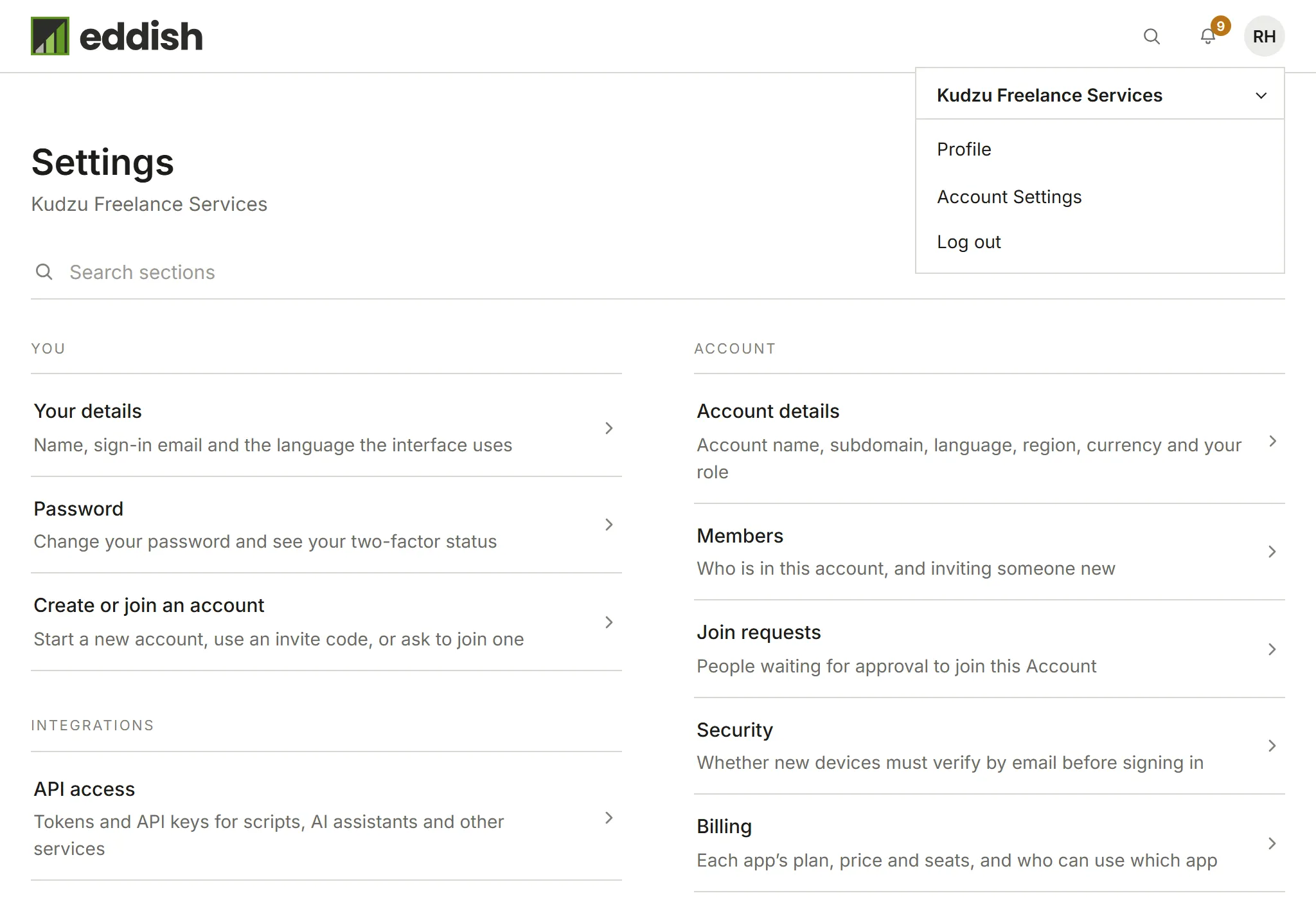
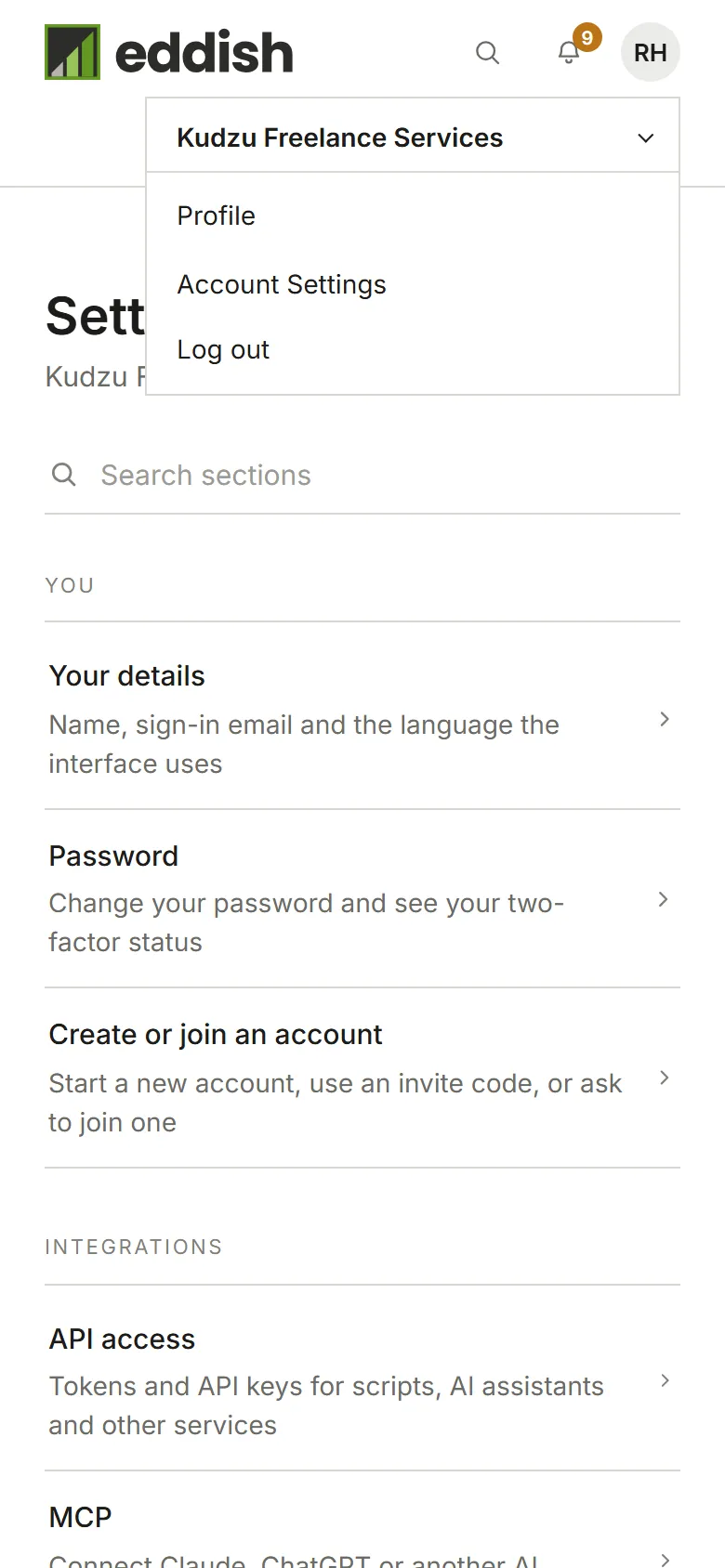
Choose an account to switch to it. Under each name is your role there, and whether it is still waiting for approval or requires two-factor authentication. If you belong to more than seven accounts, type in Find an account to narrow the list.
Start or join another account
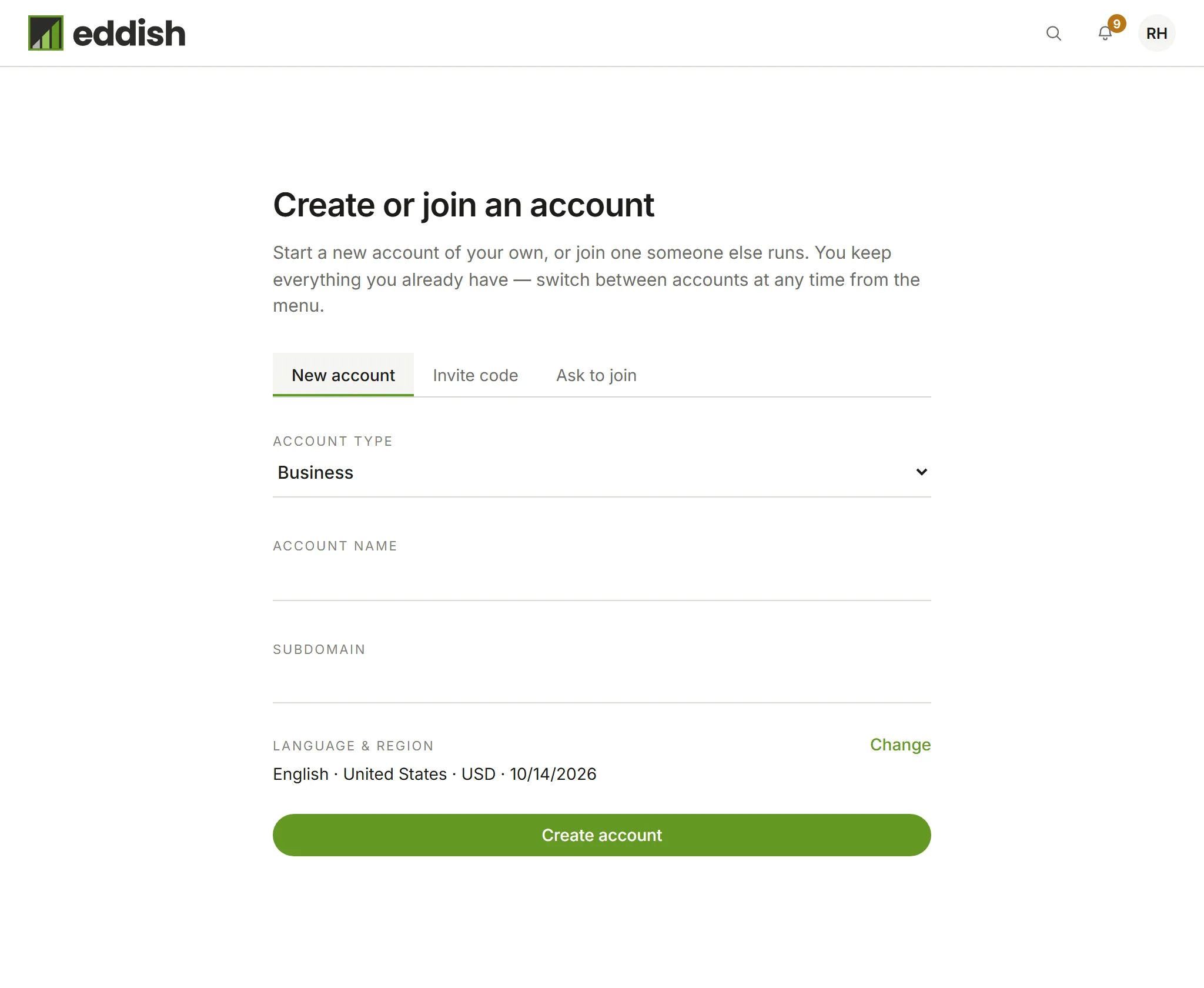
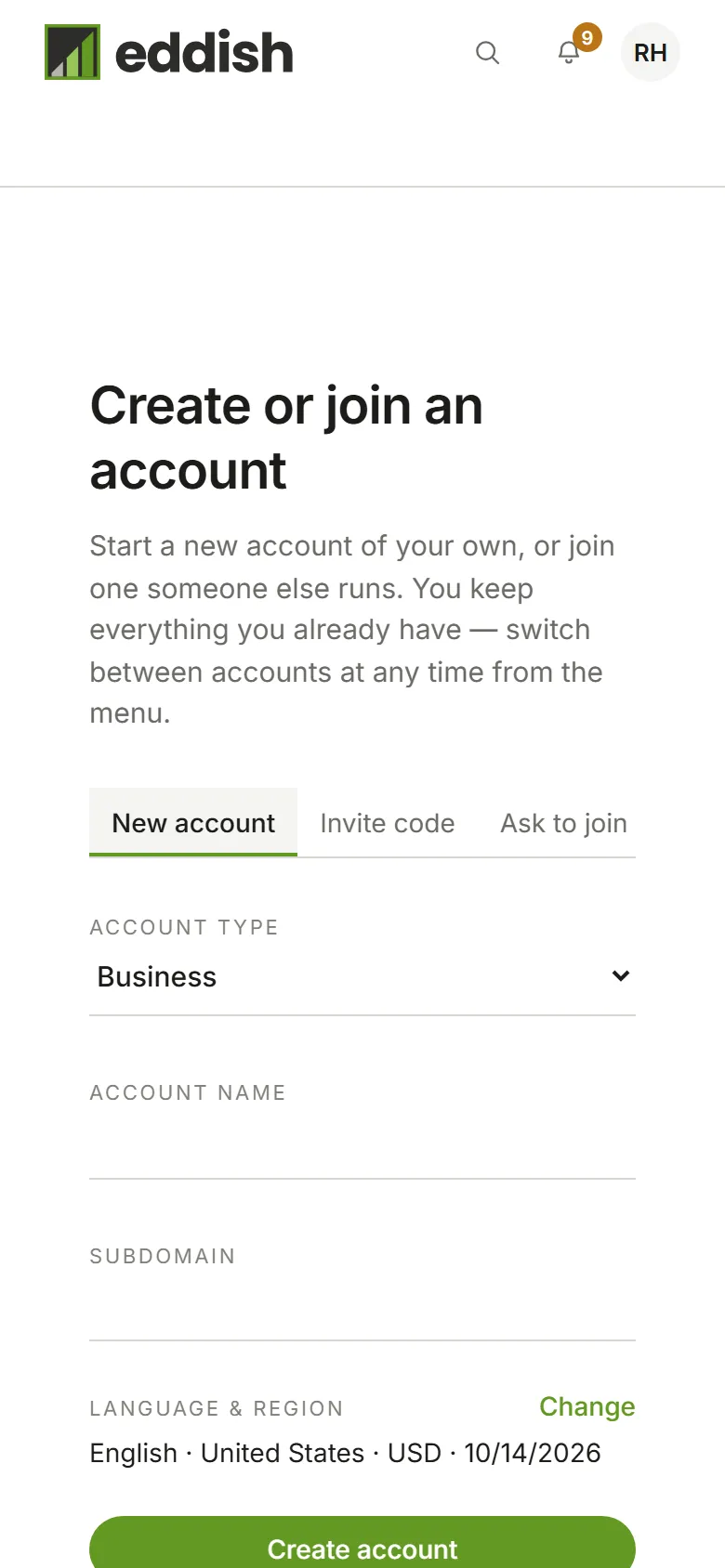
Section titled “Start or join another account”Choose Account Settings, then Create or join an account. Start a New account, enter an Invite code someone gave you, or Ask to join an account by its subdomain.