

Business details
This isn’t in your Settings: only the account’s Owners open it.
Settings → Business details holds what appears at the top of every invoice you send: your business name, email, phone and address.
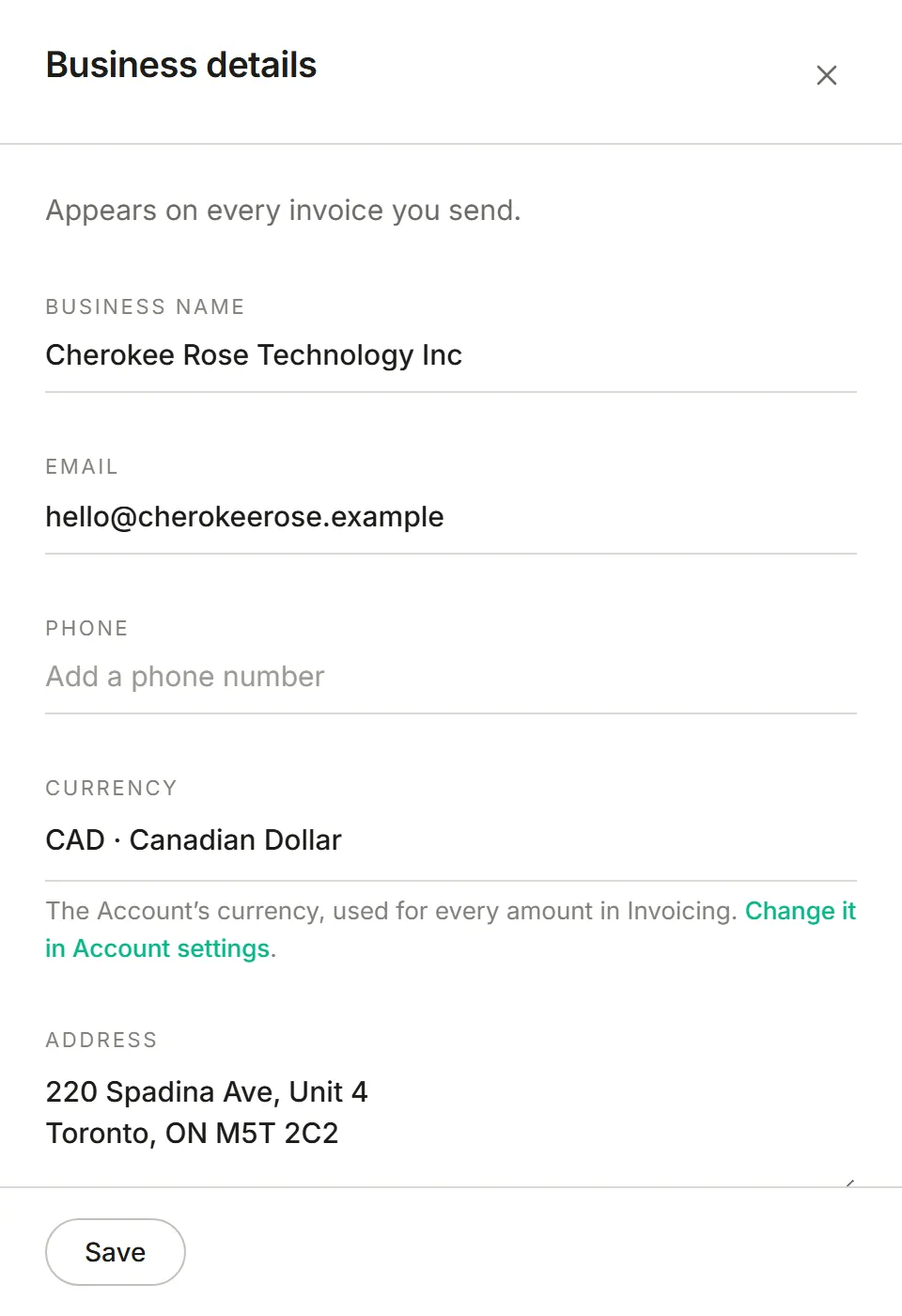
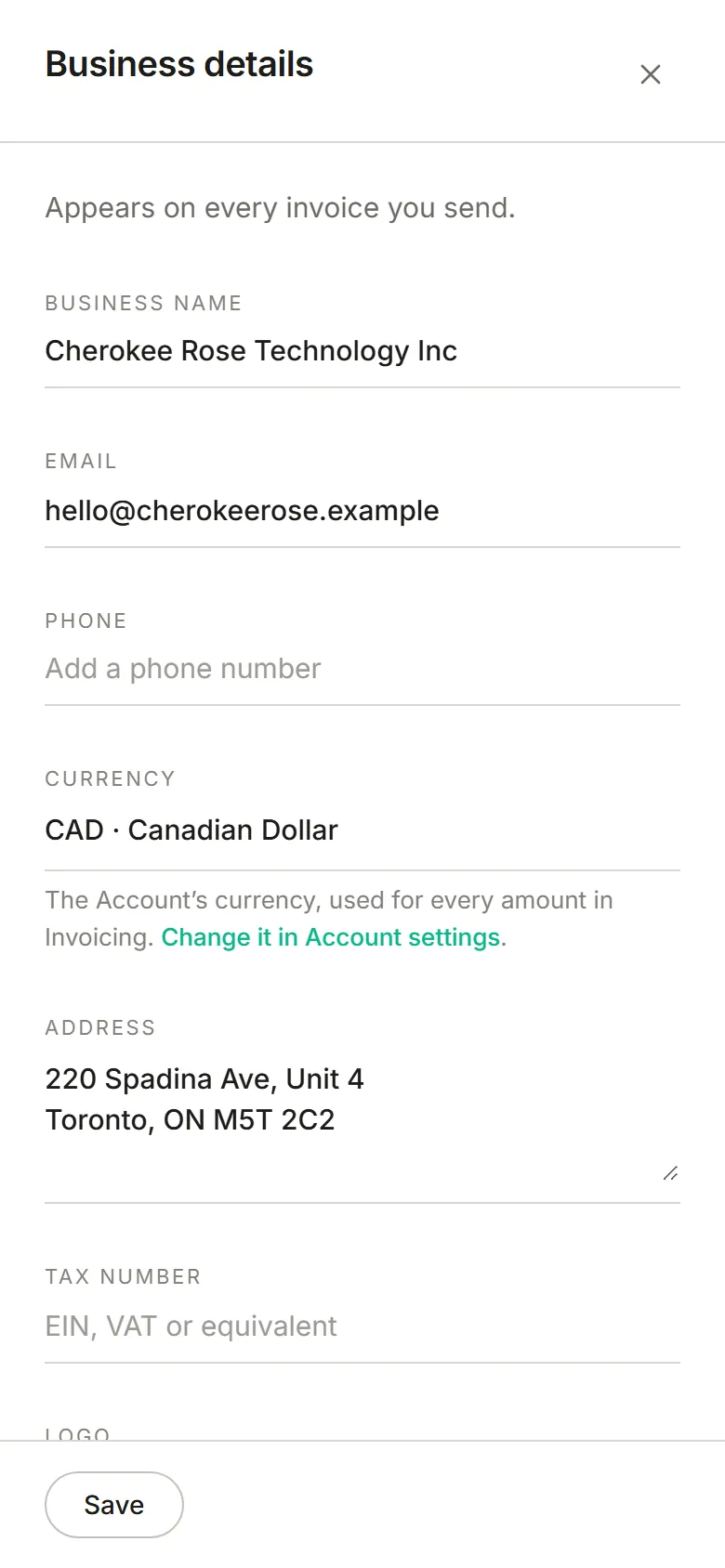
The currency is shown here but isn’t changed here. It’s the account’s own money, set by the account’s Owner under Account preferences, and every app uses it. Every amount in Invoicing, on screen and on the invoice PDF, is in it. An invoice keeps the currency it was created in, so changing the account’s currency later doesn’t relabel invoices you’ve already made.
The invoice PDF is written in the account’s language, with its region’s way of writing numbers and its date format, all from Account preferences.