

Clients
This isn’t in your Settings: only Admins manage it, and Approvers when an Admin allows it in Permissions.
Settings → Clients lists your clients, with their contact, projects, payment terms, and what is unbilled and outstanding for each.
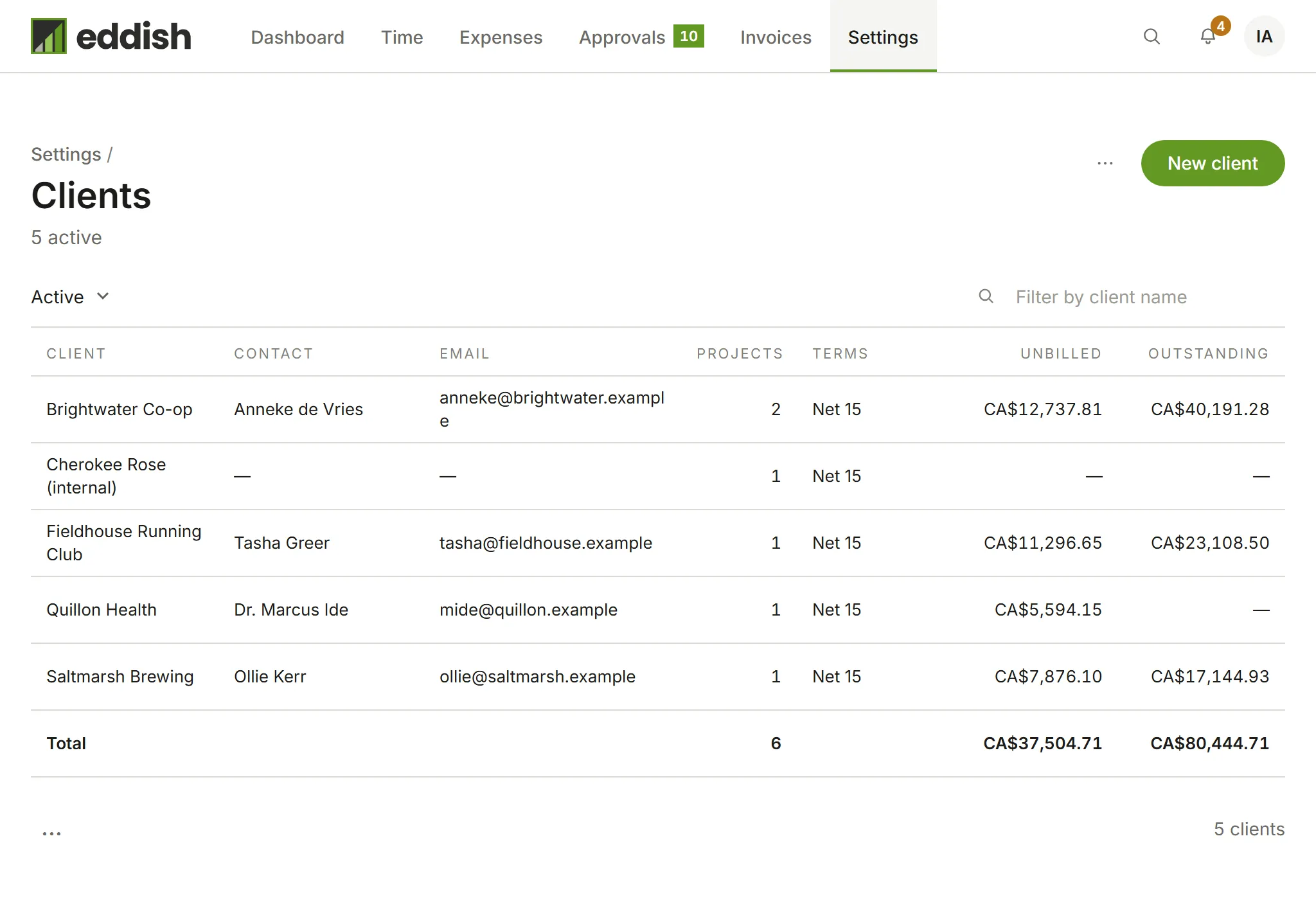
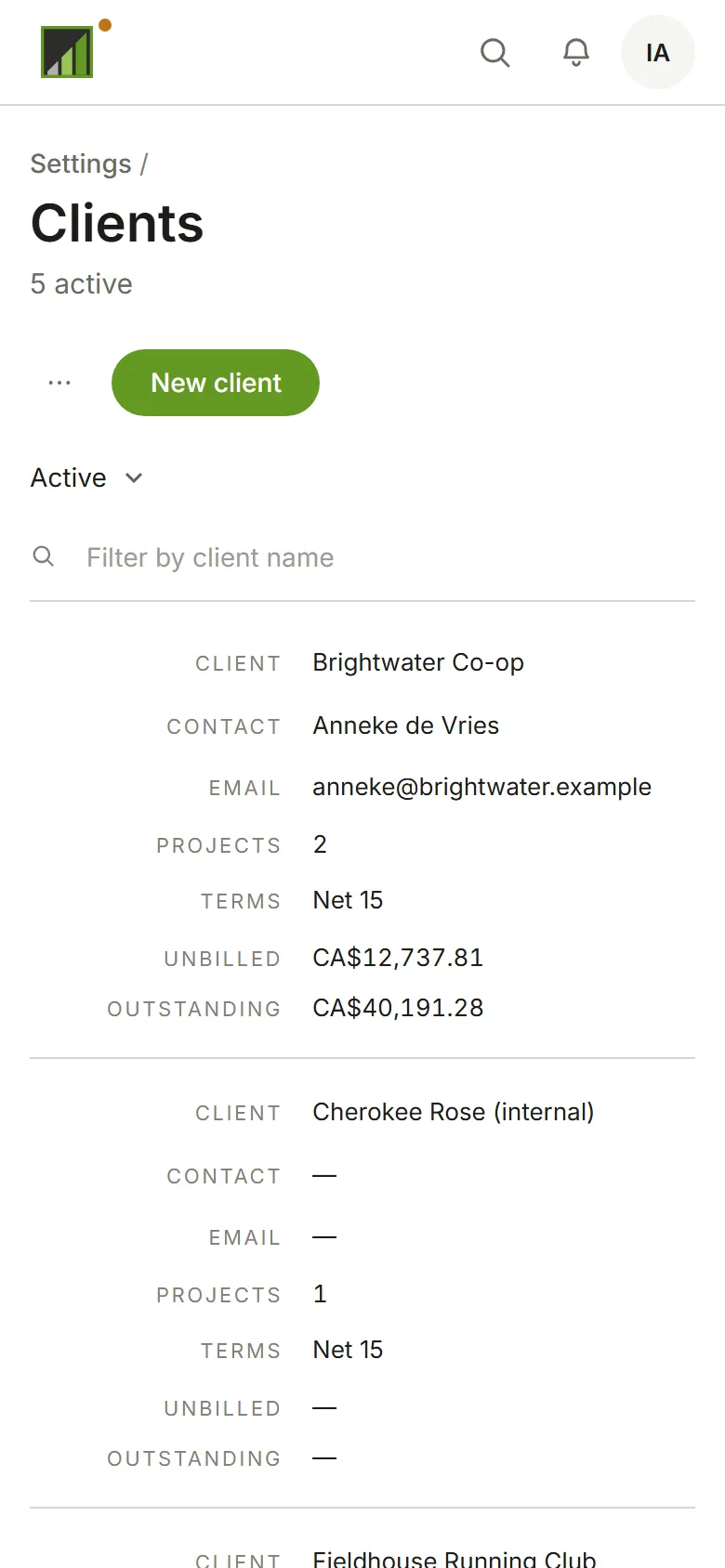
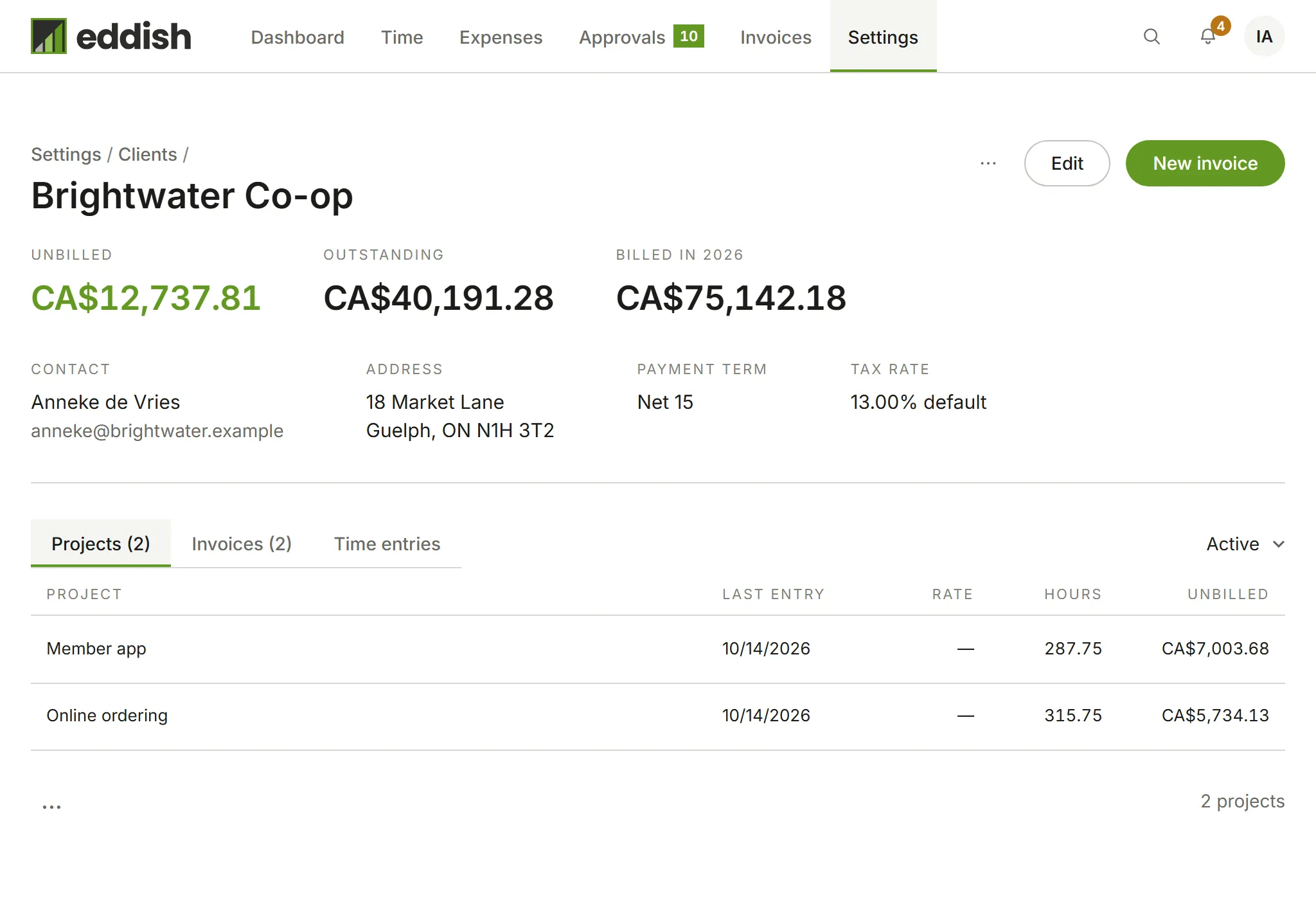
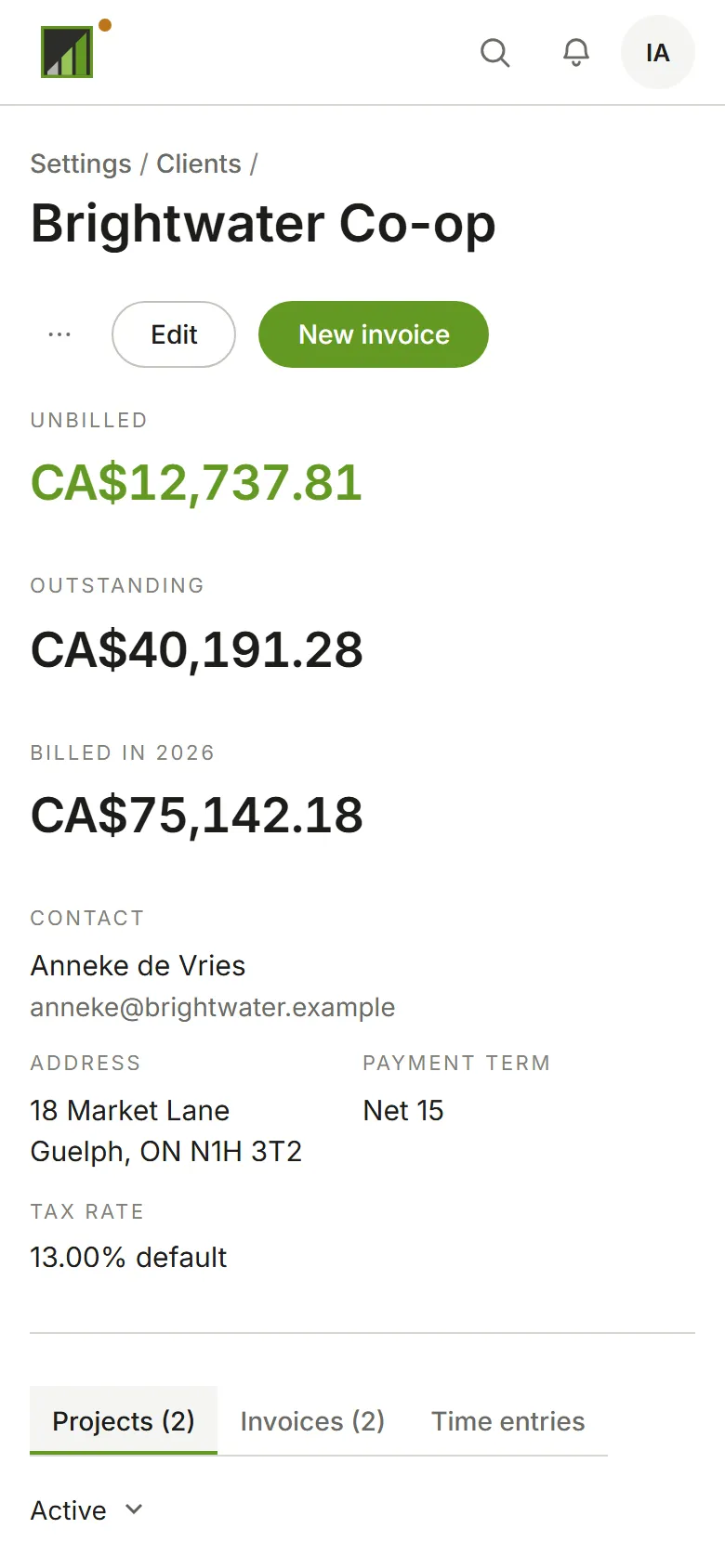
Choose a client to see its details, and its projects, invoices and time entries. New invoice starts an invoice for that client.
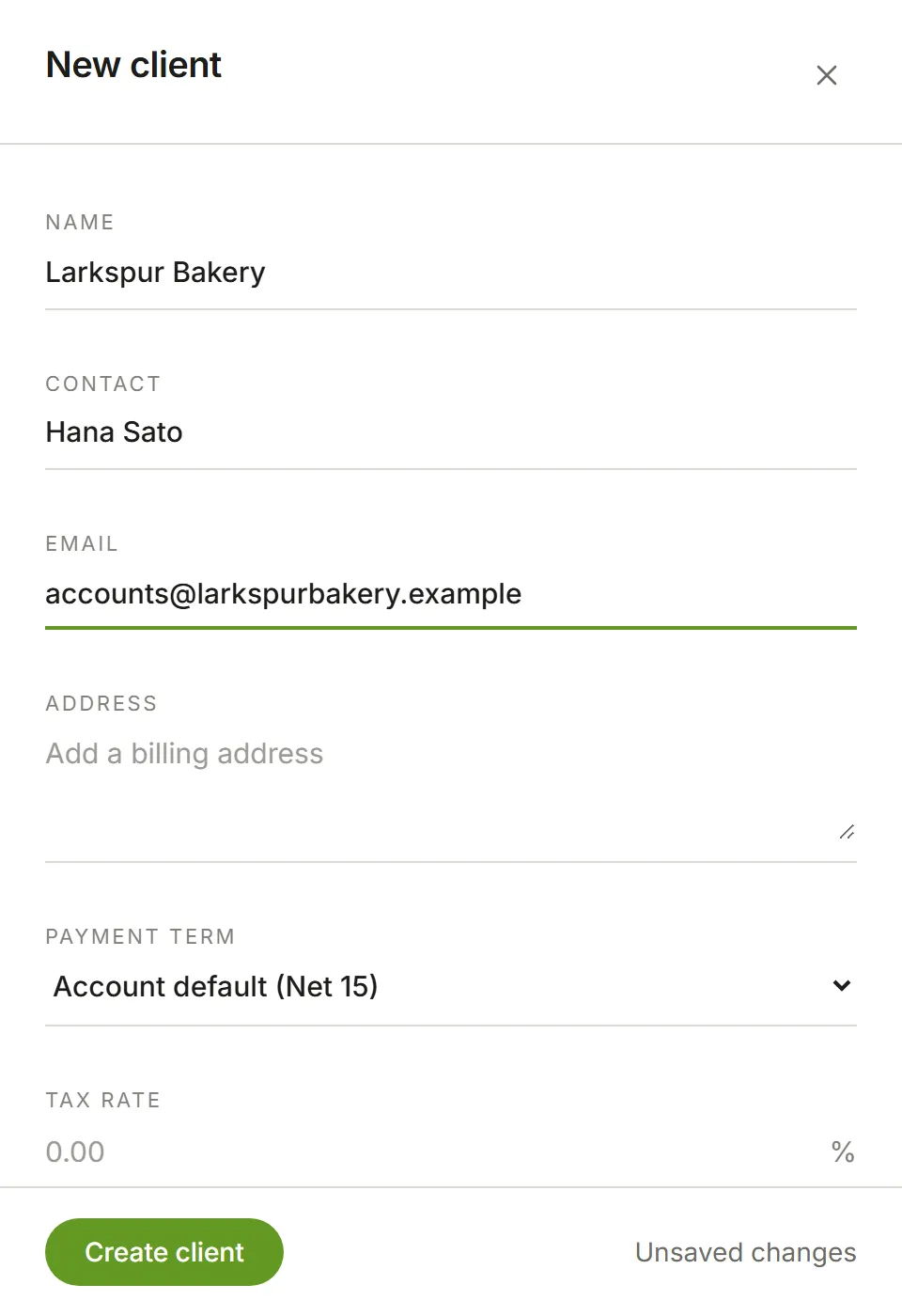
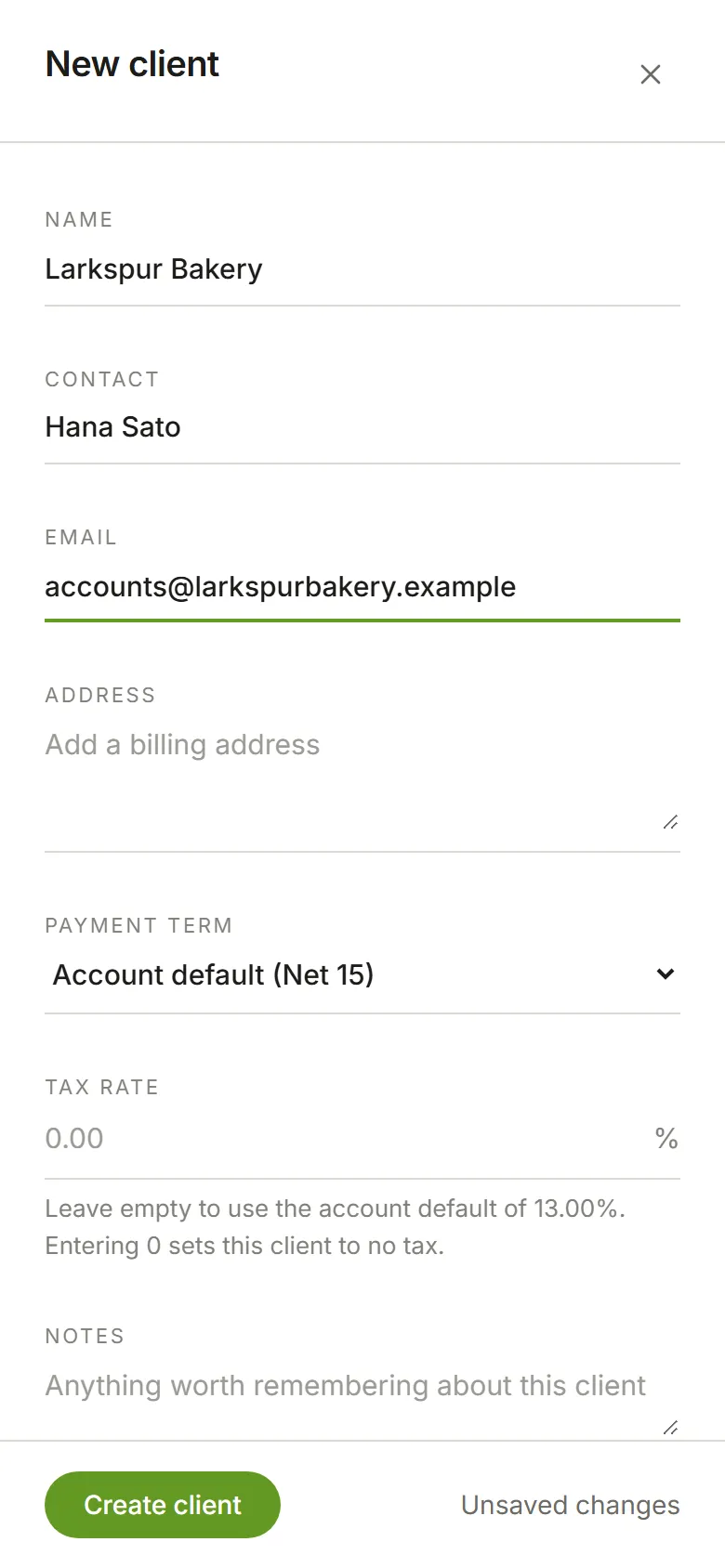
To add one, choose New client. Only the name is required. The contact, email and address appear on the client’s invoices. Leave Tax rate empty to use your account’s default, or enter 0 for a client you don’t charge tax. Leave Payment term empty to use your account’s default; whatever is set here is what every new invoice for this client starts with. Choose Create client.
The Free plan’s limit
Section titled “The Free plan’s limit”The Free plan includes 2 active clients. Once you have two, New client shows Your Free plan includes 2 clients in place of the form, with a Change plan link to Billing. Archived clients don’t count, so archiving one makes room for another. Restoring an archived client counts the same as creating one. If your account moves to a plan with fewer, see When you’re over your plan.