Notifications
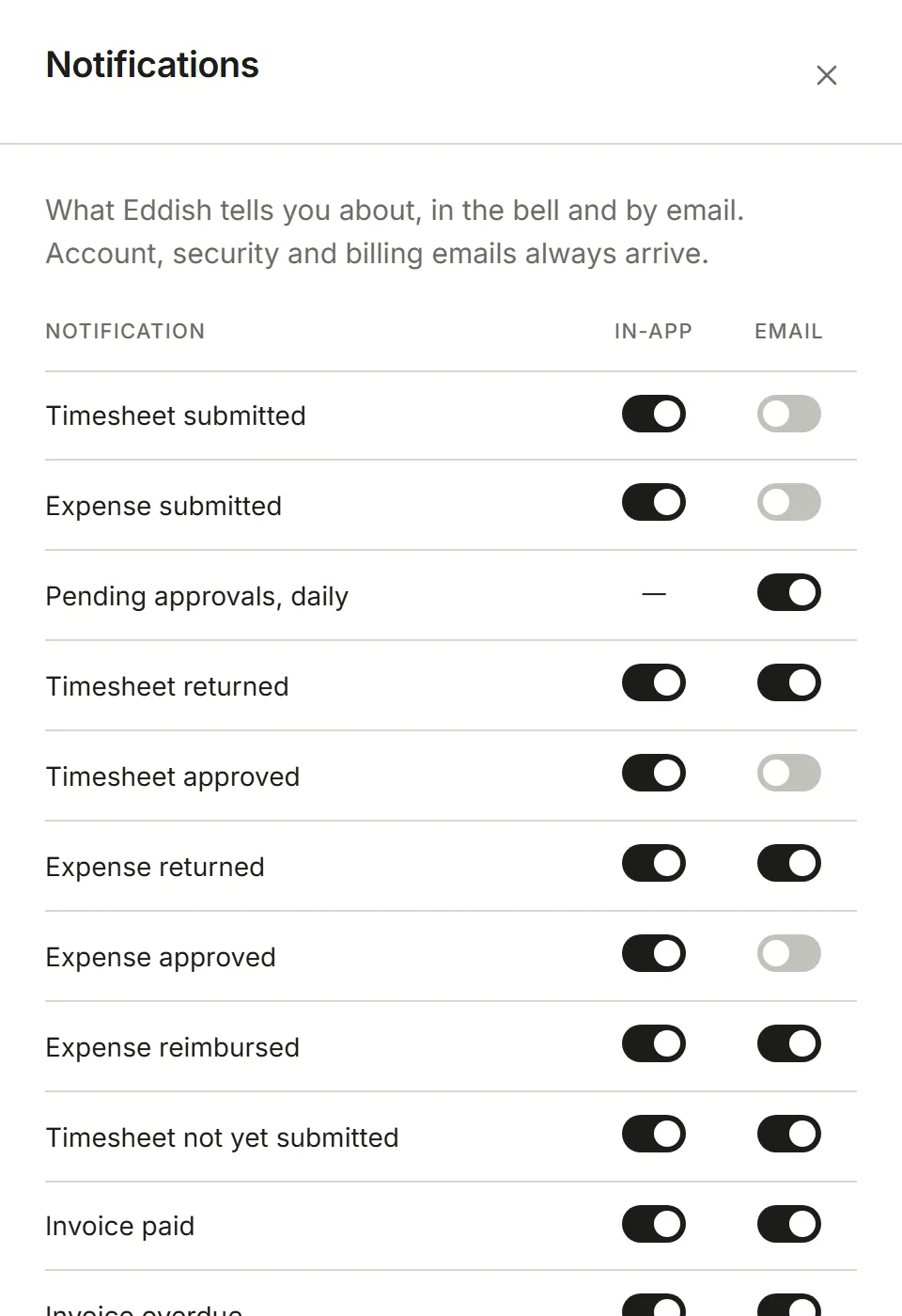
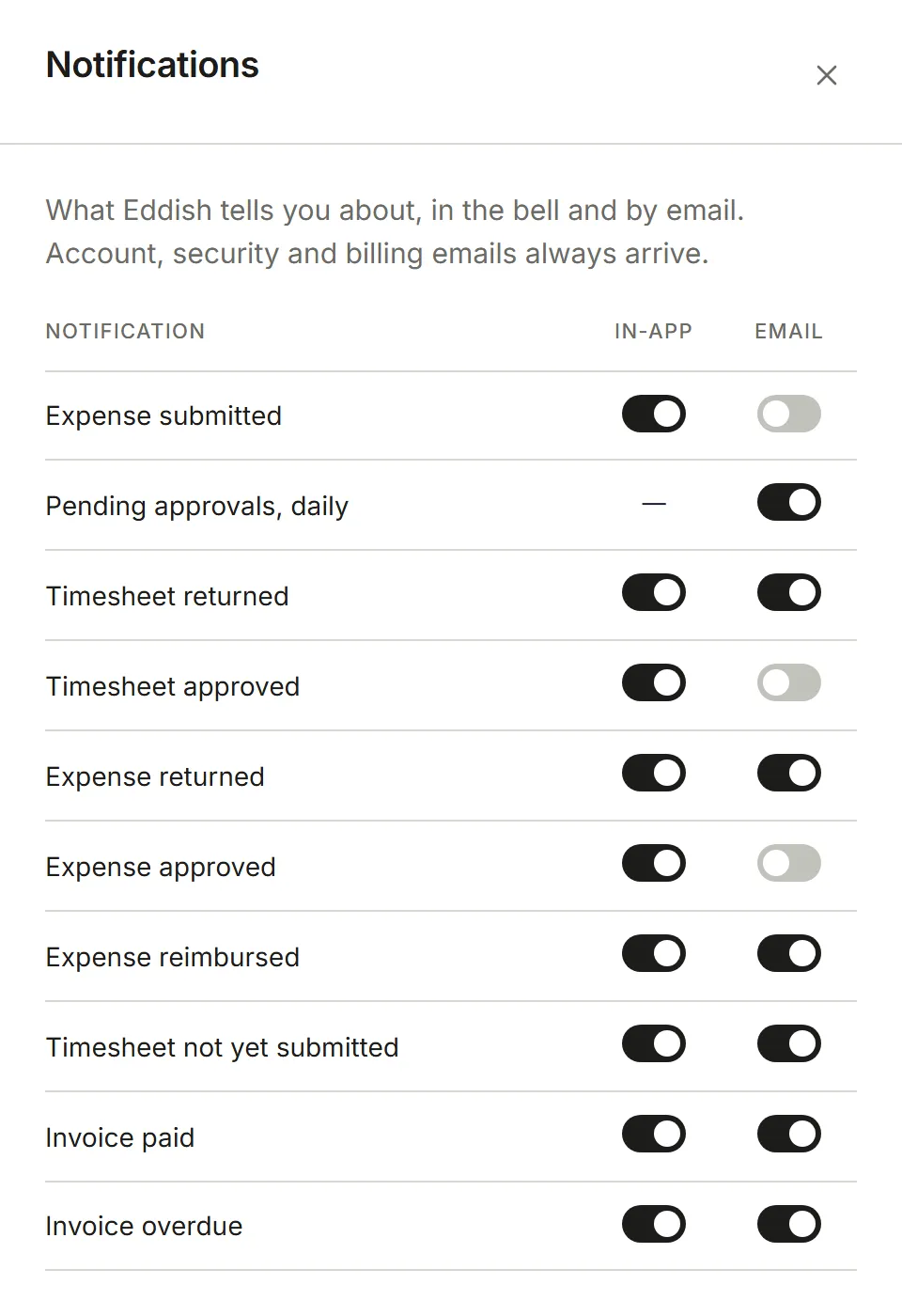
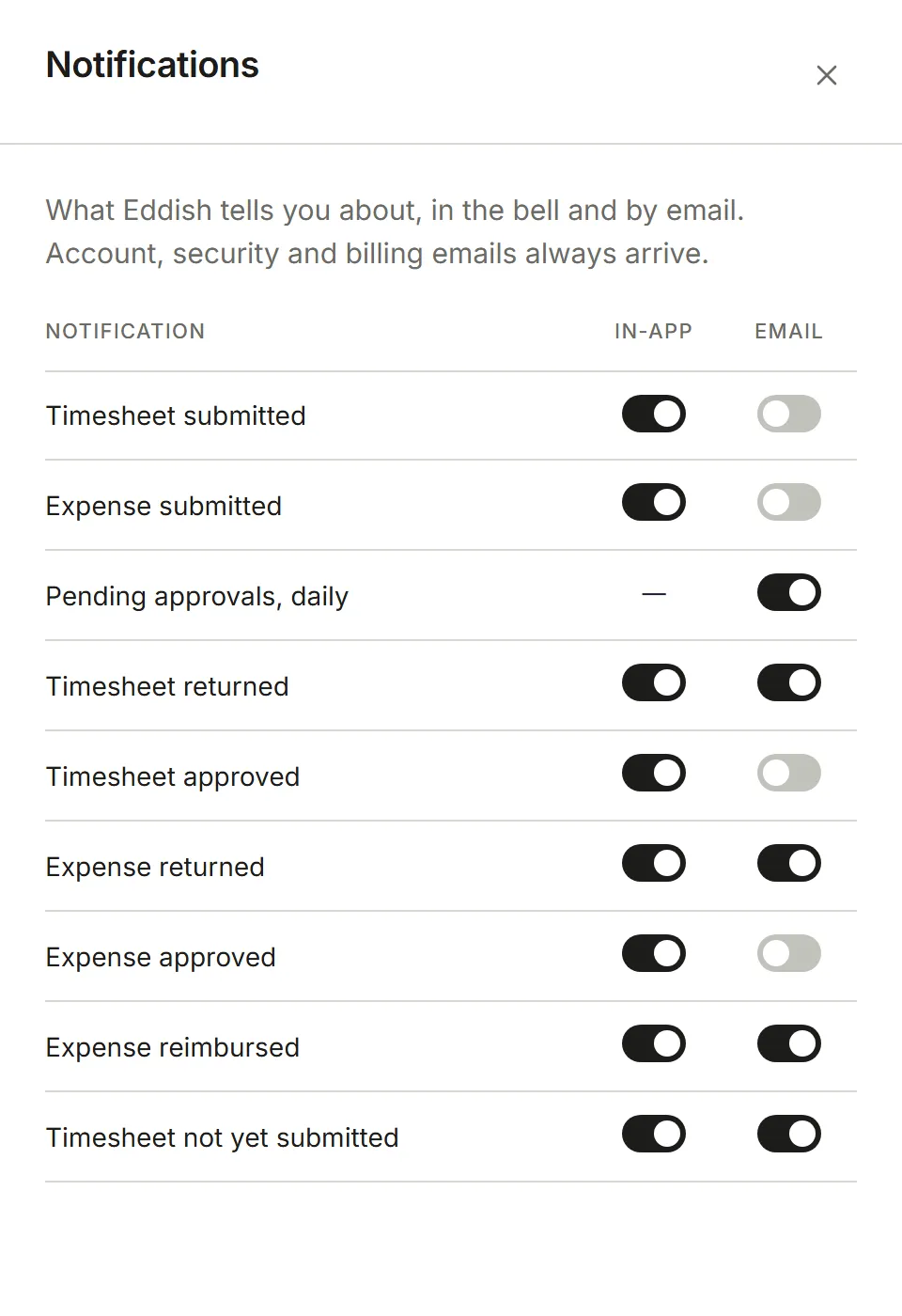
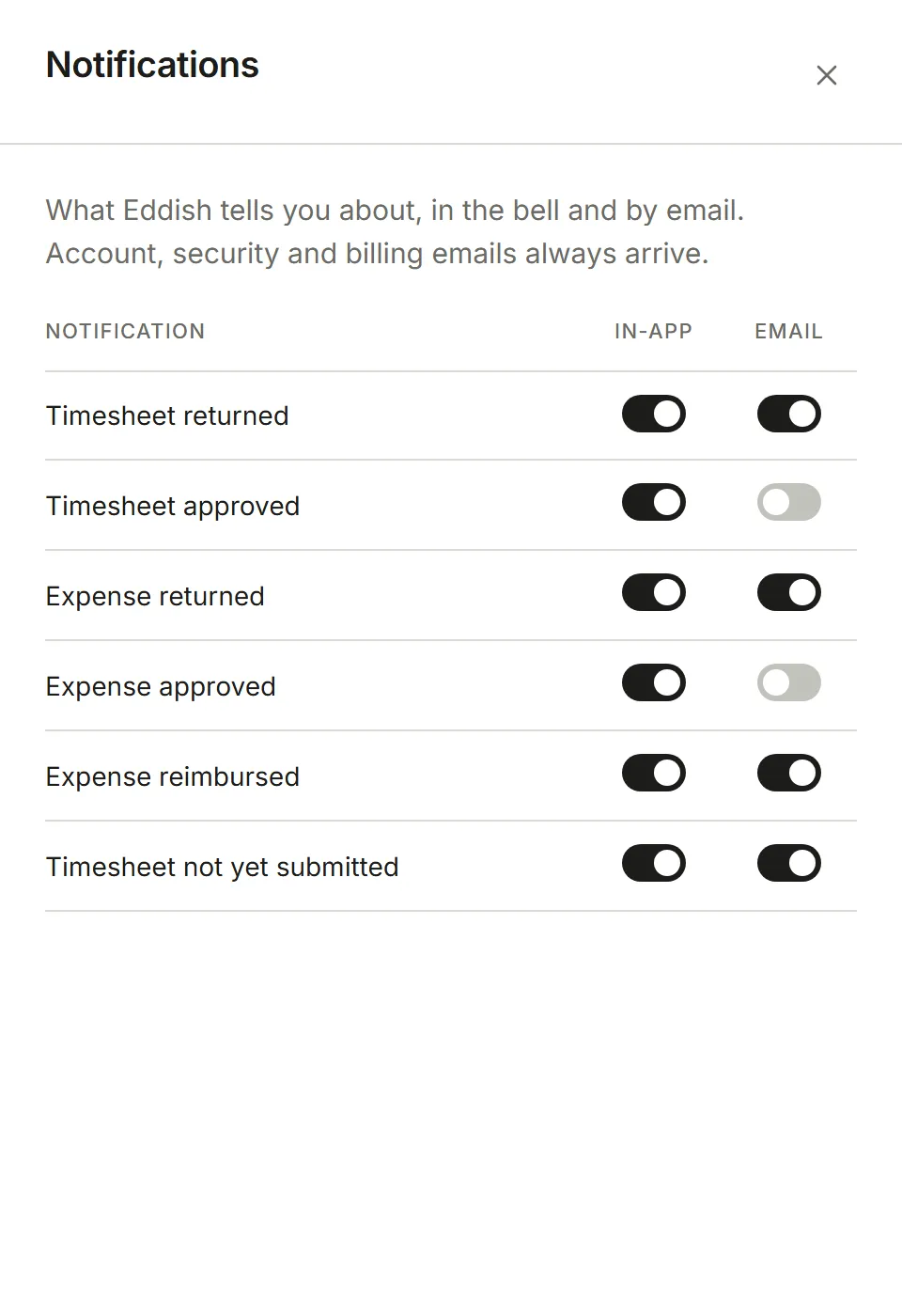
Settings → Notifications lists what Invoicing can tell you about, with a switch for the bell at the top of the page (In-app) and one for Email. It’s yours alone, and only lists what applies to you: with approval off there are no approval rows, and only Admins and Finance see the invoice rows.
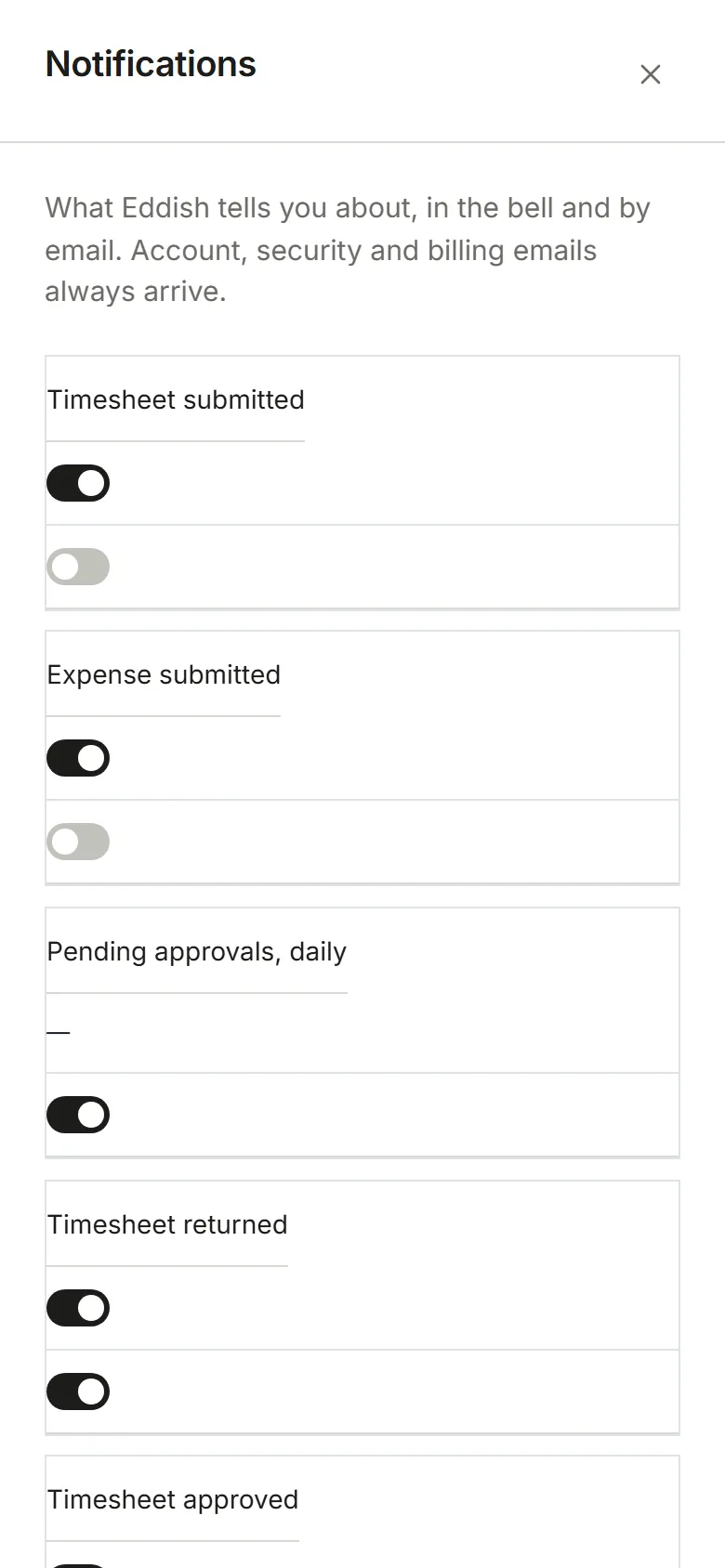
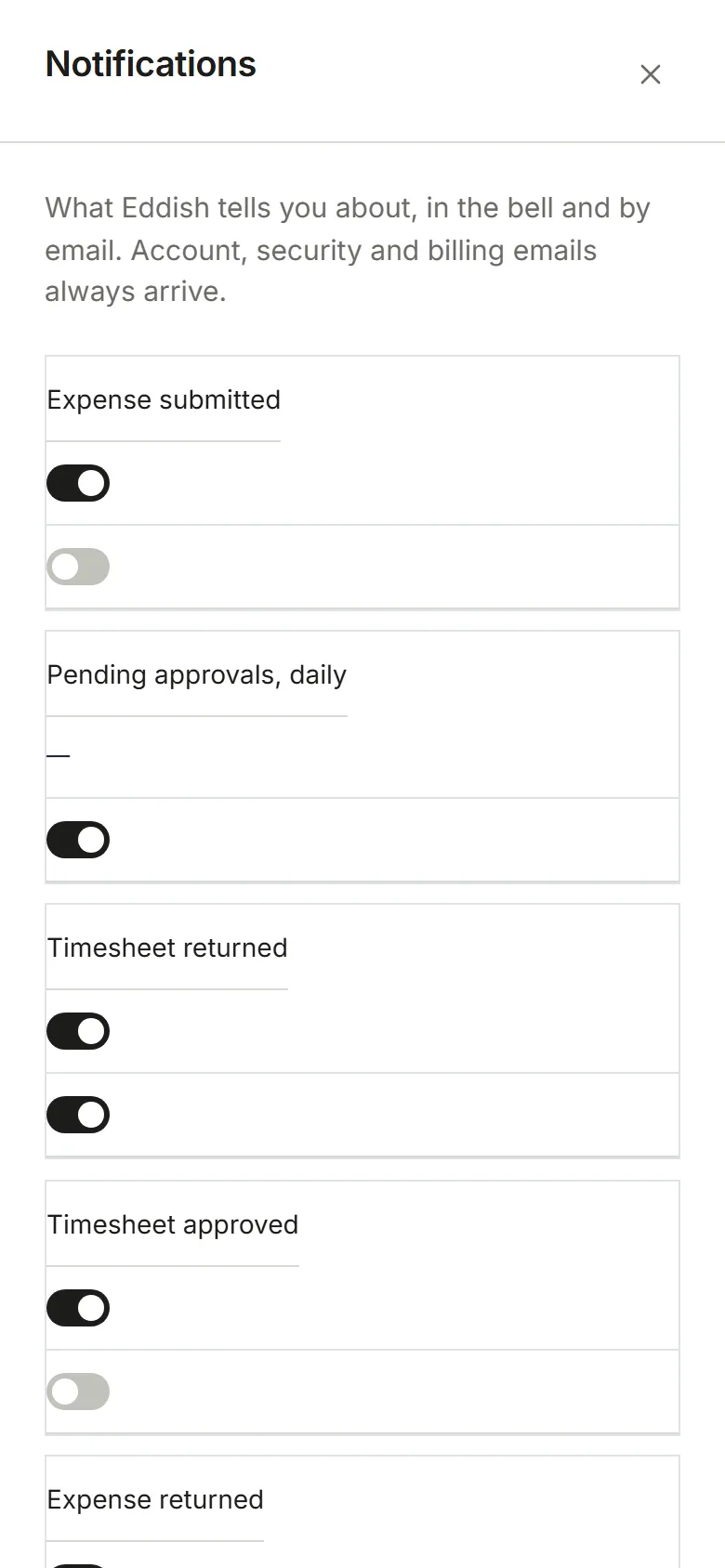
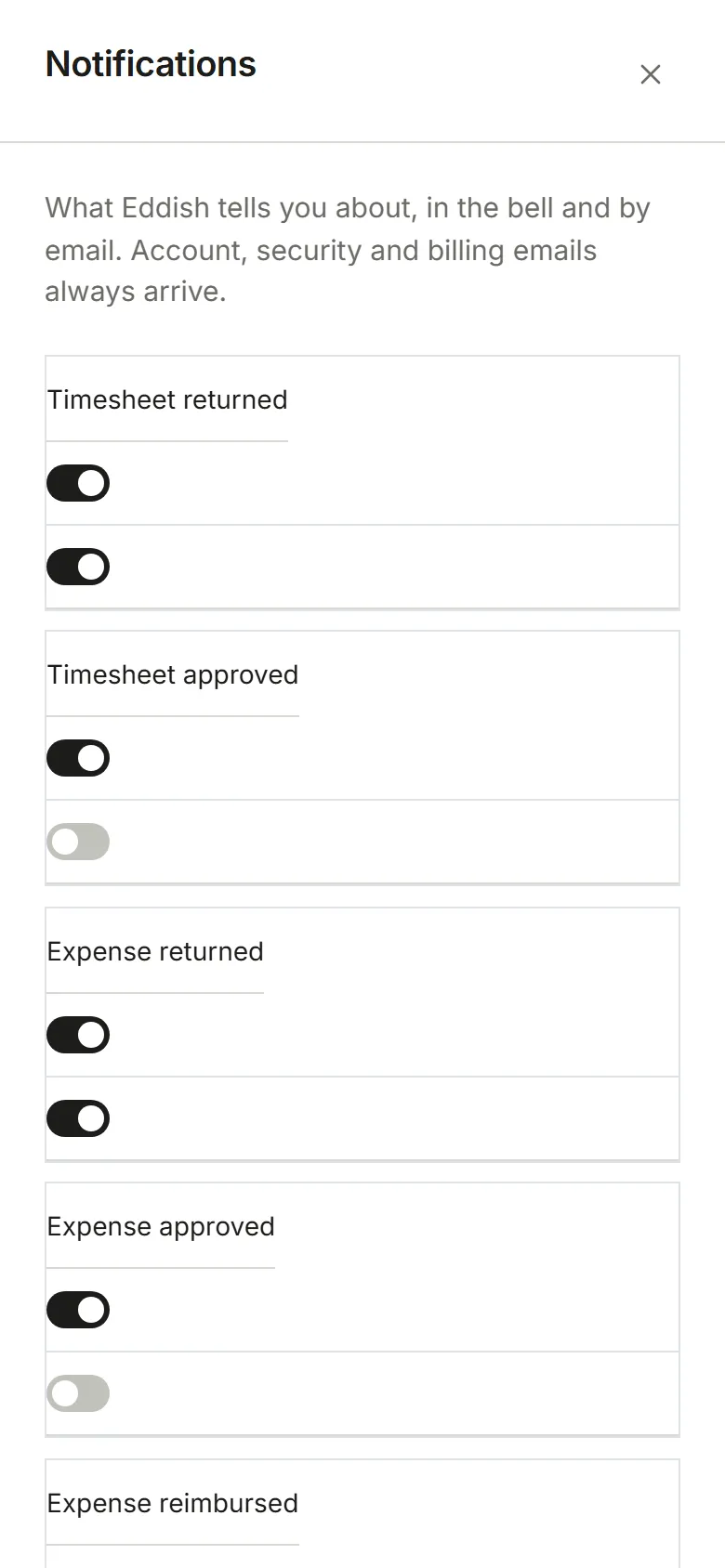
| Notification | Who gets it | In-app | |
|---|---|---|---|
| Timesheet submitted | Admins and Approvers | on | off |
| Expense submitted | Admins, Approvers and Finance | on | off |
| Pending approvals, daily (8:00 AM) | Admins, Approvers and Finance | — | on |
| Timesheet returned | the person who submitted it | on | on |
| Timesheet approved | the person who submitted it | on | off |
| Expense returned, approved or reimbursed | the person who submitted it | on | on, except approved |
| Timesheet not yet submitted | anyone whose week isn’t submitted | on | on |
| Invoice paid, invoice overdue | Admins and Finance | on | on |
Nobody is told about something they did themselves. Every notification email has a link back here. Emails about your account, your security and billing aren’t listed and always arrive.
The bell
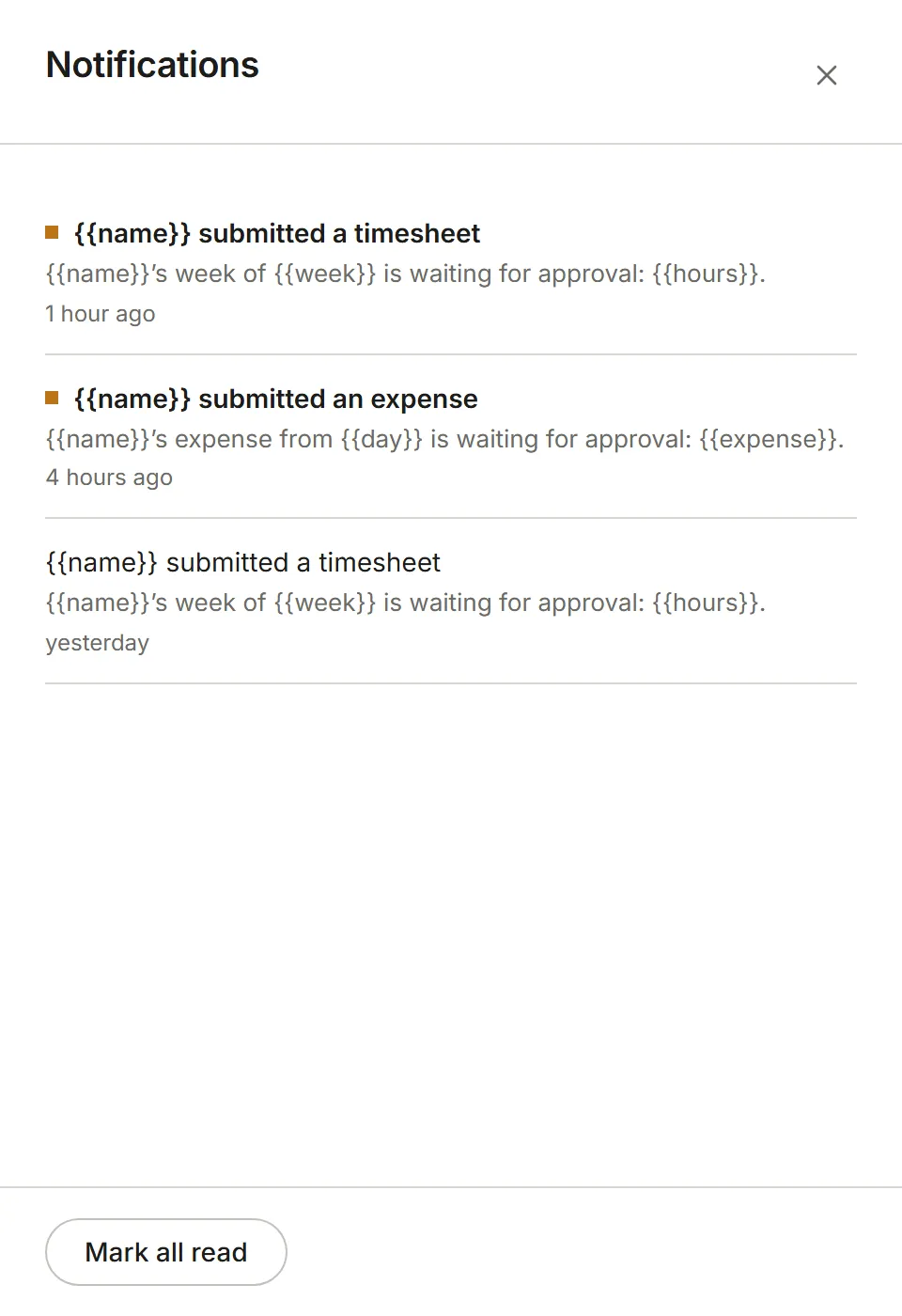
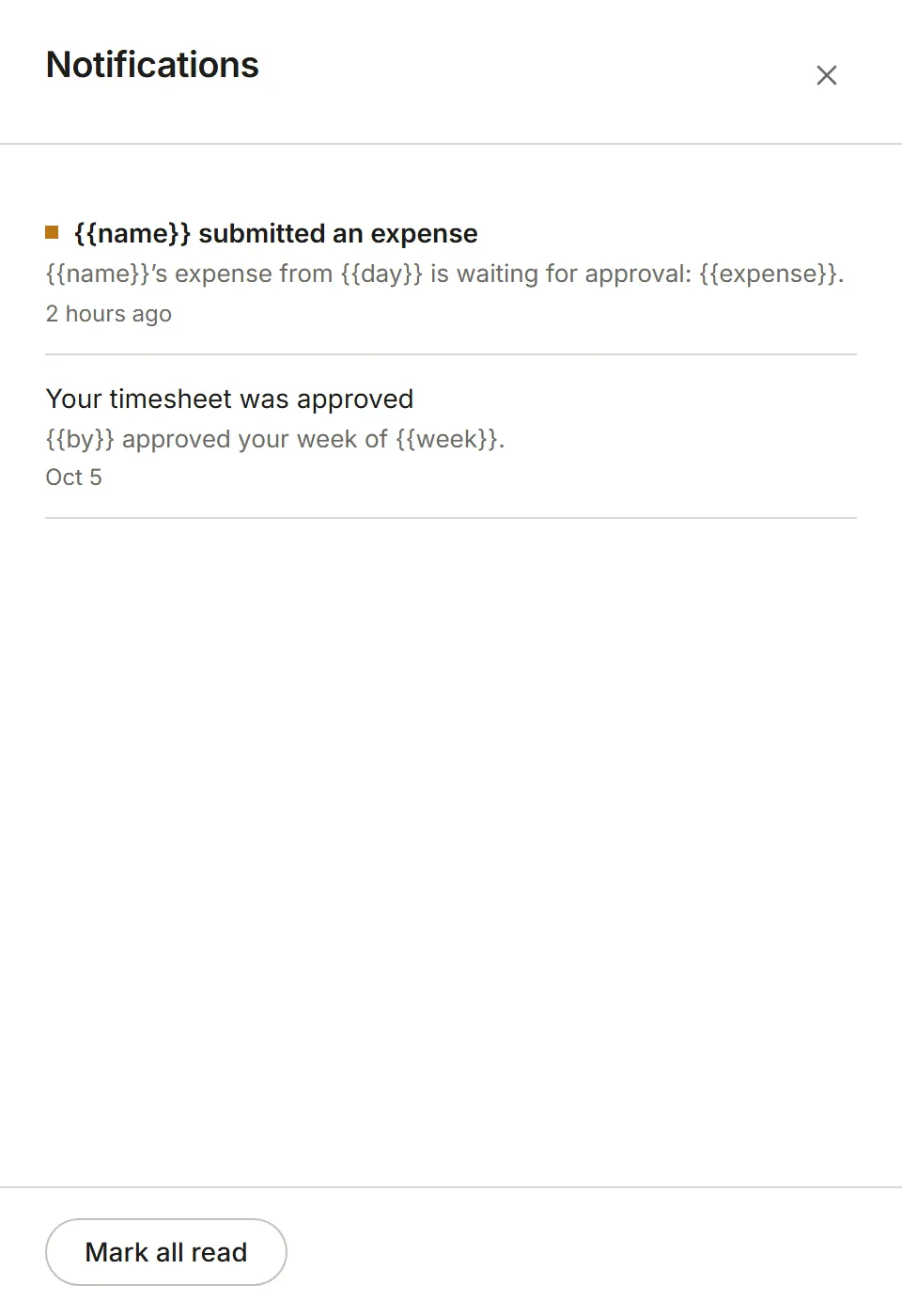
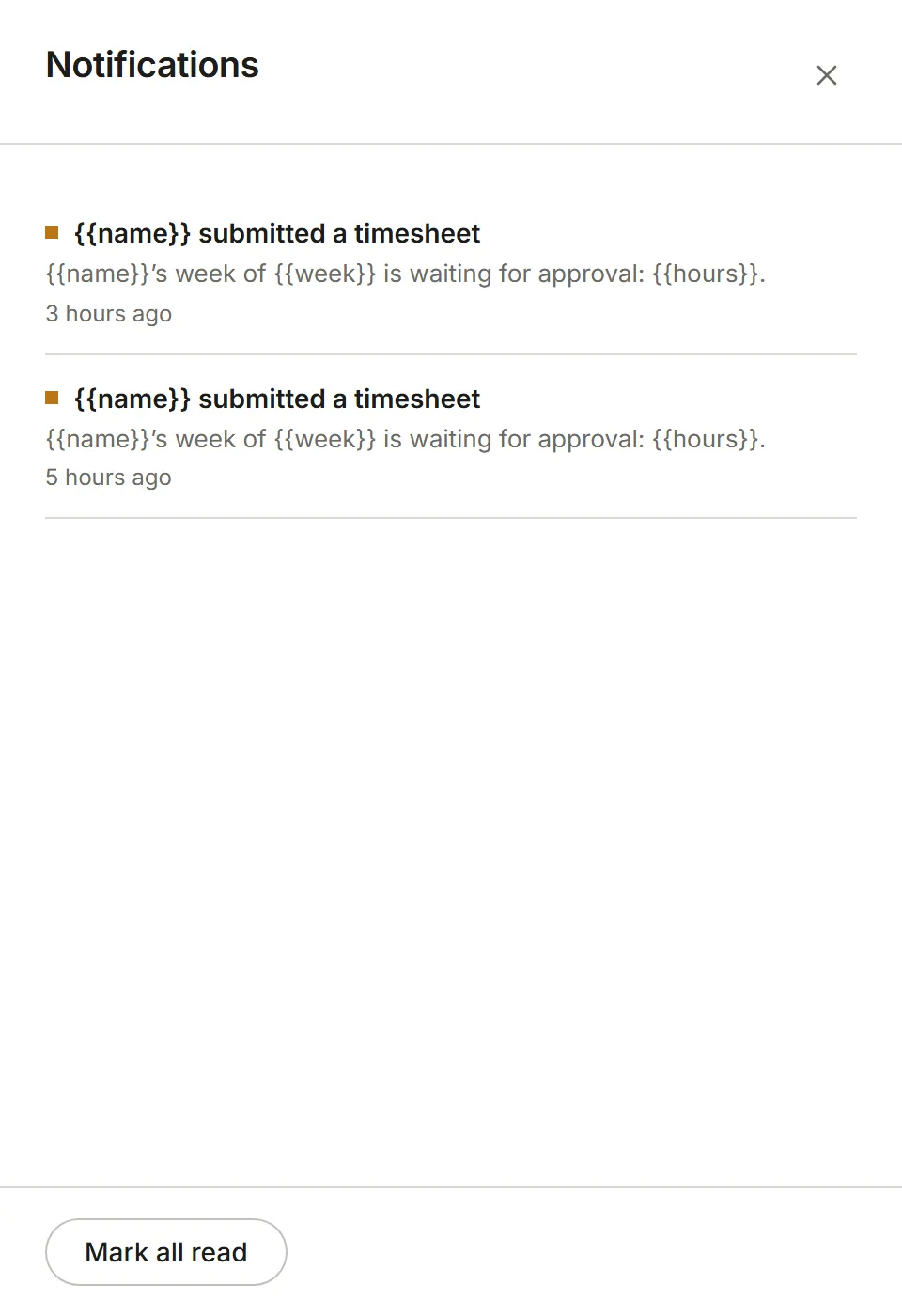
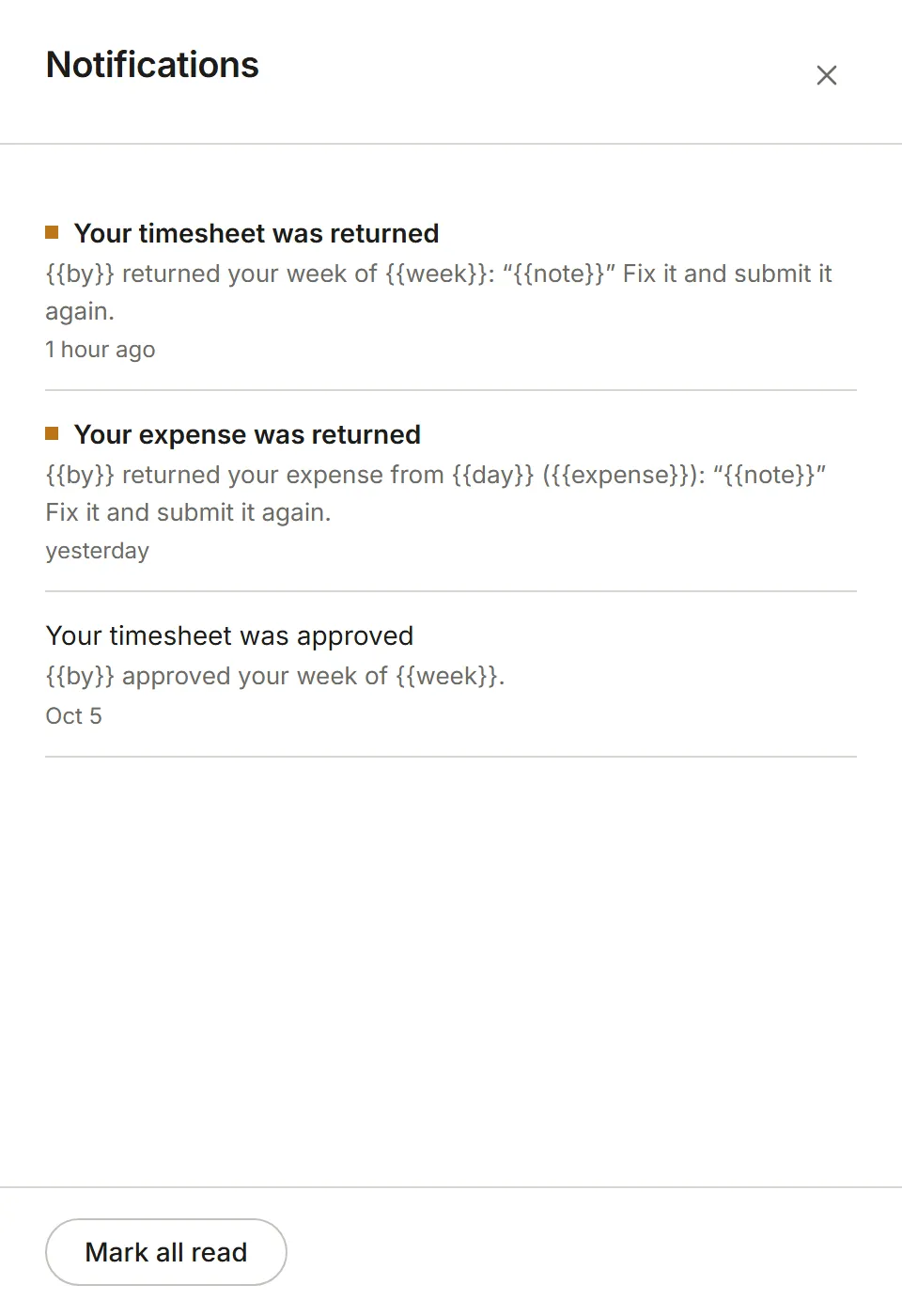
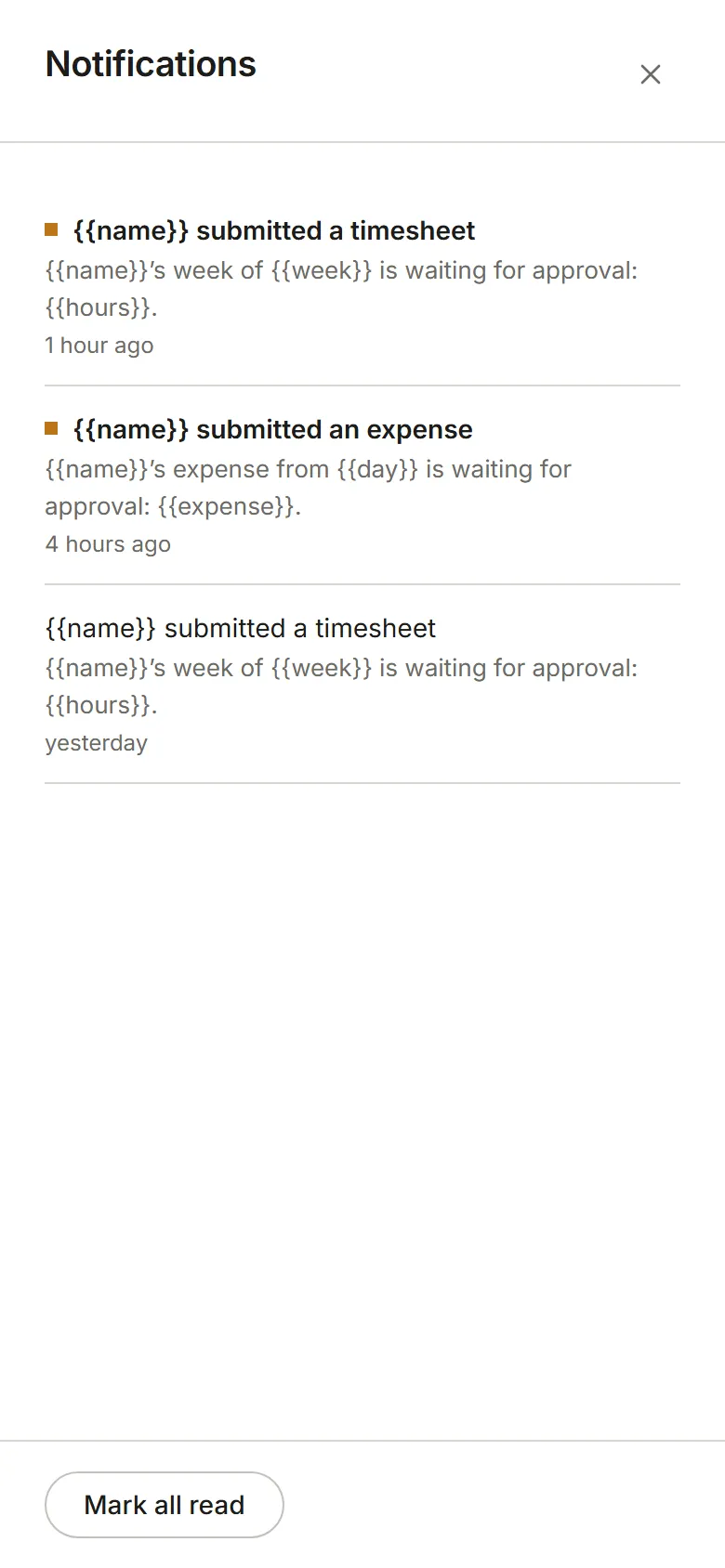
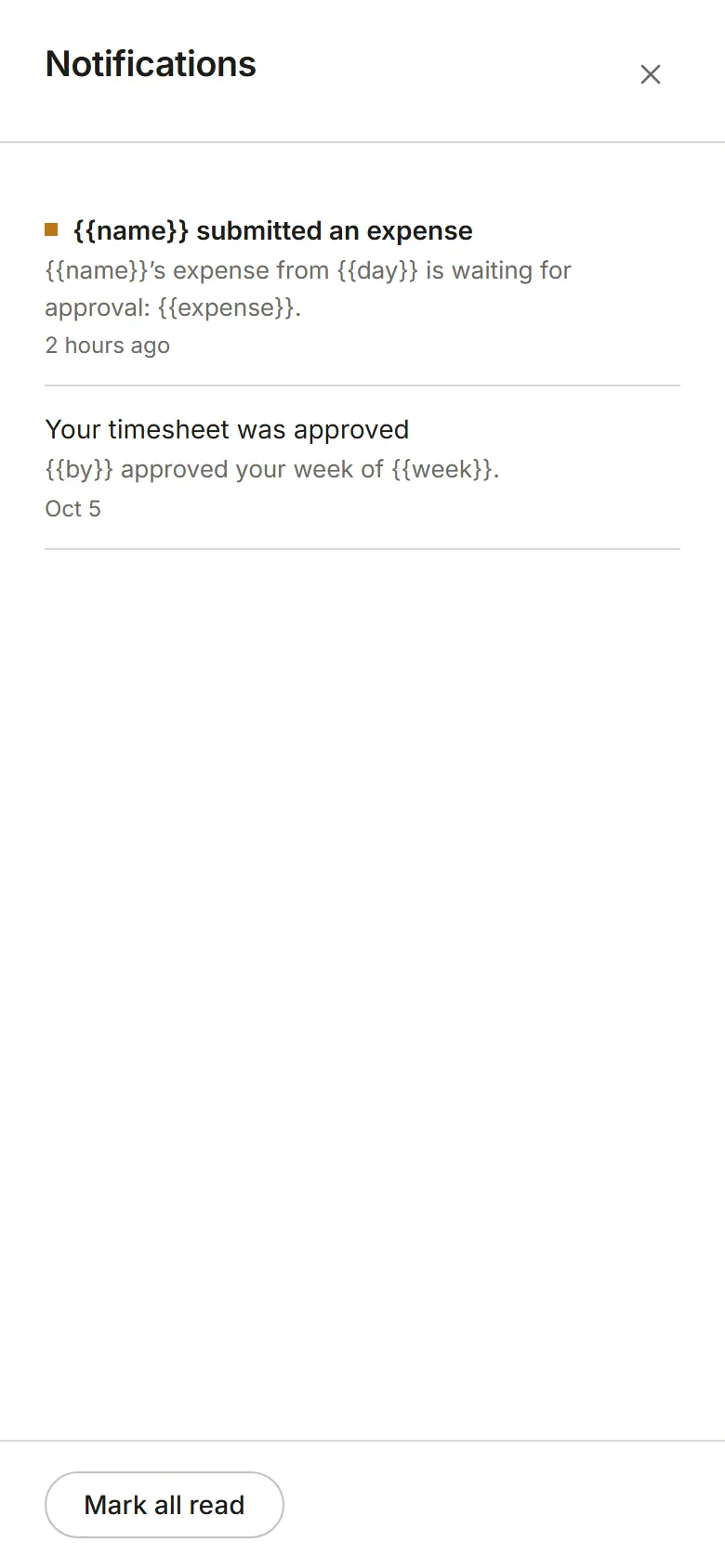
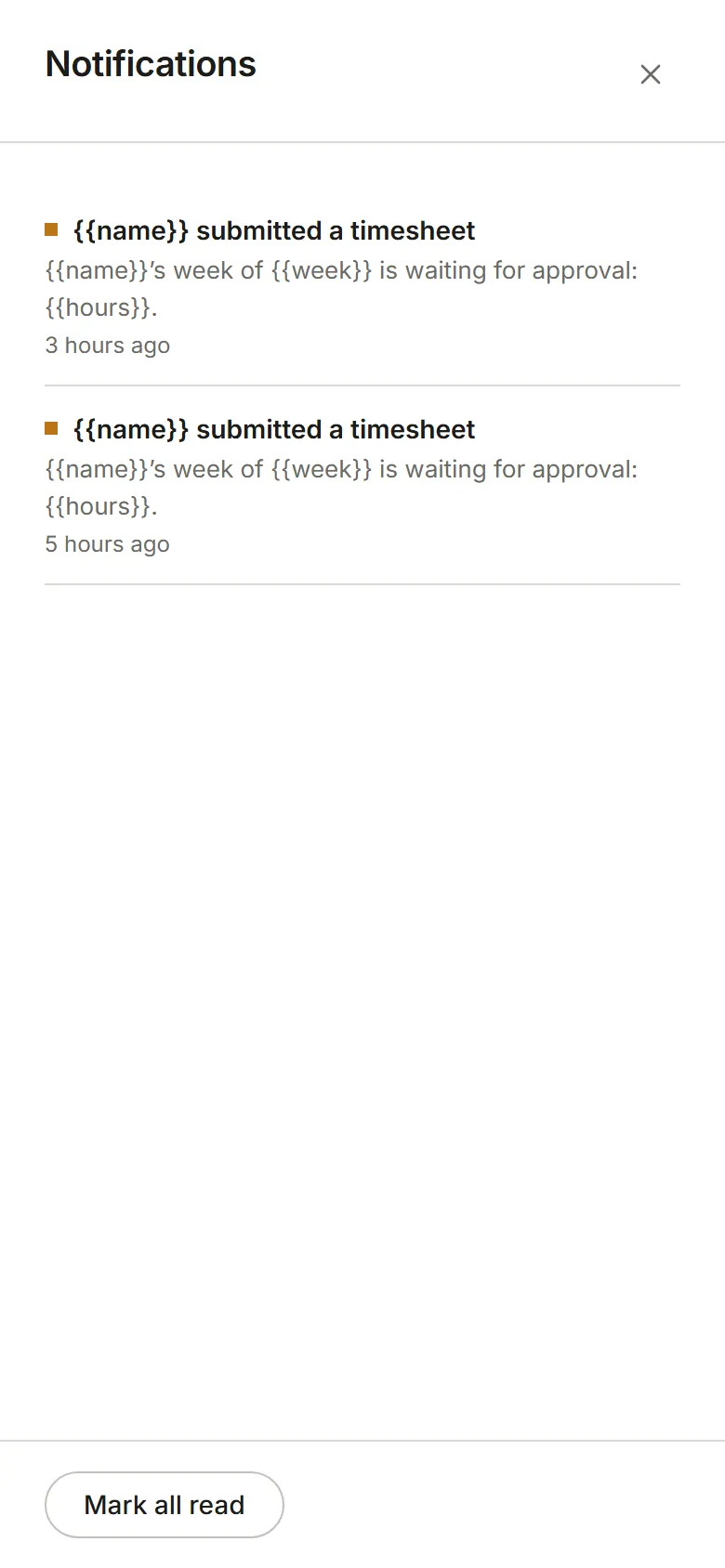
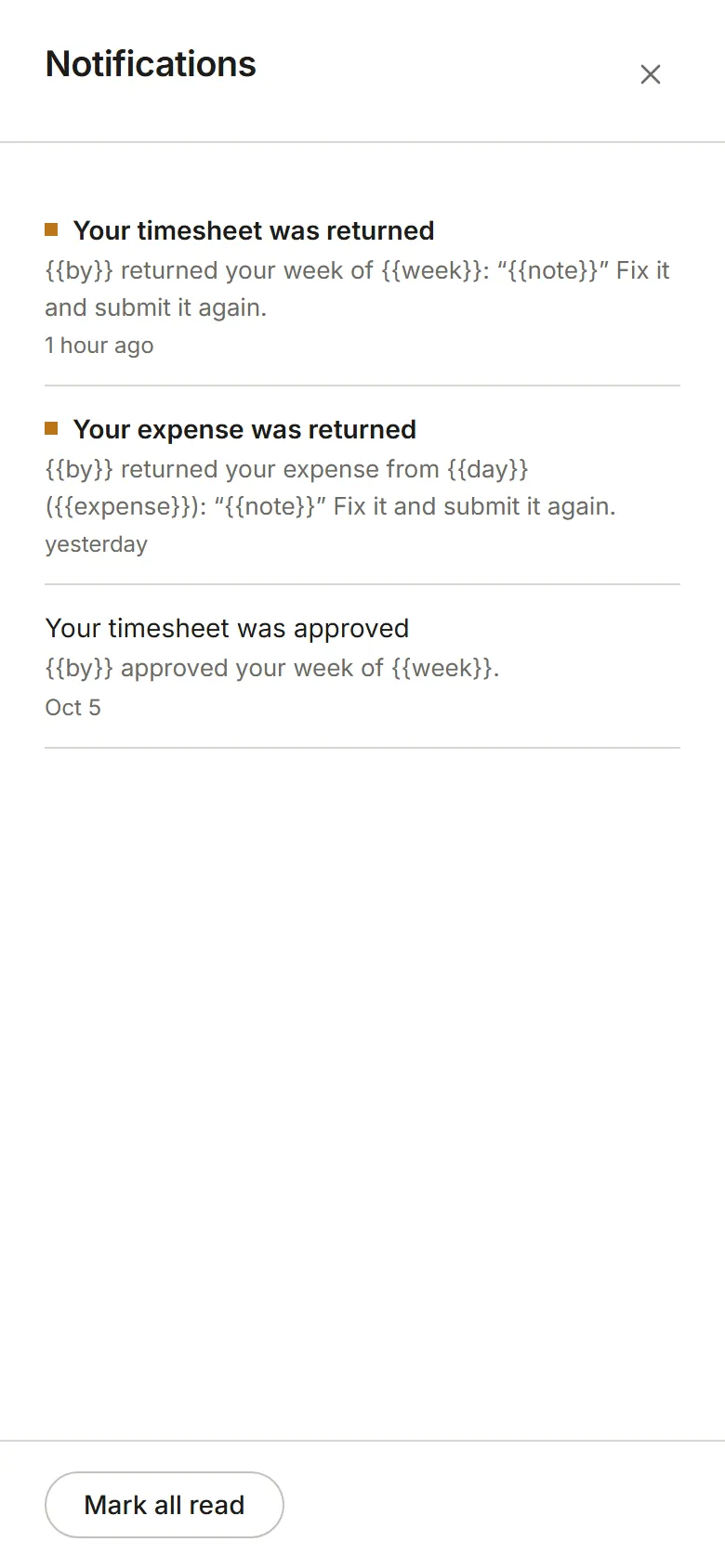
Section titled “The bell”The bell beside your avatar shows how many notifications you haven’t read. Choose it to see them, newest first; choosing one takes you to what it’s about and marks it read. Mark all read is at the foot of the panel. The same notifications show in every Eddish app.