

Preferences
Settings → Preferences are yours alone; they change nothing for anyone else.
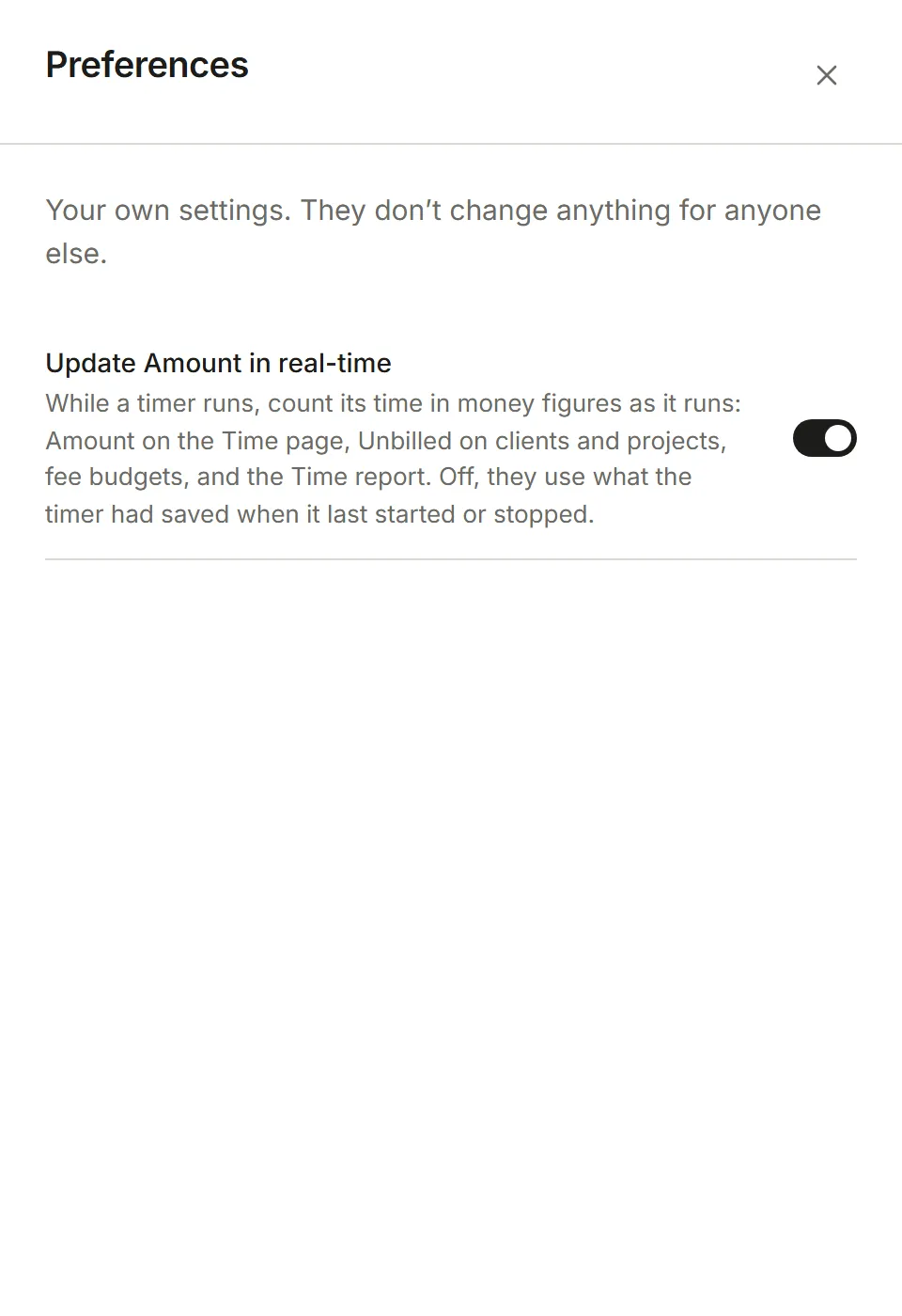
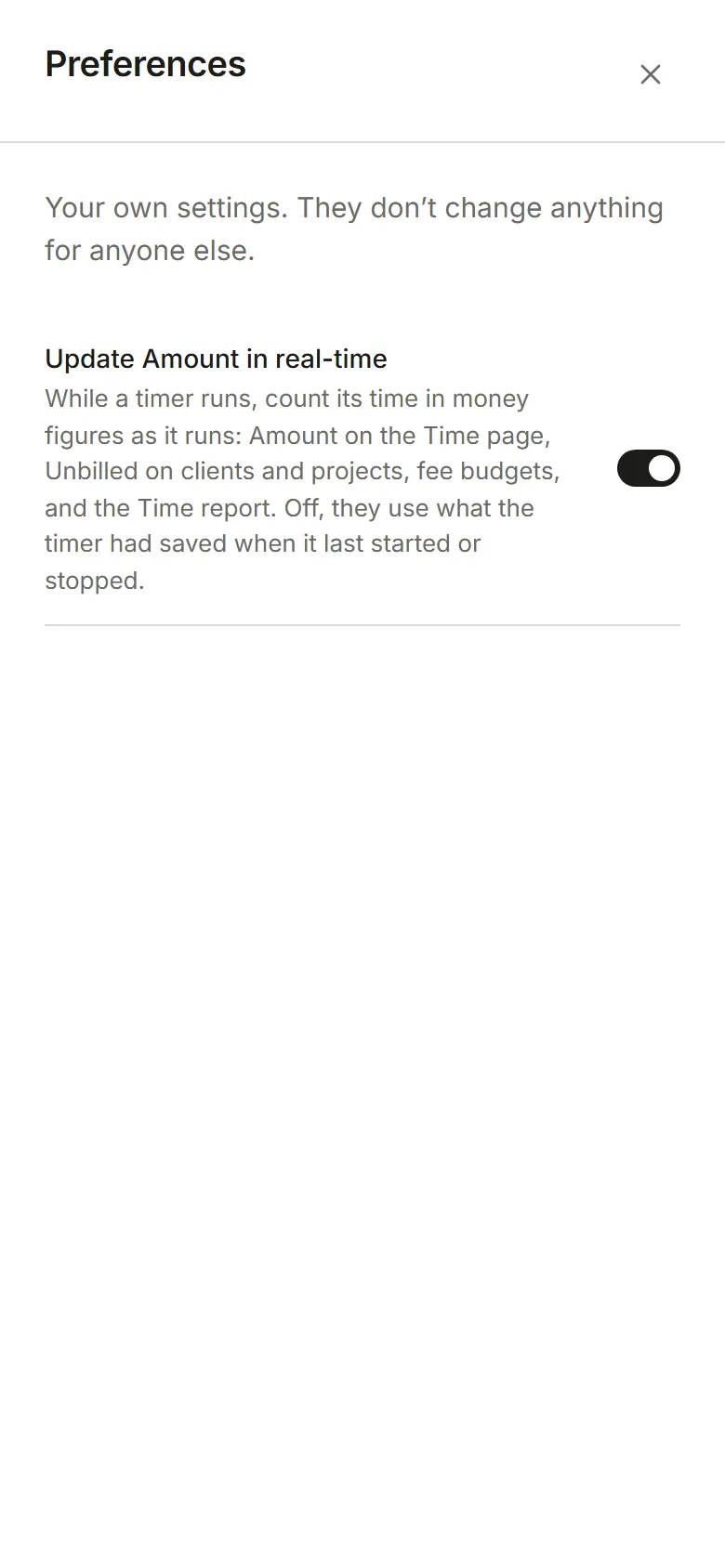
With Update Amount in real-time on, money figures count up as a timer runs: Amount on the Time page, Unbilled on clients and projects, fee budgets and the Time report. With it off, they use what the timer had saved when it last started or stopped.
Working hours is a line for each day of the week, in the order your Account’s week runs. Switch a day on if you work it, then pick when it starts and ends, in 15-minute steps. Each line shows that day’s hours, and the total sits under them. New people start with Monday to Friday, 9:00 to 17:00.
The Time page’s grid opens at the start of your day, and quietly tints the hours outside your working hours. They are yours alone: how many hours a week you are available to work for the team is your Capacity, which an Admin sets in Team.