

Approvals
This isn’t in your Settings: only Admins open it.
Settings → Approvals is for Admins of an account with room for more than one person. Every switch saves as you flip it.
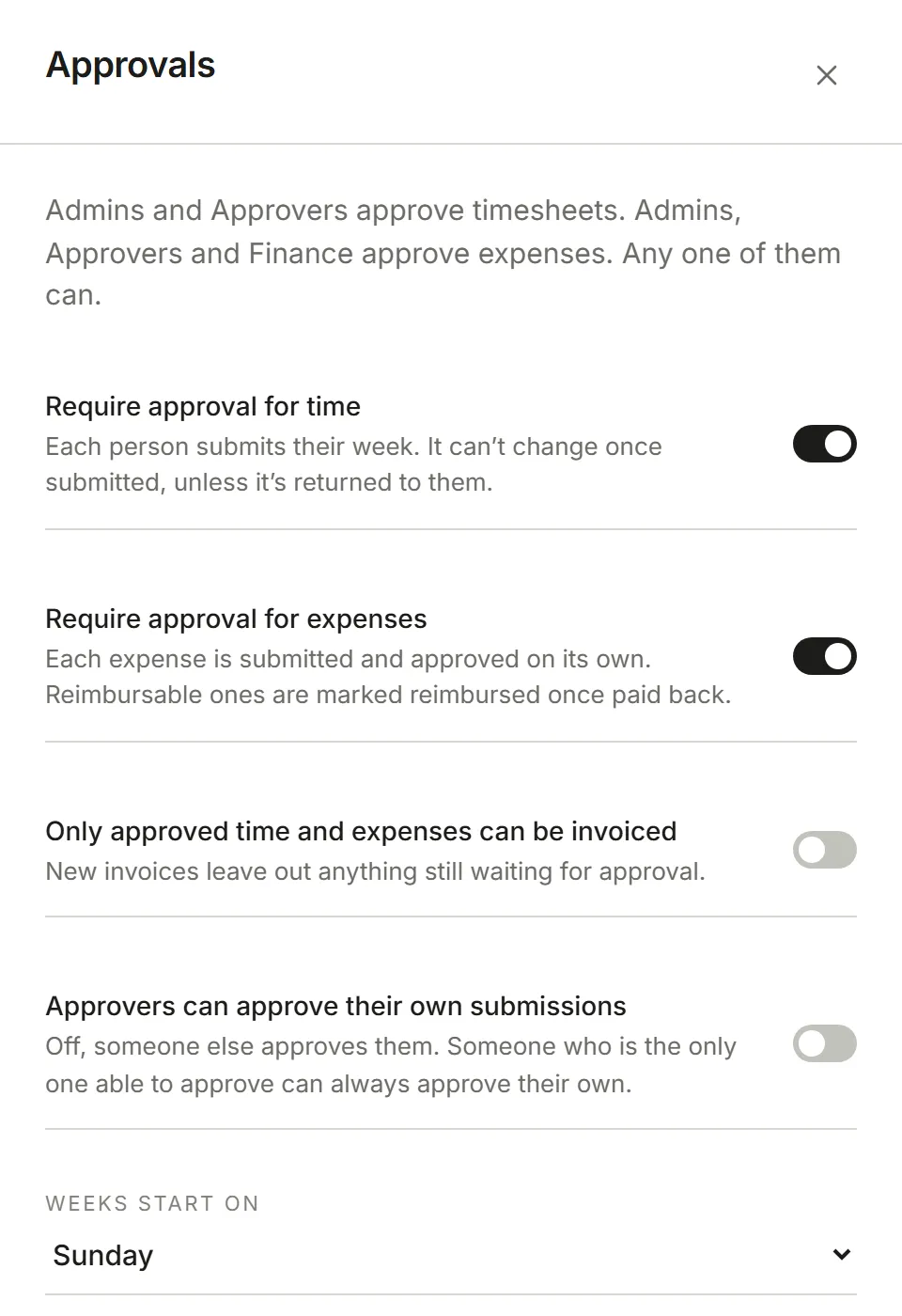
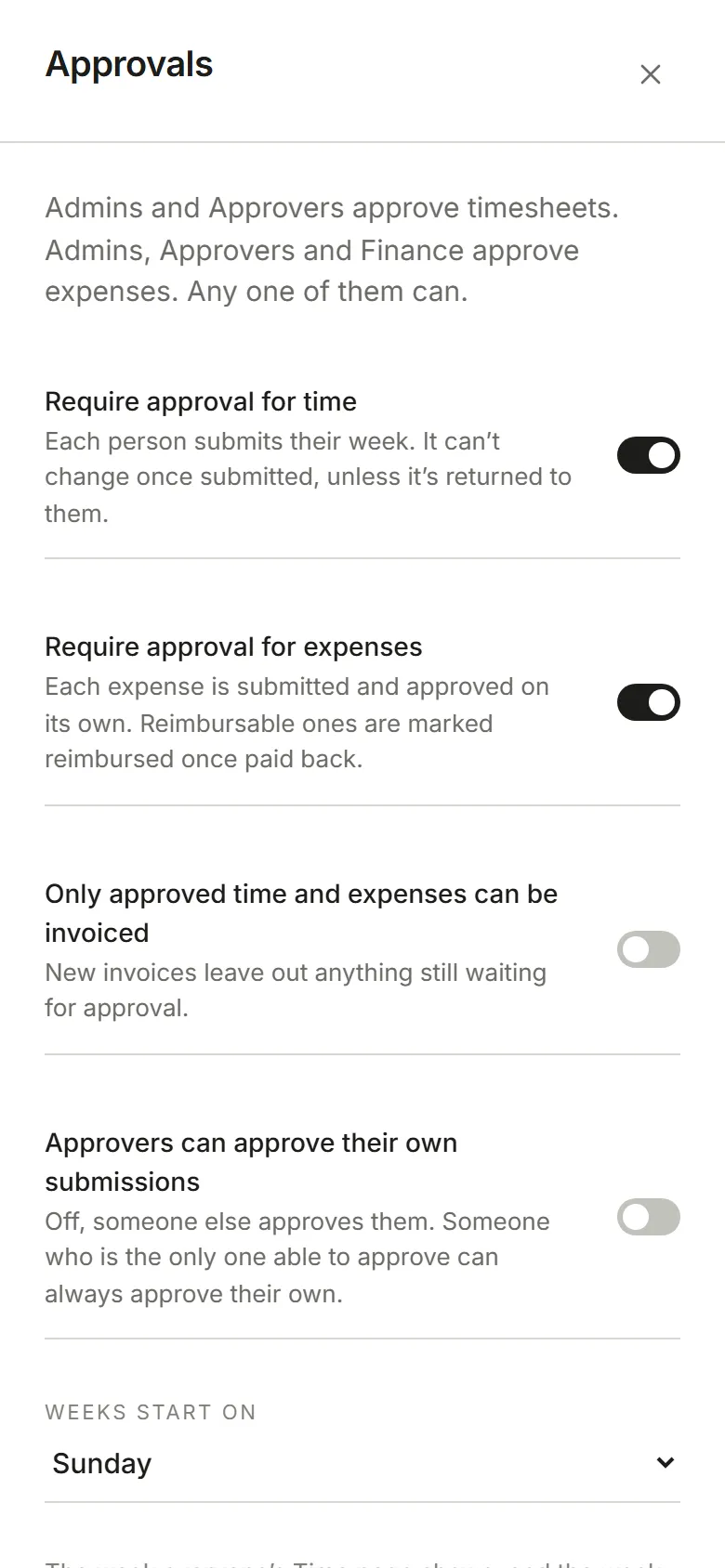
- Require approval for time. Each person submits their week, and an Admin or Approver approves it or returns it with a note. A submitted or approved week can’t be changed by its person.
- Require approval for expenses. Each expense is submitted and approved on its own, by an Admin, Approver or Finance. Admins and Finance mark approved, reimbursable expenses as paid back.
- Only approved time and expenses can be invoiced. New invoices leave out anything still waiting.
- Approvers can approve their own submissions. Off, someone else approves them. Someone who is the only one able to approve can always approve their own, so nothing gets stuck.
Weeks start on sets the week everyone’s Time page shows and the week a timesheet covers.
While time approval is on, Remind people to submit on and At choose when anyone whose week isn’t submitted yet is reminded; Friday at 3:00 PM to begin with. Times follow the time zone of whoever last changed a setting here. How to submit and approve is in Approve time and expenses.