

When you're over your plan
Each plan includes a number of seats and, on Free, a number of clients, projects and tasks. Invoicing’s Free plan includes 1 seat, 2 clients, 3 projects and 5 tasks. The free trial includes 20 seats, and the paid plan as many seats as you buy.
Your account can end up with more than its plan includes: a free trial ends, you move to a cheaper plan, or you buy fewer seats than are in use. Nothing is deleted when that happens. Instead:
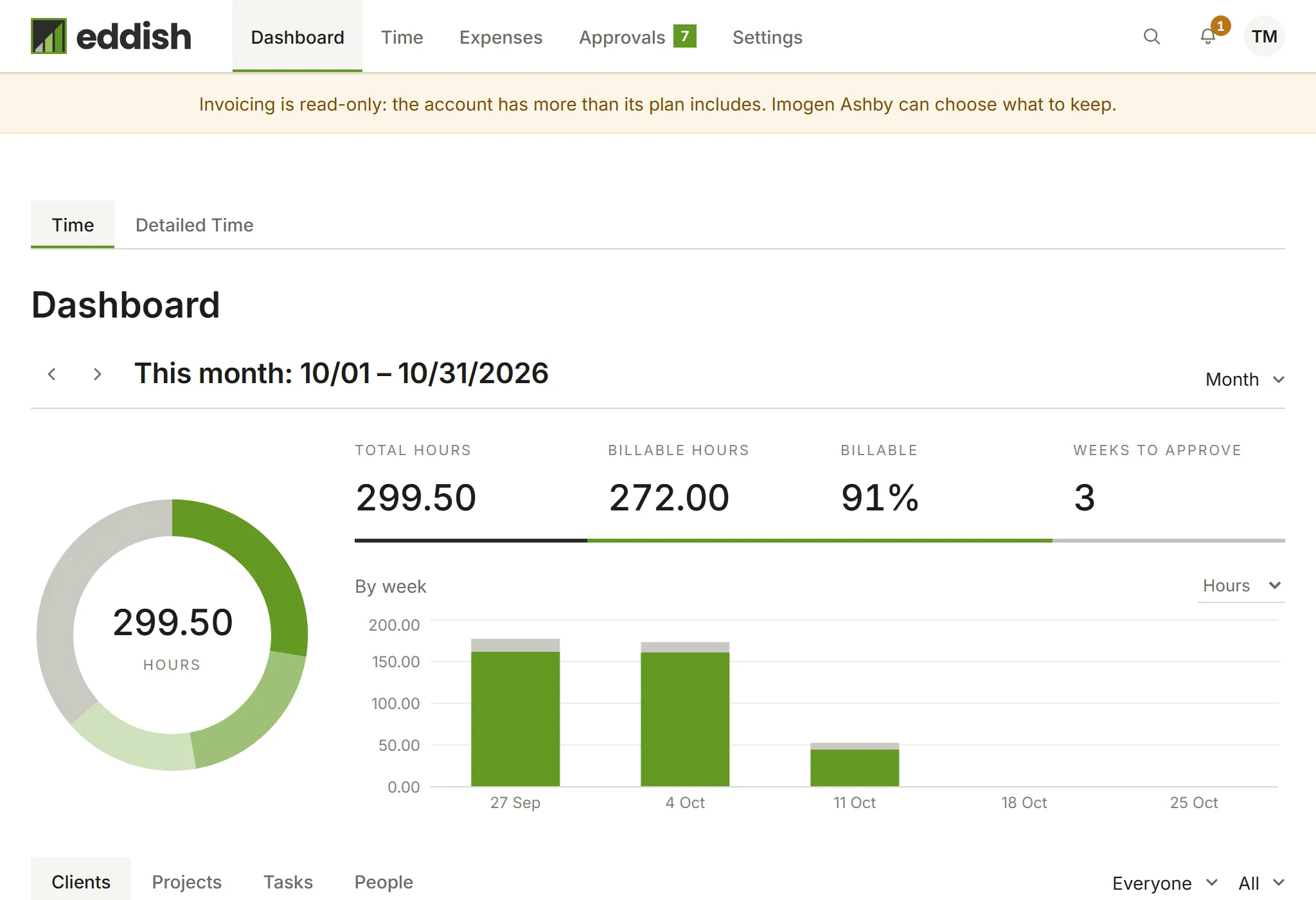
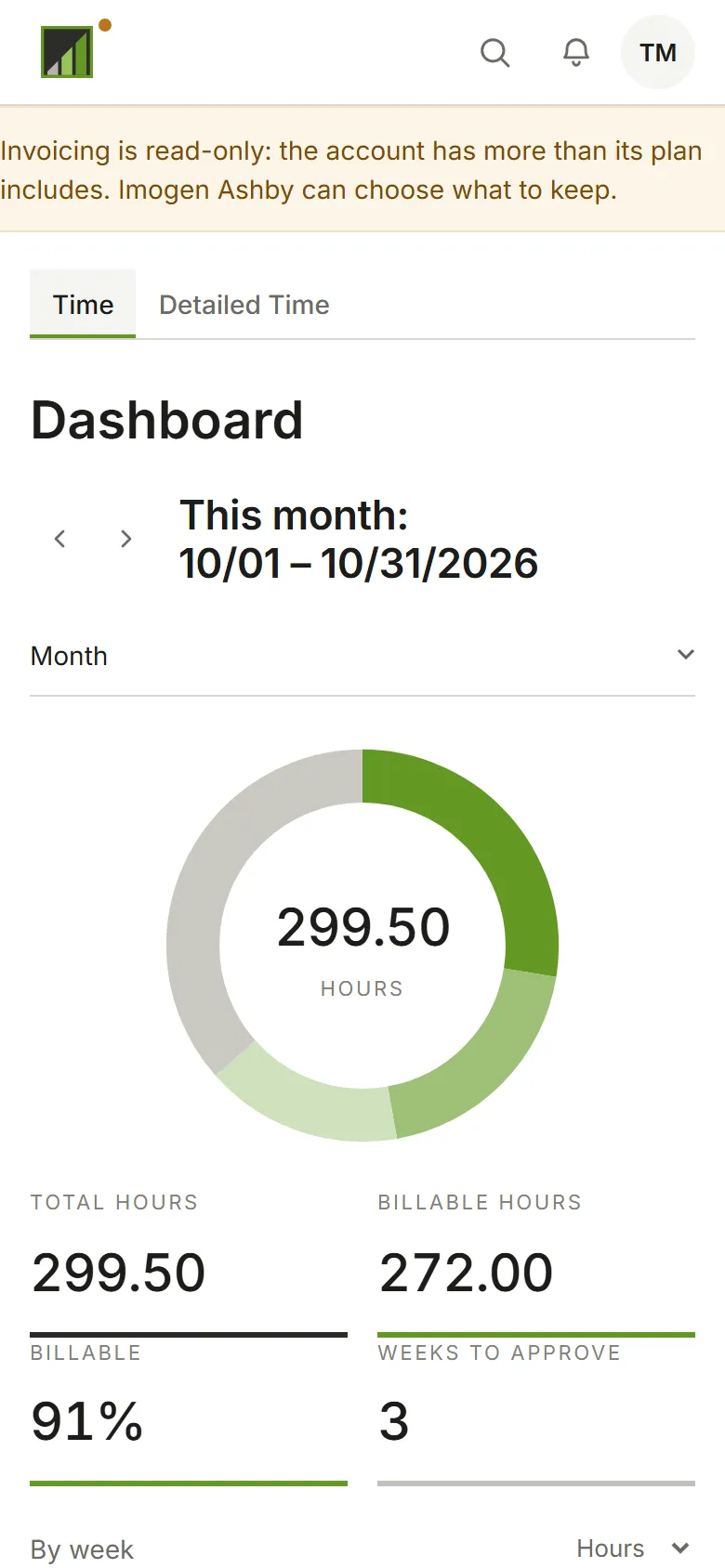
- The app becomes read-only. Everyone can still open it and see everything, including reports, exports and invoice PDFs, but nothing can be added or changed. A banner at the top says Invoicing is read-only and who can sort it out. A timer that’s already running can still be stopped.
- The Owner or an Admin chooses what to keep. When they open the app, it asks them first.
Choosing what to keep
Section titled “Choosing what to keep”The app shows one step for each thing over the limit, seats first, then clients, projects and tasks. Each step says how many you can keep, such as Keep up to 2 of 3 clients, with the most recently used ticked to start with. Change the ticks, then choose Next. If you tick more than the plan allows, it says Keep at most 2 clients rather than moving on.
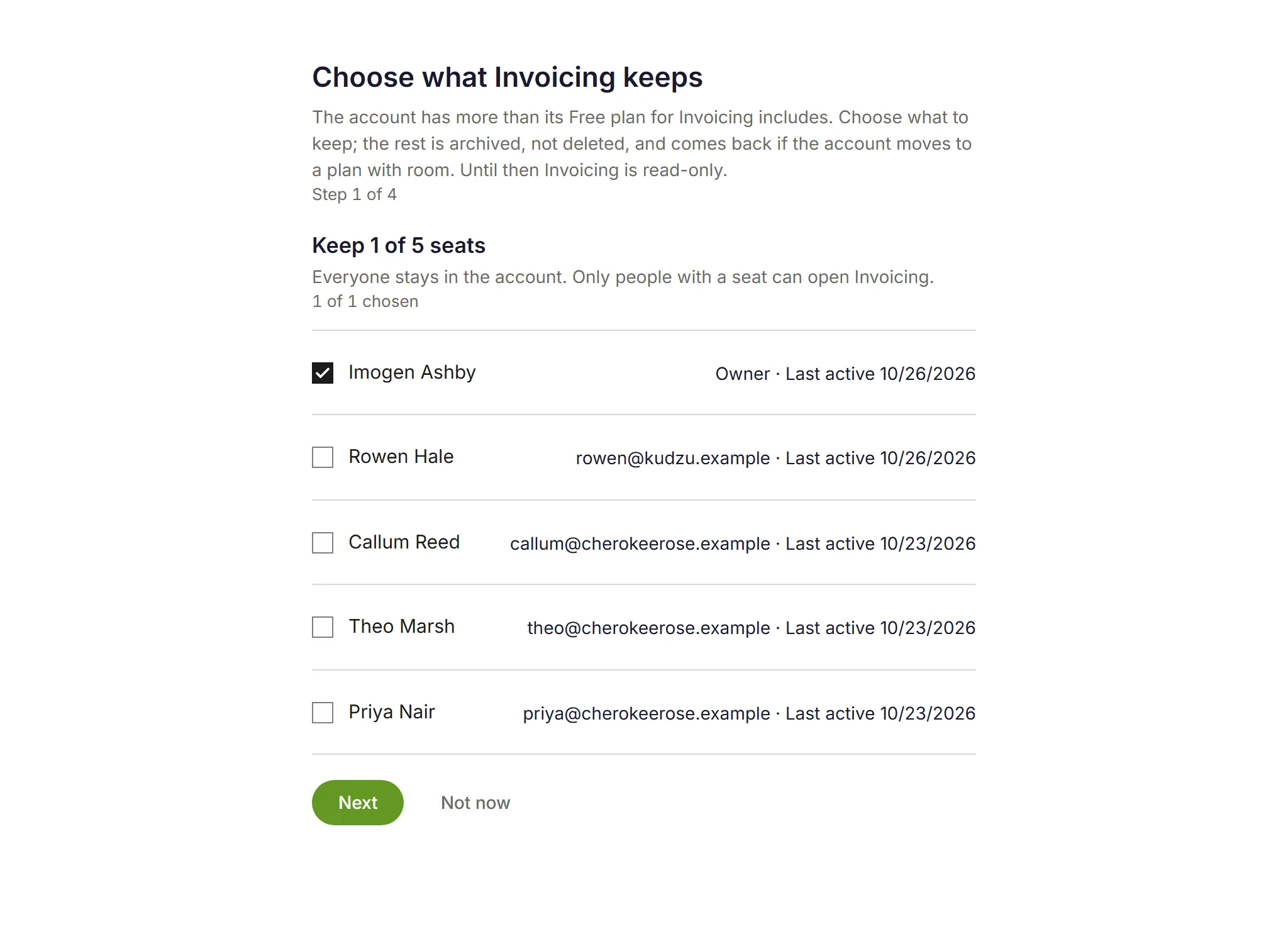
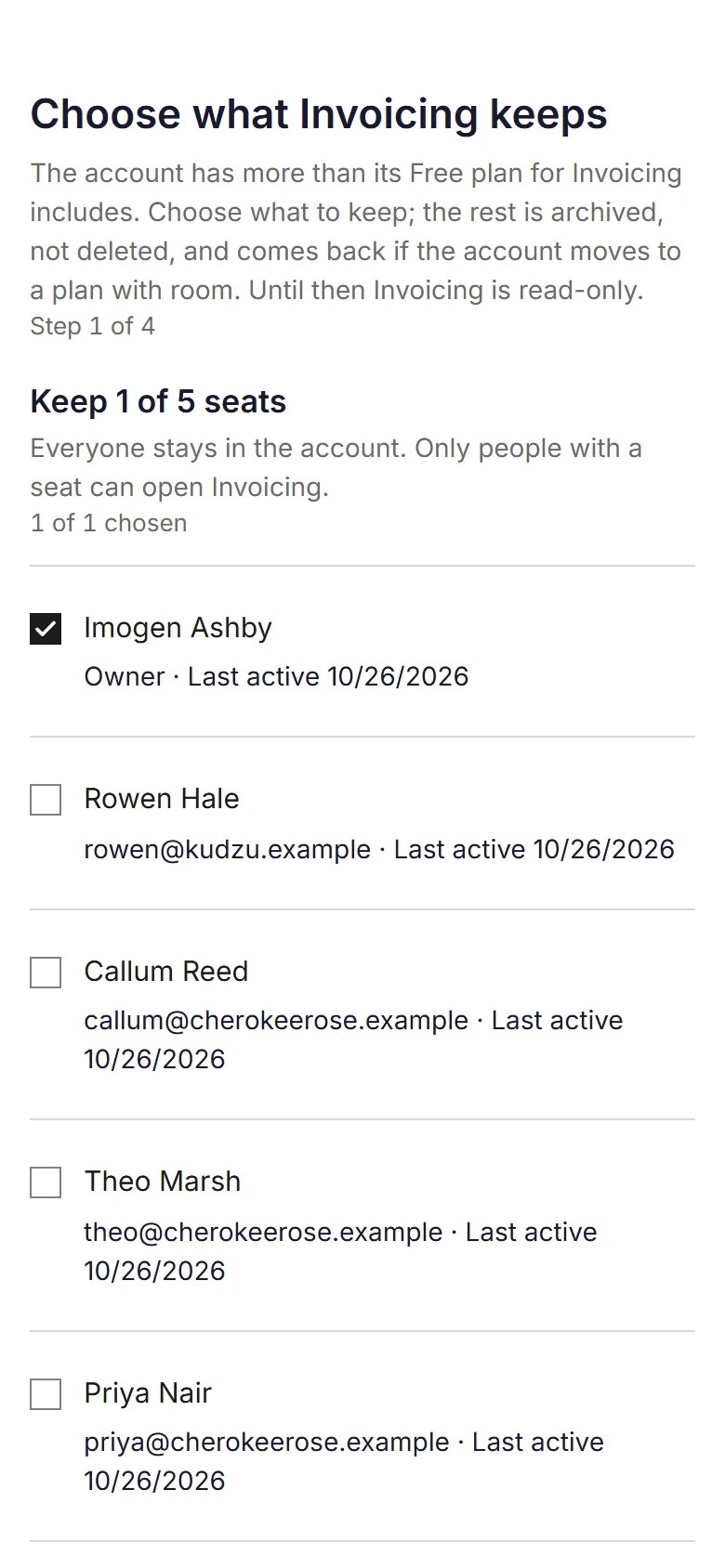
- Seats: everyone stays in the account. People without a seat can’t open the app until they get one back.
- Clients: a client you don’t keep is archived, and so are its projects. Only projects under the clients you keep are offered in the next step.
- Projects and tasks: those you don’t keep are archived.
The last step lists what’s kept and what’s archived. Choose Confirm, and the app is back to normal. Not now leaves the app read-only, with Choose what to keep in the banner for when you’re ready.
Archived clients, projects and tasks keep all their time, expenses and invoices. In the lists they show archived by plan.
Getting it all back
Section titled “Getting it all back”Move to a plan with room, or buy more seats, and everything the plan limit archived comes back by itself the next time anyone opens the app: seats first, to people still in the account, then clients, projects and tasks, most recently archived first. Restoring something by hand works too, as long as the plan has room for it.
Importing from Harvest
Section titled “Importing from Harvest”Importing from Harvest needs the free trial or the paid plan. On Free, the import says so and doesn’t start.