

Settings overview
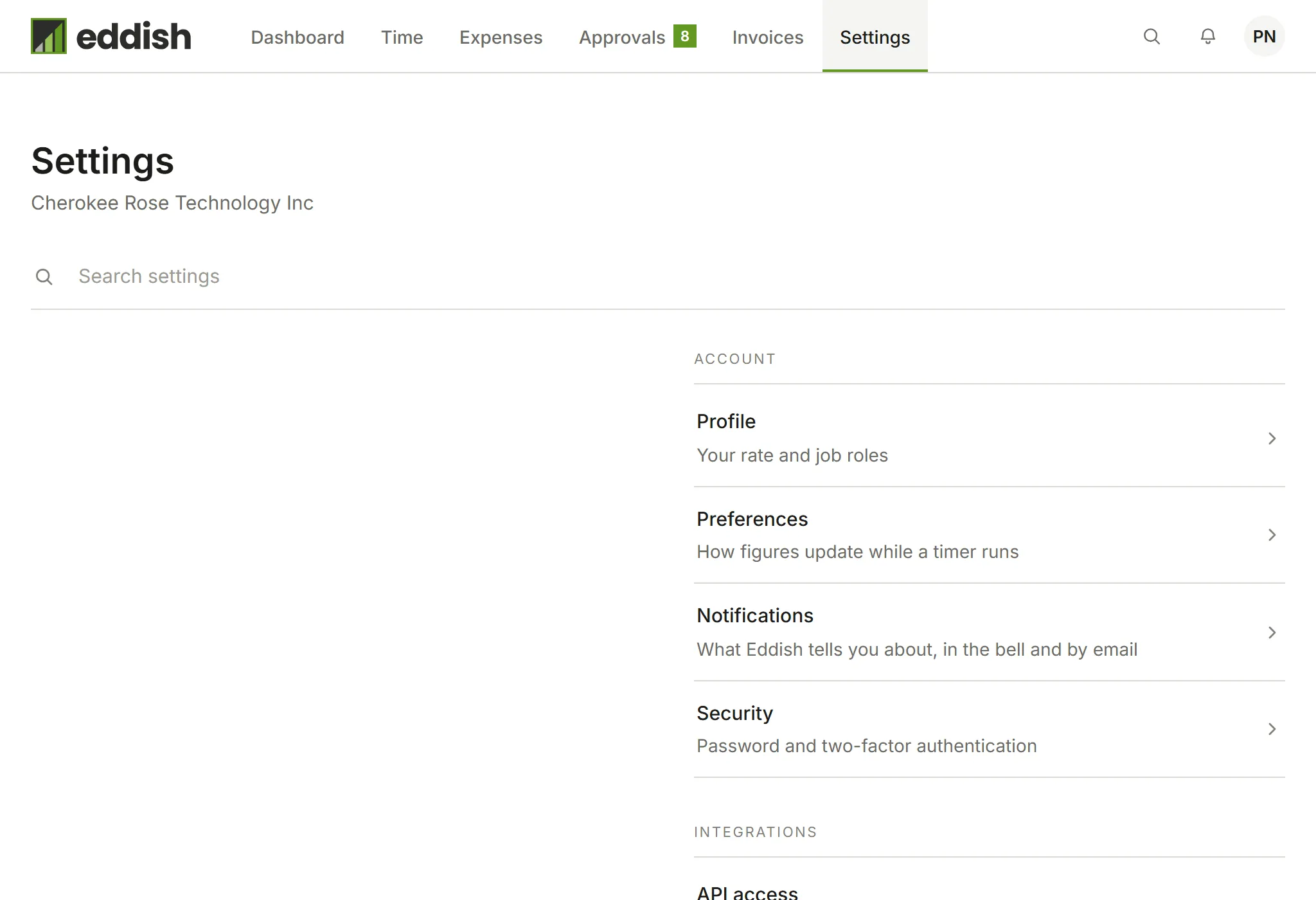
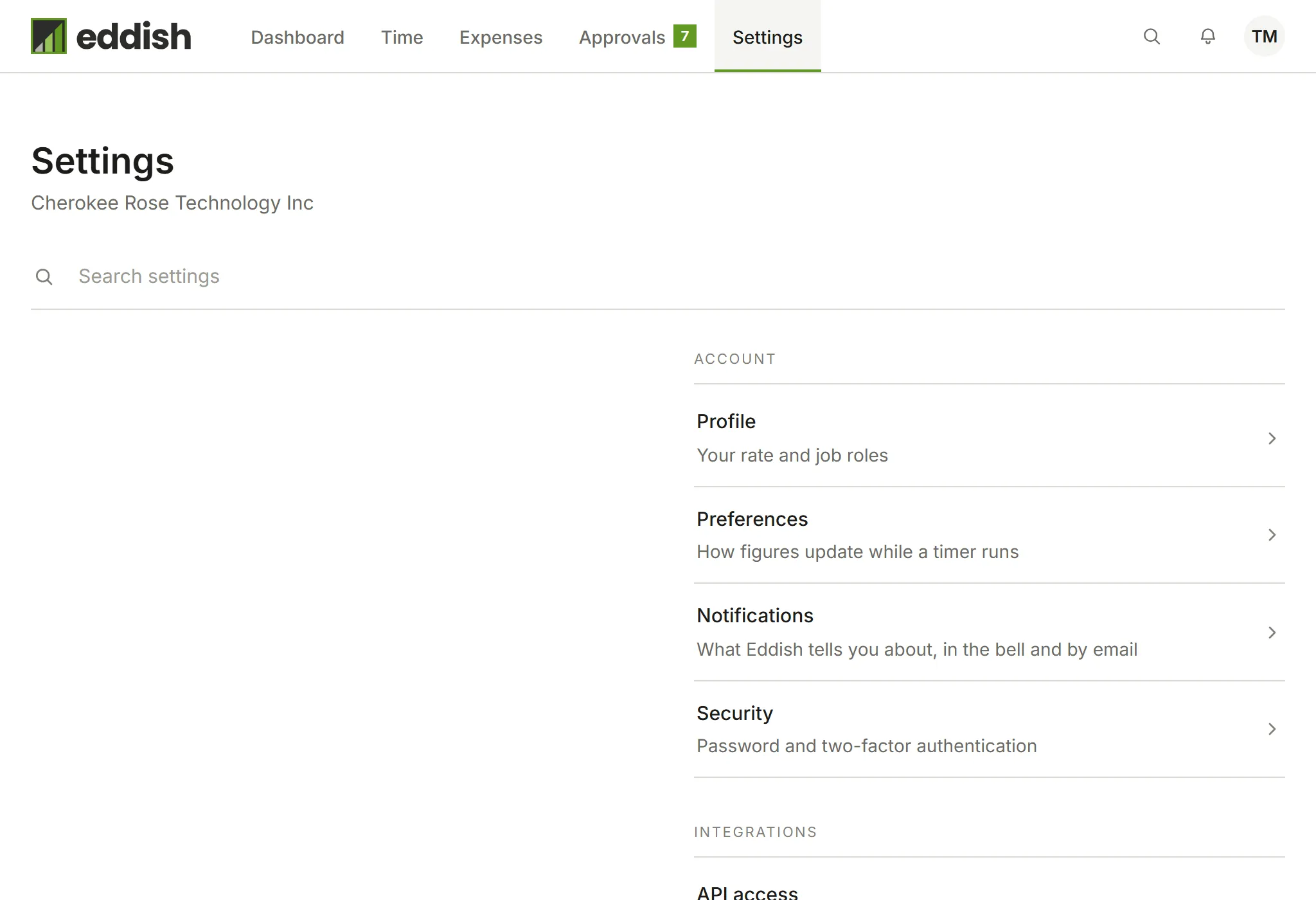
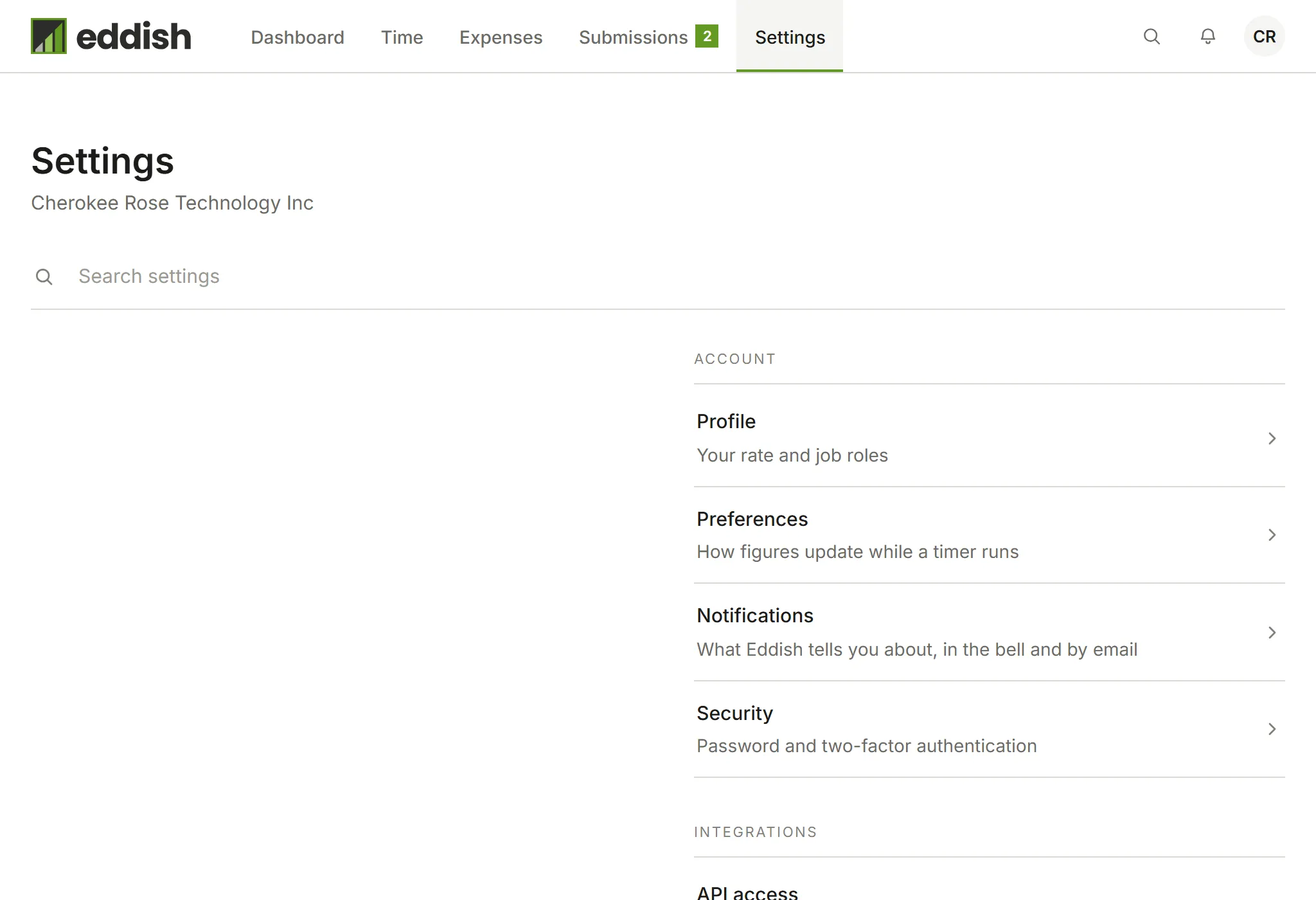
Open Settings in Invoicing. Sections are grouped as Structure (who and what you track time for), Business (what appears on invoices), Account (your own settings), Data and Integrations. Search finds a section by name. You see only the sections your role can use.
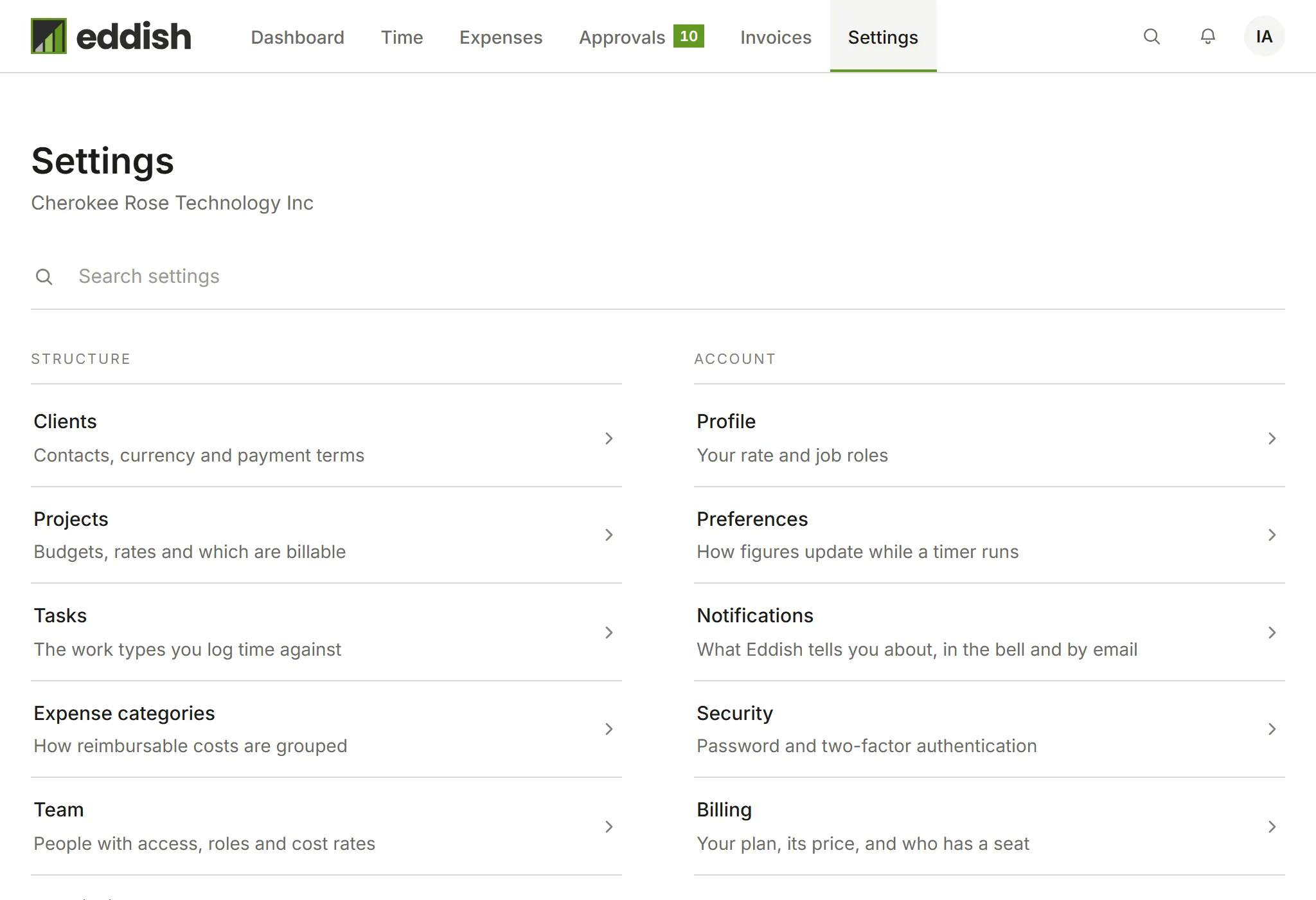
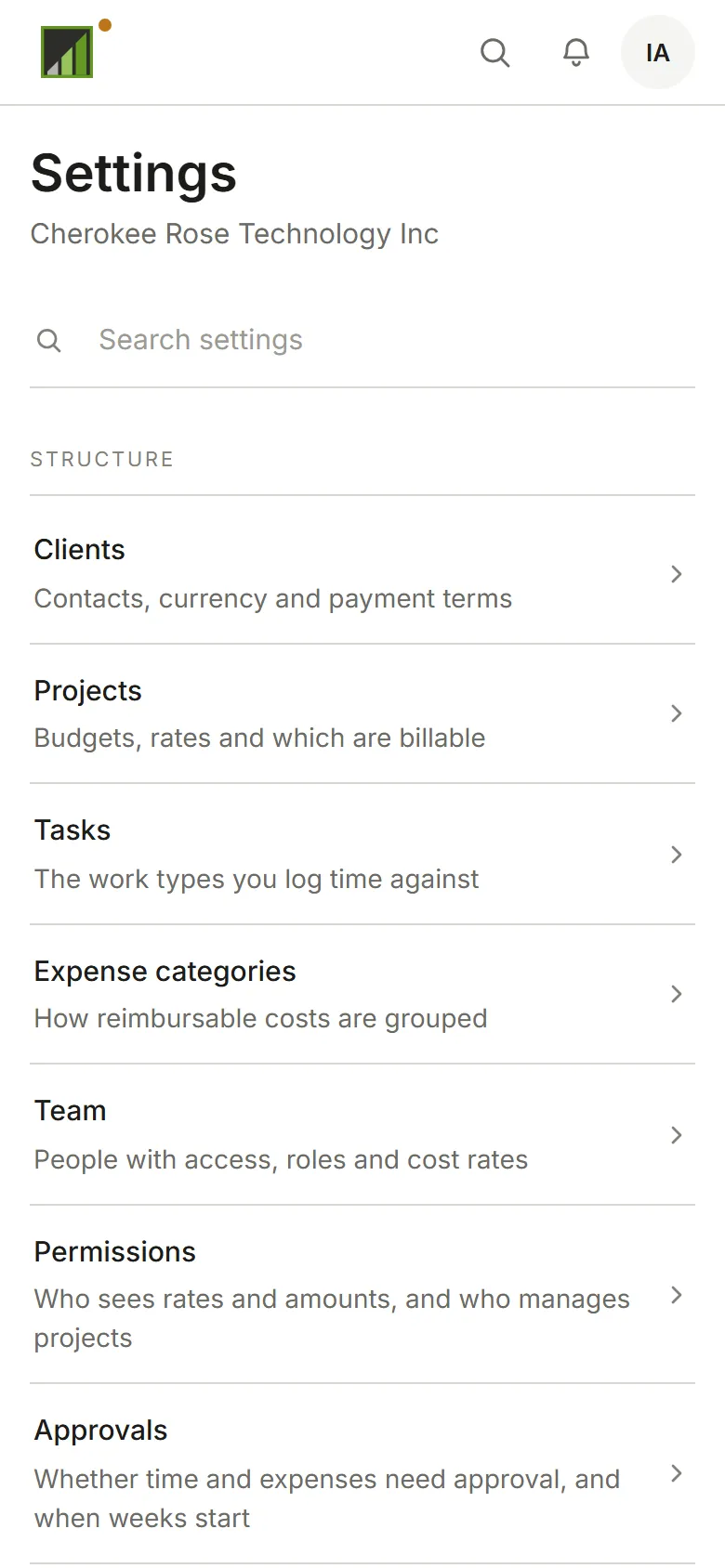
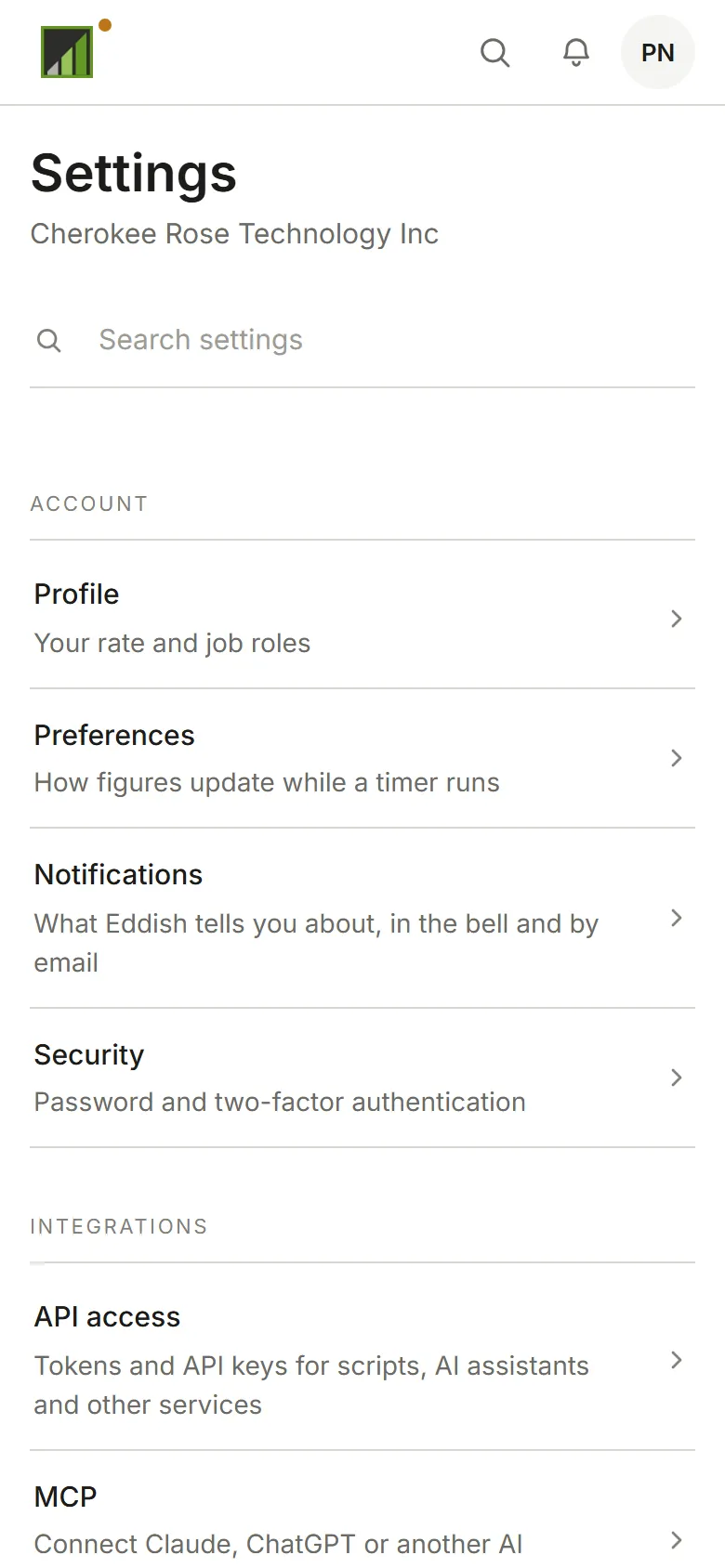
- Structure: Clients, Projects, Tasks, Expense categories, Team, and, with room for more than one person, Permissions and Approvals
- Business (the account’s Owners): Business details, Invoice numbering and defaults, Payment methods
- Data: Import from Harvest (Owners), Export your data
Clients, projects, tasks, the team and the account’s business settings are managed by Admins and Owners, so they aren’t in your Settings. An Admin can let Approvers manage clients, projects and tasks in Permissions.
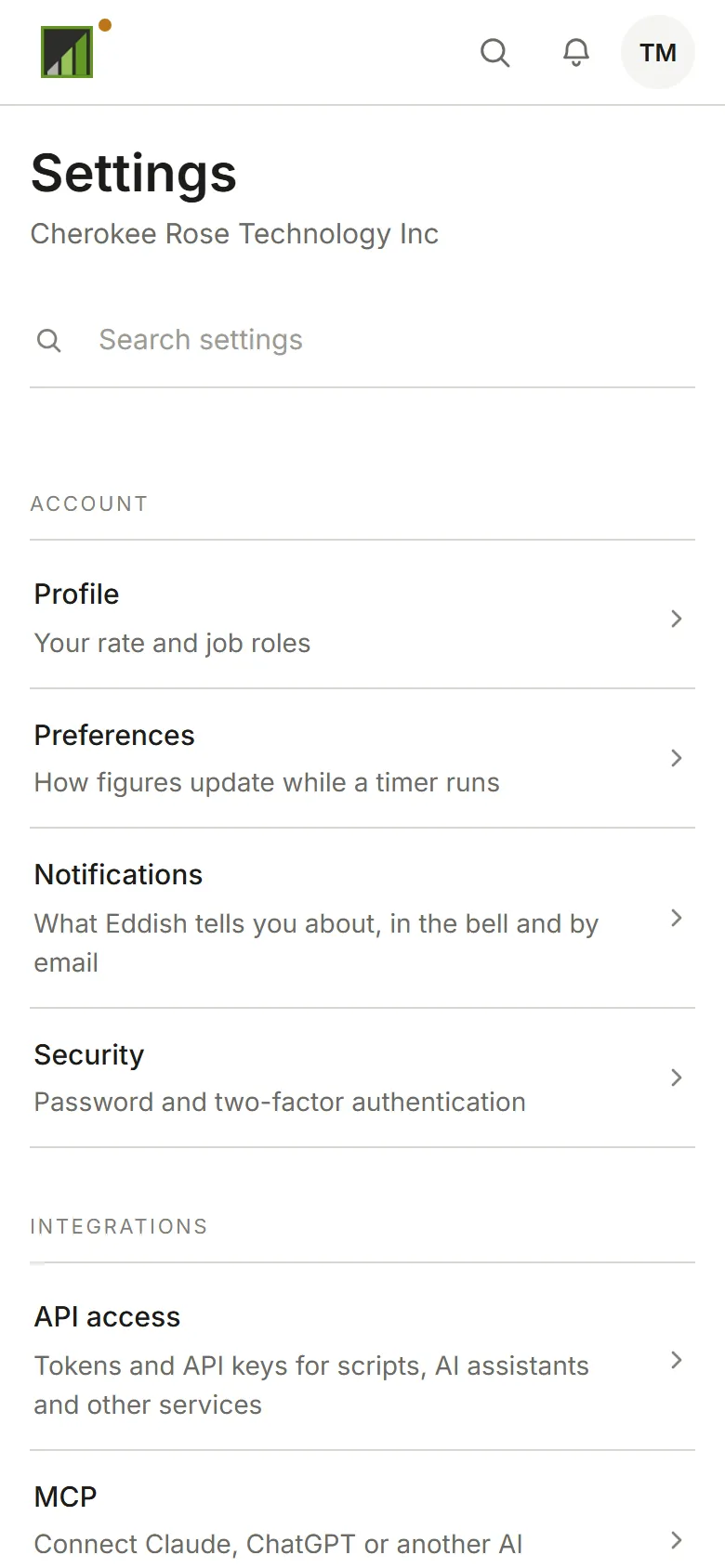
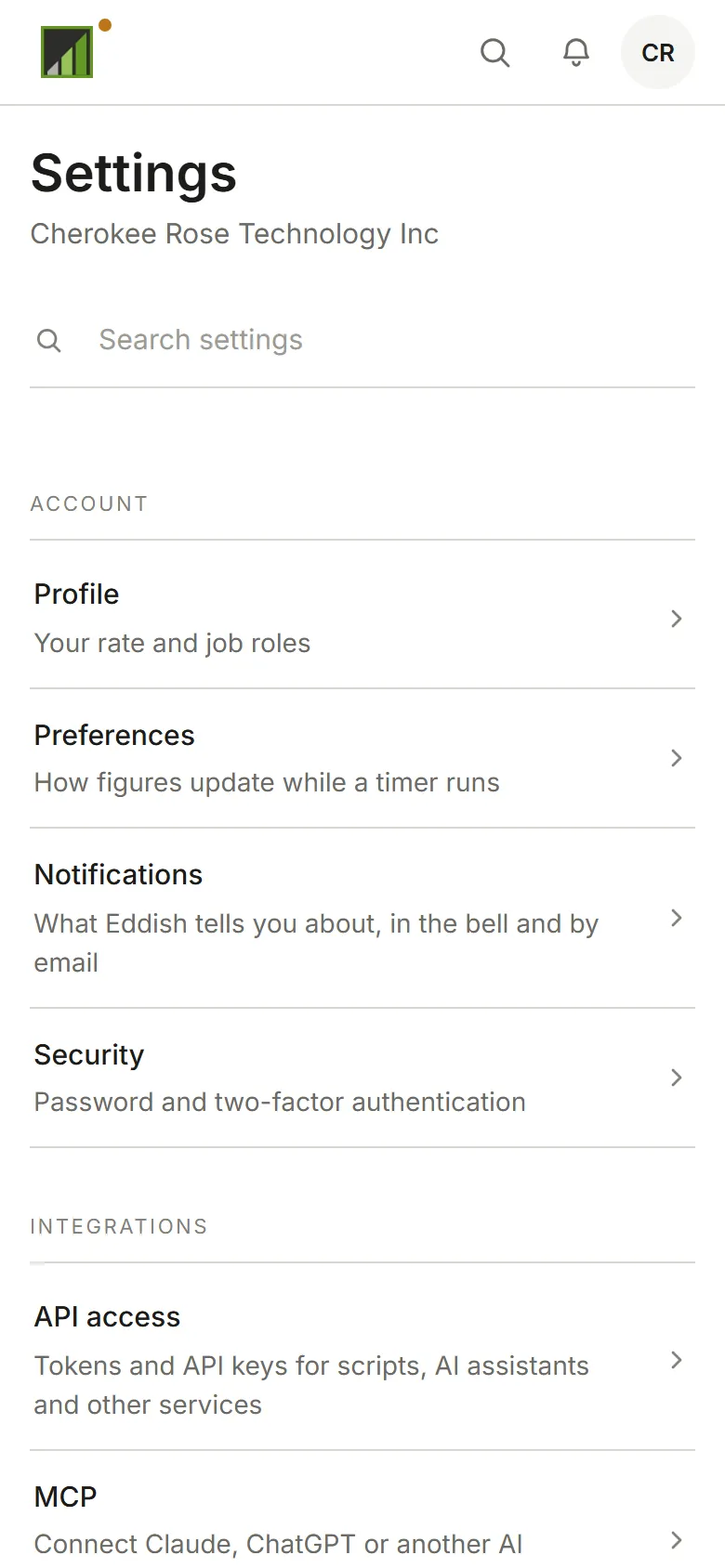
- Account, for everyone: Your rate and job roles, Preferences, Notifications, and Security, which opens your password and two-factor authentication settings, shared by every Eddish app