

Export your data
This isn’t in your Settings: only Admins open it.
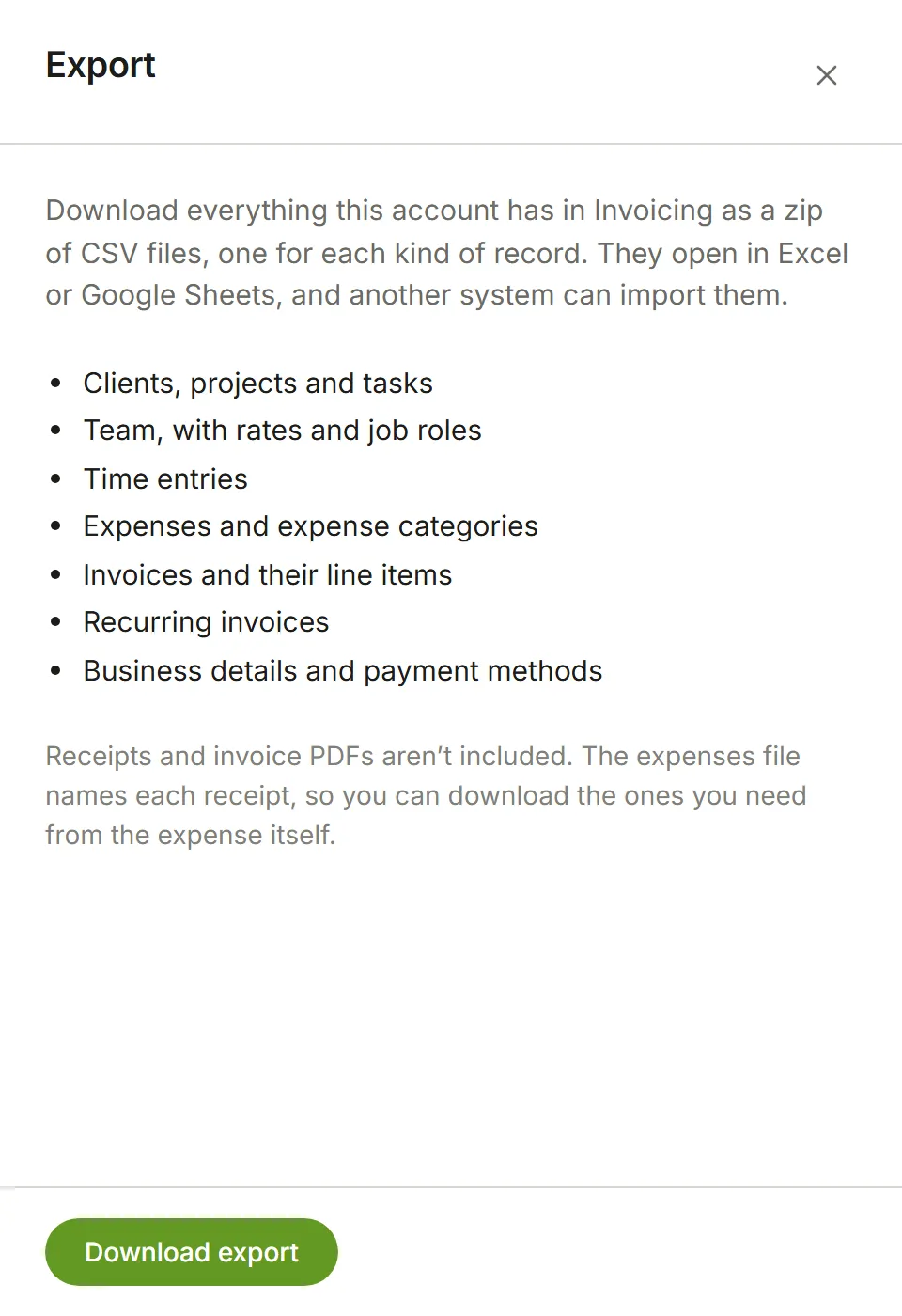
Settings → Export downloads everything your account has in Invoicing as one zip file. It’s there whenever you want a copy of your data, or want to take it to another system. Only an account’s Owners and Admins see it.
Choose Download export. The file is named after your account and the day, for example
eddish-invoicing-magnolia-2026-10-20.zip.
What’s in it
Section titled “What’s in it”One CSV file for each kind of record, and a README.txt that lists them with how many rows each has:
- Clients, with their contact’s name and email
- Projects, with the tasks and people on each and their rates there
- Tasks and job roles
- Your team, with each person’s rates and job roles
- Time entries
- Expenses and expense categories
- Invoices and their line items
- Recurring invoices
- Your business details
Every row has an ID, and rows refer to each other by ID: a time entry carries its project’s ID and name, an invoice line its invoice’s ID and number.
Not included
Section titled “Not included”- Receipts and invoice PDFs. The expenses file names each expense’s receipts, so you can see which had one. Download a receipt from the expense, and an invoice PDF from the invoice.
- Account roles, sign-in details and account settings. These belong to your Eddish account rather than to Invoicing. The team file says whether each person is still a member.
Opening the files
Section titled “Opening the files”The files open in Excel, Numbers or Google Sheets, and another system can import them:
- The files are in your language: column titles, states, kinds and yes/no are written the way you read
Eddish. The file names stay the same in every language, such as
clients.csv. - Dates are in your date format. The Created and Updated times are in UTC, as
2026-10-14T09:30:00Z. - Amounts are plain numbers without a currency symbol or thousands separators, with your language’s
decimal separator:
1234.50in English,1234,50in French. The Currency column says which currency: an invoice’s is the one it was created in, and everything else is in the account’s currency (Account preferences). - Where the decimal separator is a comma, the columns are separated by semicolons, as spreadsheets in those languages expect. The files start with a byte-order mark, so Excel reads accented names correctly.
- Text that begins with
=,+,-or@starts with an apostrophe, so a spreadsheet shows it as text instead of running it as a formula.
Export CSV on a list (Invoices, Clients, Expenses and the rest) writes its file the same way: in your language, with your date format and decimal separator.