

Team
This isn’t in your Settings: only Admins open it.
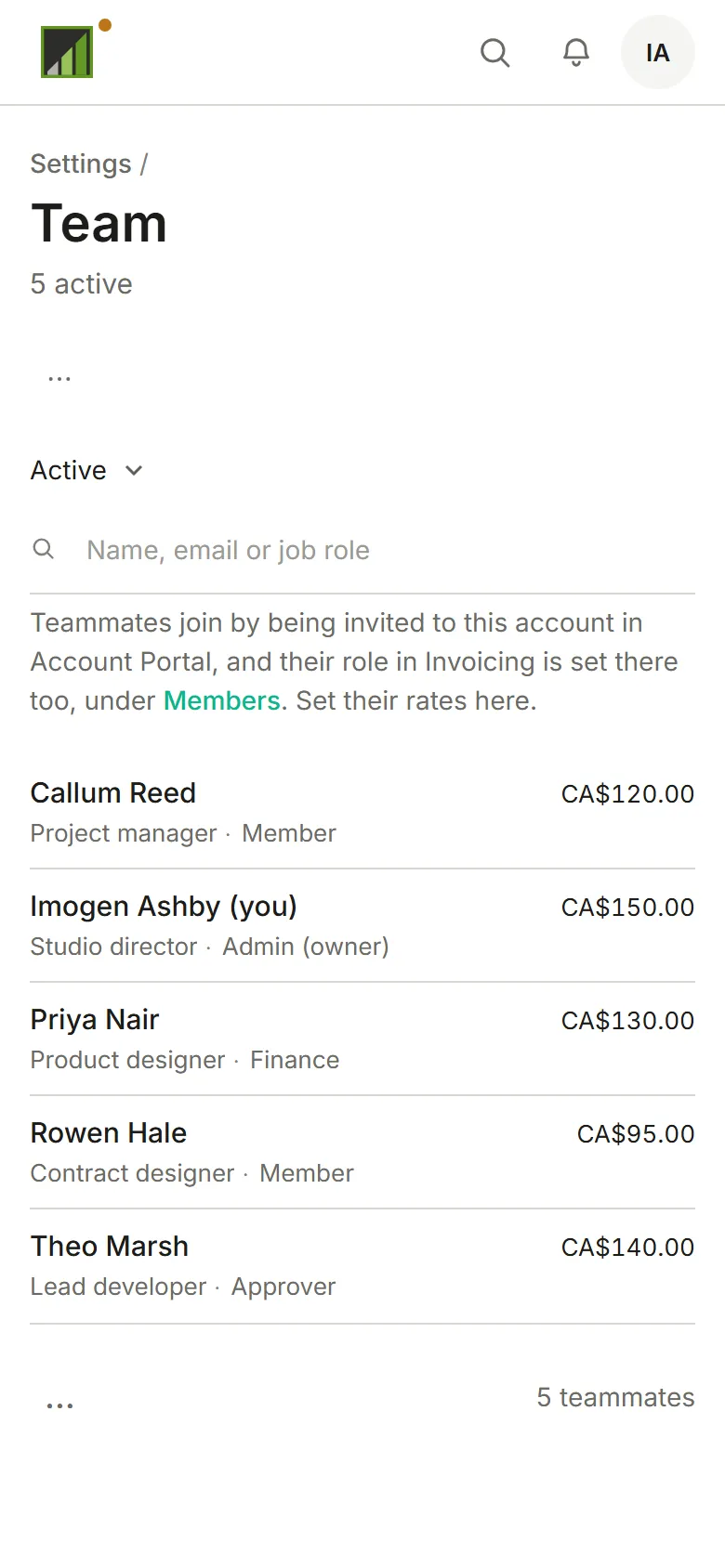
Settings → Team lists everyone in the account with their job role, rates and account role. People join by being invited to the account; this is where you set what their time is worth. Type a name, email address or job role (“civil”, say) in the filter to find someone. On a phone each person takes two lines: their name and rate, then their job role and account role.
A job role is what someone does (“Civil engineering”), used in reports; each person sets their own in Profile. The account role (Owner, Admin, Member) is what they may do, and is set in Members.
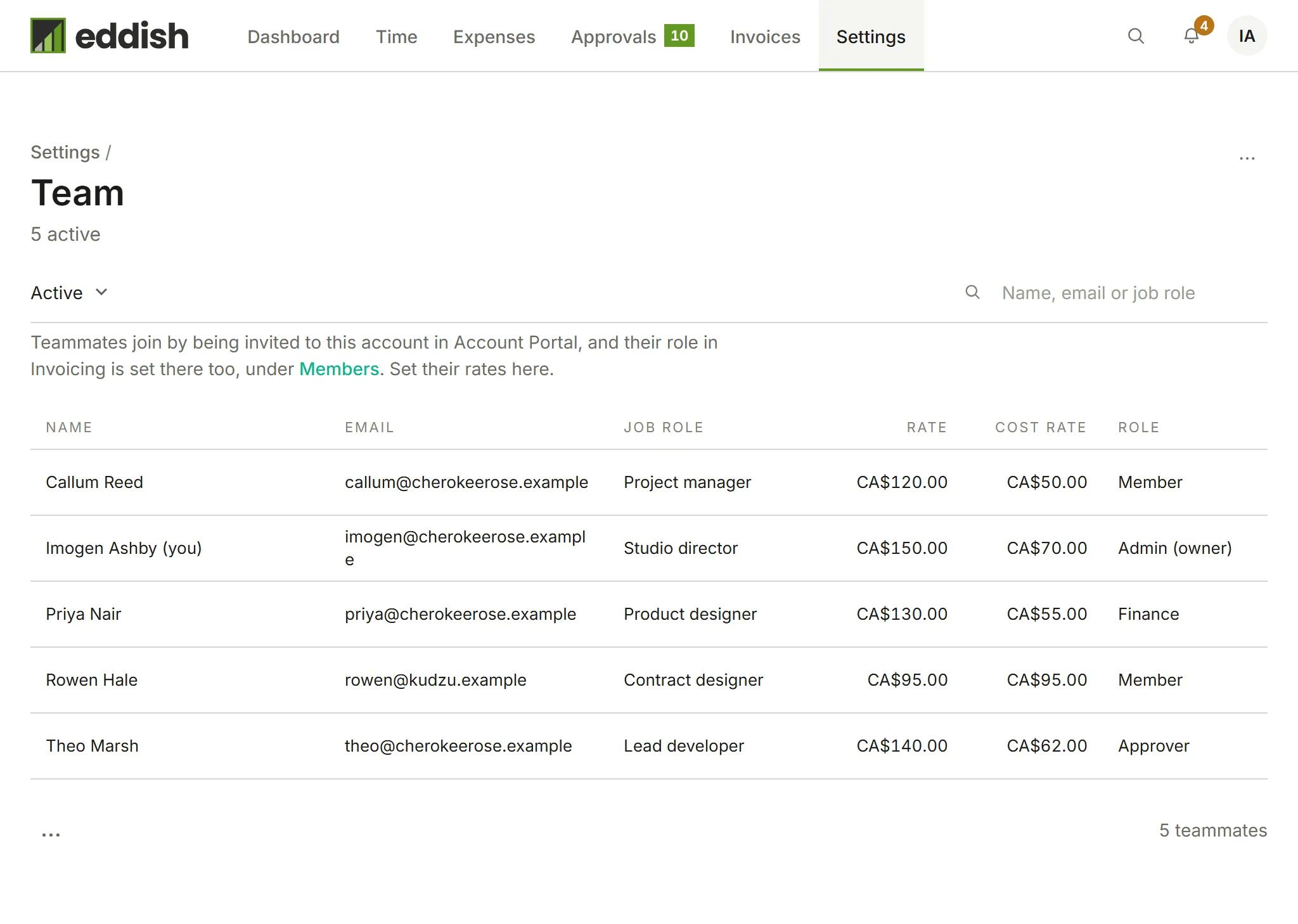
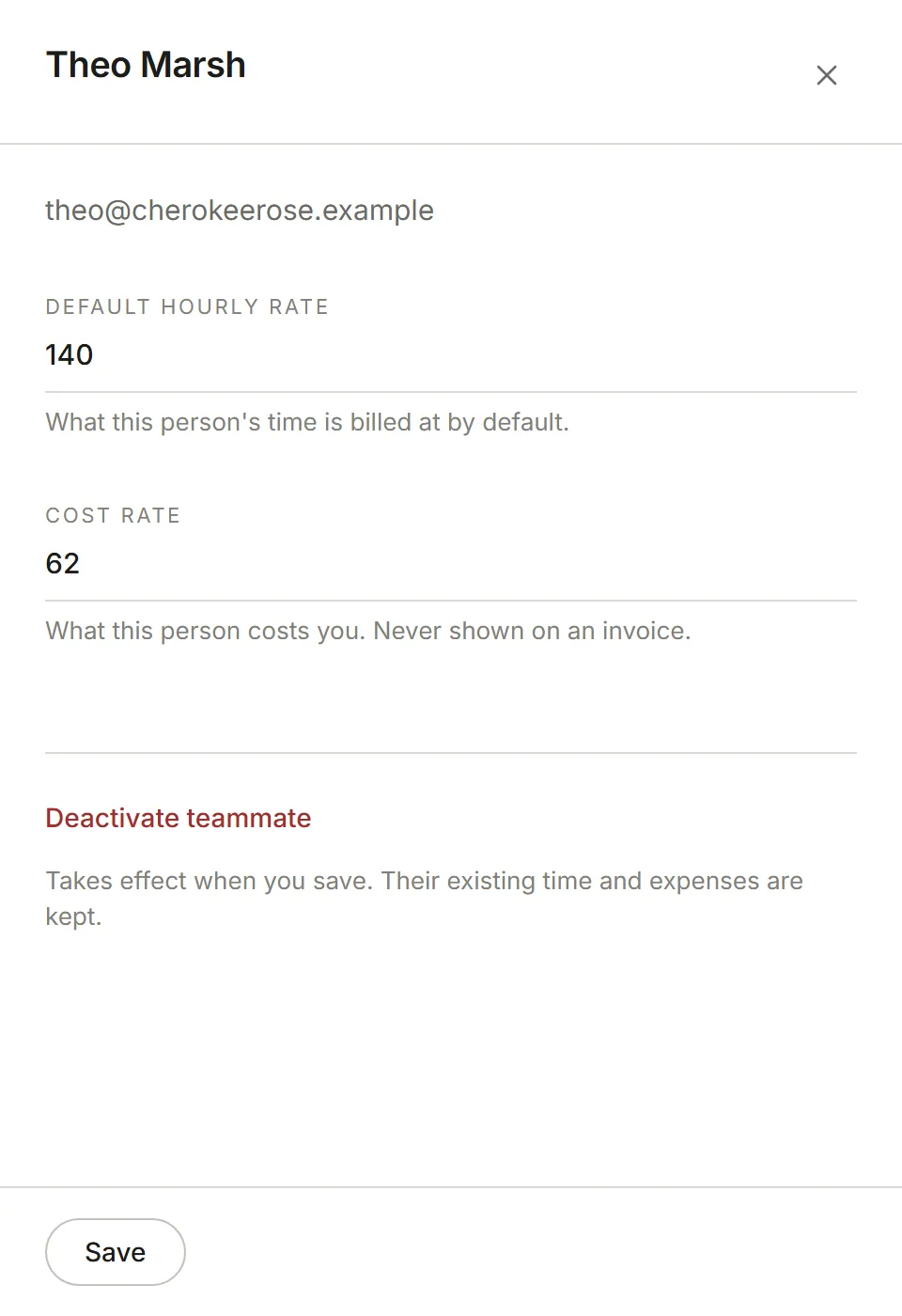
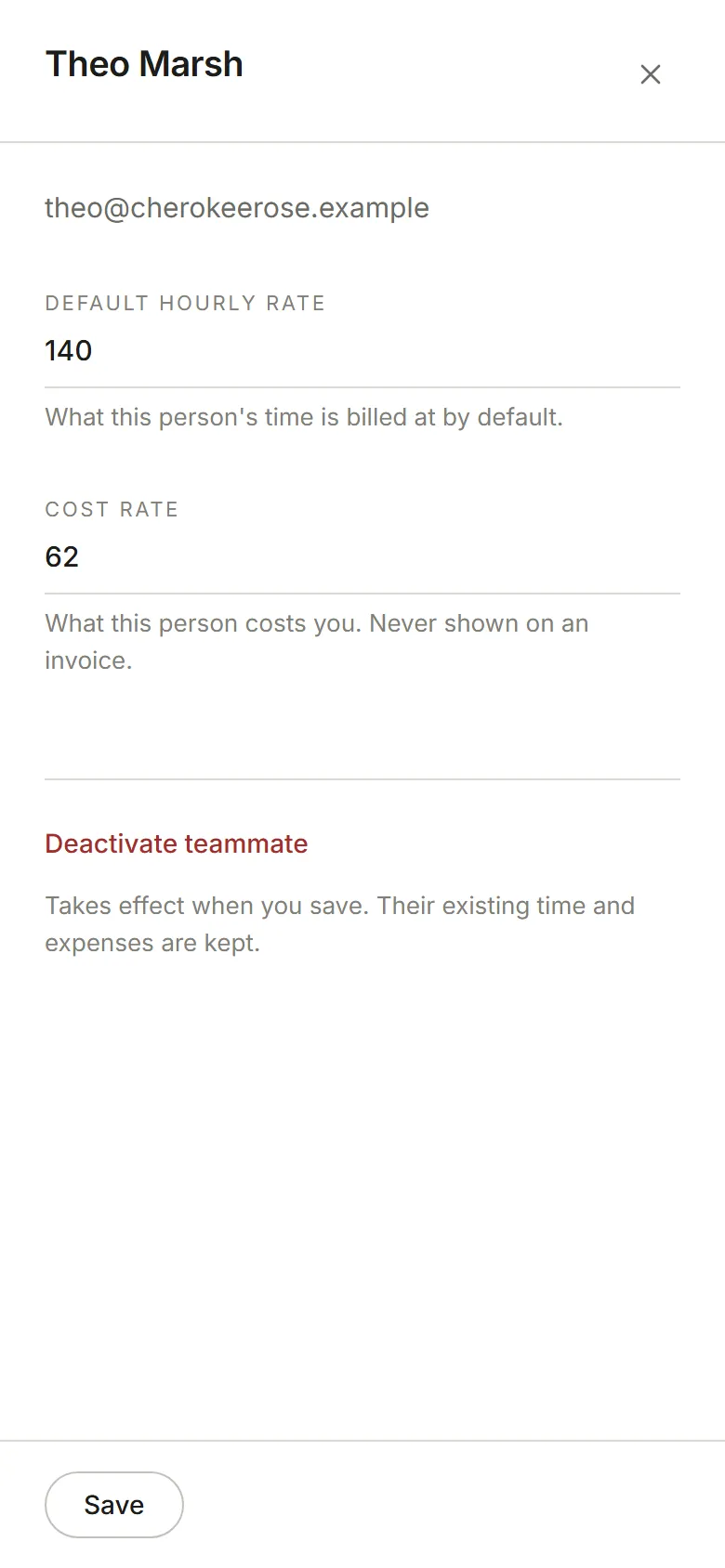
Choose a person to set their default hourly rate, what their time is billed at on projects that bill by person, and their cost rate, what they cost you, which never appears on an invoice. Deactivate teammate stops them tracking time here and keeps everything they’ve already tracked. Choose Save.
Each person also has a capacity: how many hours a week they are available to work (40 until you
change it, anything from 0 to 168; 35, 37.5 and 37:30 all work). It shows as a column on the list.
It is separate from the person’s own working hours in Preferences.