

Approve join requests
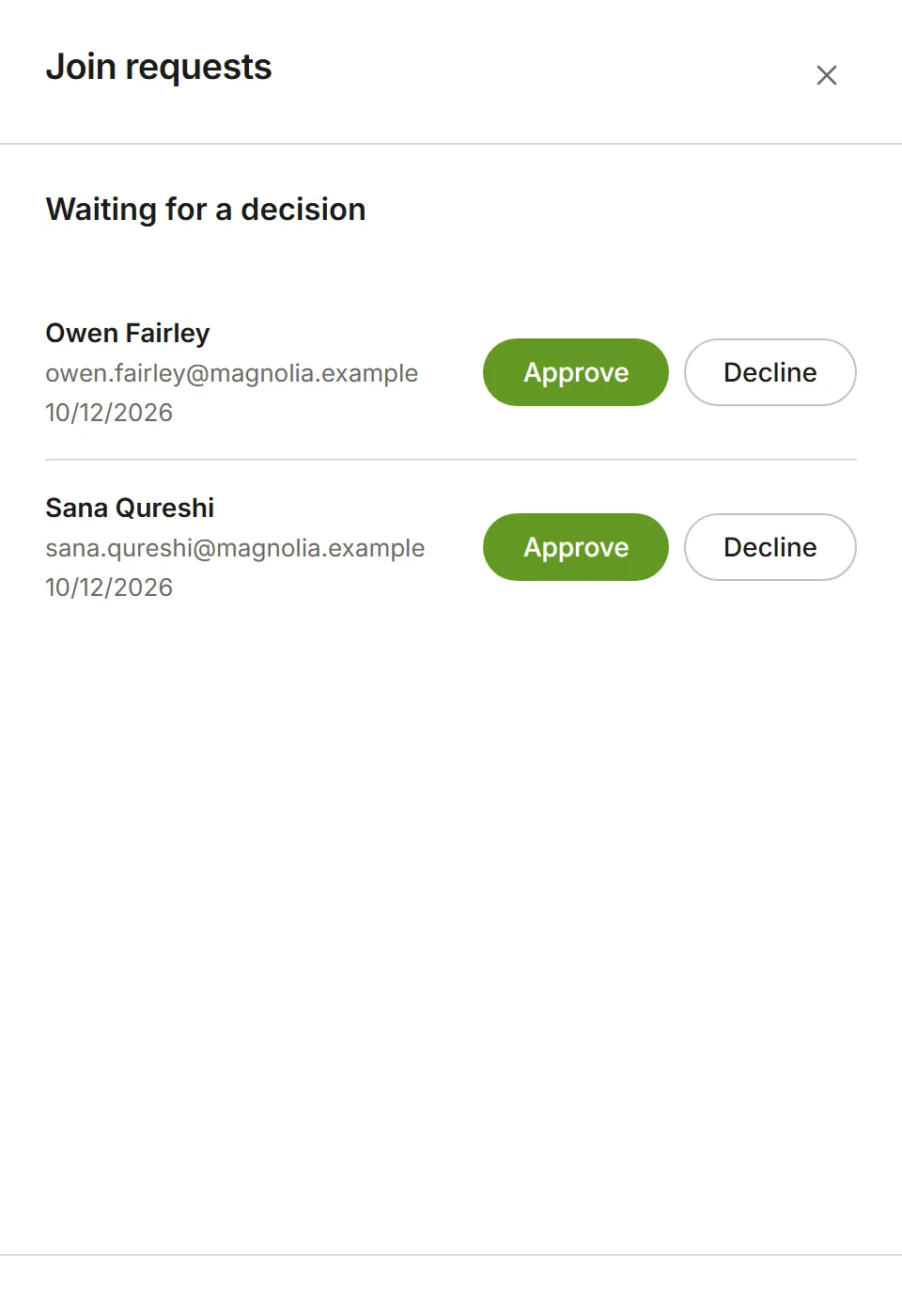
Someone who knows your account’s subdomain can ask to join it while signing up, instead of waiting for an invitation. Their request waits until an Owner or Admin of your account decides, and Owners and Admins are emailed when someone asks.
Choose Account Settings from your avatar menu, then Join requests. Each request shows who is asking and when. Choose Approve to let them in as a Member, or Decline to turn them away. You can change their role once they’re in.
To bring someone in without them having to ask, invite them instead.
Approving a request makes the person a member; it doesn’t give them a seat in any app. Give them one in Billing, where the plan allows.