Dashboard and reports
The Dashboard shows a period’s time: total and billable hours, the billable amount, and what hasn’t been invoiced yet. Choose a period (week, month, quarter, year, all time or custom) and move between periods with the arrows. The chart shows the period week by week, in hours or as amounts.
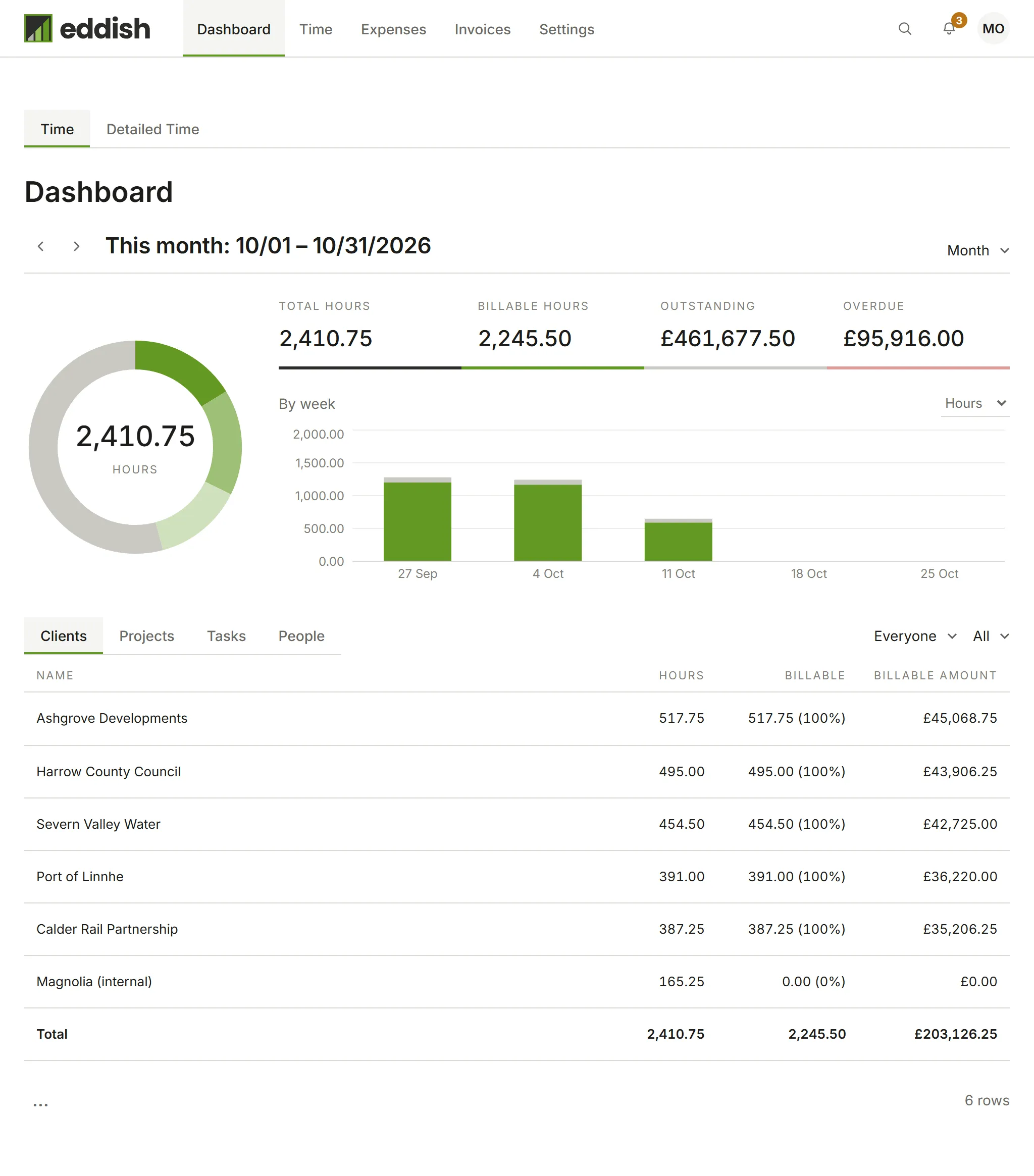
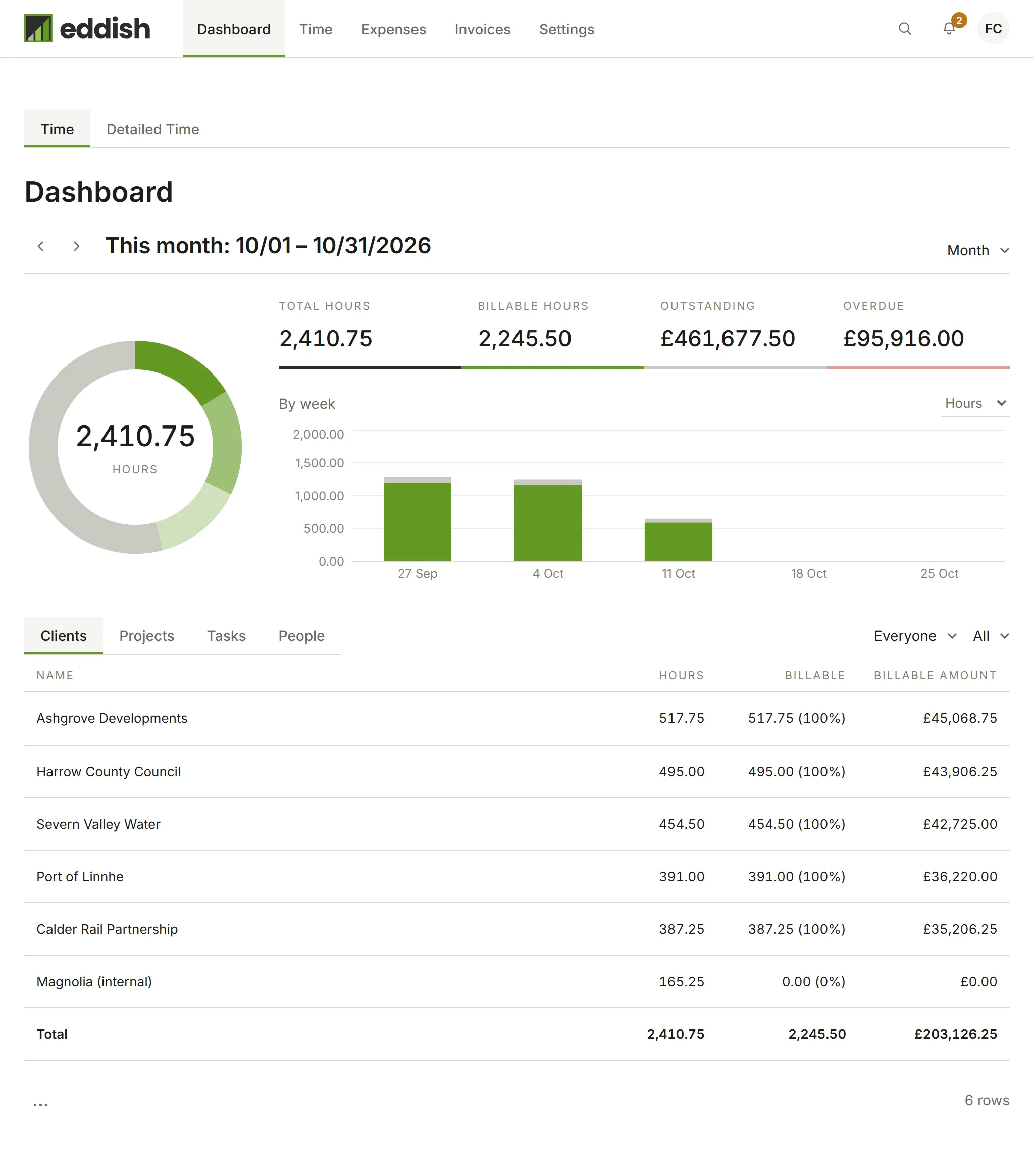
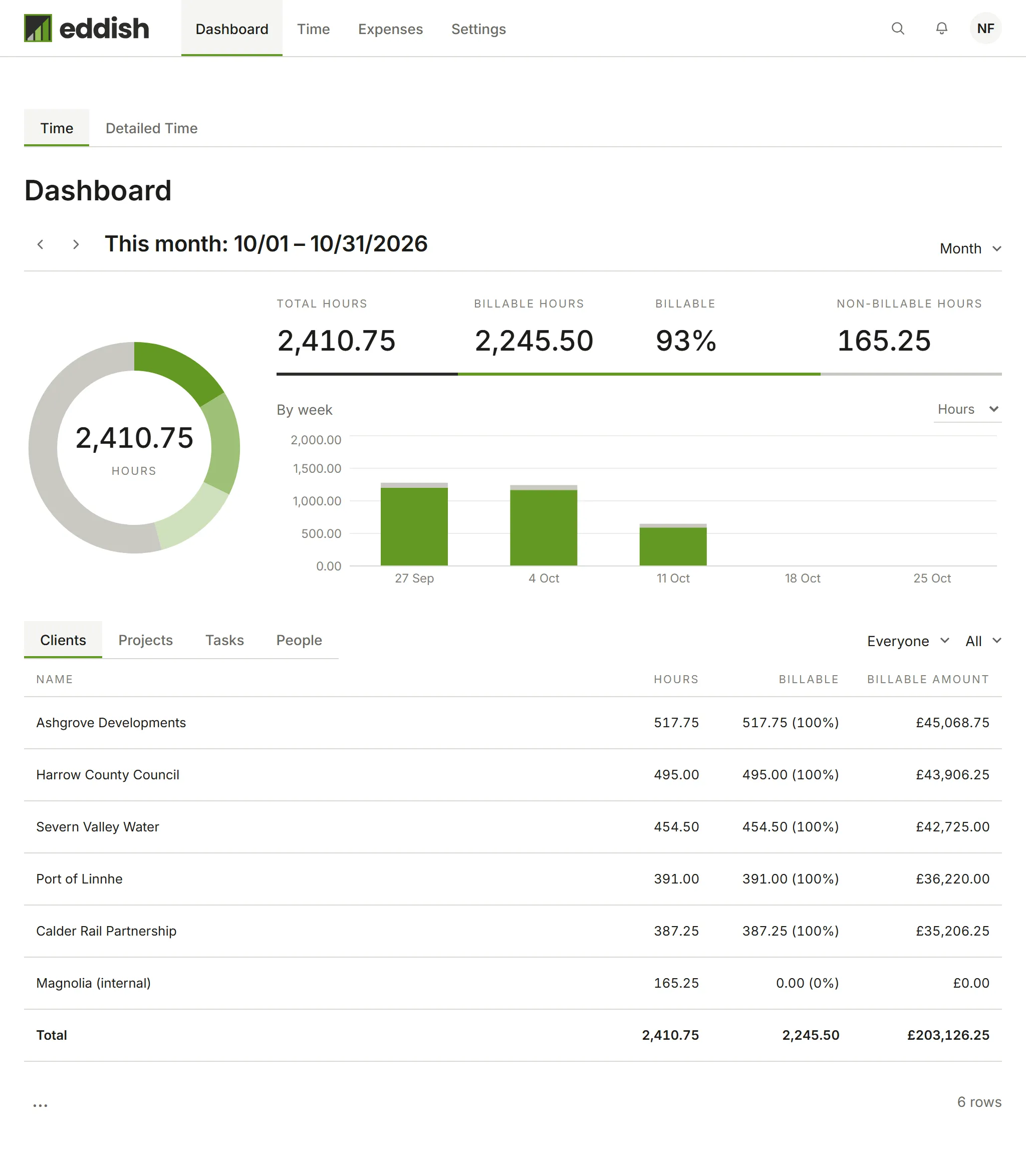
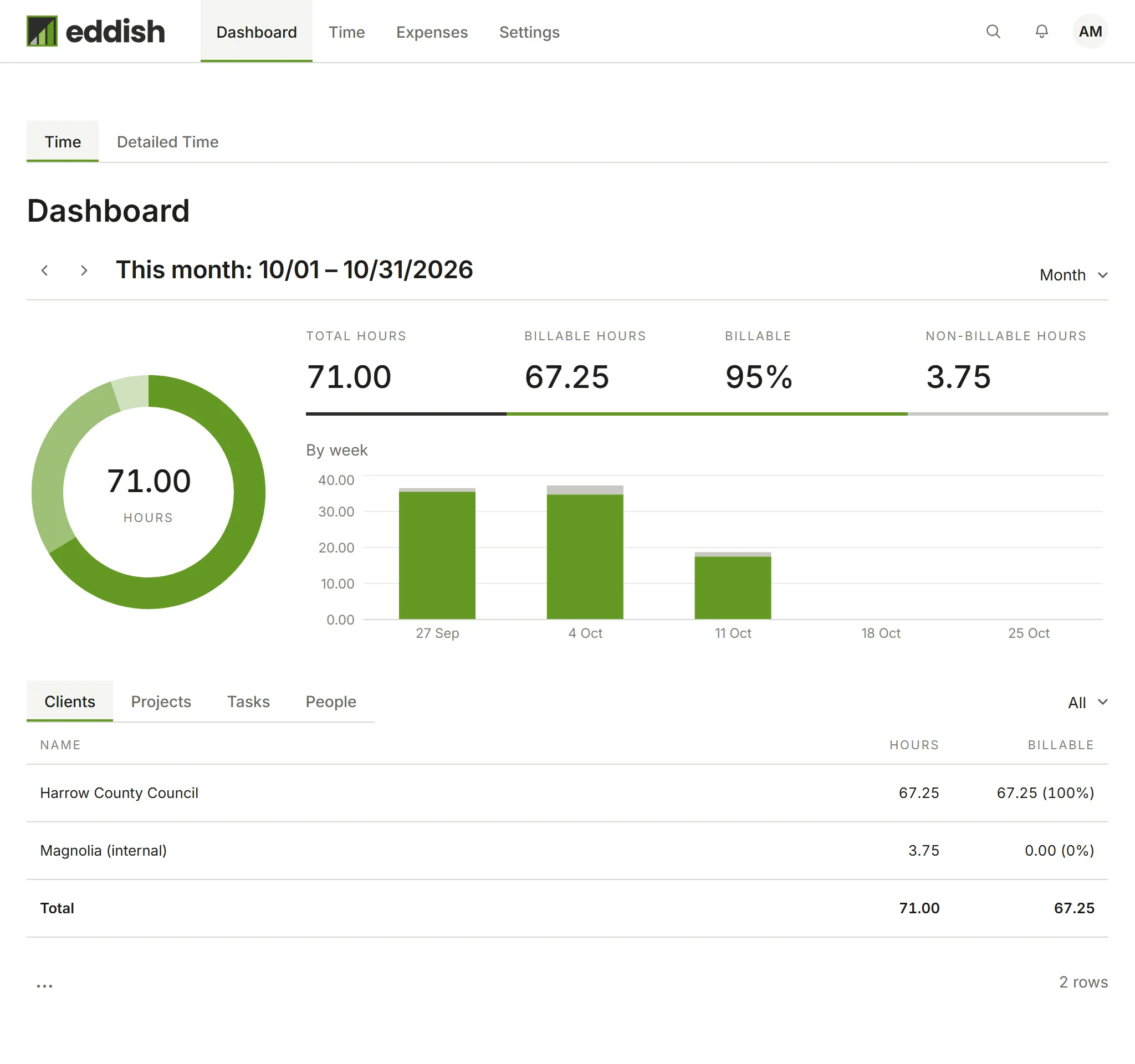
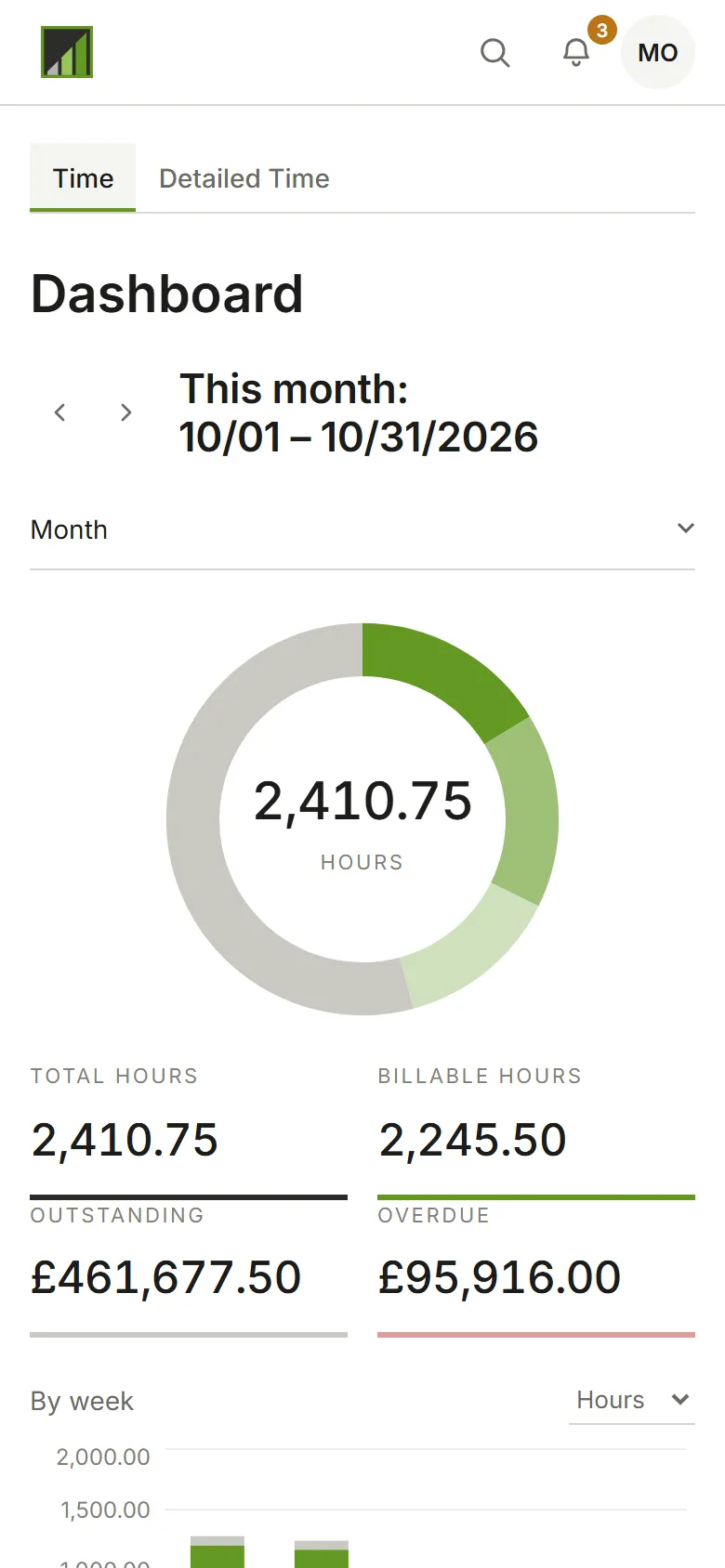
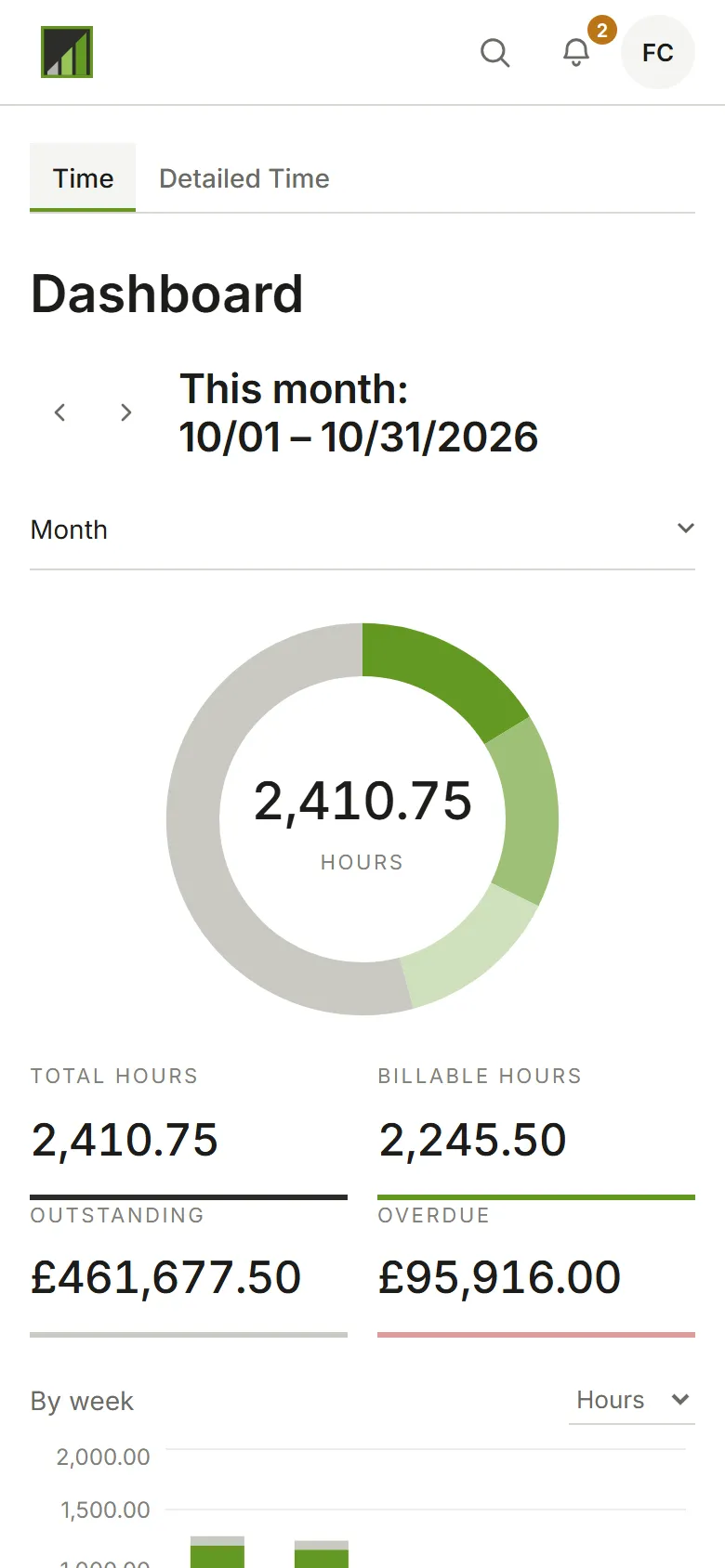
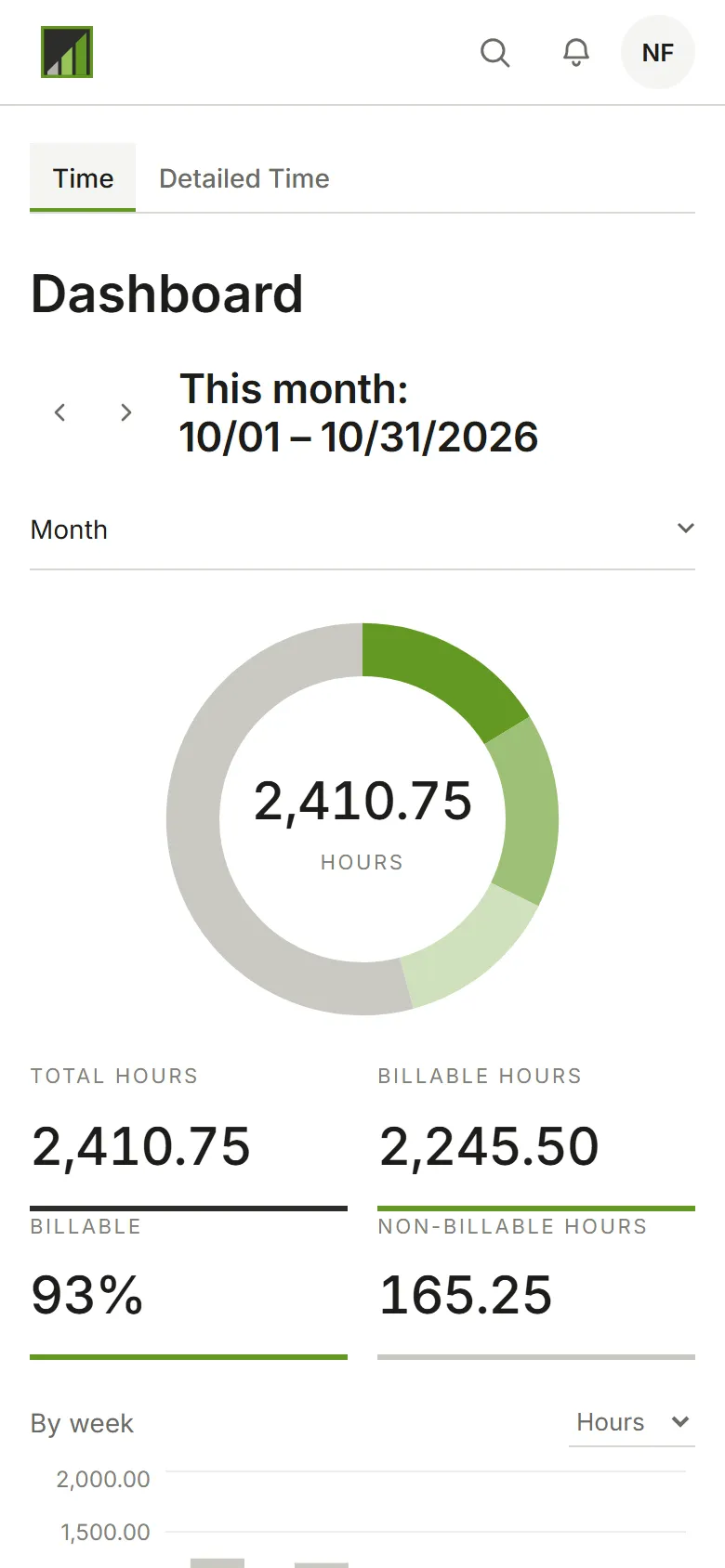
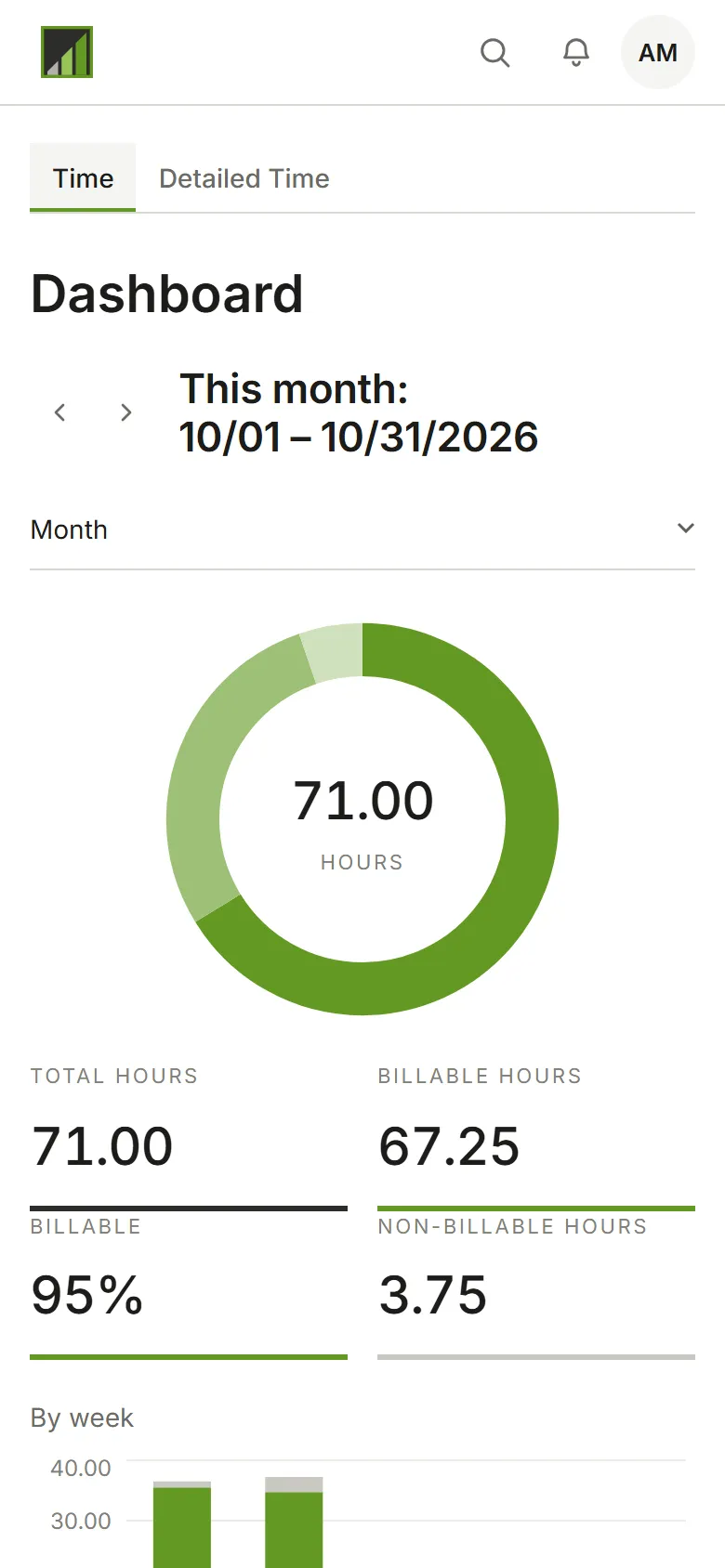
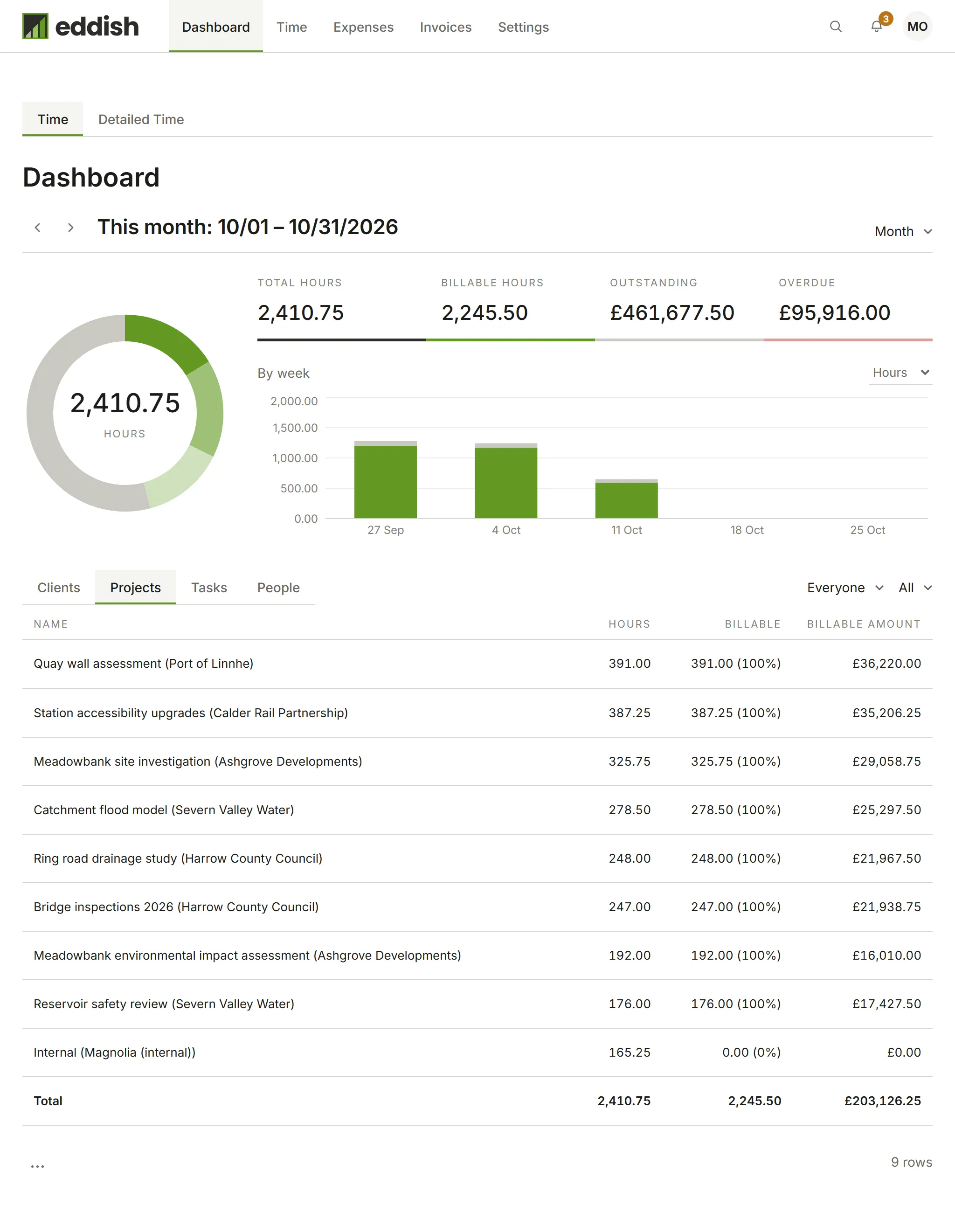
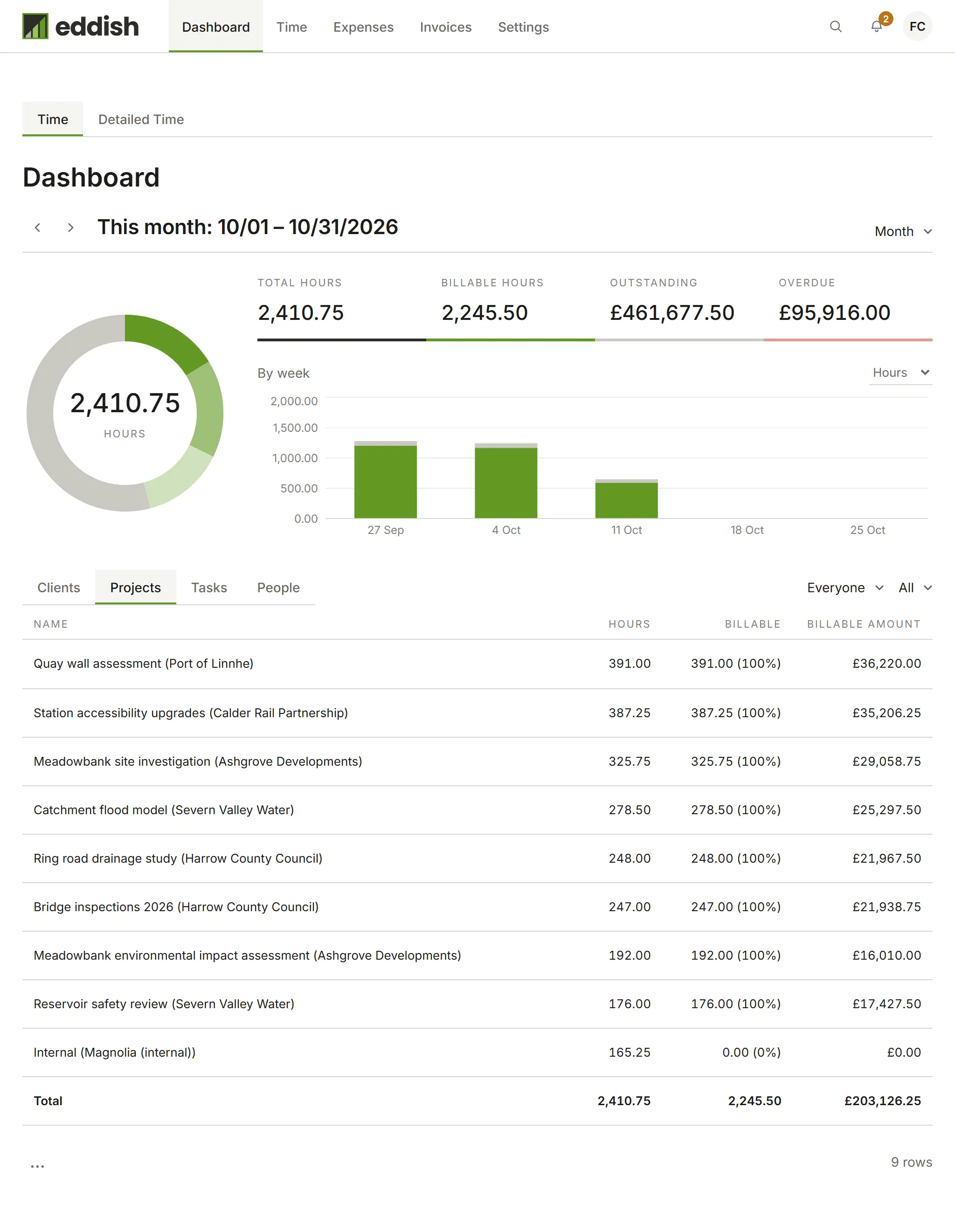
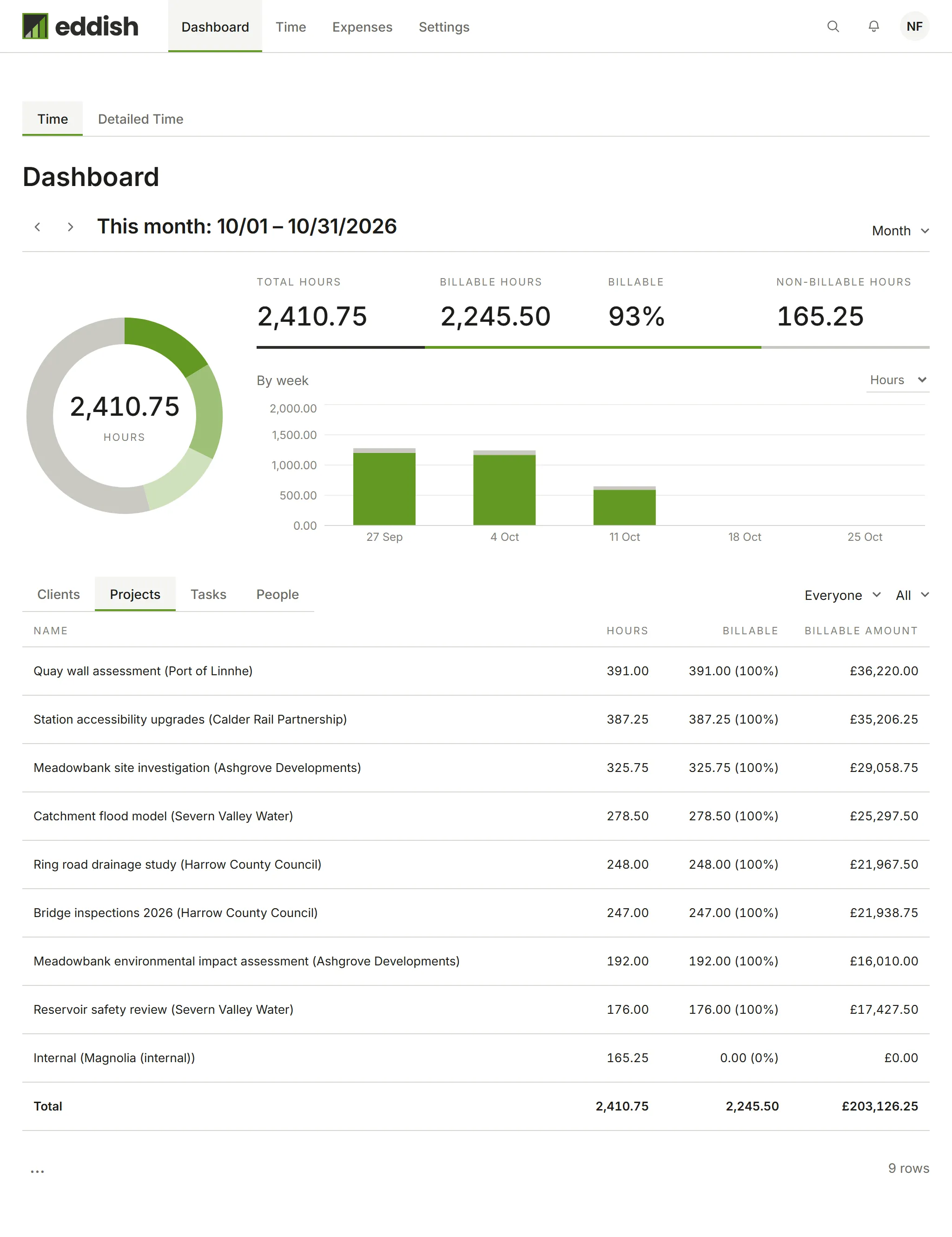
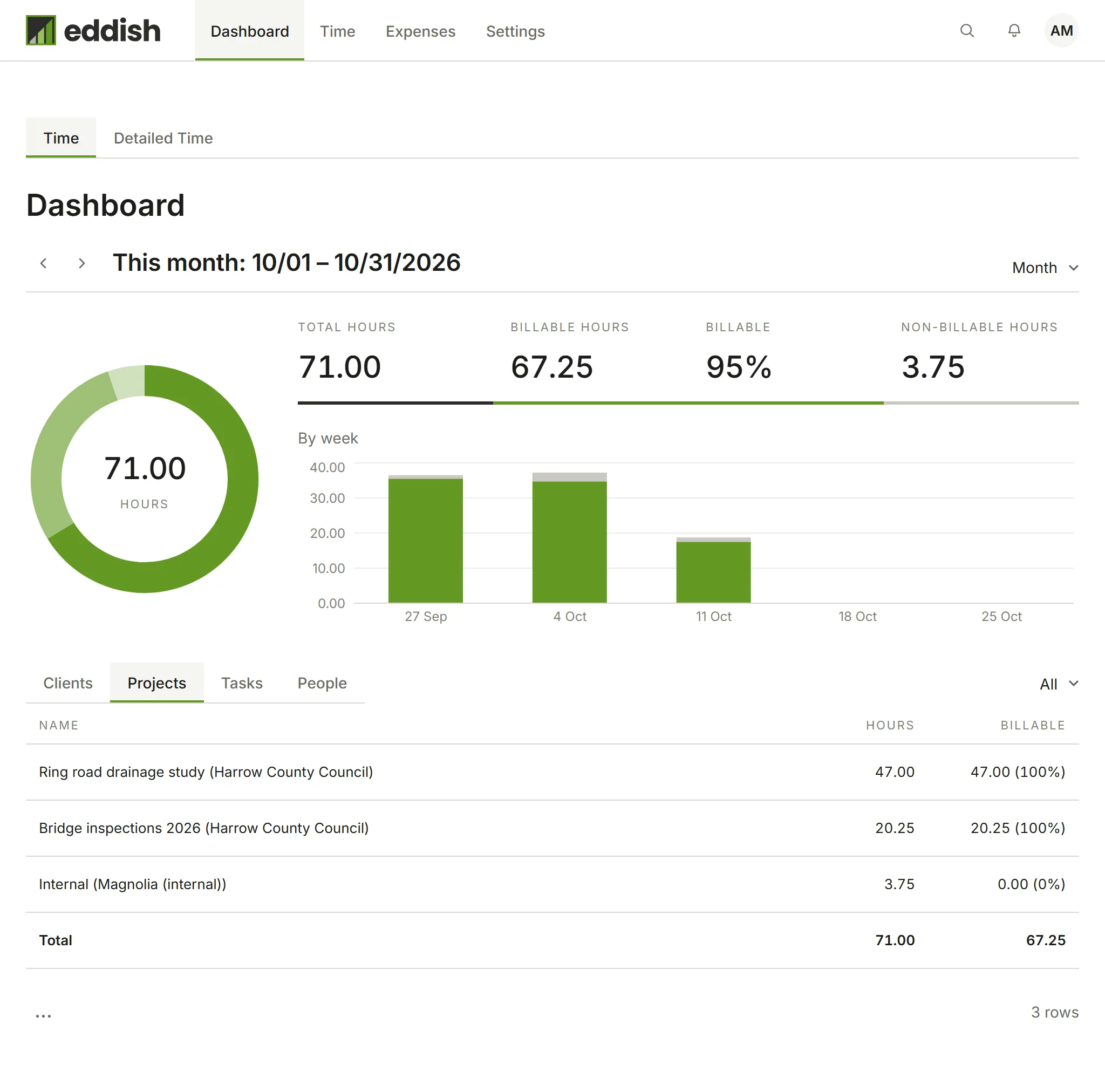
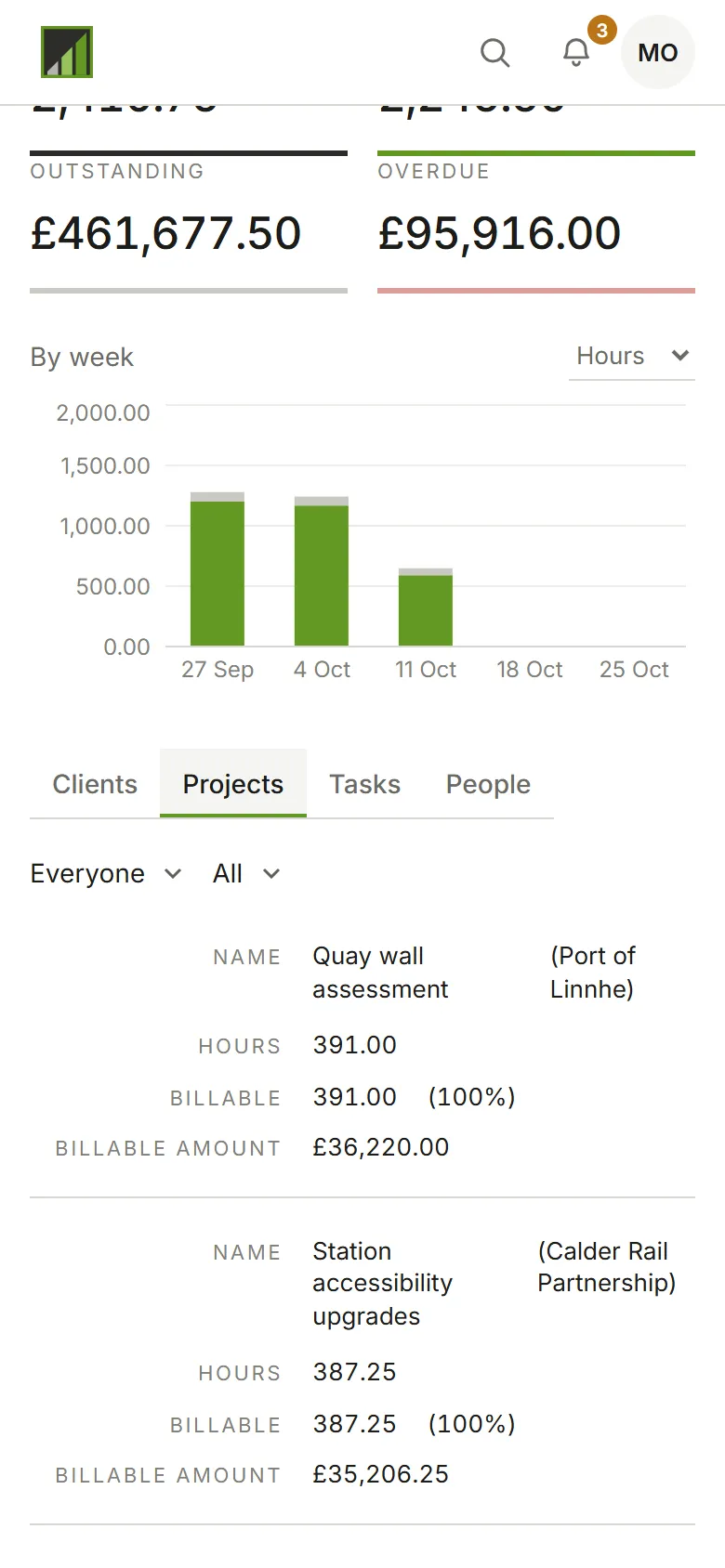
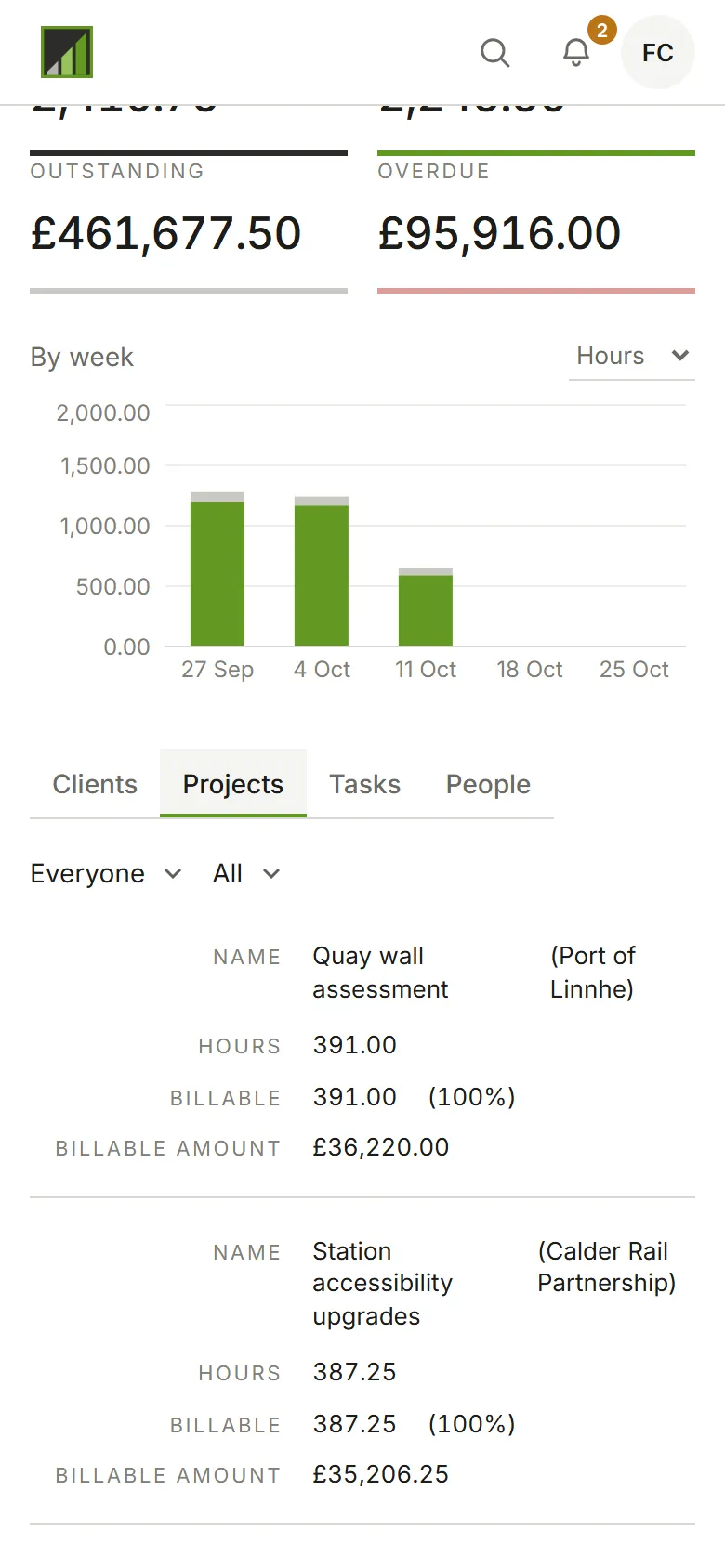
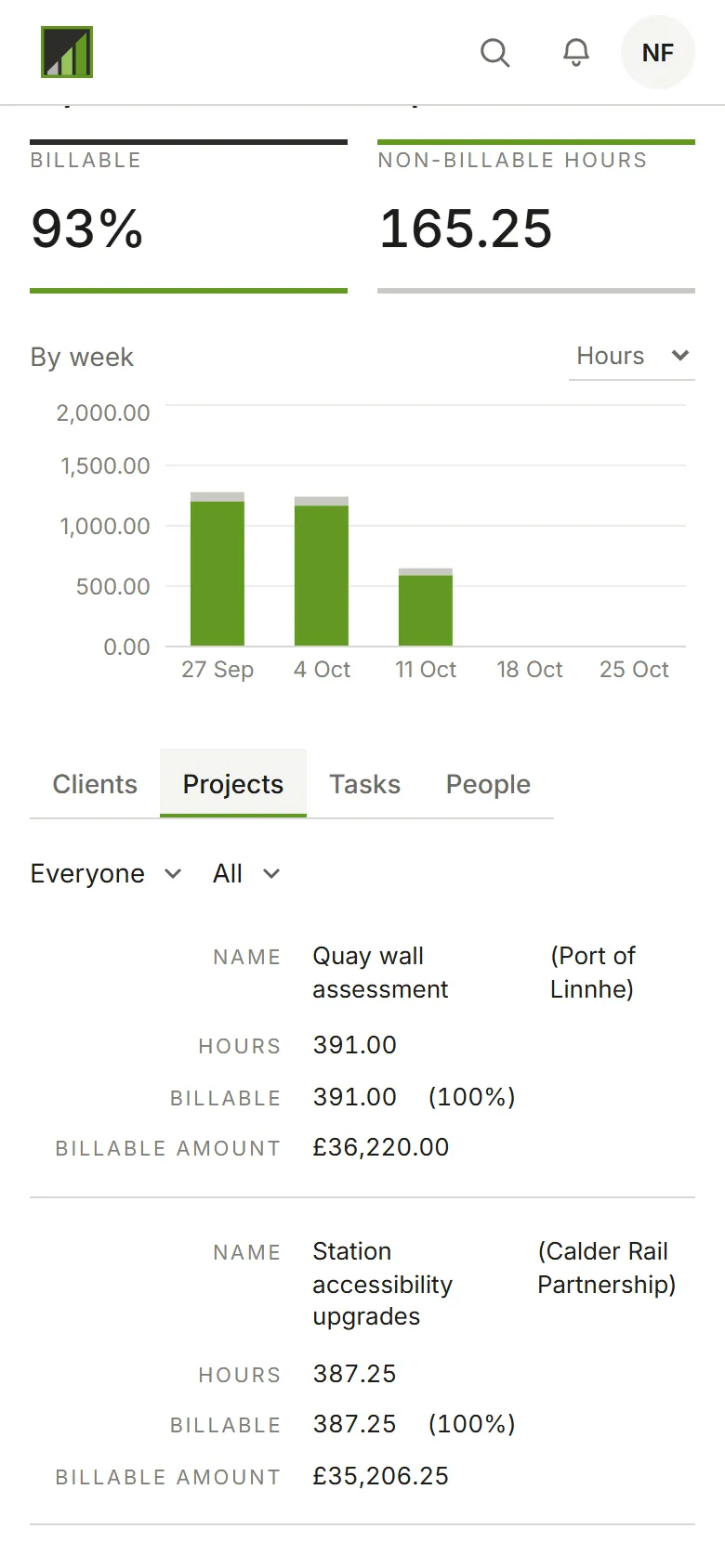
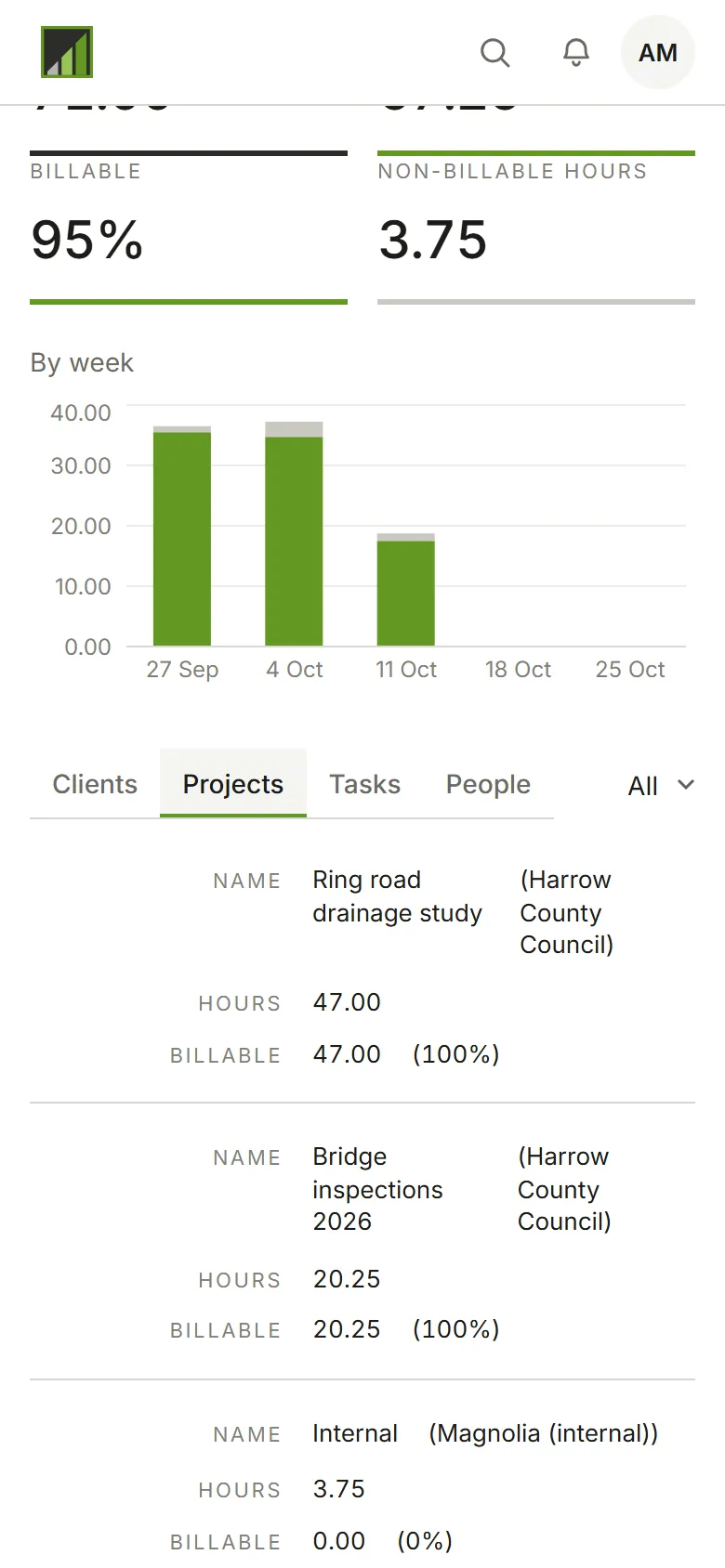
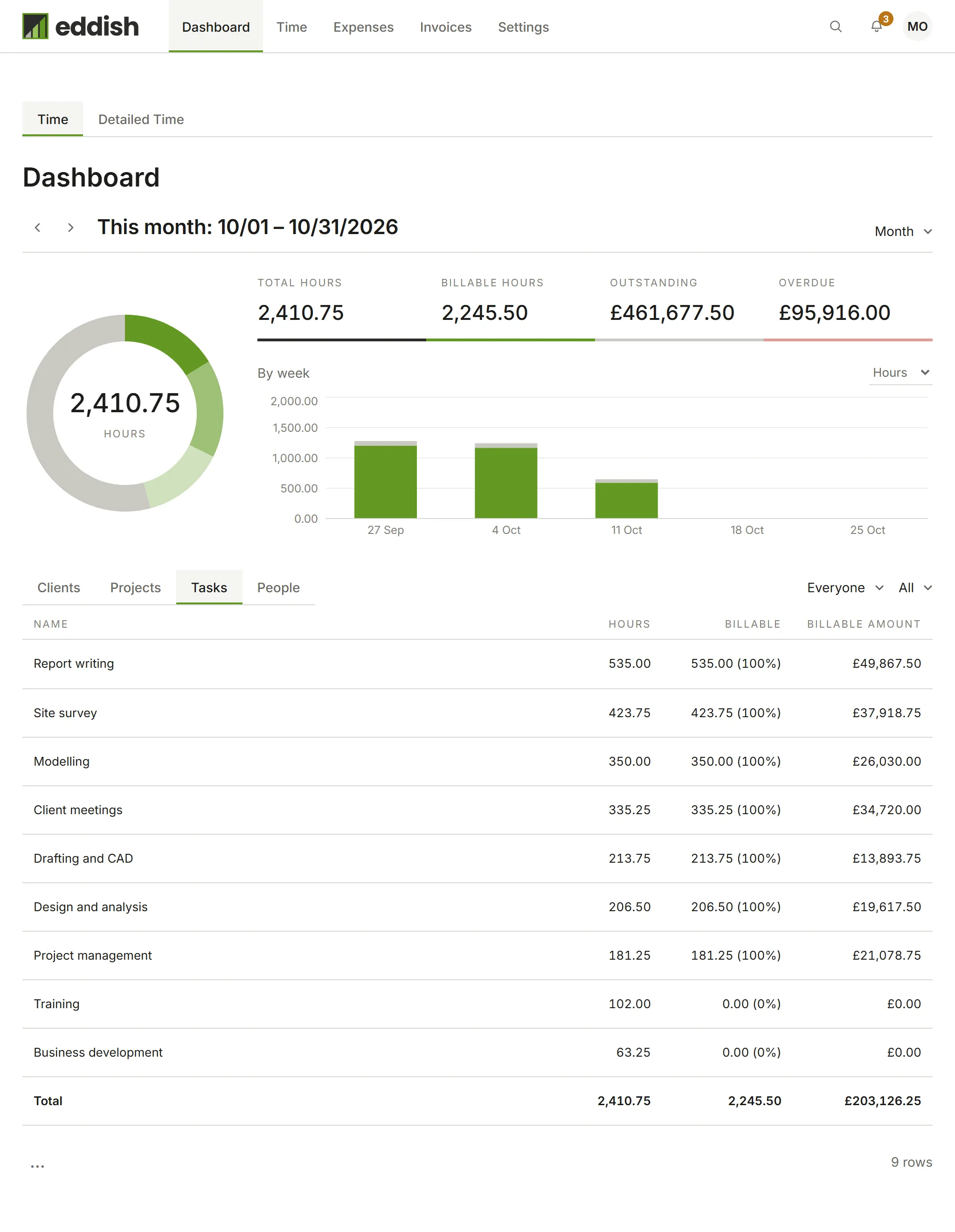
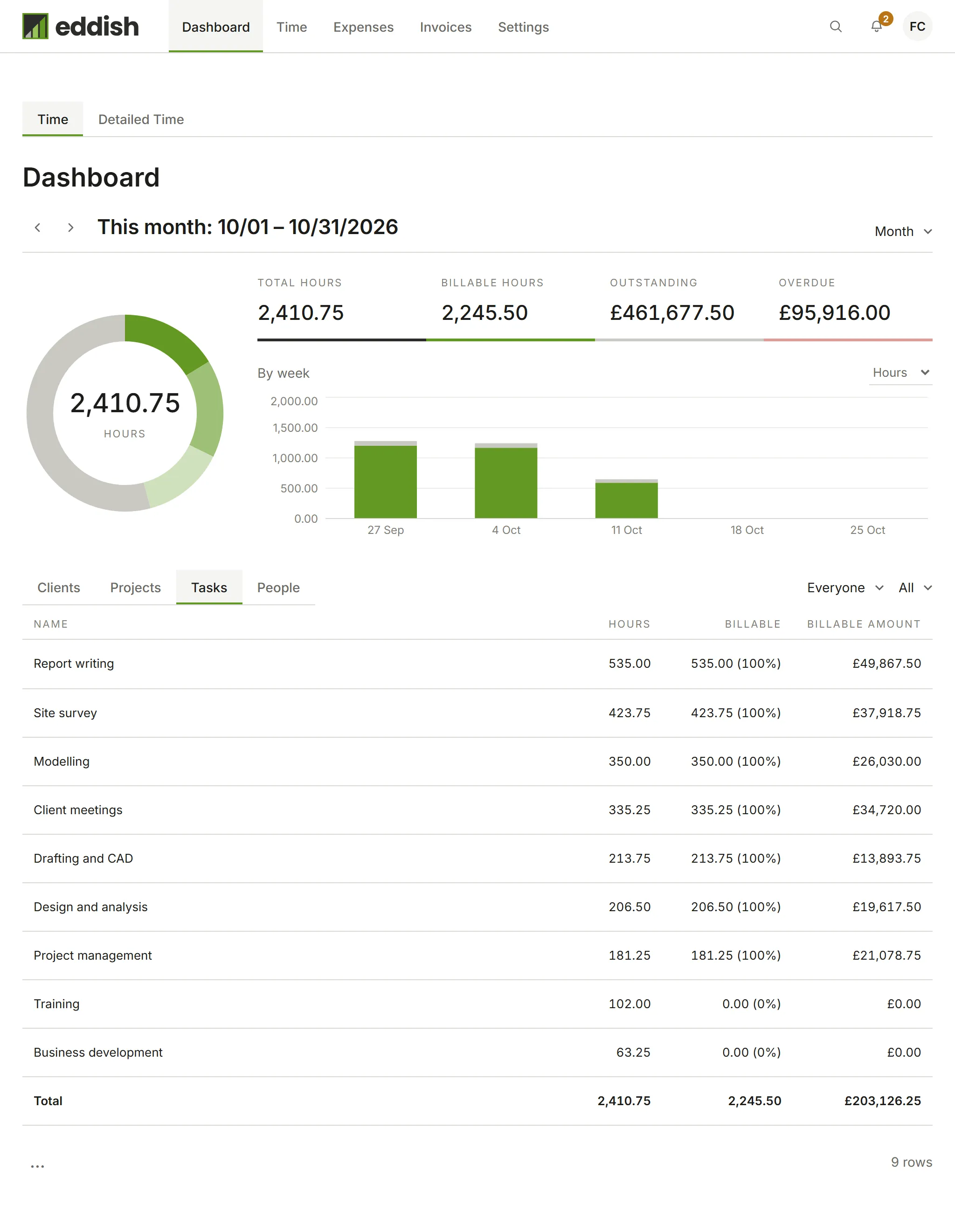
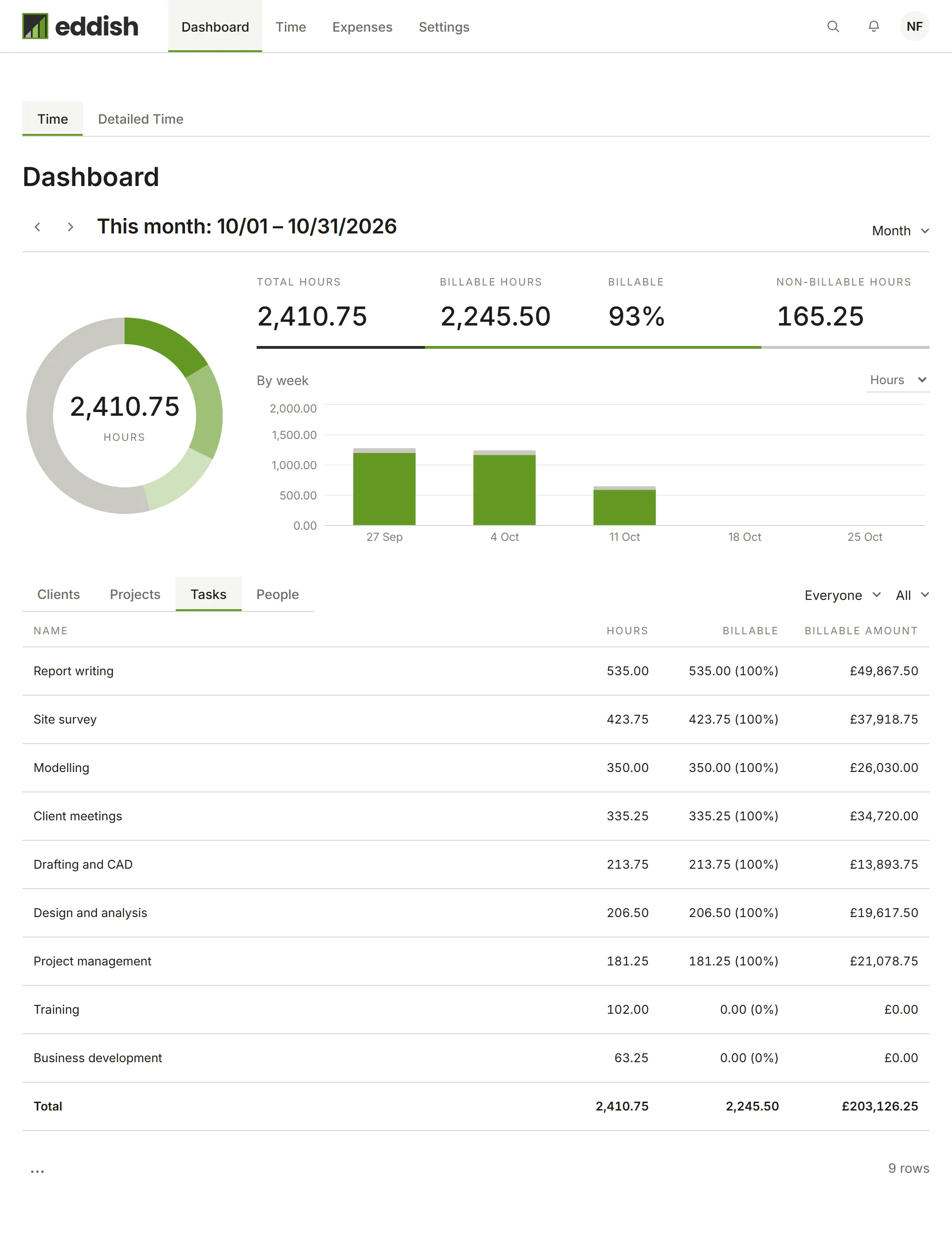
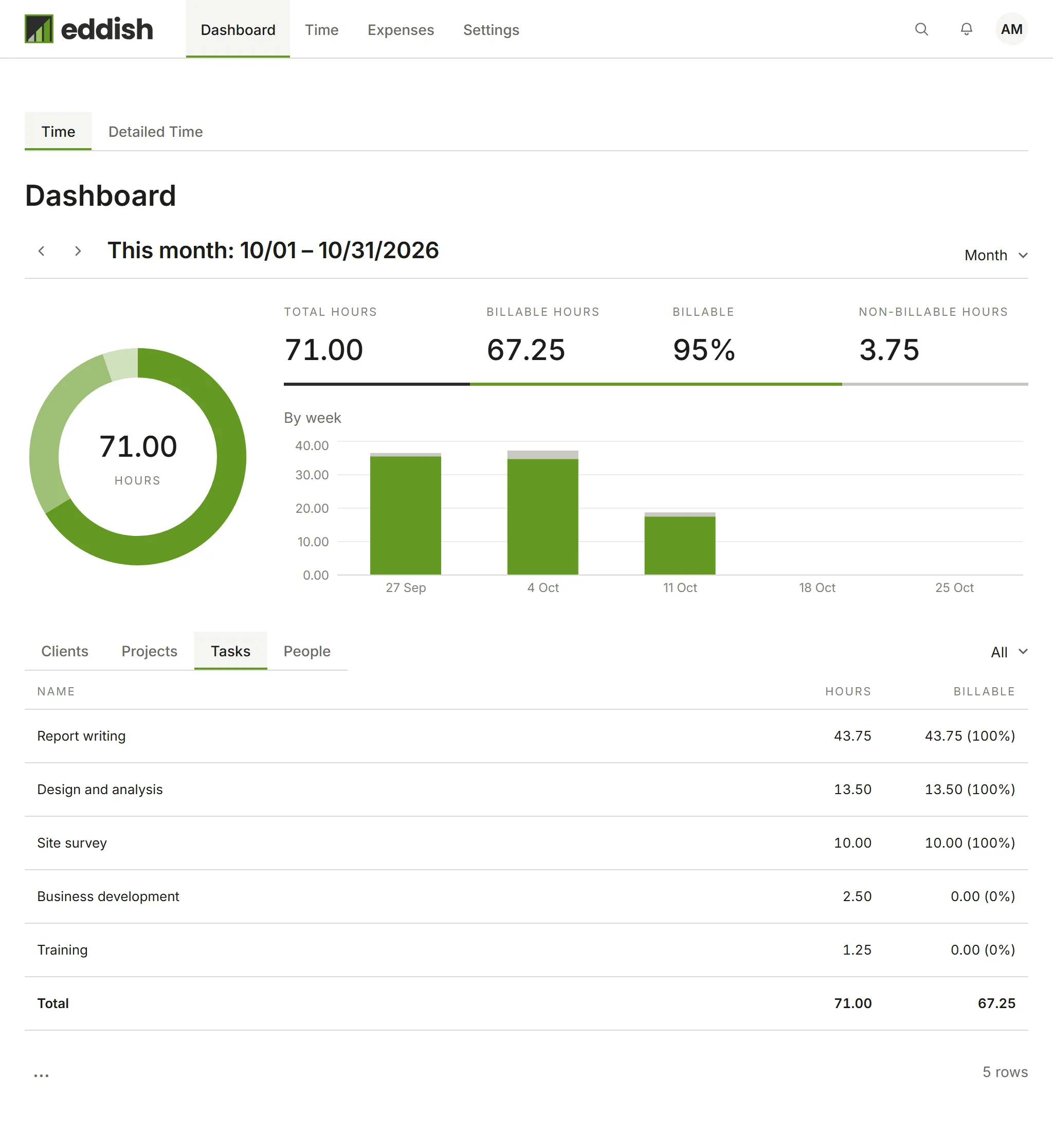
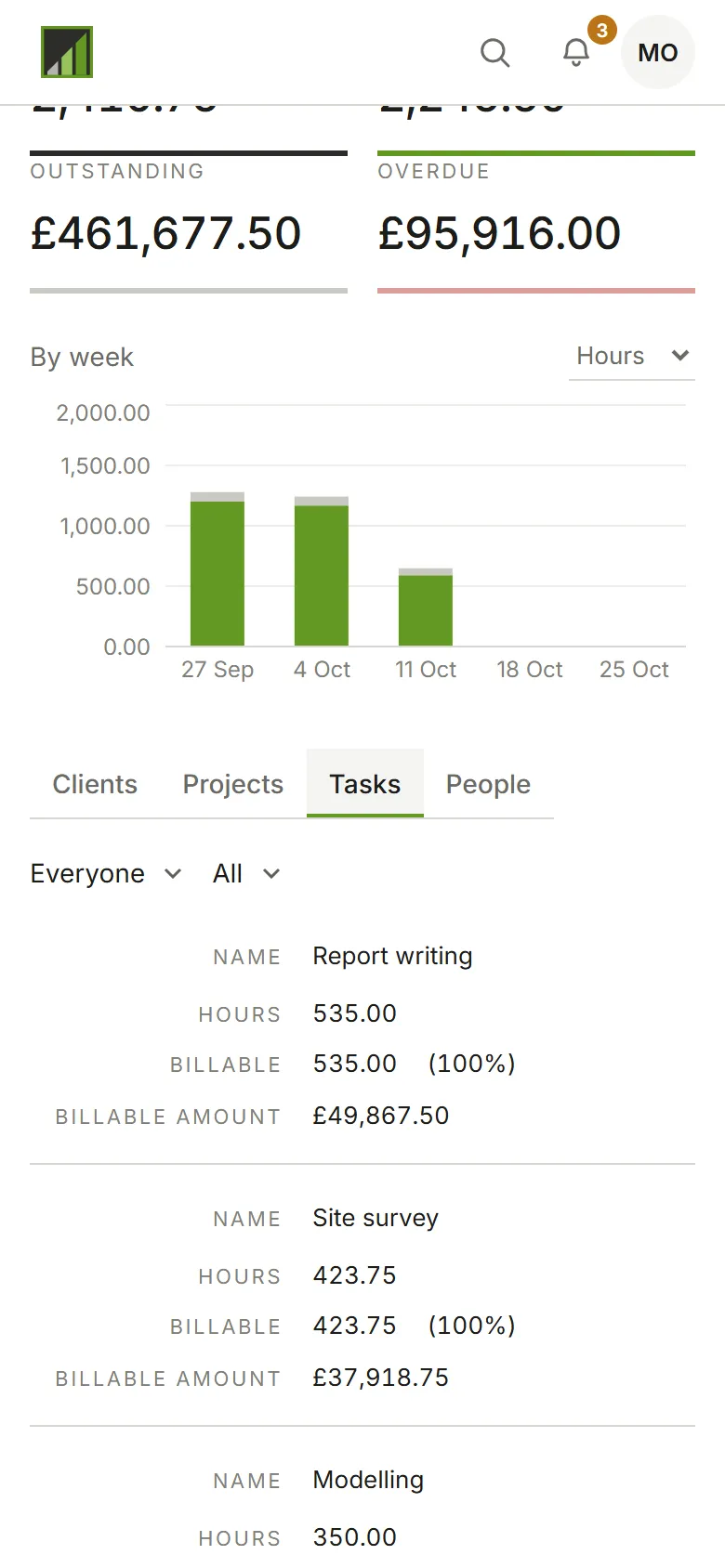
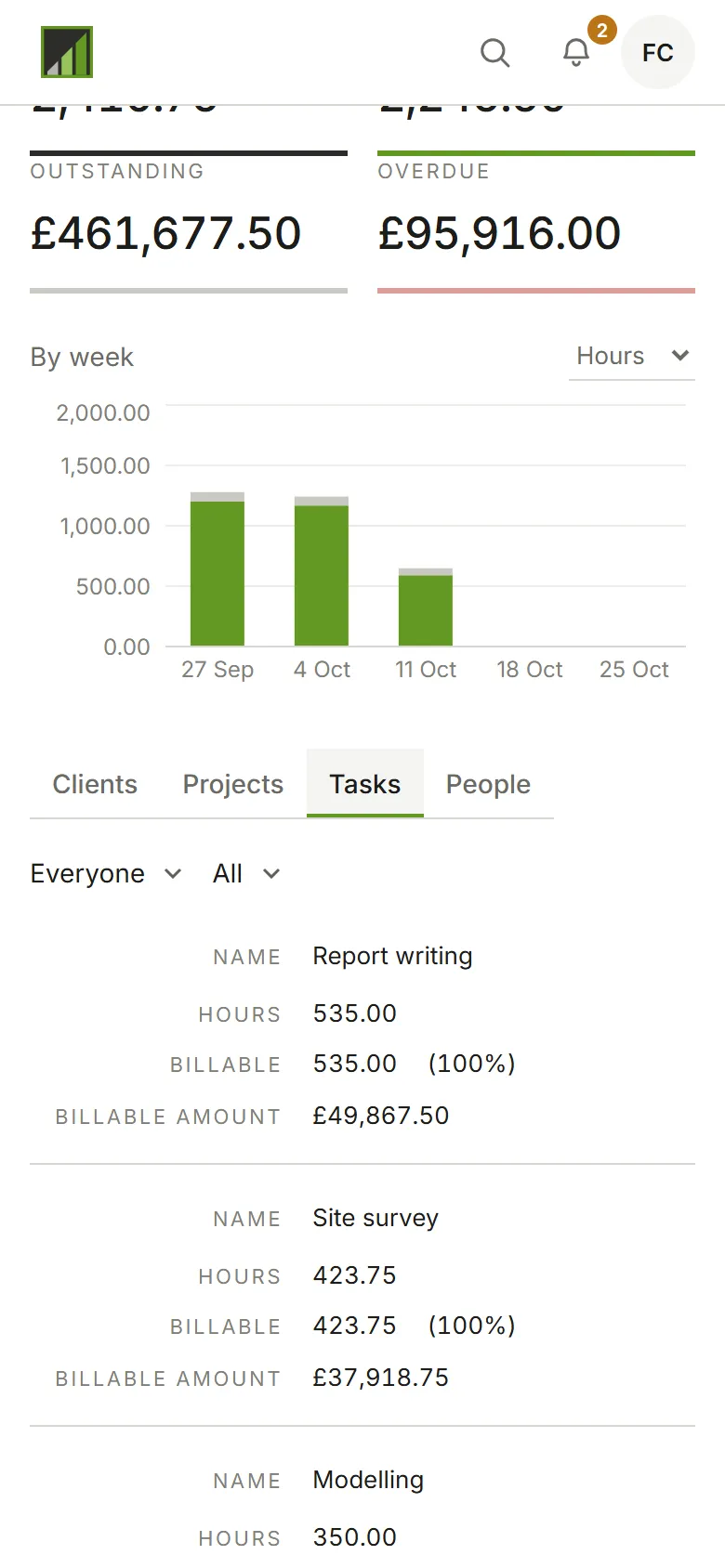
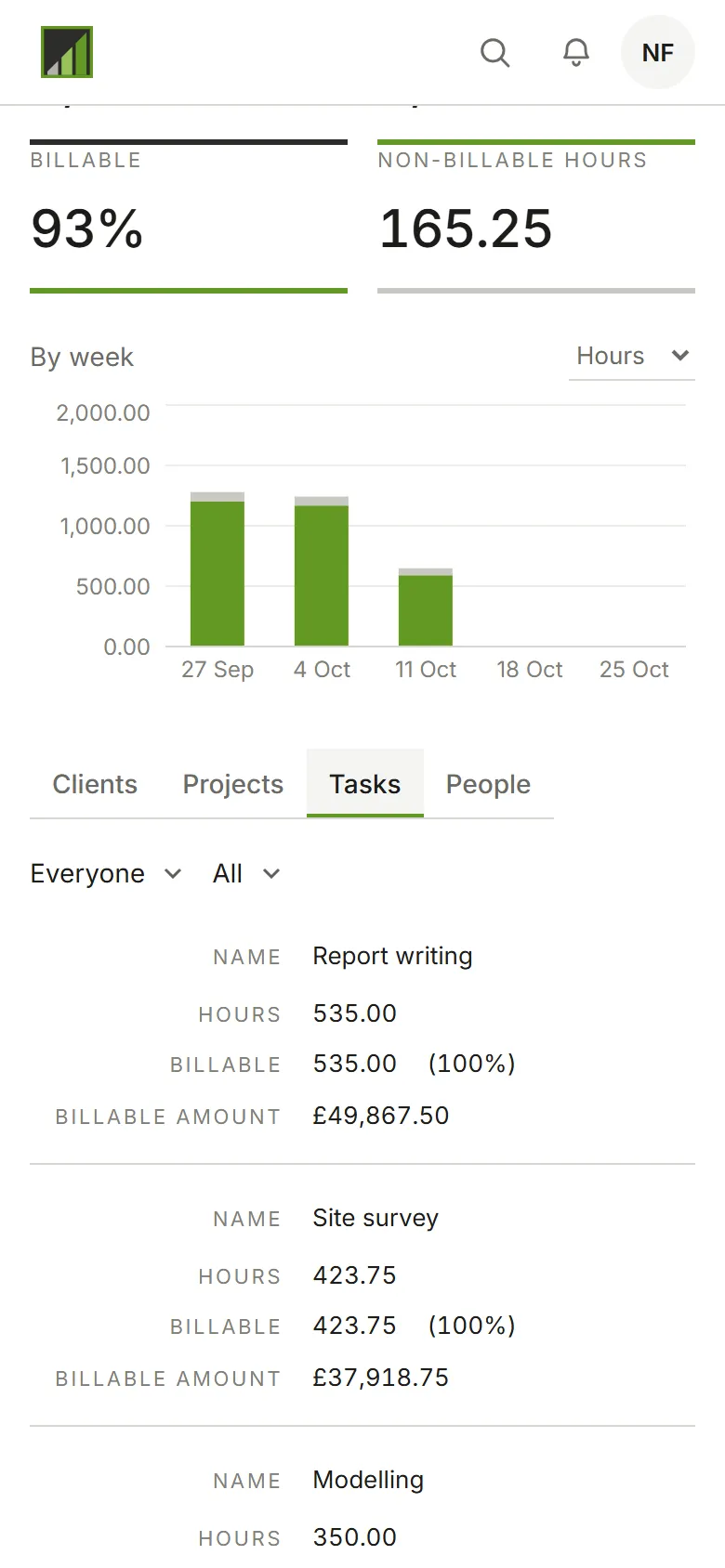
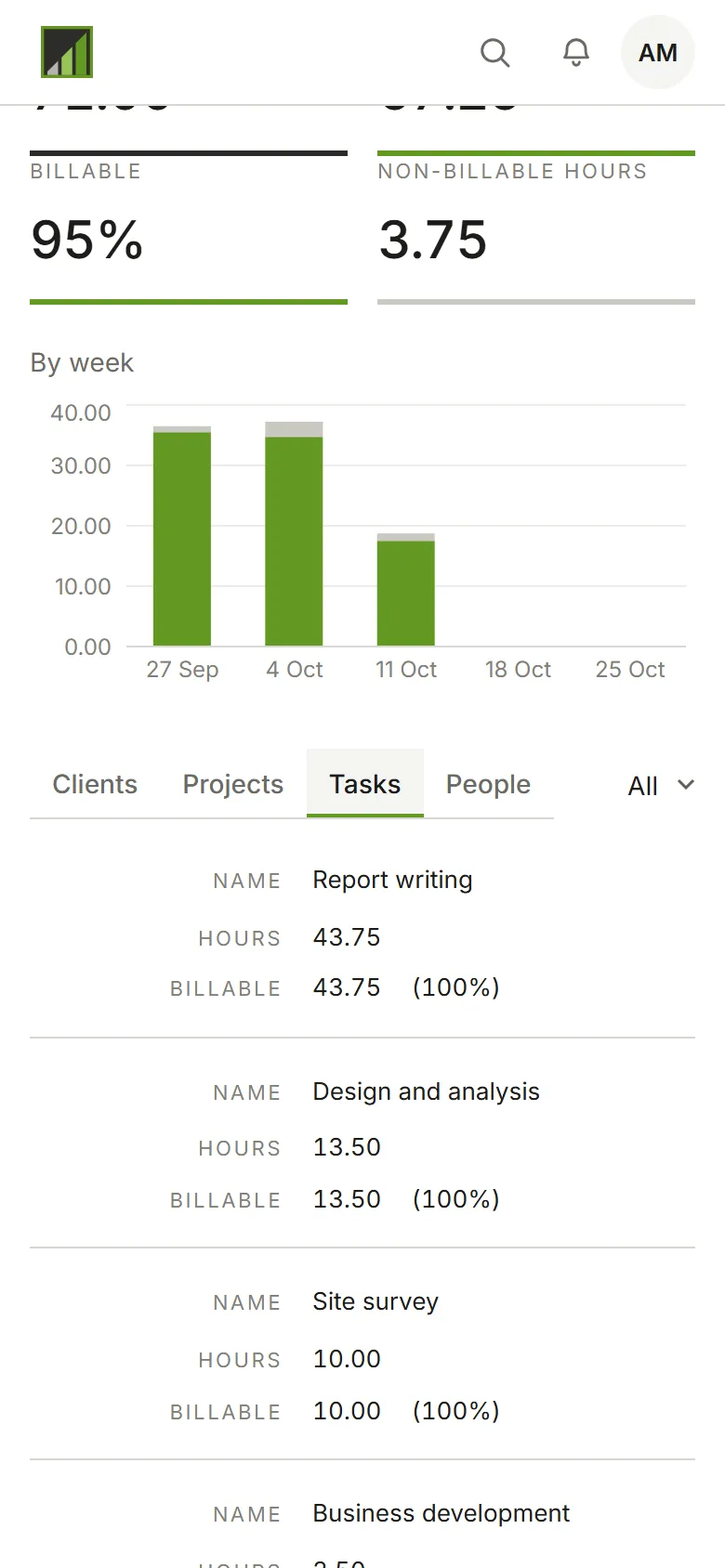
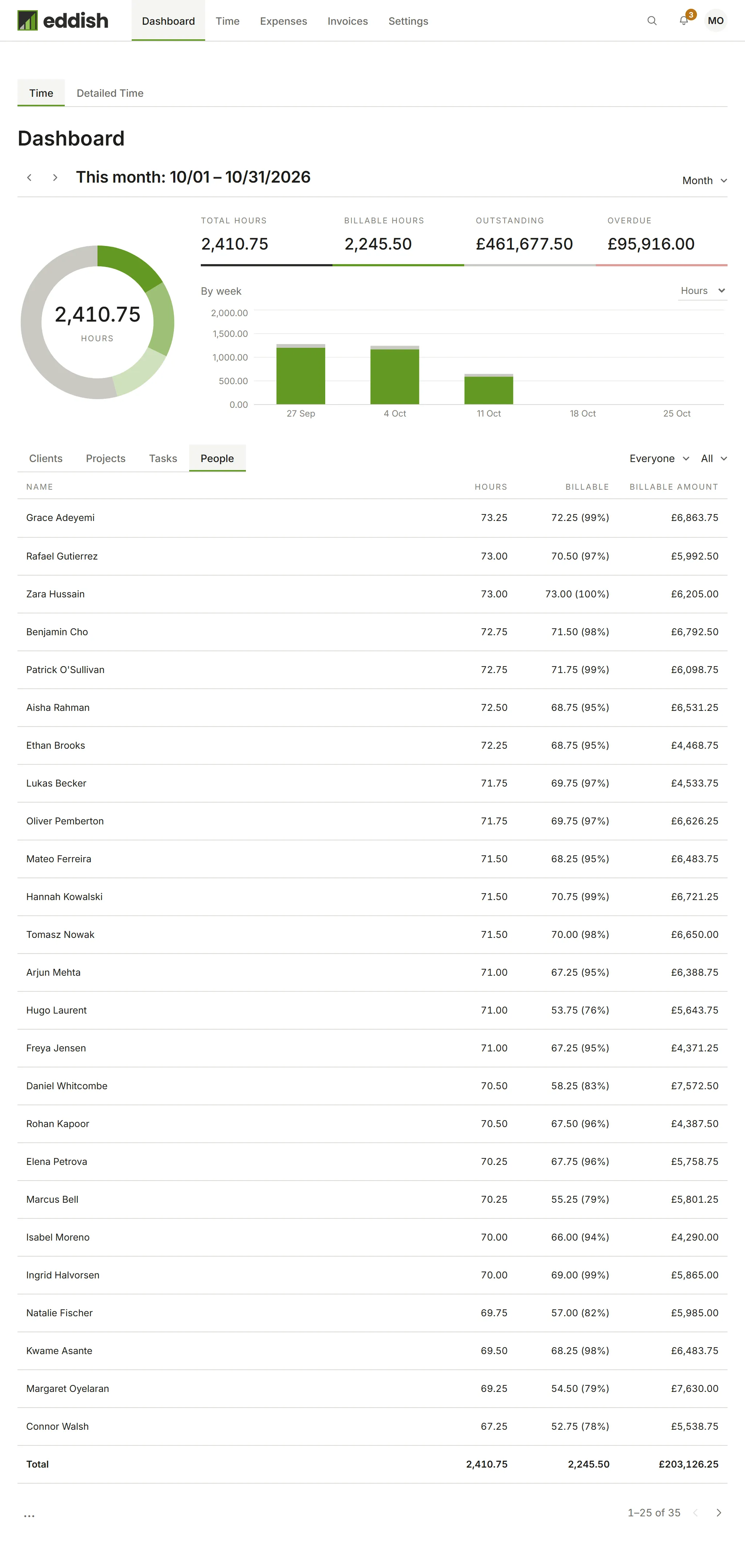
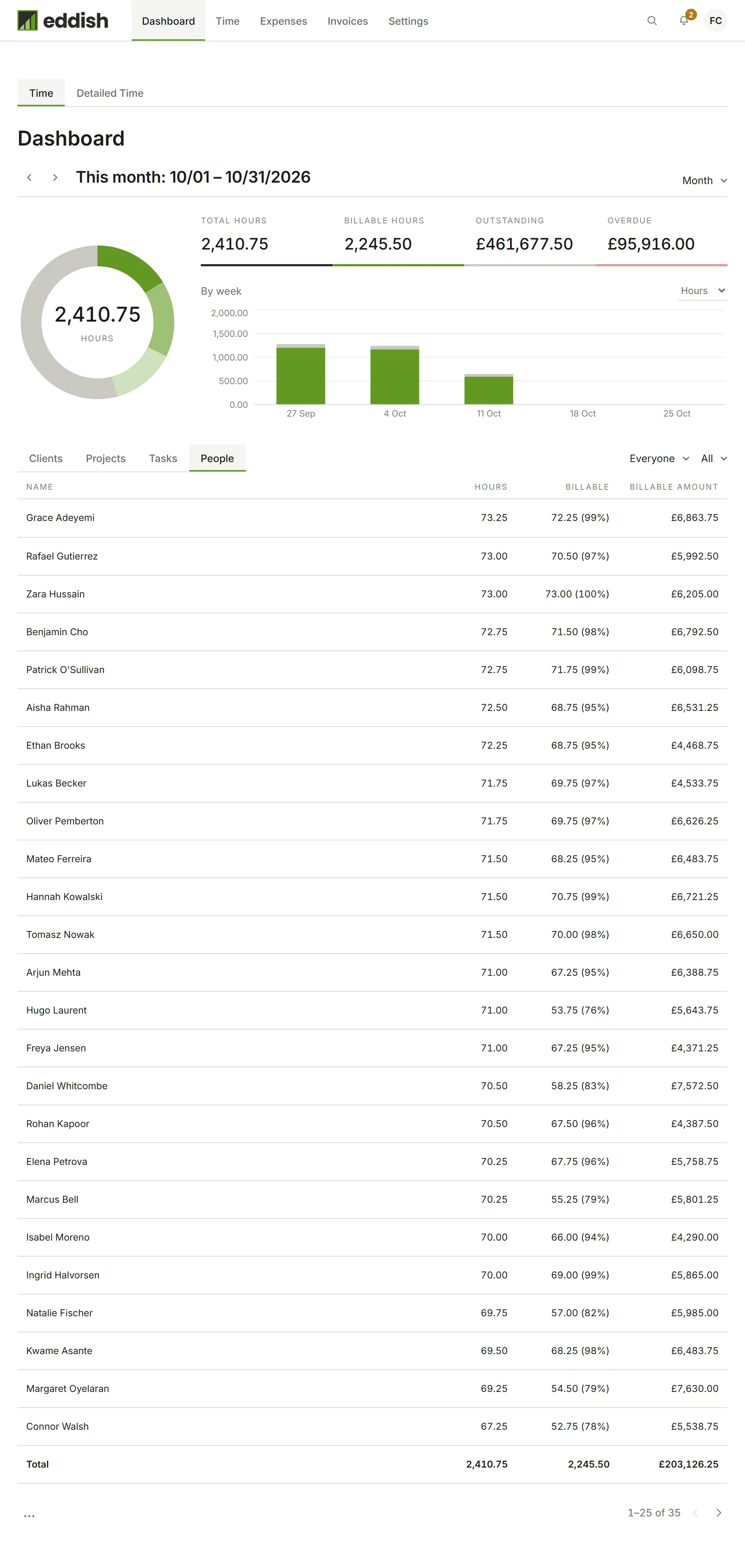
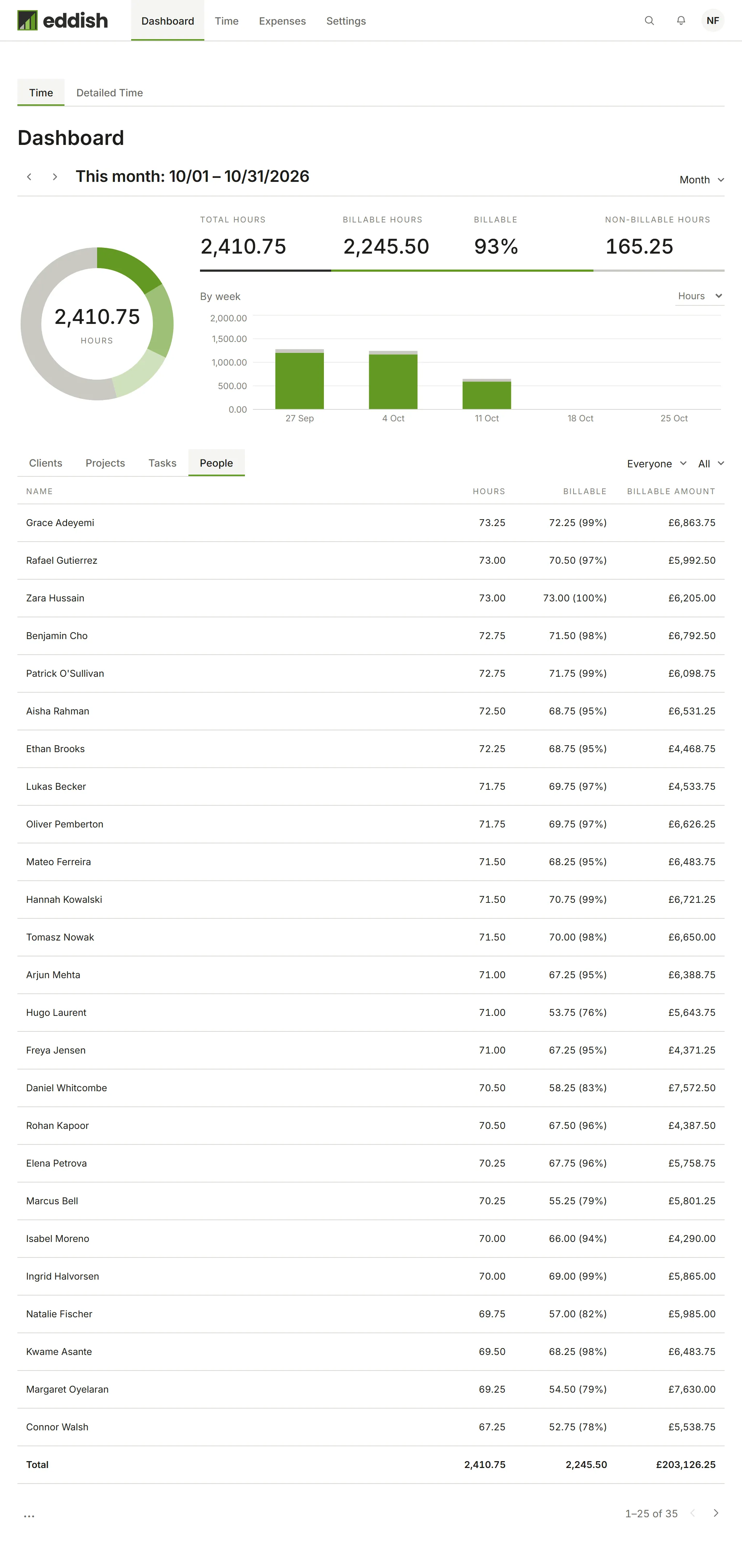
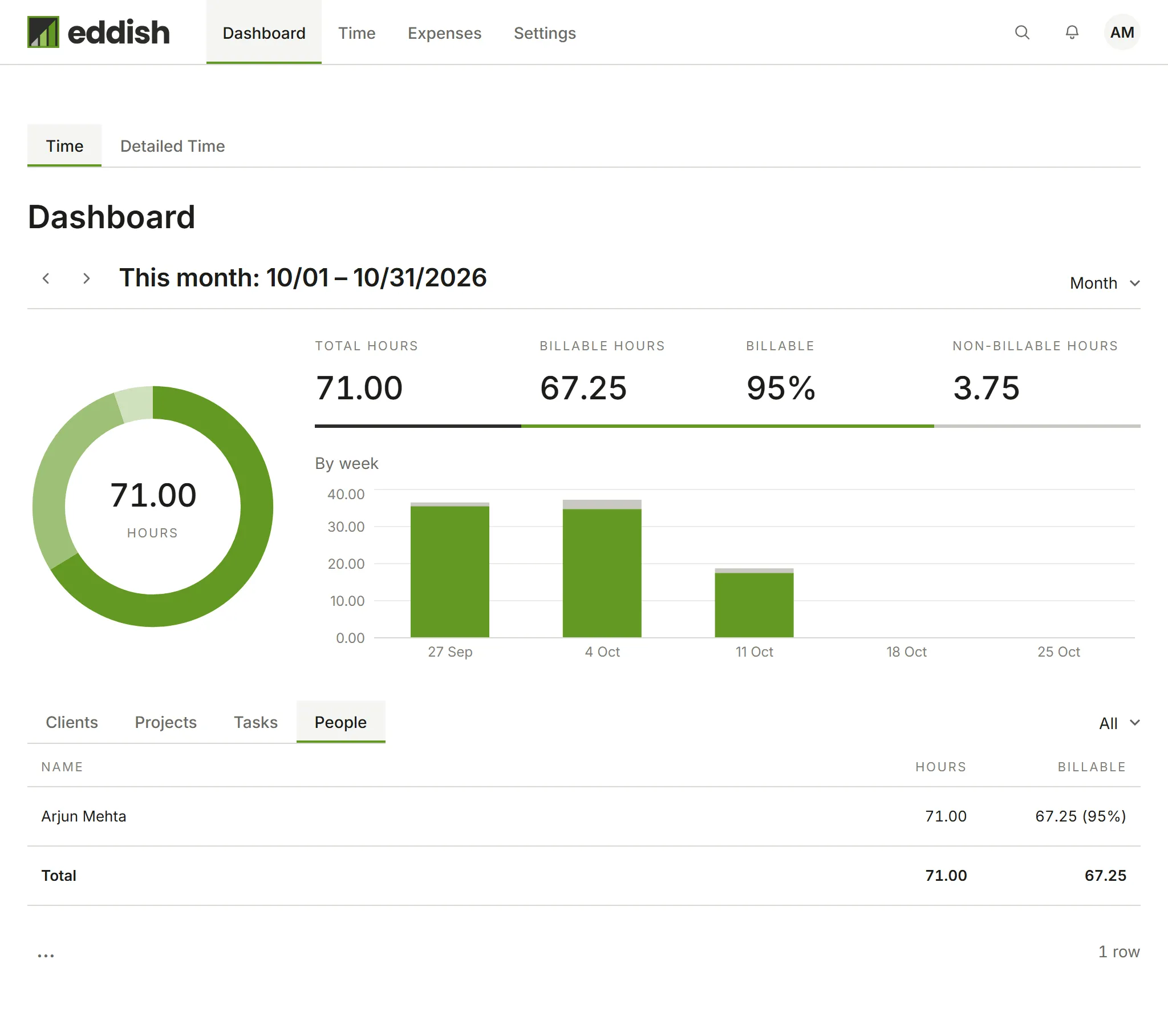
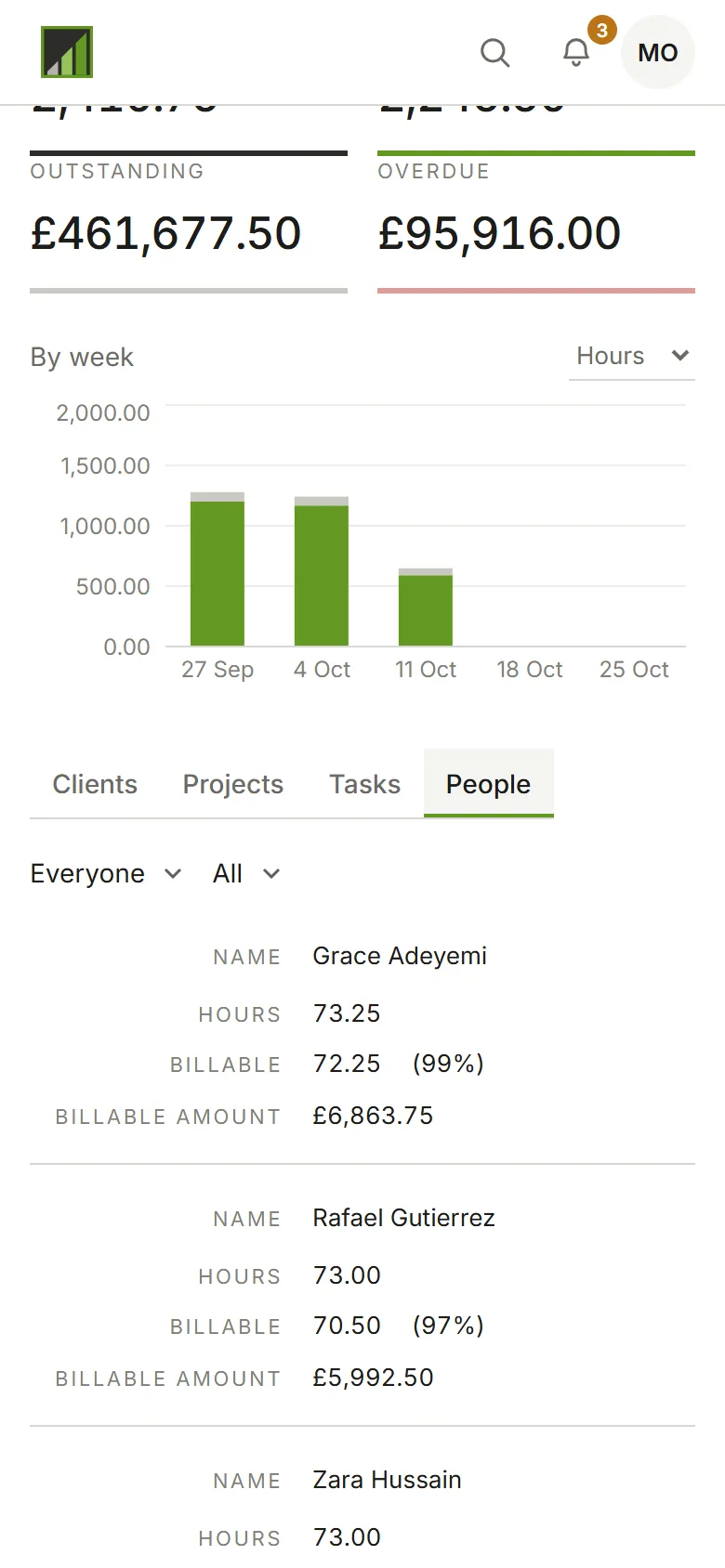
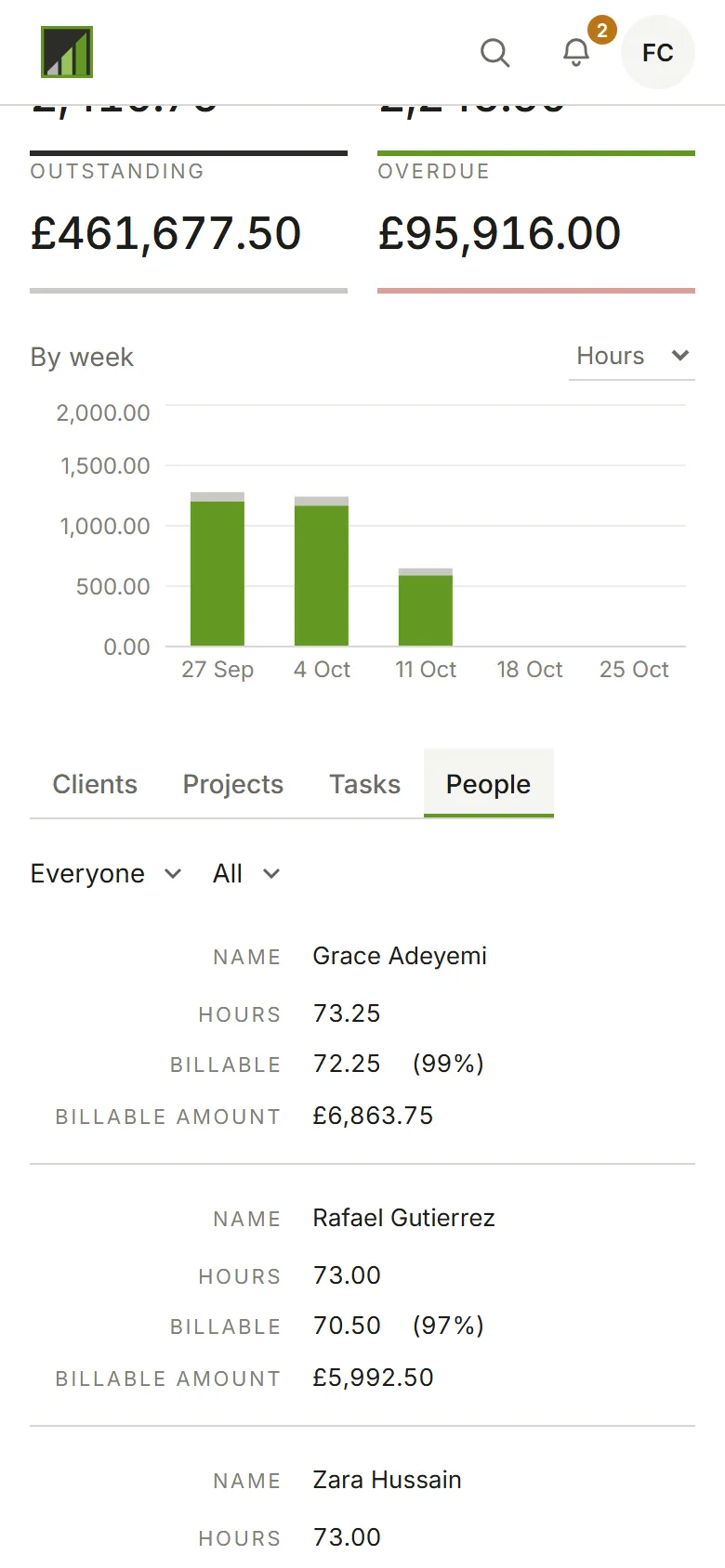
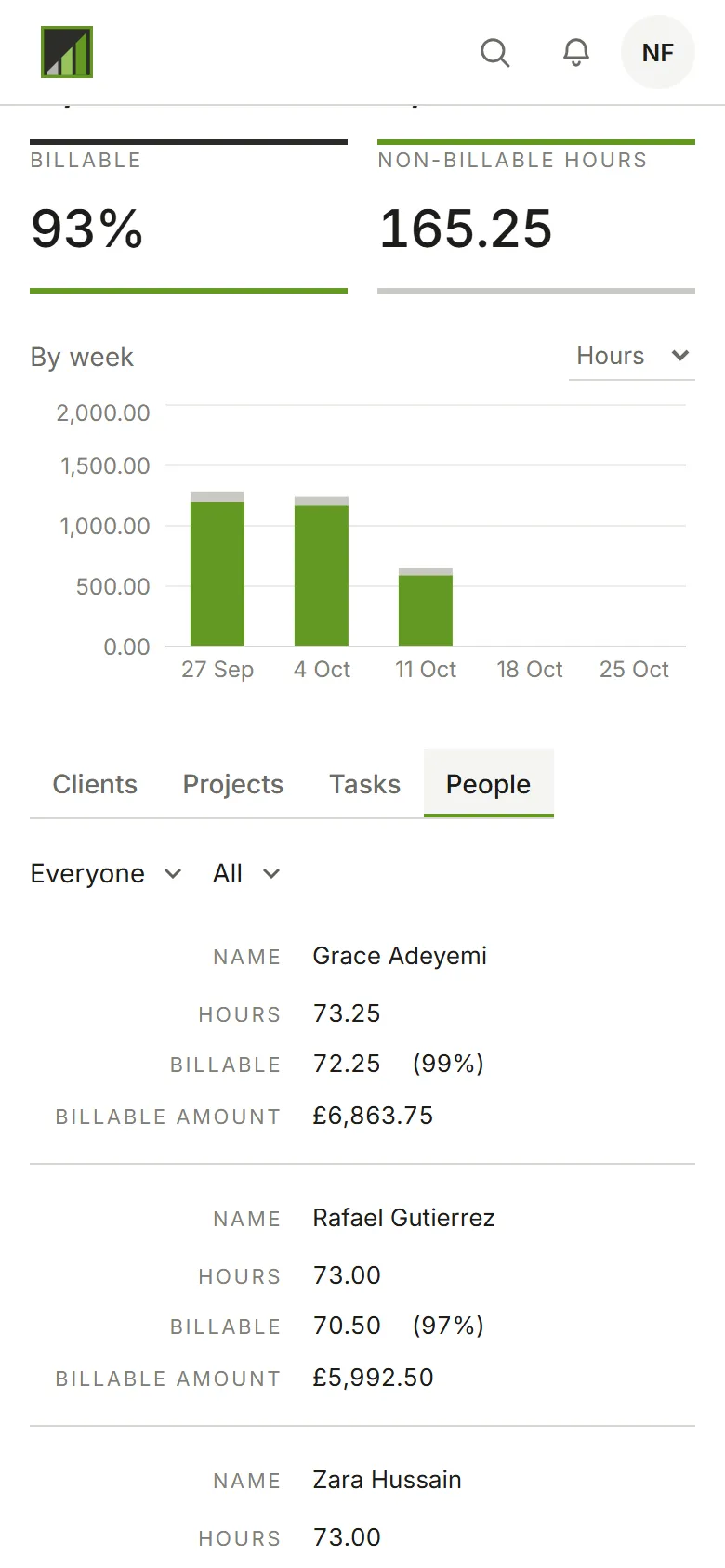
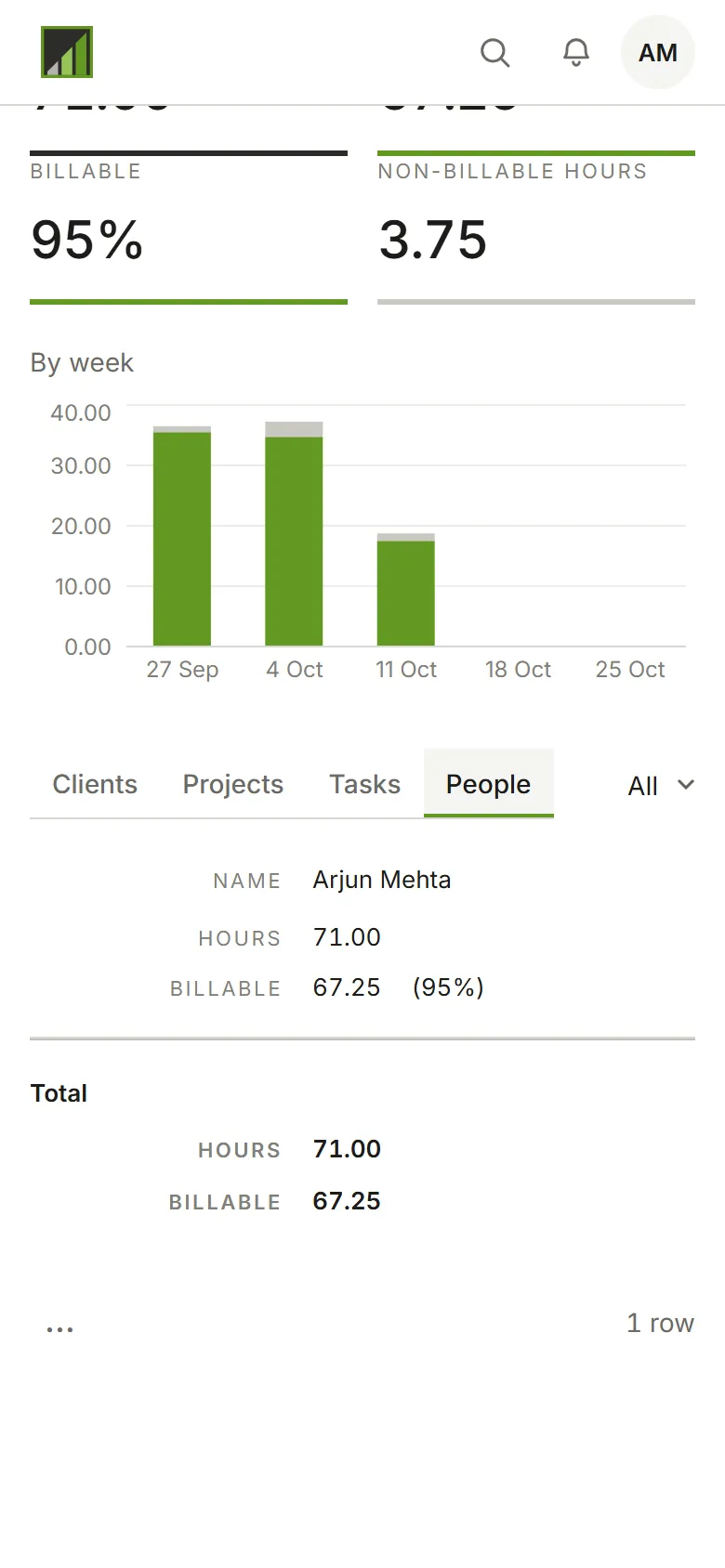
What the four figures are depends on your role:
Total, Billable (in hours or as an amount, as you choose), Outstanding (open invoices not yet due) and Overdue. The Dashboard covers everyone’s time.
Total hours, Billable hours, Billable (a share, or an amount if an Admin lets Approvers see amounts) and, while the account approves time, Weeks to approve. The Dashboard covers everyone’s time. Invoice figures aren’t part of your role.
Total hours, Billable hours, the share that’s Billable and, while the account approves time, Weeks to submit. The Dashboard covers your own time; amounts show only if an Admin lets Members see their own.
Below the chart, the same time is broken down by Clients, Projects, Tasks or People.
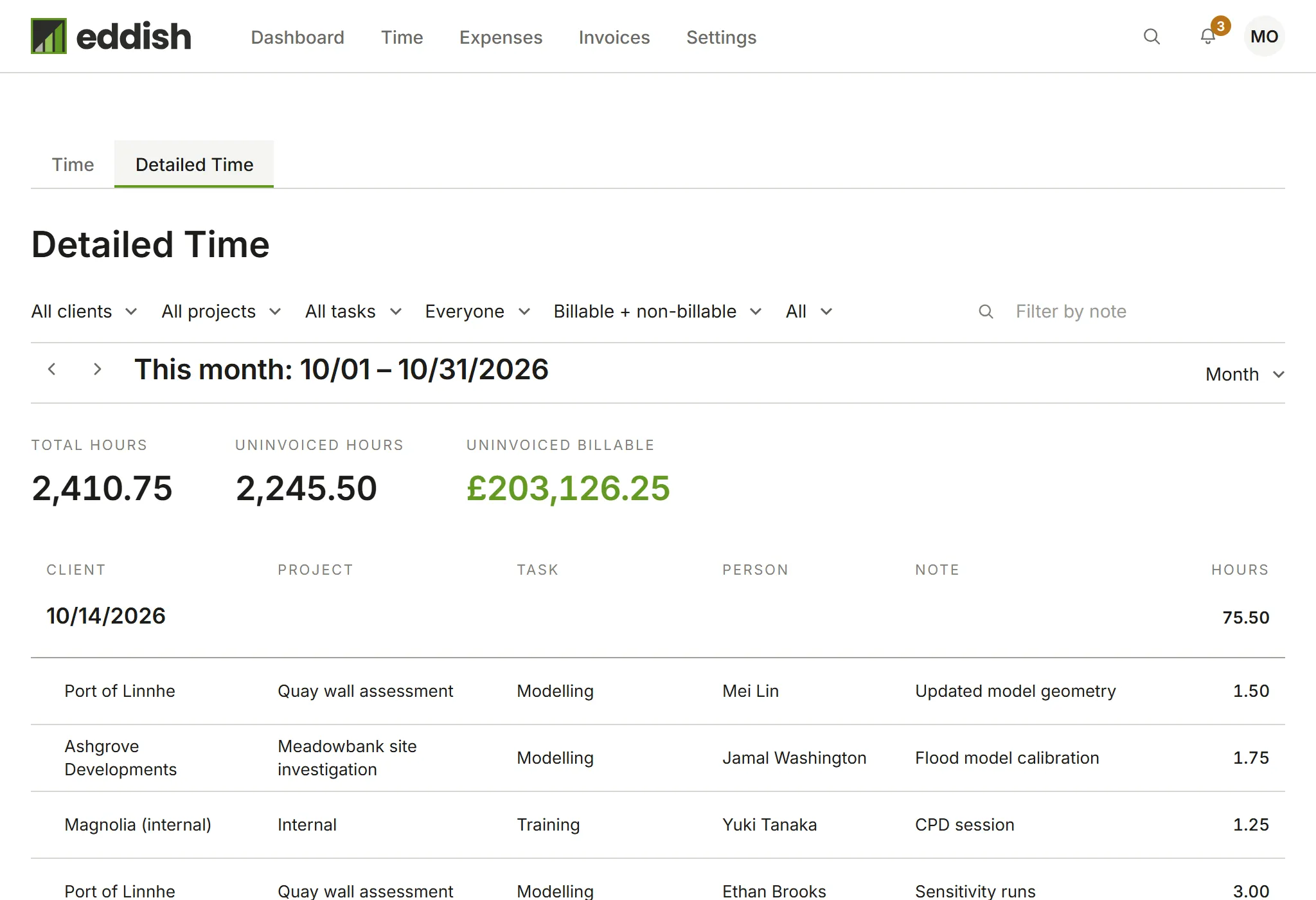
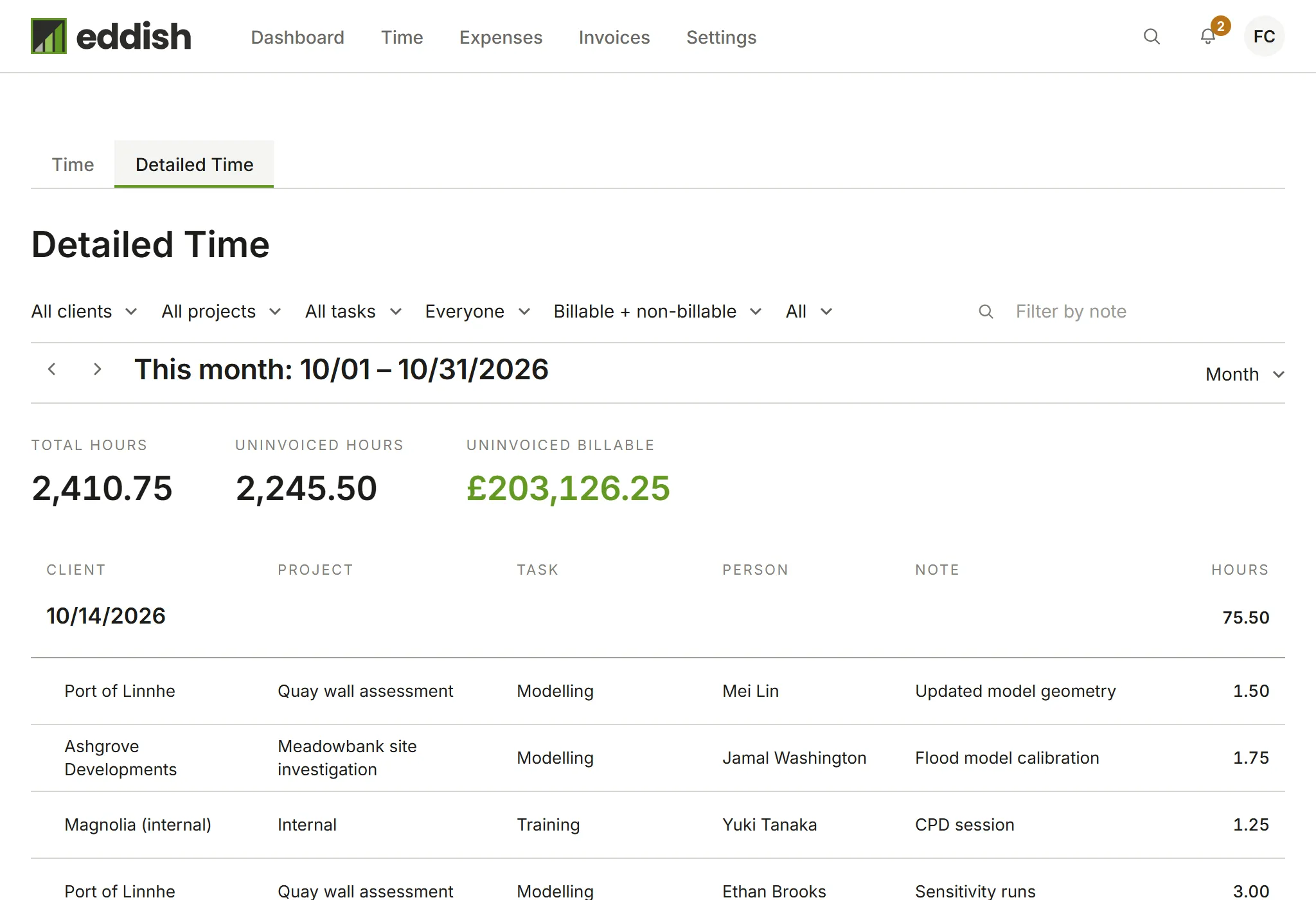
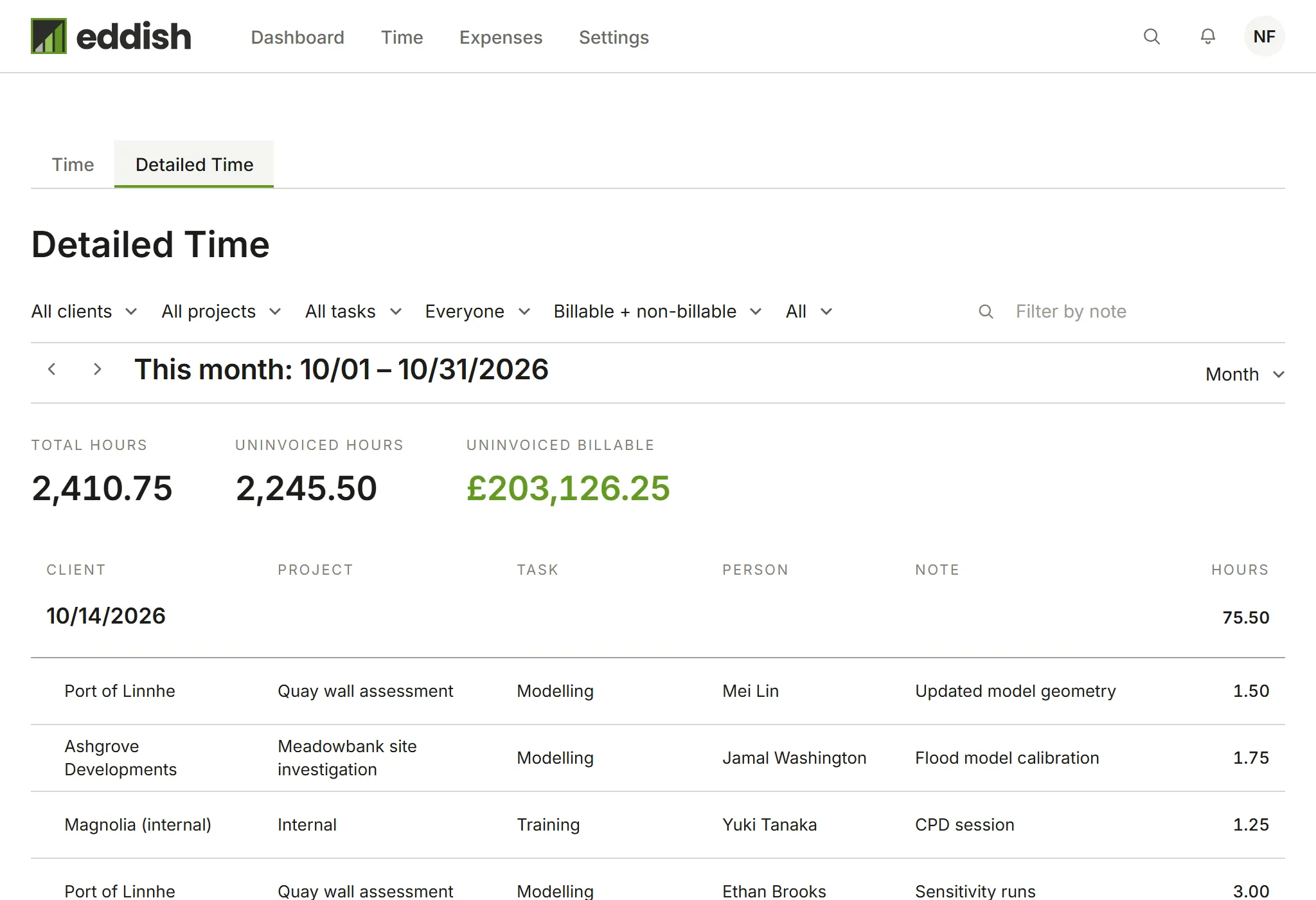
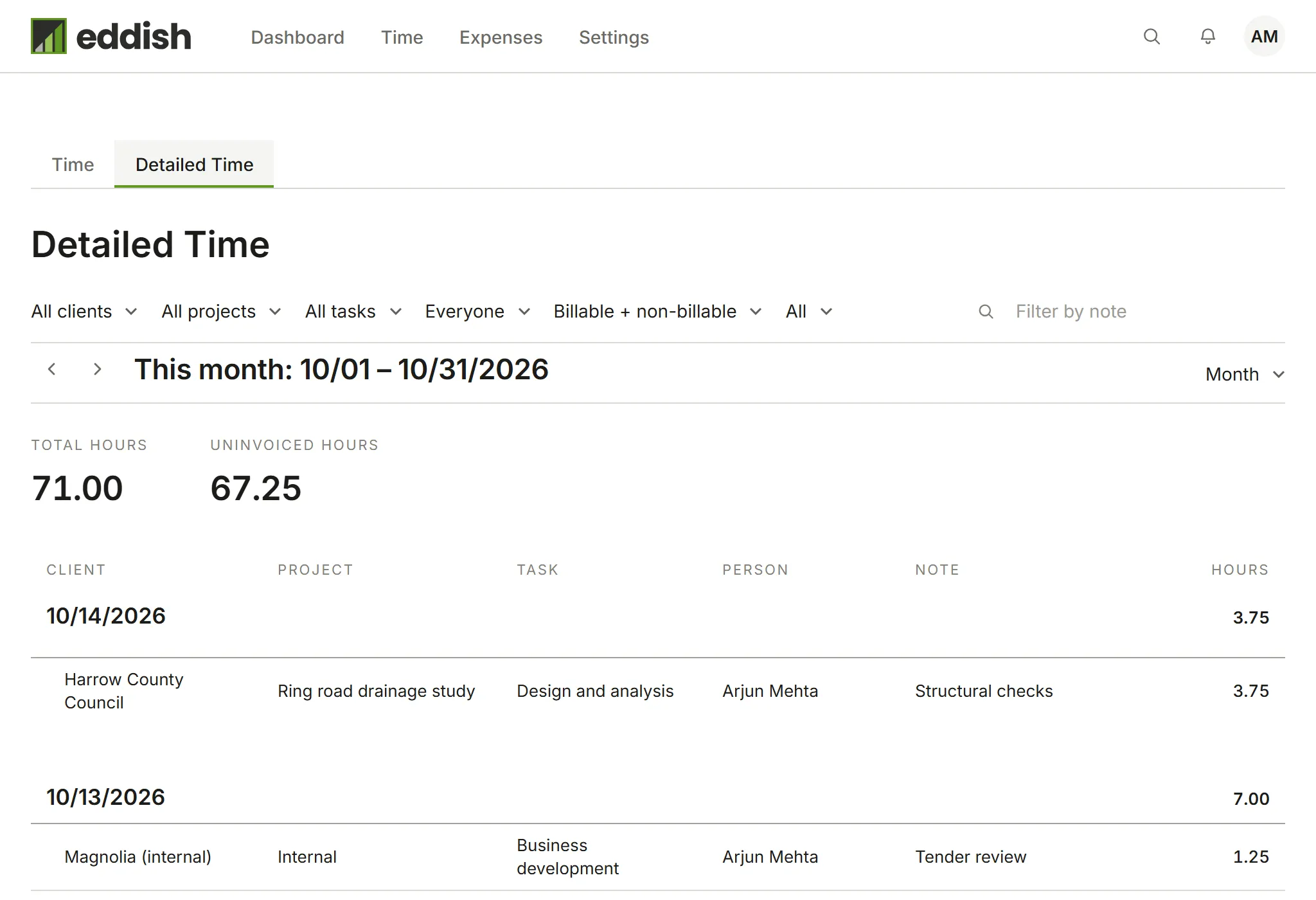
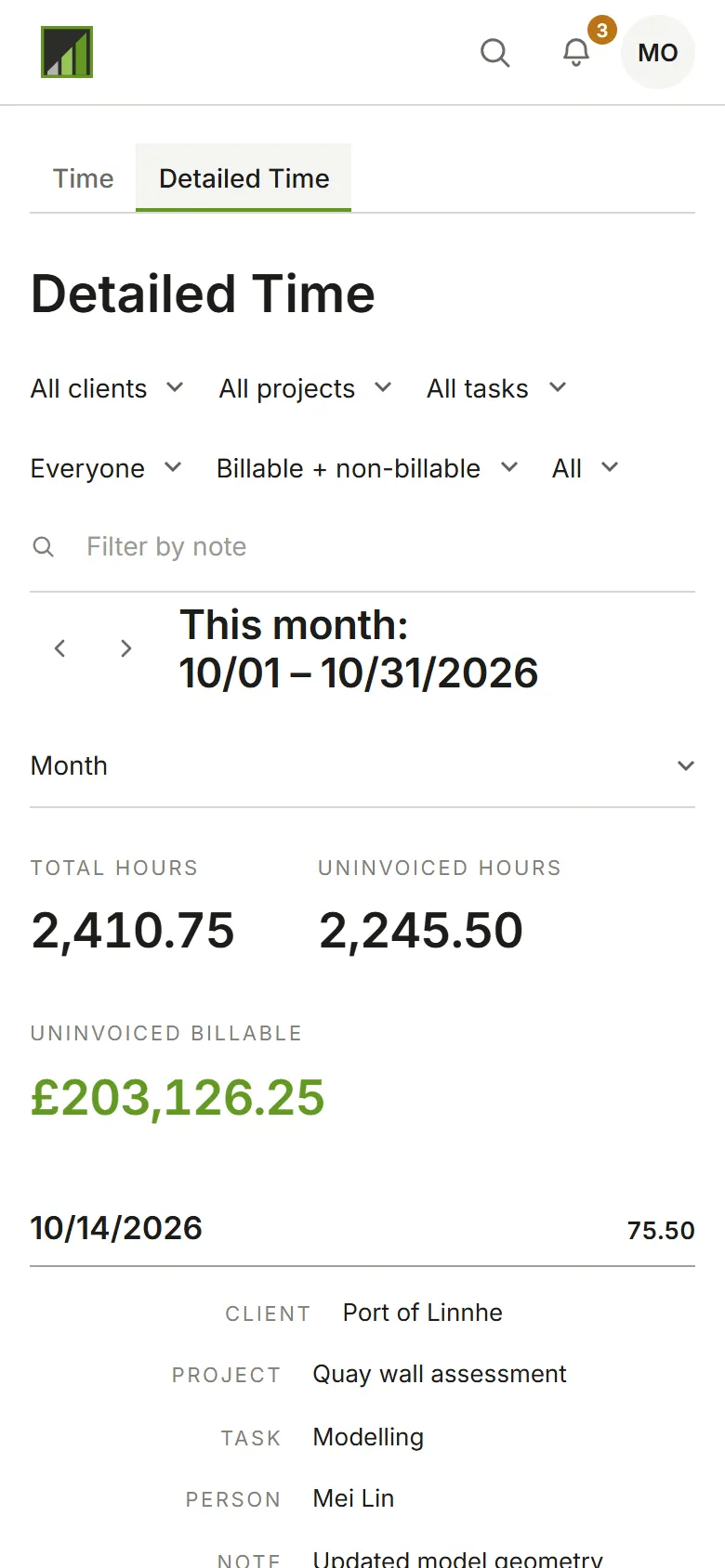
Detailed time
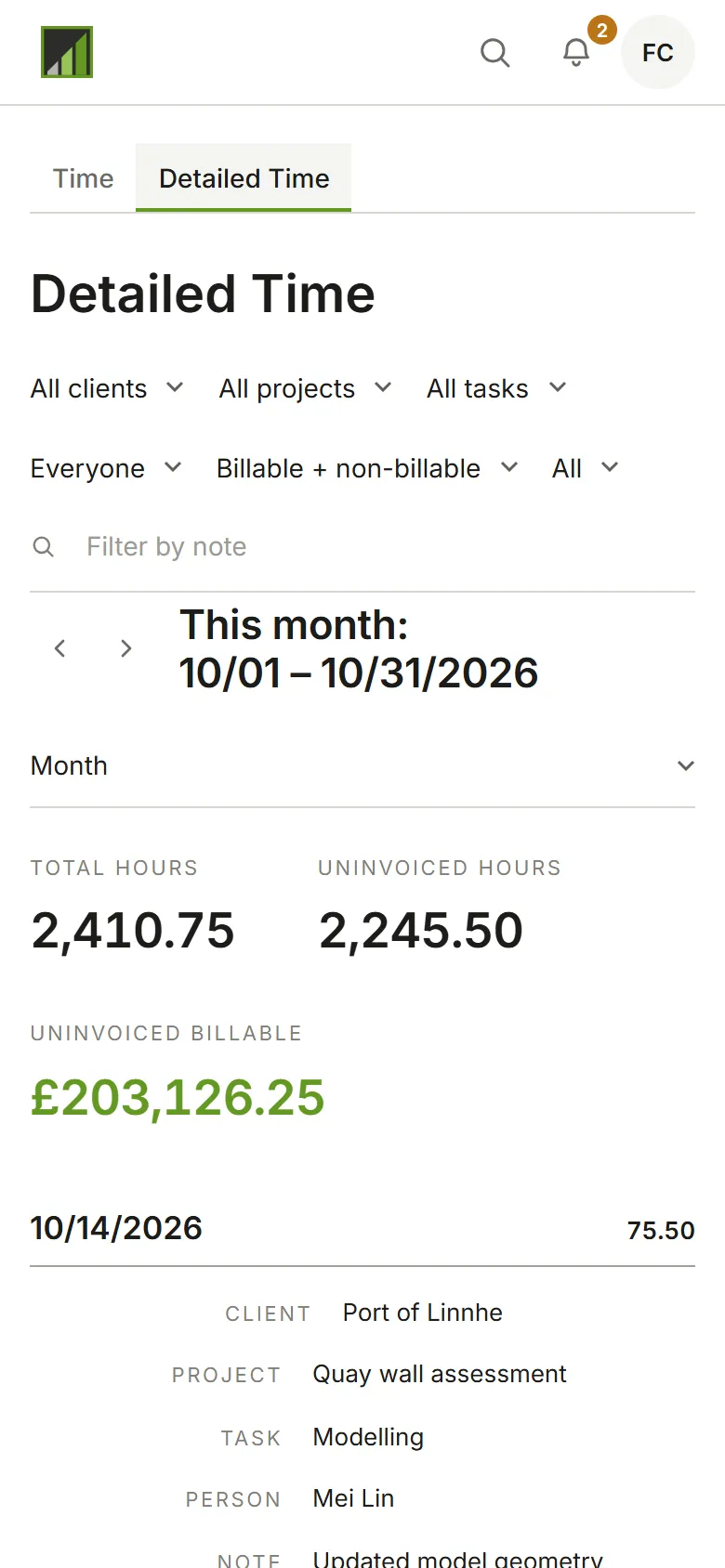
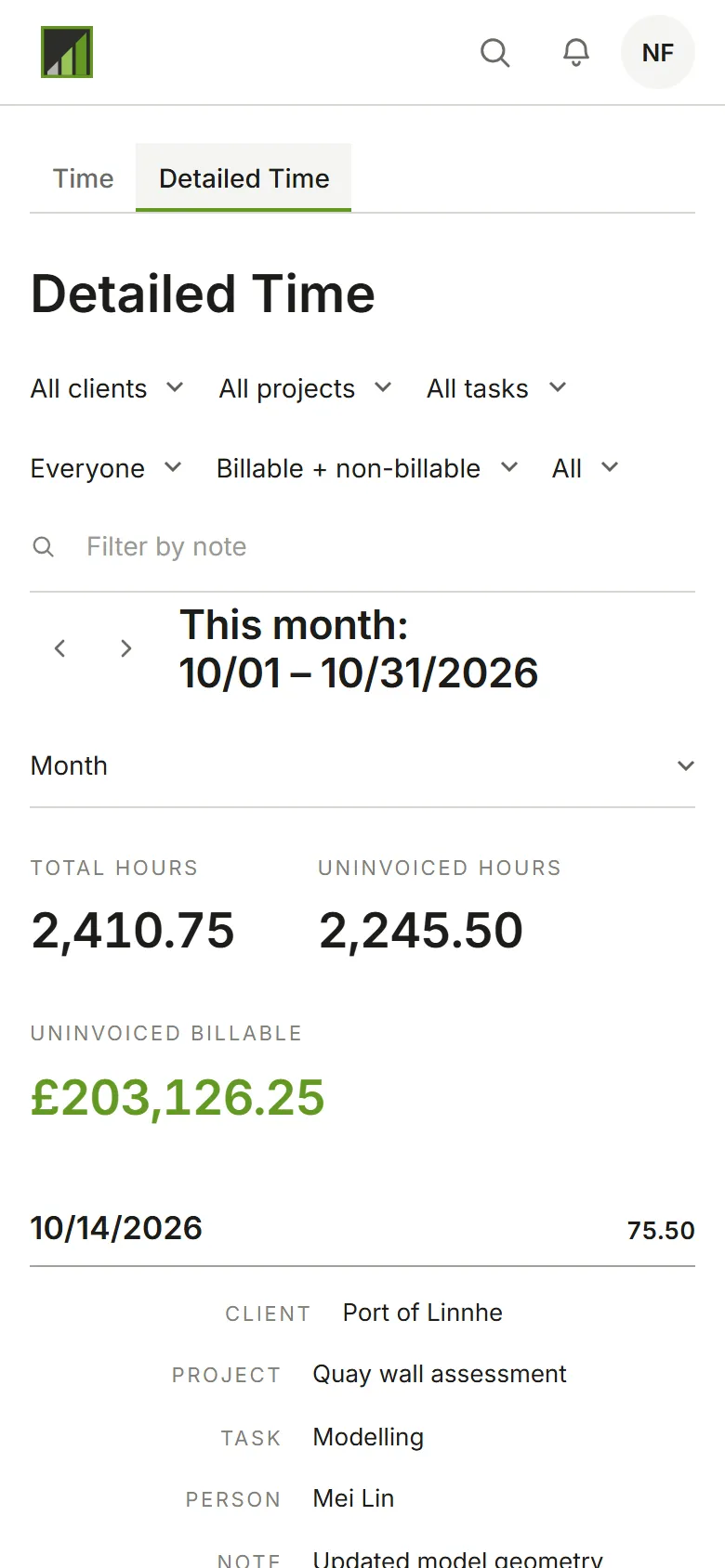
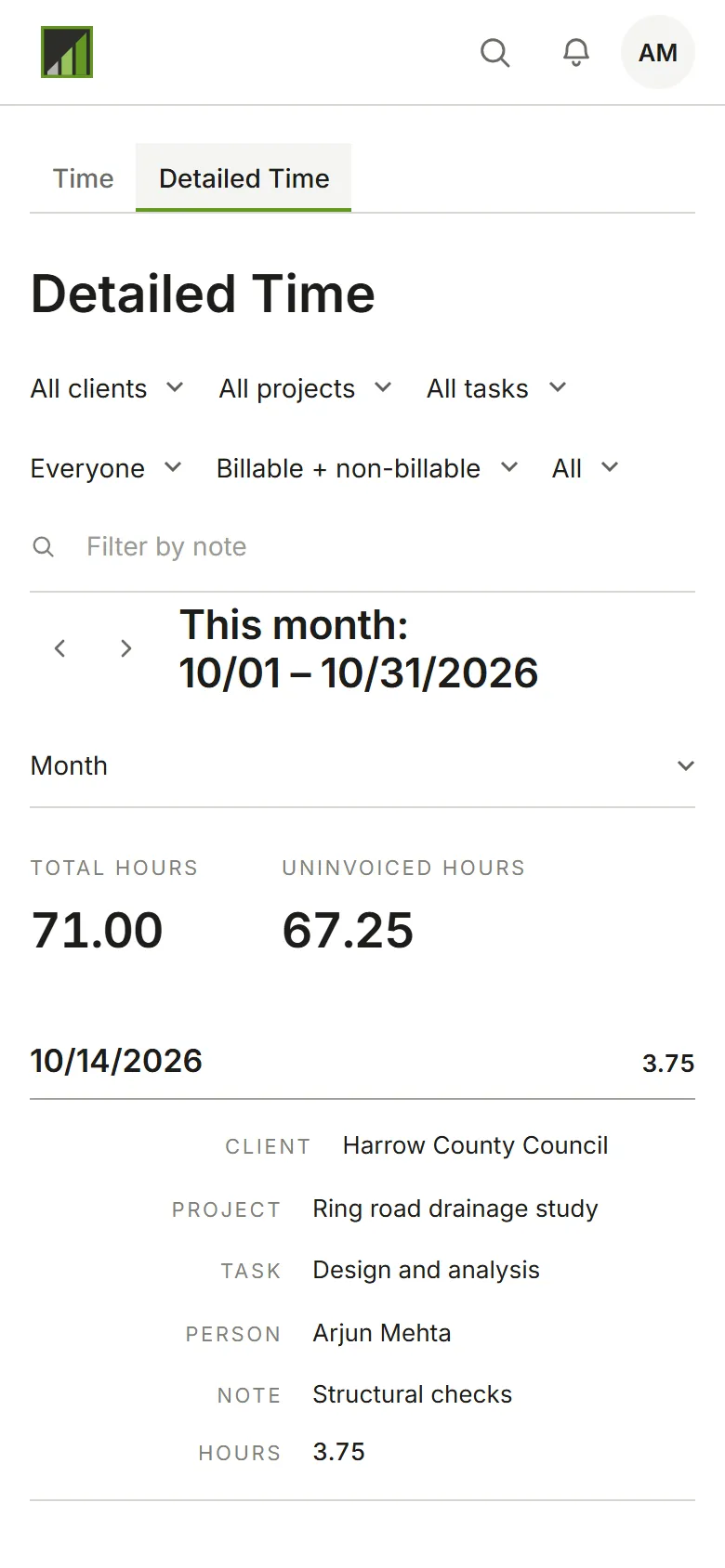
Section titled “Detailed time”Detailed Time lists every entry in the period with its client, project, task, person and note. Use it to check what will be invoiced, or to answer a client’s question about a figure. Above the list are the period’s total hours, its uninvoiced billable hours, and what those are worth in your account’s currency.