

Change your password
Choose Account Settings from your avatar menu, then Password. Enter your current password and the new one, then choose Change password.
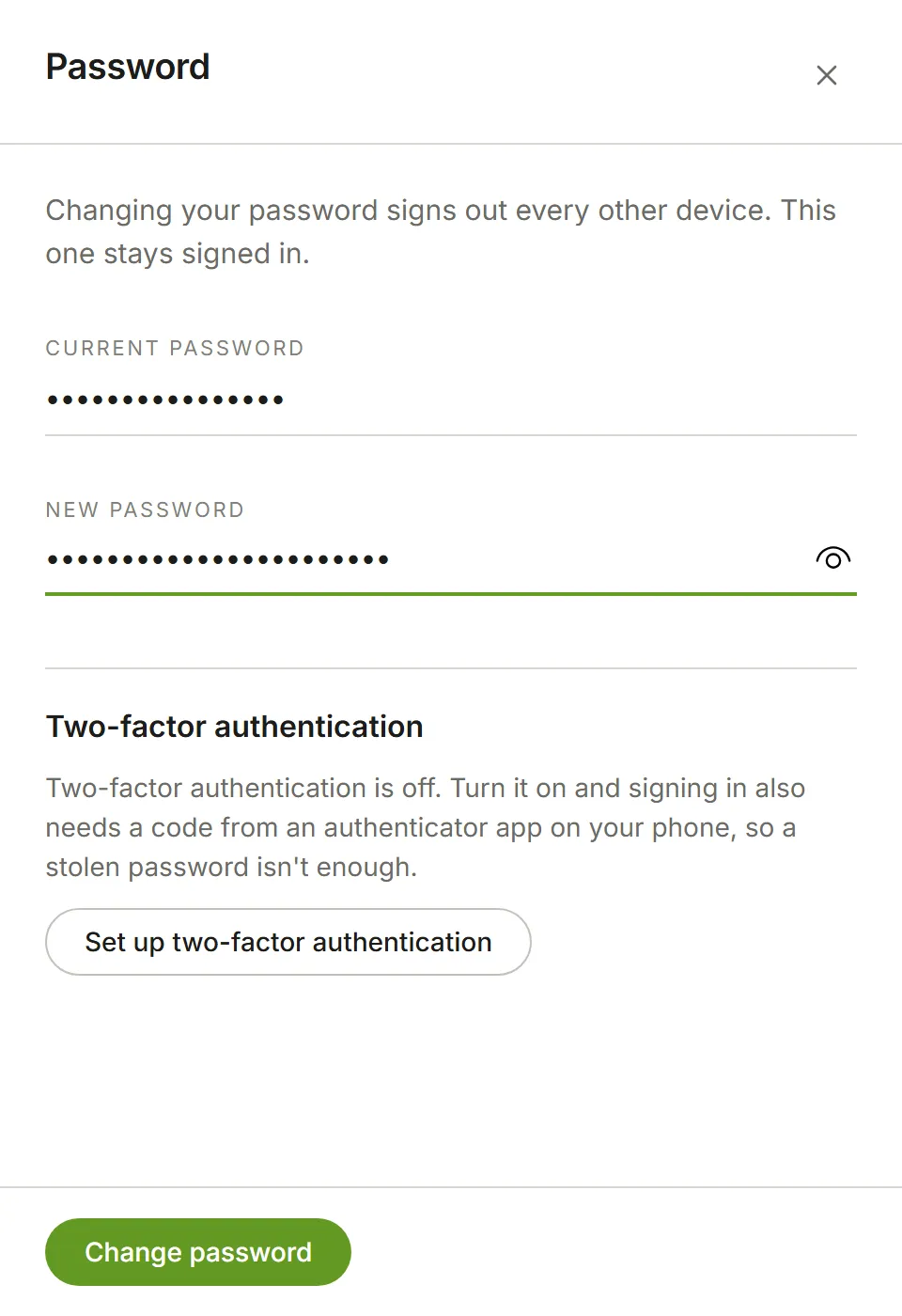
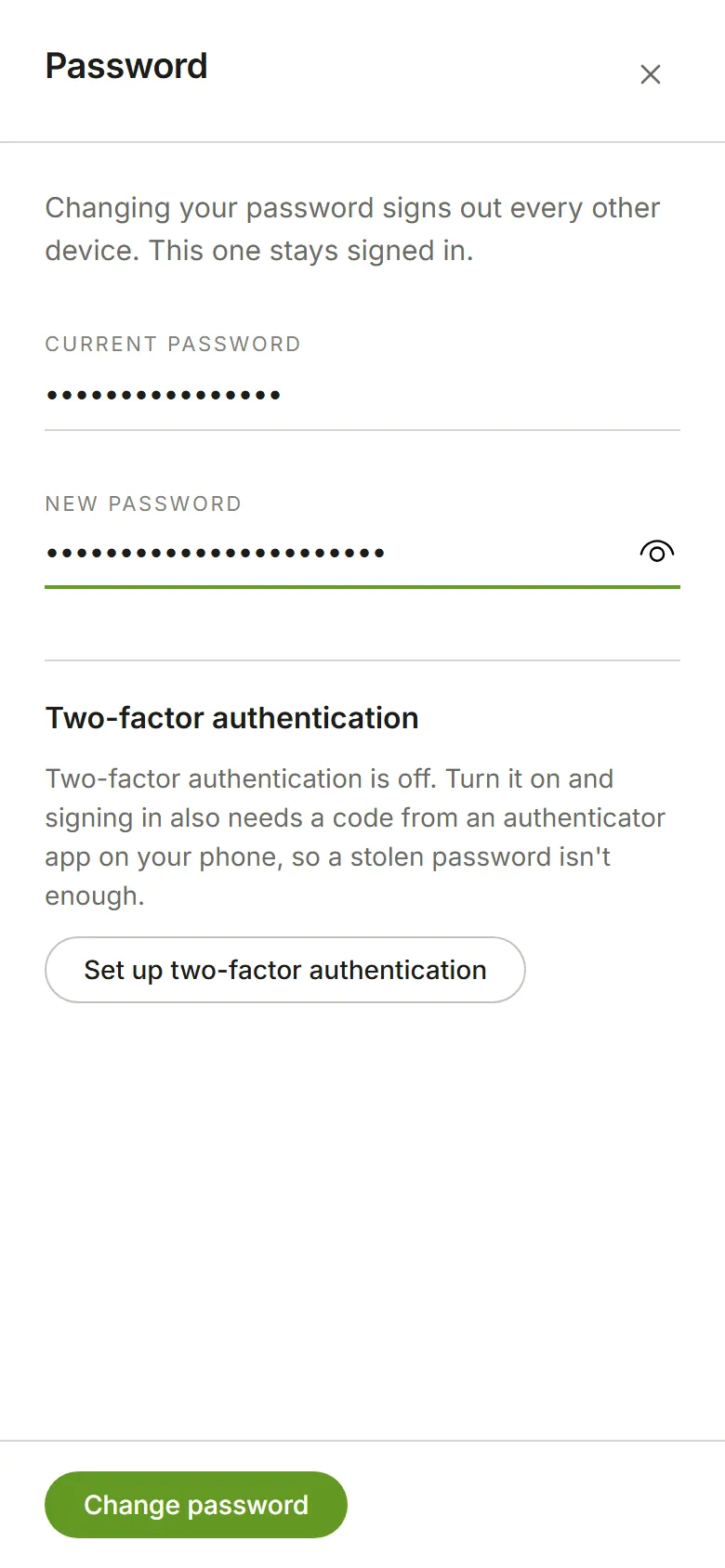
Changing your password signs you out on every other device; the one you’re using stays signed in. Do it whenever you think someone else may know your password.
The same panel is where you turn on two-factor authentication.