

Your details
Your details belong to you, not to an account: they’re the same in every account you’re a member of.
Choose Account Settings from your avatar menu. Settings are split into what’s yours (You) and what belongs to the account you’re in (Account).
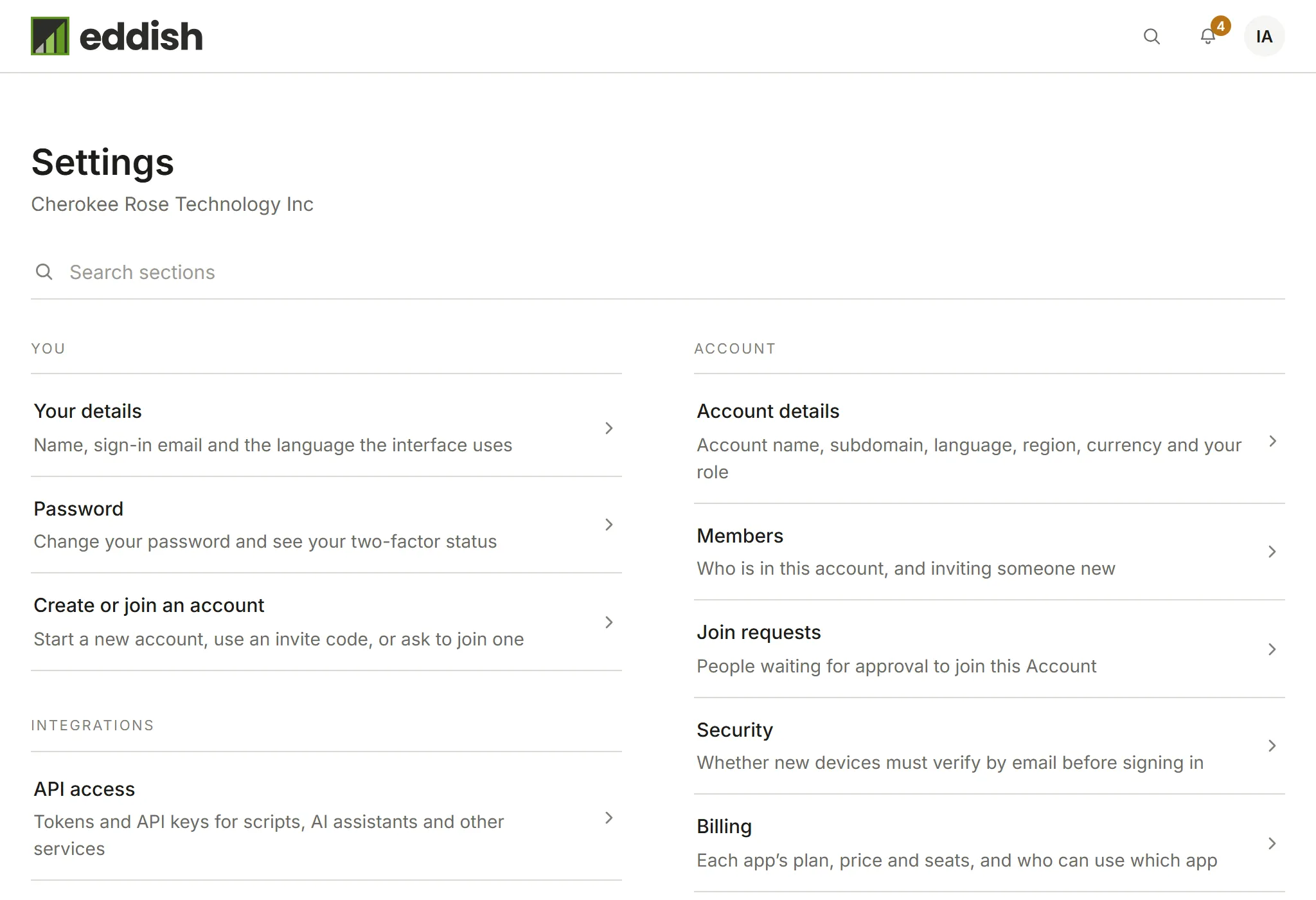
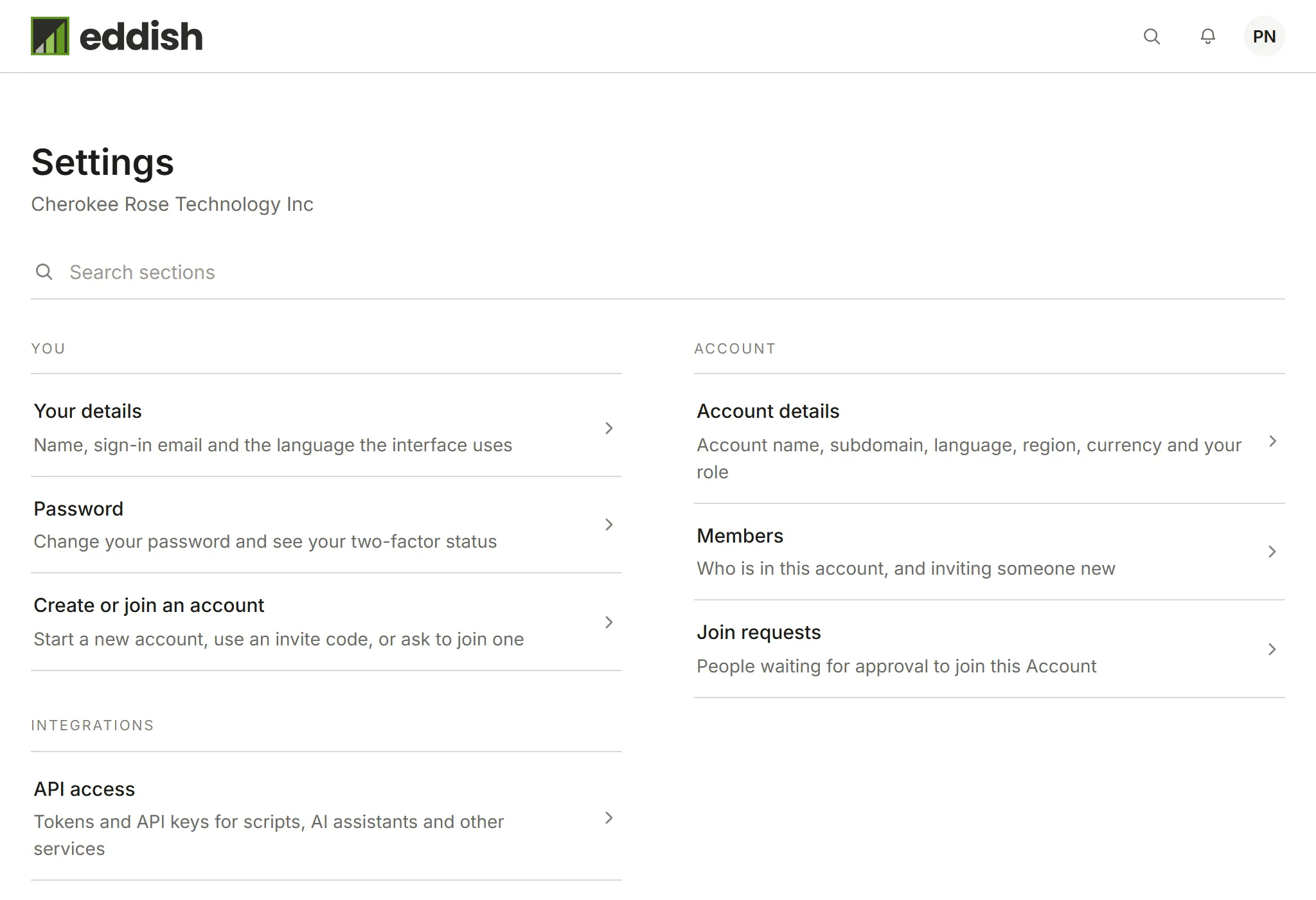
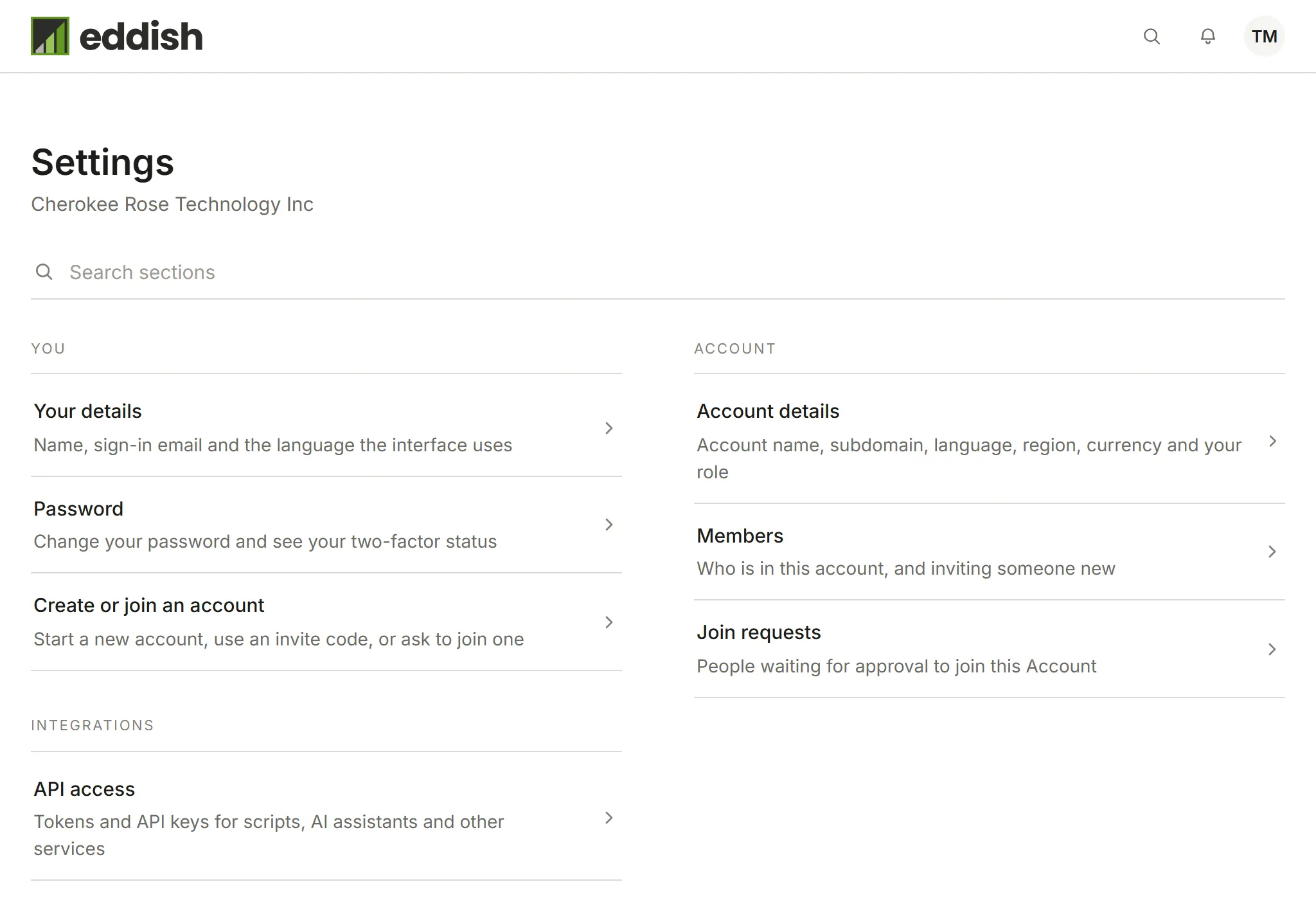
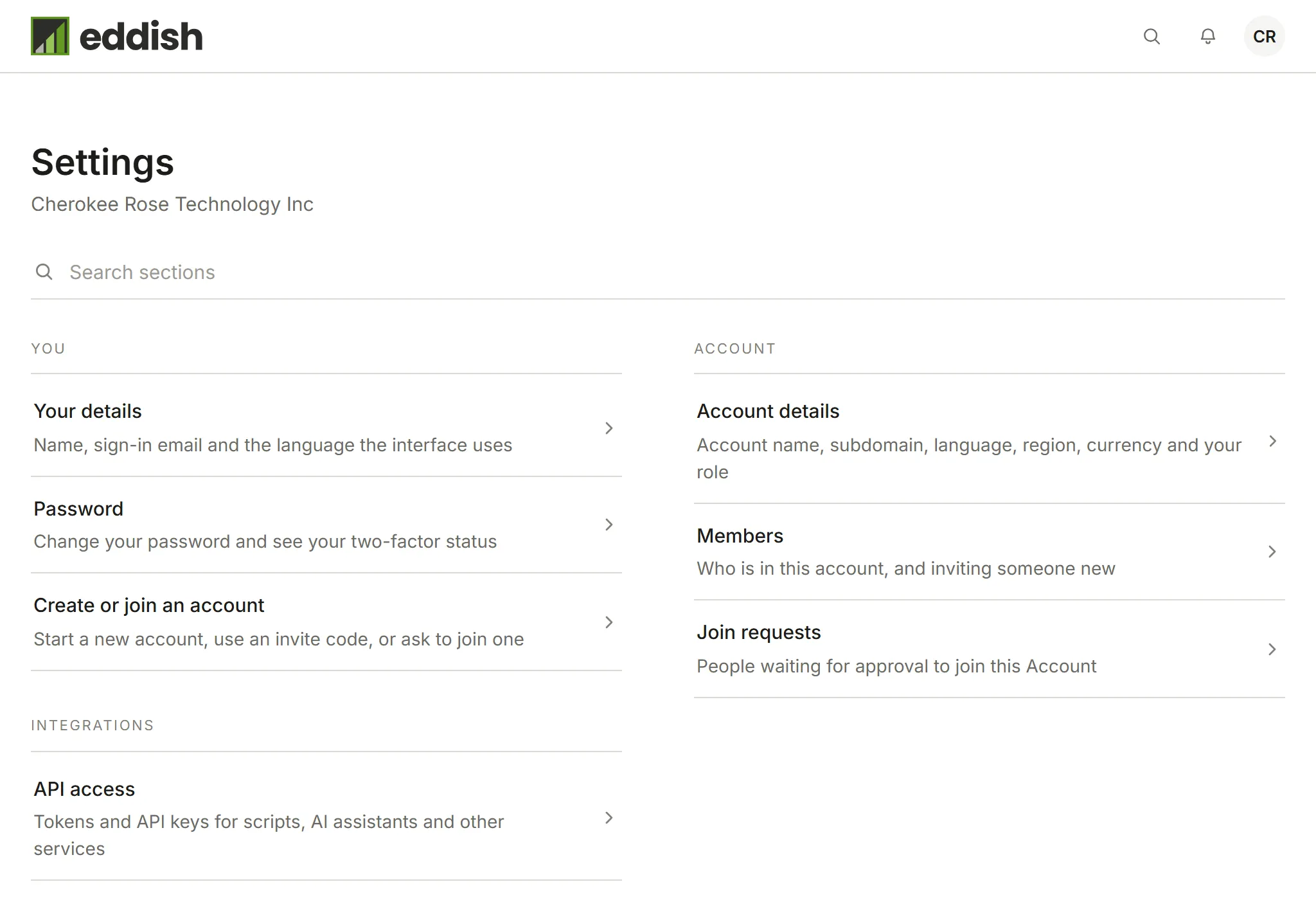
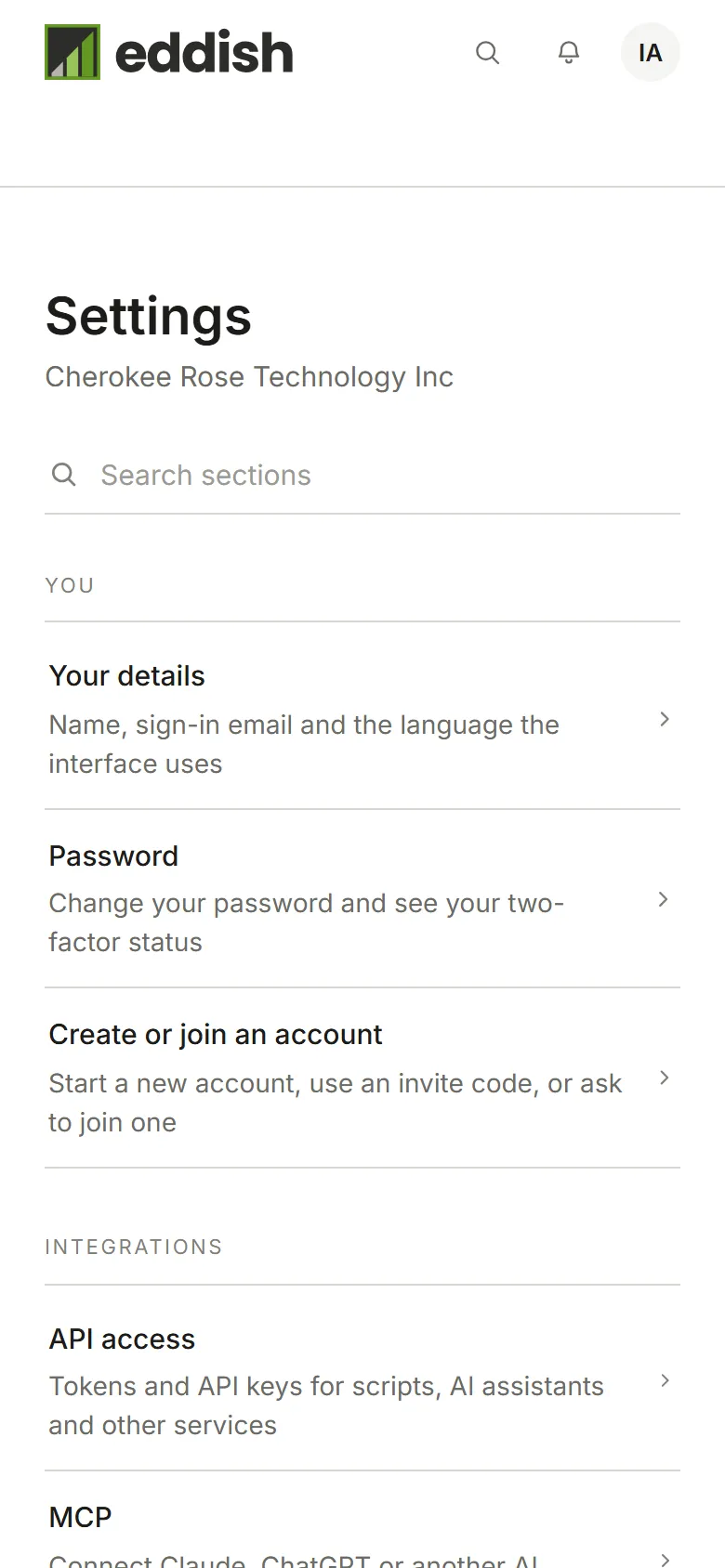
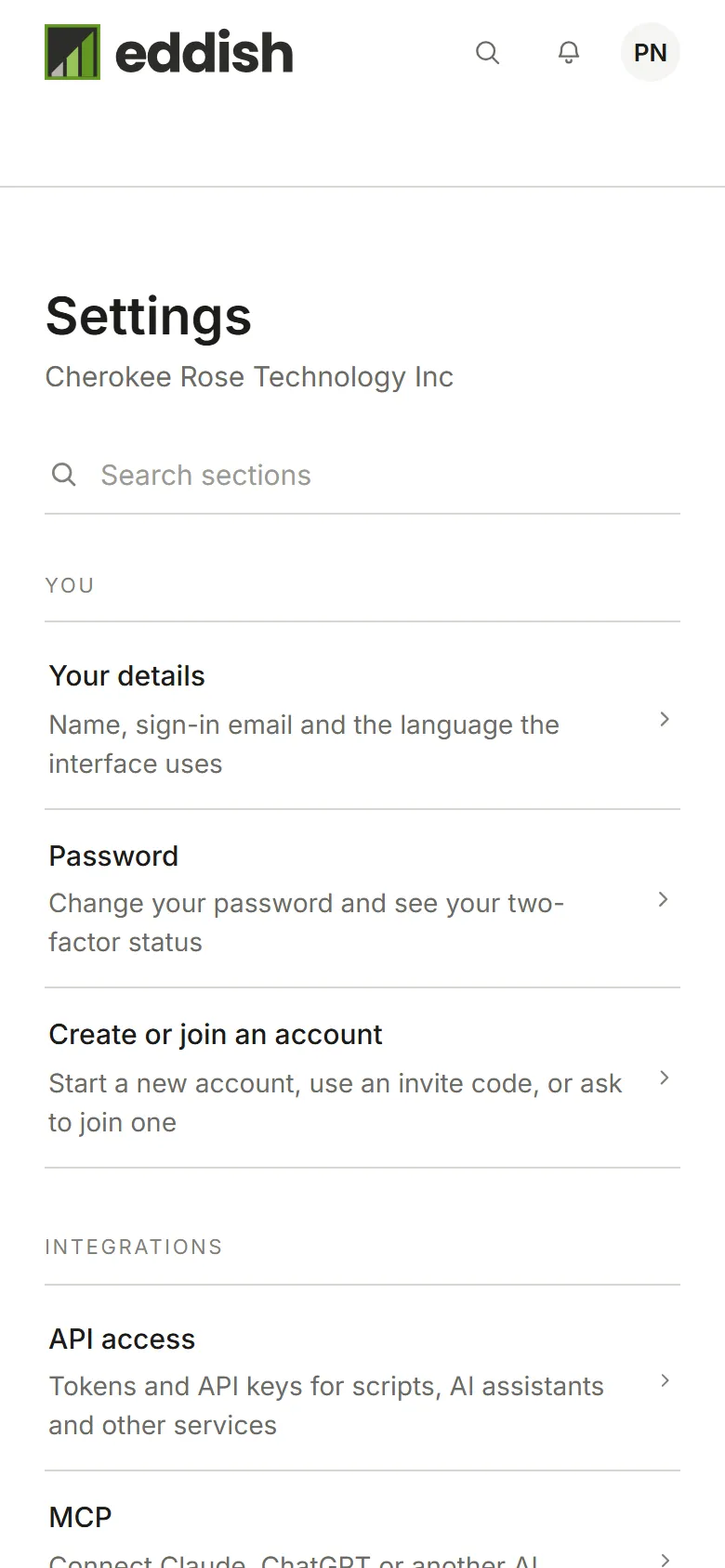
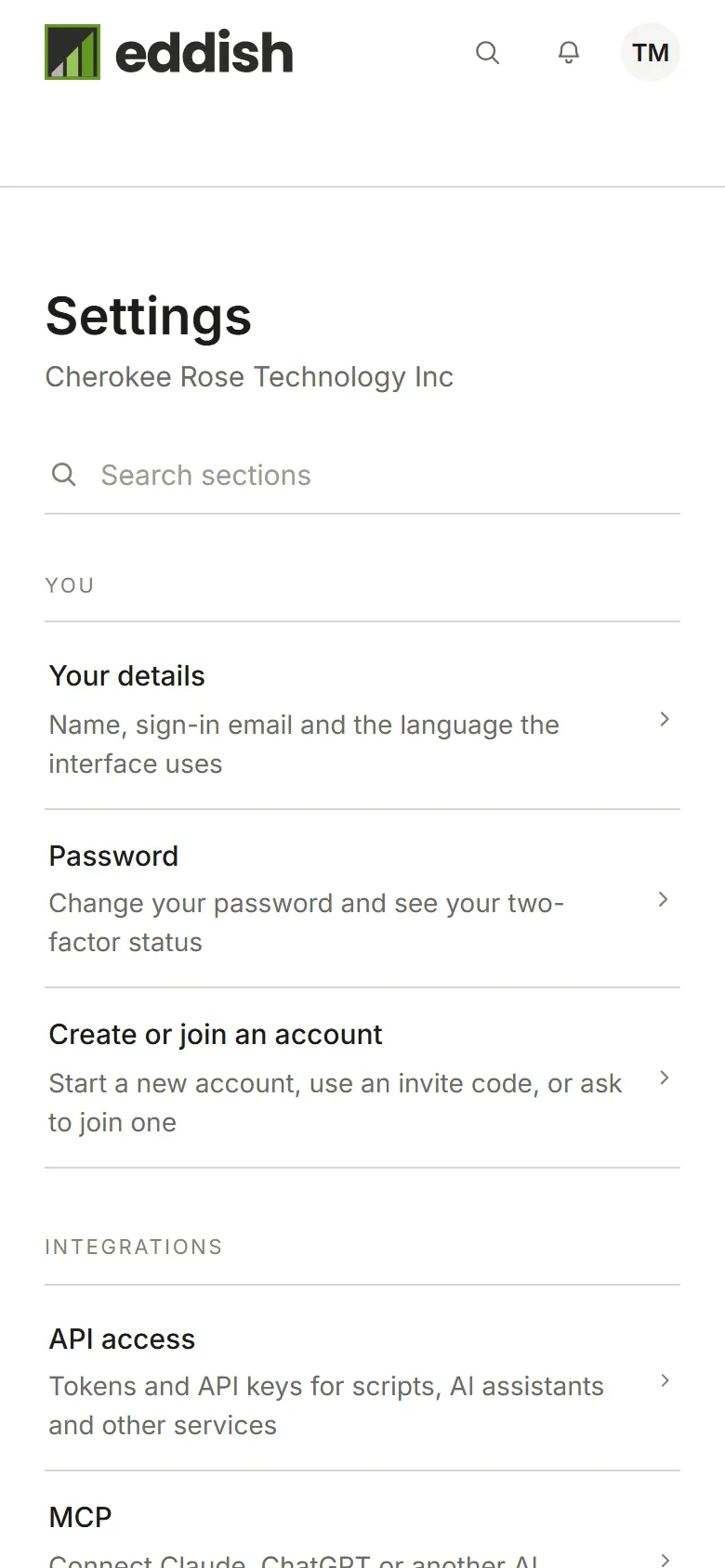
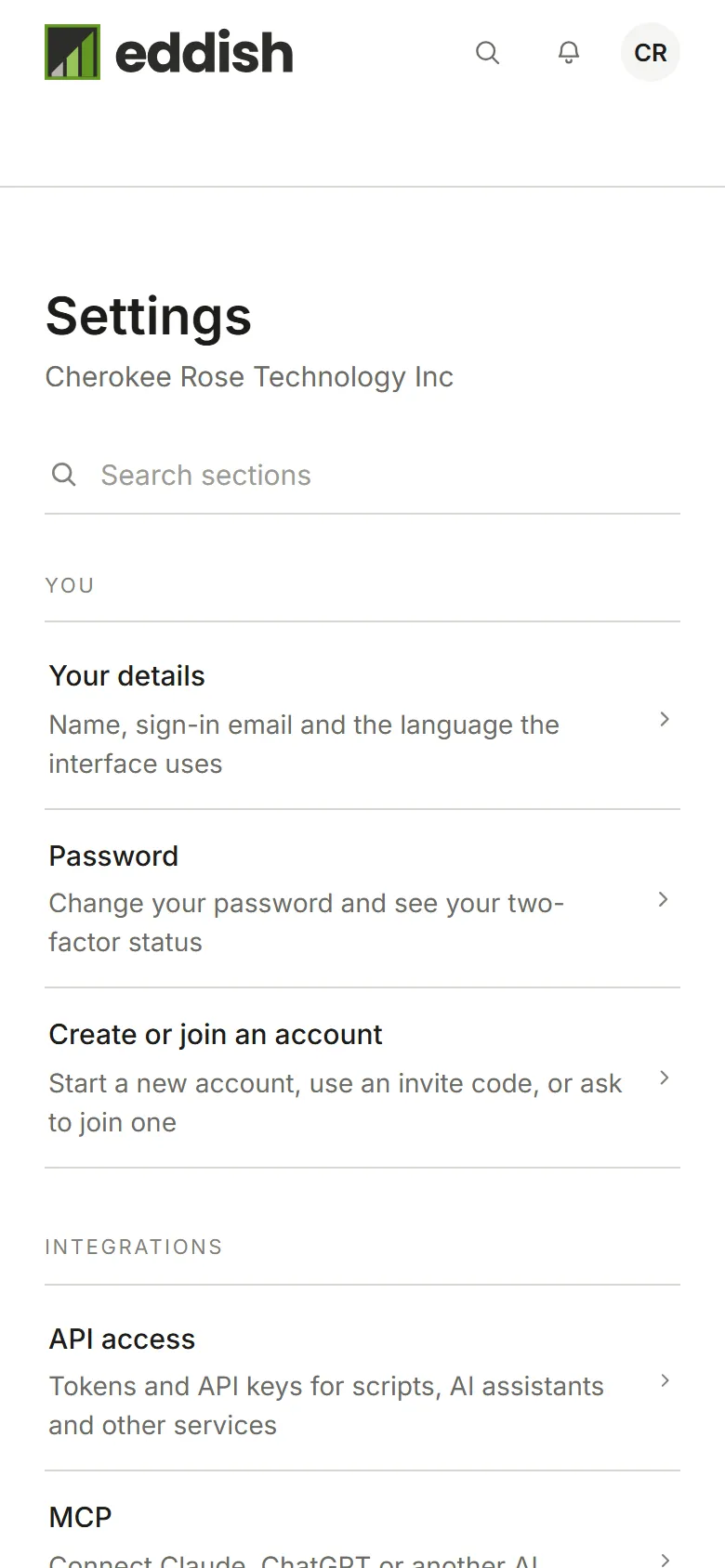
Choose Your details to change your first and last name, the language Eddish is shown in, or how dates are written for you, then choose Save. A new language applies straight away.
The language list starts with Same as your account, which follows whatever language the account uses (its Owner sets that under Account preferences). Choose English, French or Spanish instead to use that language yourself, whatever the account uses. Your choice applies in every account you belong to.
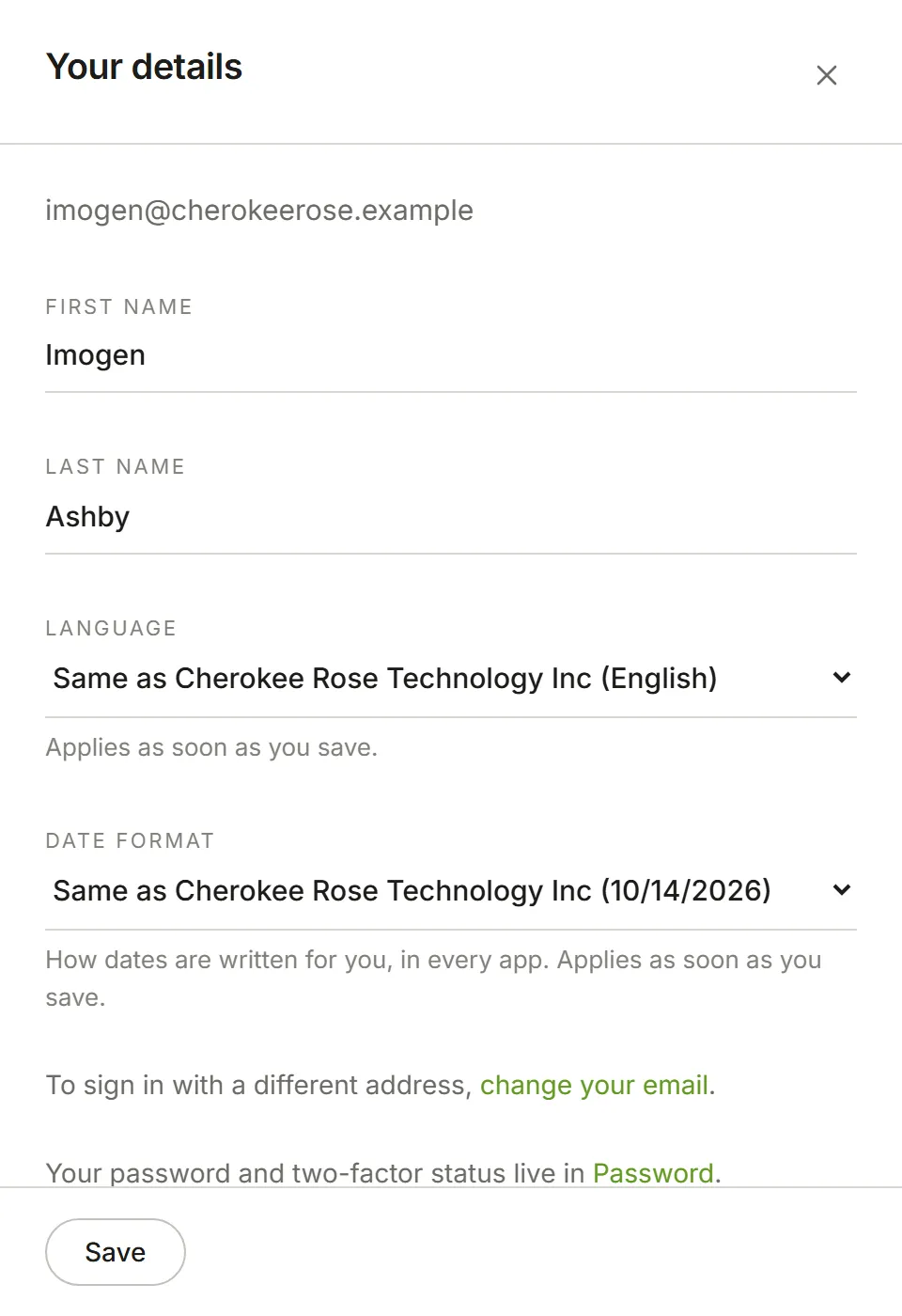
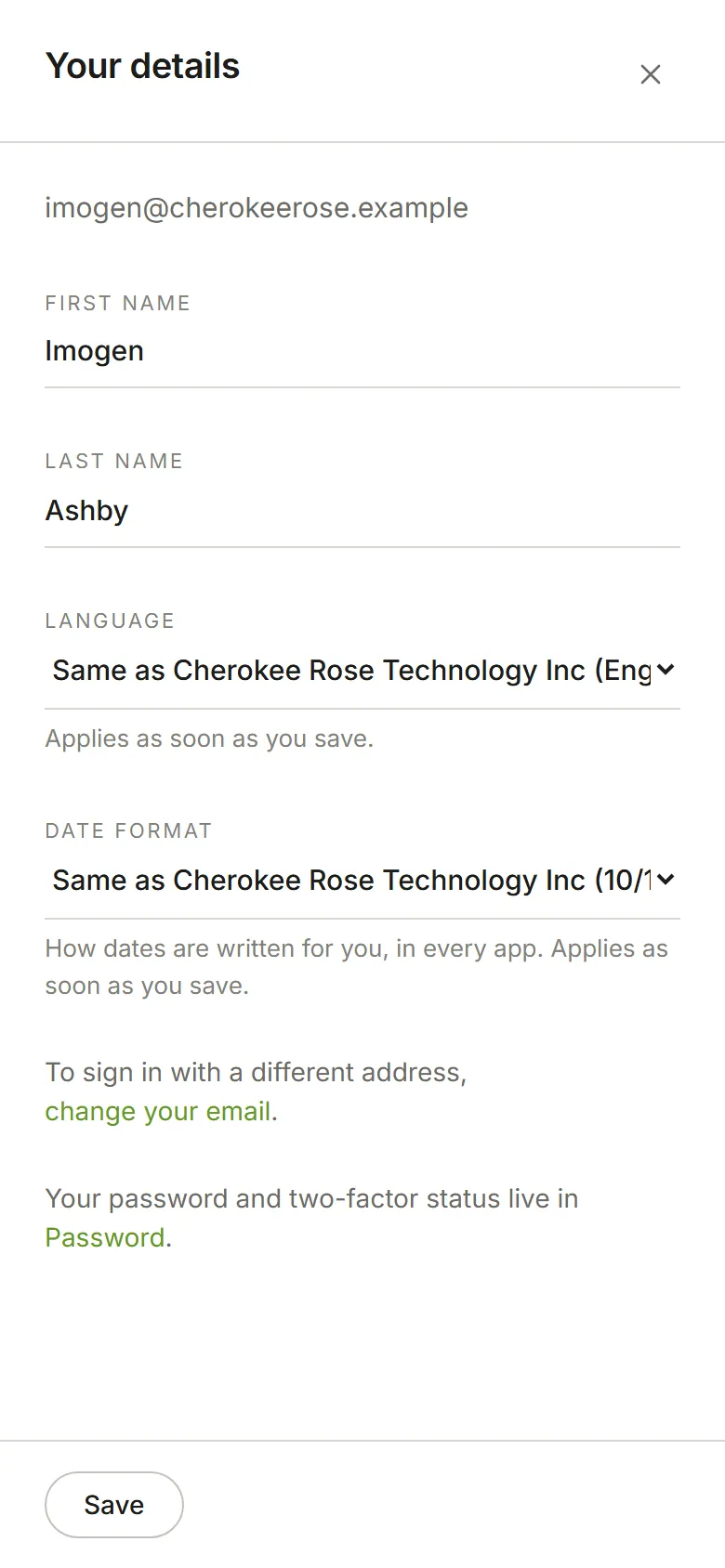
Your email address is shown at the top of the panel. To sign in with a different one, choose change your email, enter the new address and your current password, and choose Send code. We send a 6-digit code to the new address; enter it and choose Change email. Nothing changes until you do, so a mistyped address can’t lock you out.
Changing your email signs you out everywhere else, and we let your old address know it happened. A code only arrives if no other Eddish sign-in already uses that address.