

Account details
Choose Account Settings from your avatar menu, then Account details. Change the account’s name and choose Save. Only the account’s Owner can rename it; everyone else sees the name greyed out.
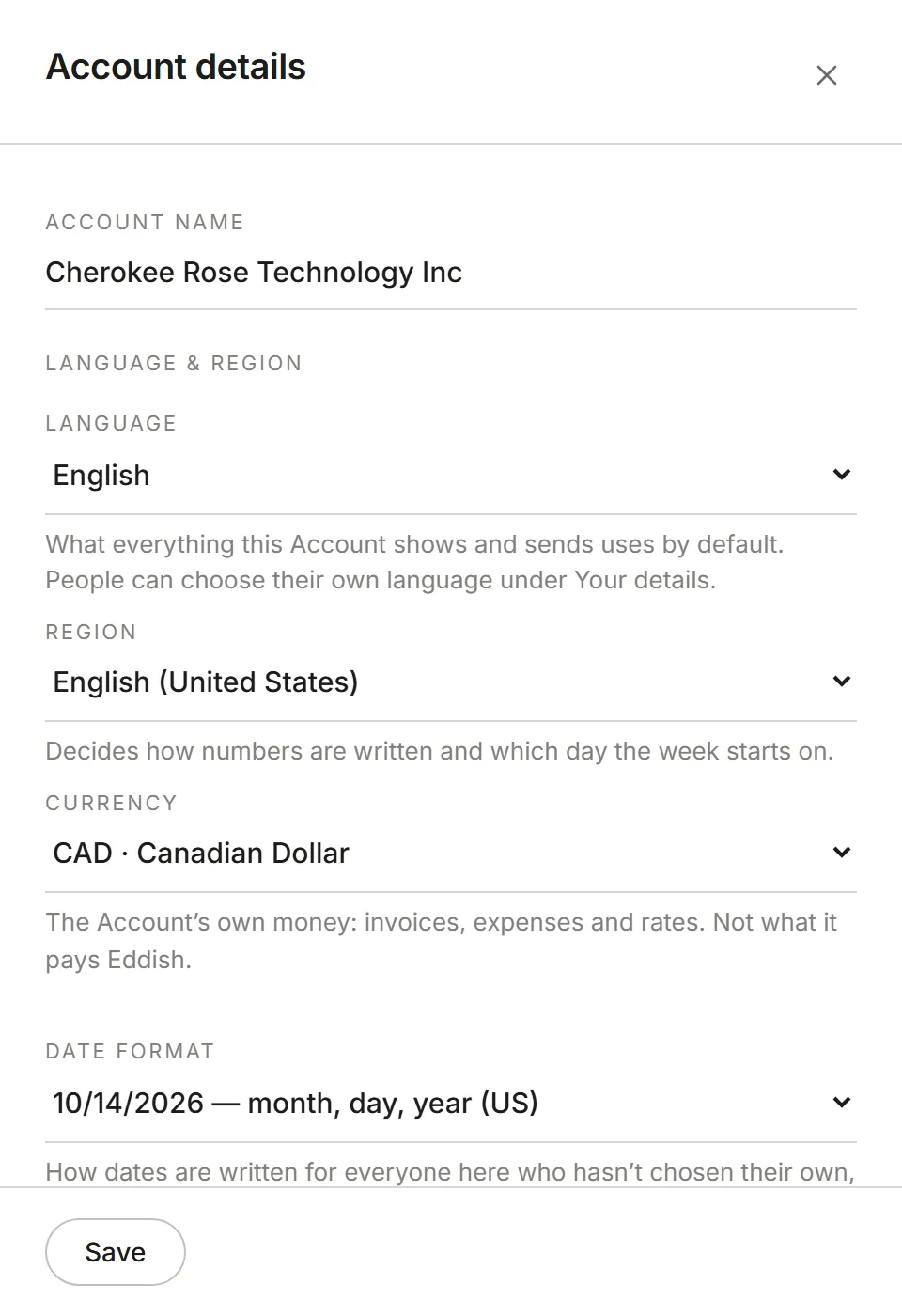
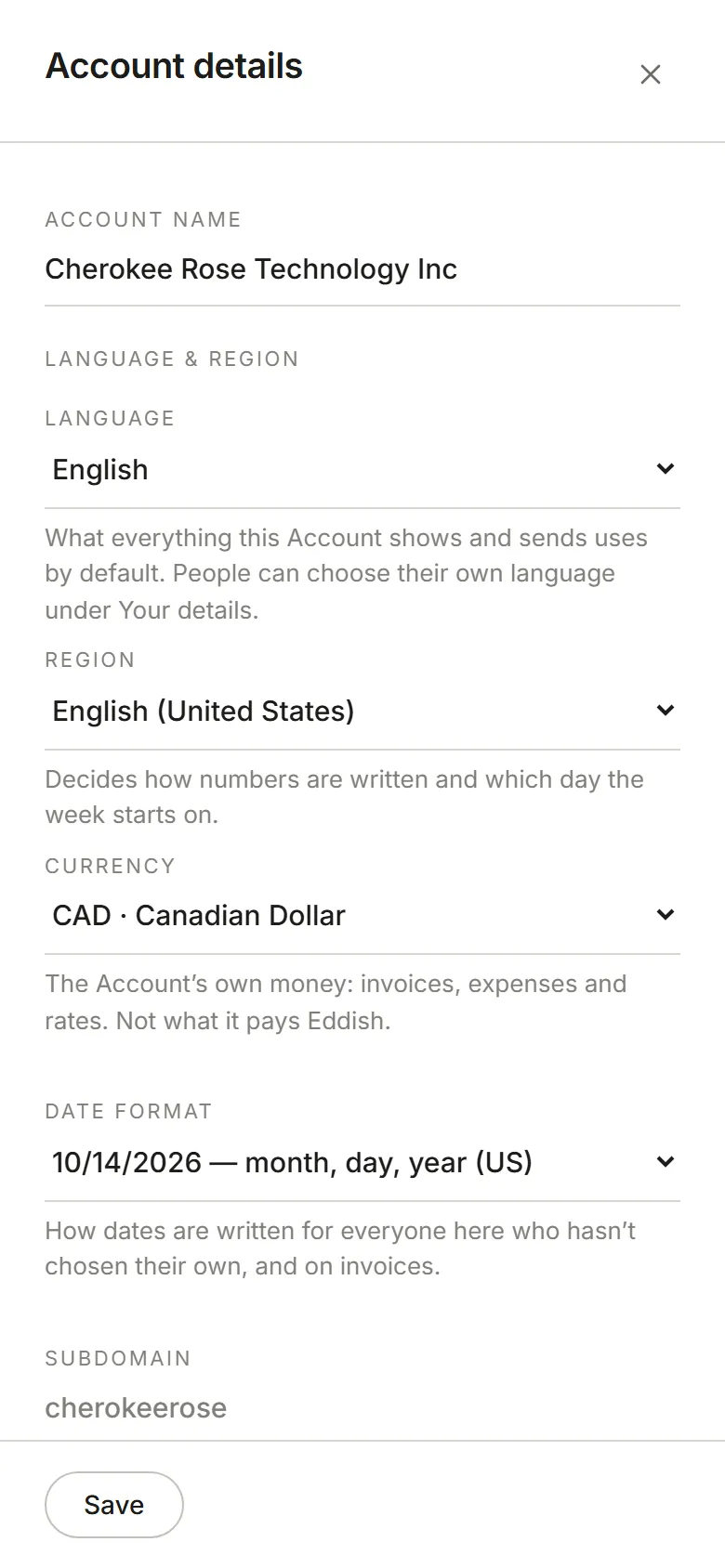
The subdomain is the account’s address, and can’t be changed here. Your role is your role in this account.
Language, region, currency and how dates and times are written are in Account preferences.