

Sign in
-
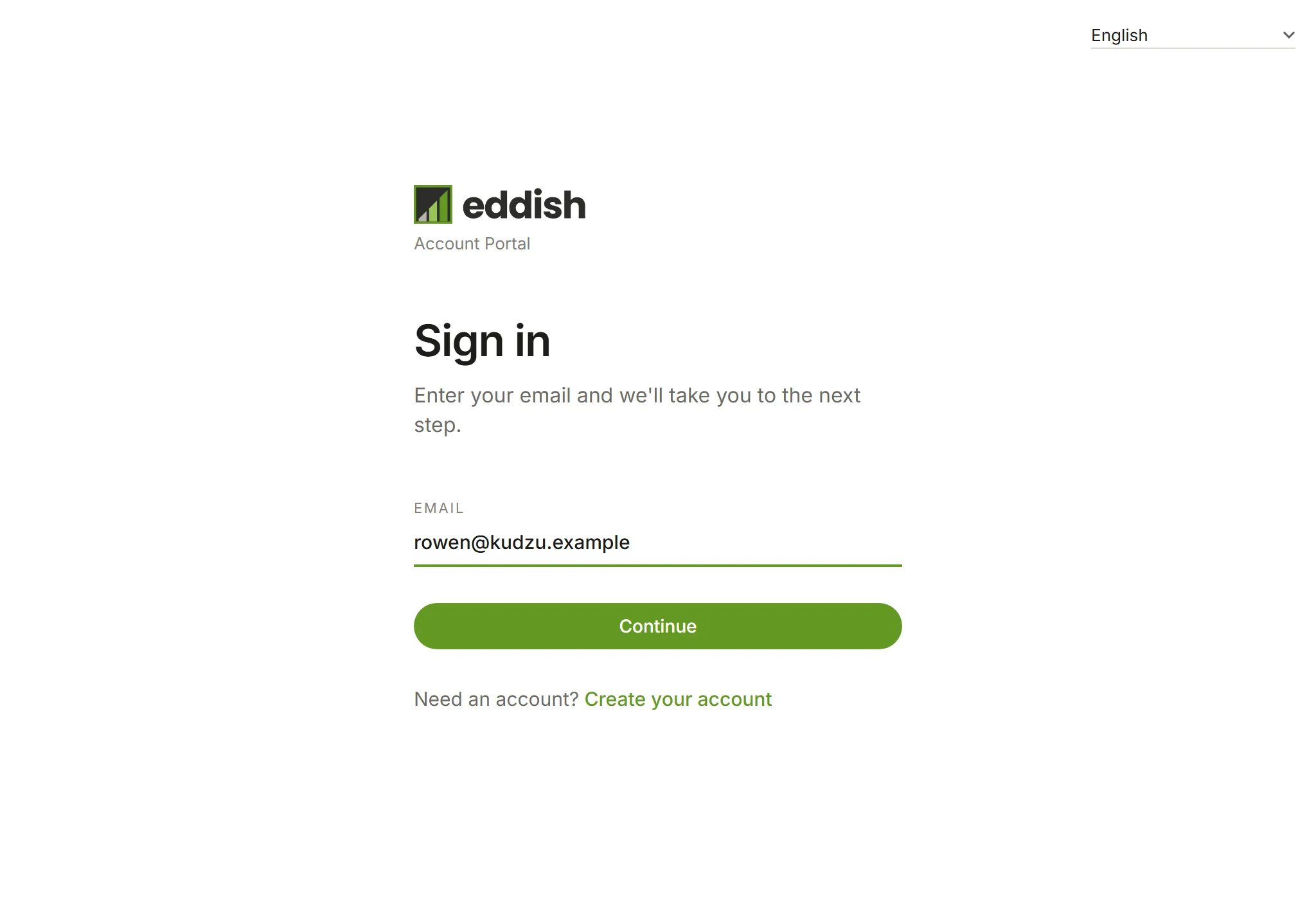
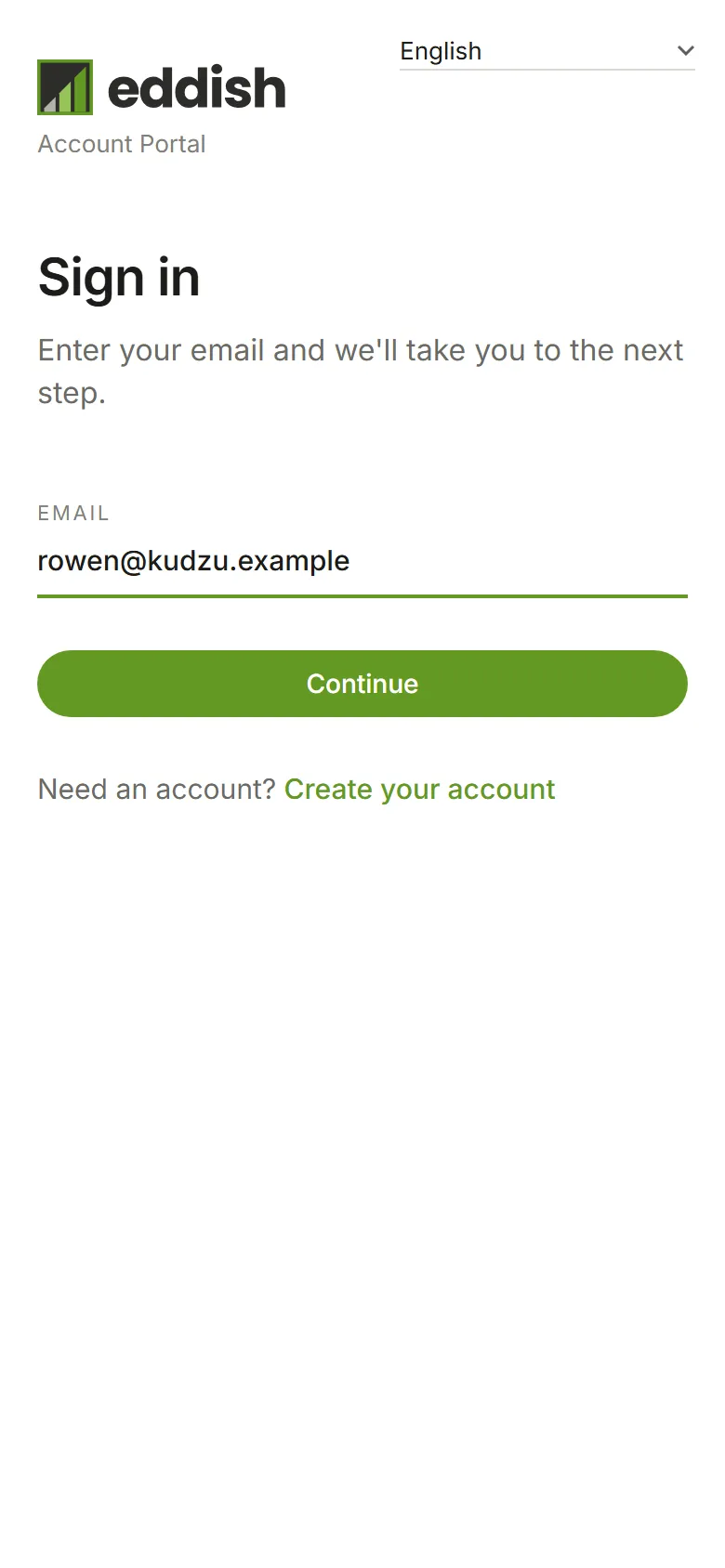
Go to eddish.app/login. Enter your email address and choose Continue.
-
Enter your password and choose Sign in.
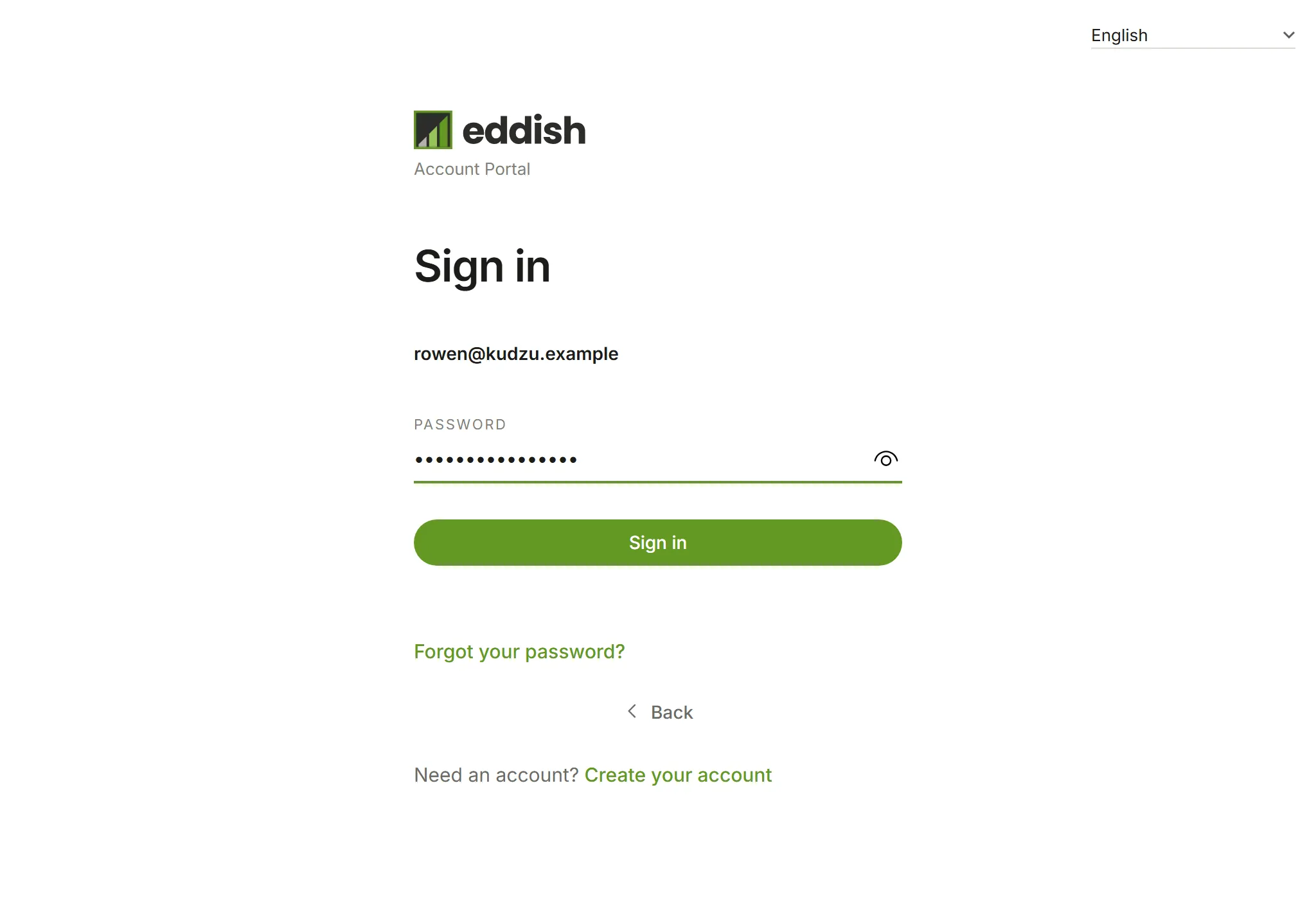
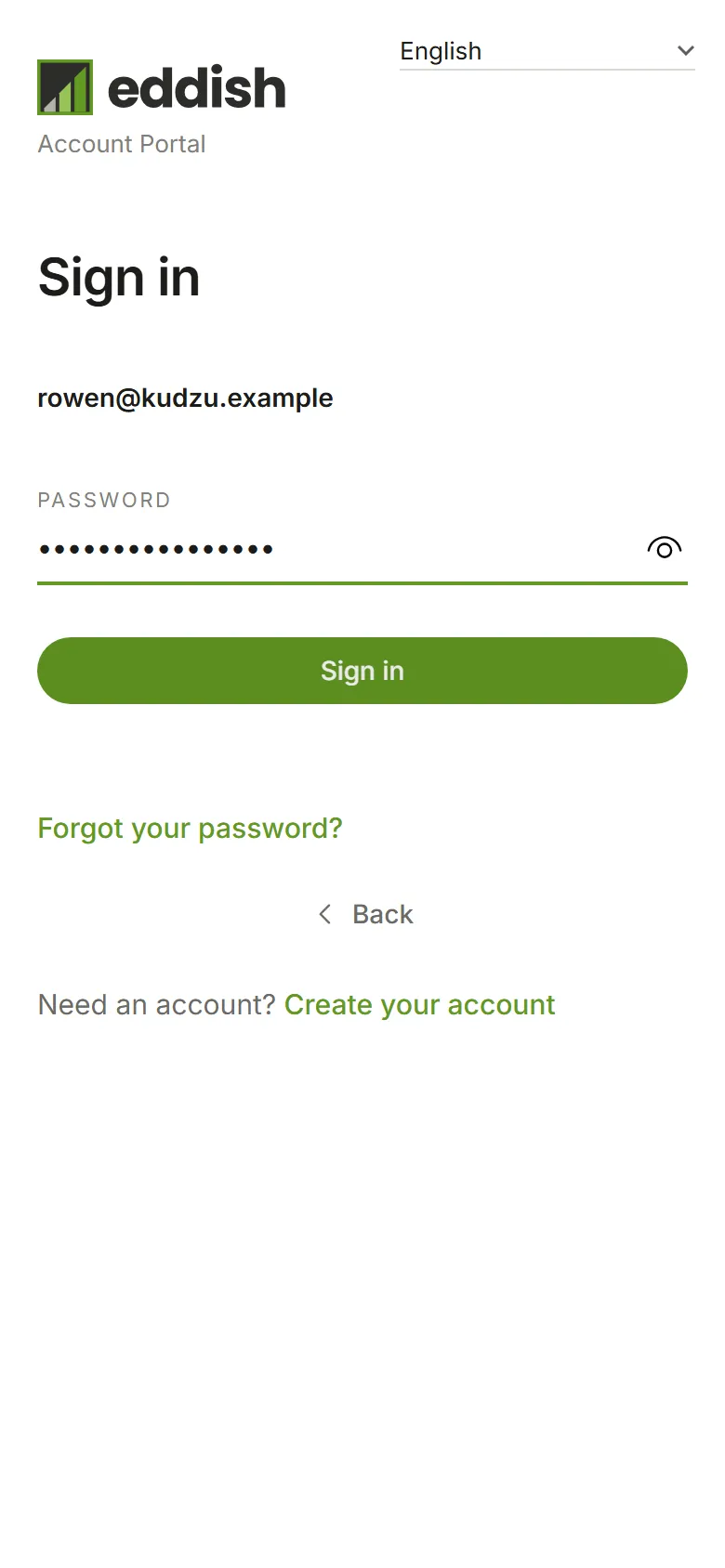
If your account requires it, signing in from a browser or device Eddish hasn’t seen before asks for a code we email you. Enter it to finish signing in; you won’t be asked again on that device. Owners choose whether this applies, in Account security.
In your language
Section titled “In your language”Eddish is in English, French and Spanish. Every page you see before you sign in (signing in, creating an account, confirming your email, resetting your password, accepting an invitation) has a language list in its top corner. It starts in your browser’s language, and this browser remembers your choice for next time. The emails those pages send, such as a confirmation code, are in the same language.
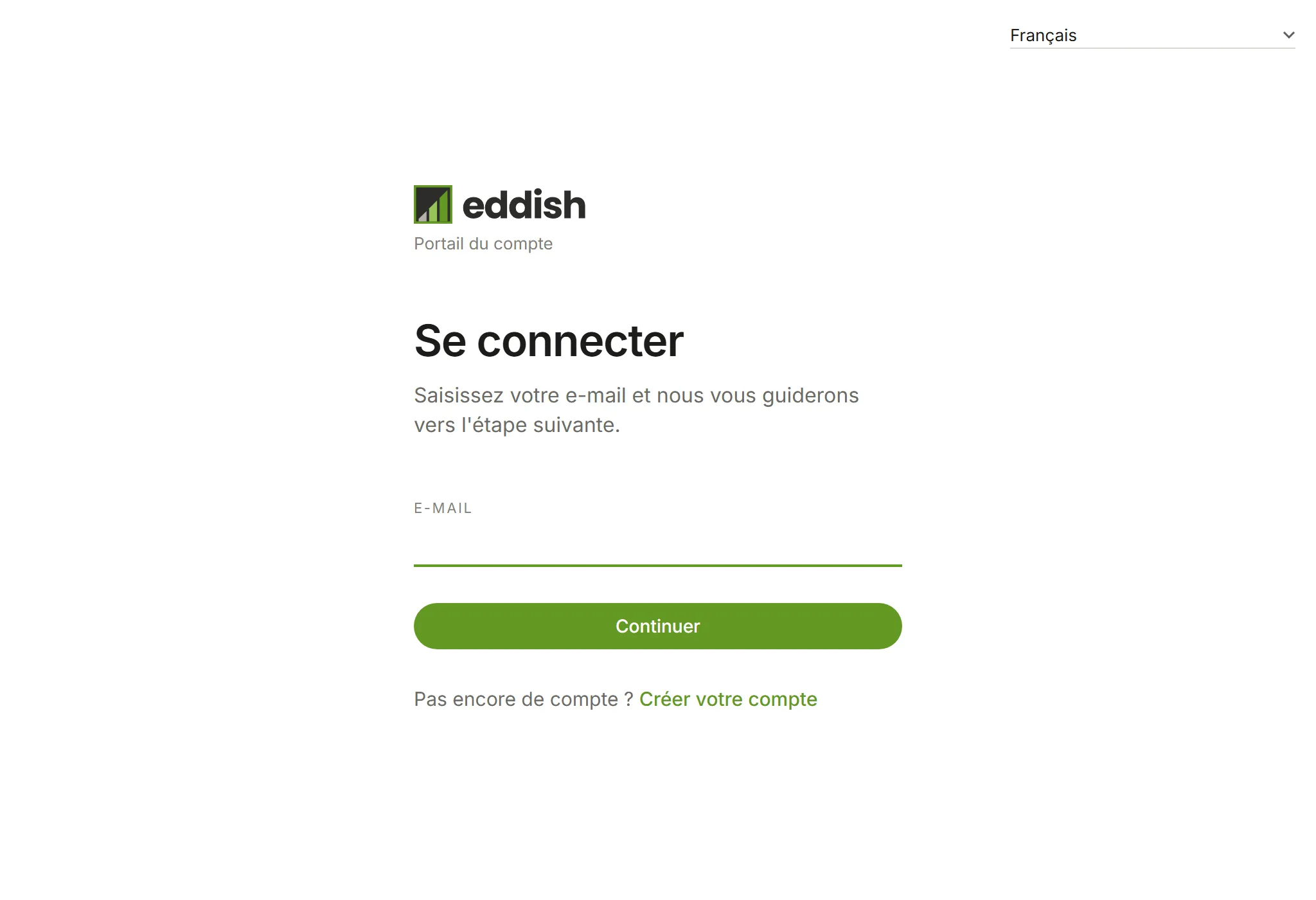
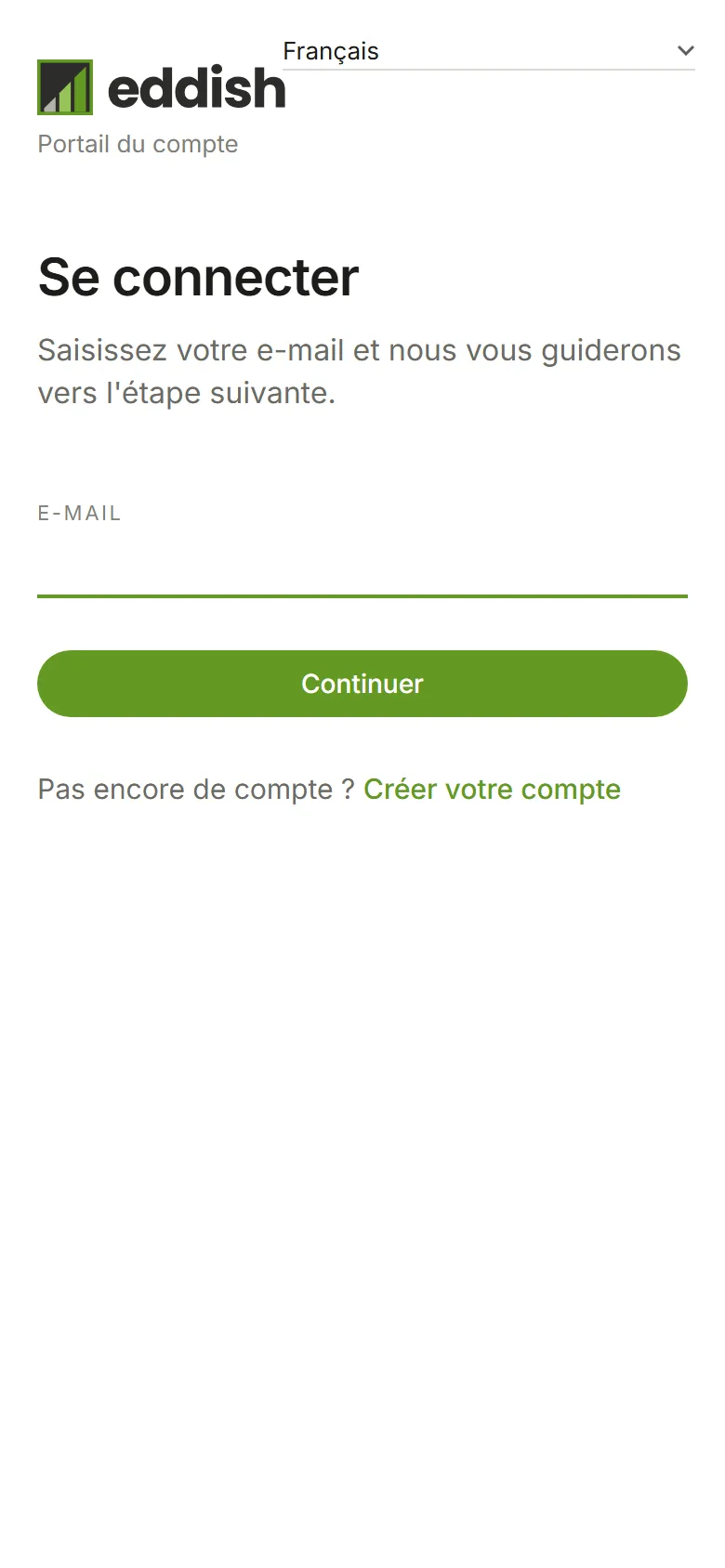
Once you’re signed in, Eddish uses your account’s language, which its Owner sets in Account preferences, or your own if you’ve chosen one in Your details.