

Invoice numbering and defaults
This isn’t in your Settings: only the account’s Owners open it.
Settings → Invoicing sets what new invoices start with. Changes don’t affect invoices already created.
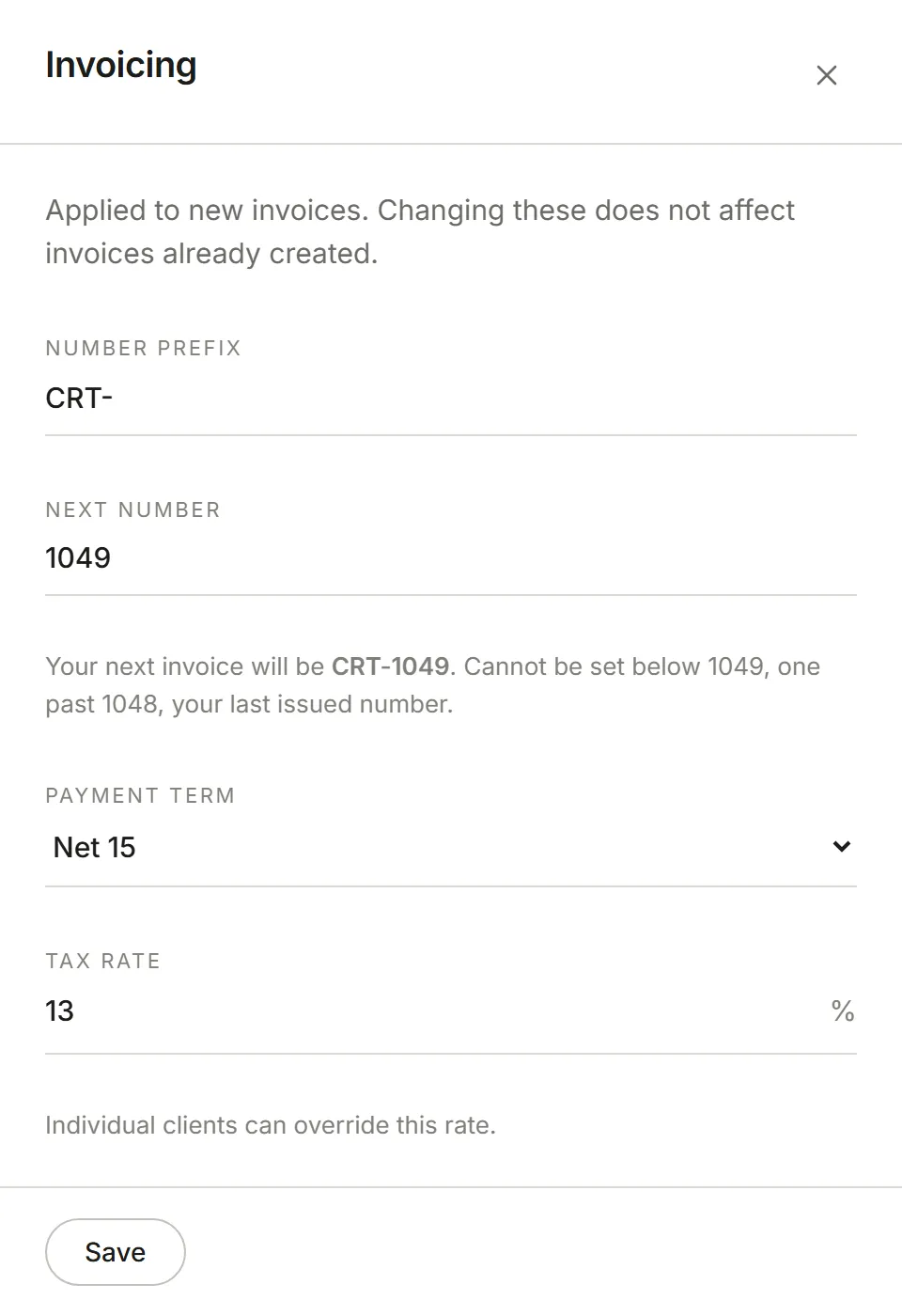
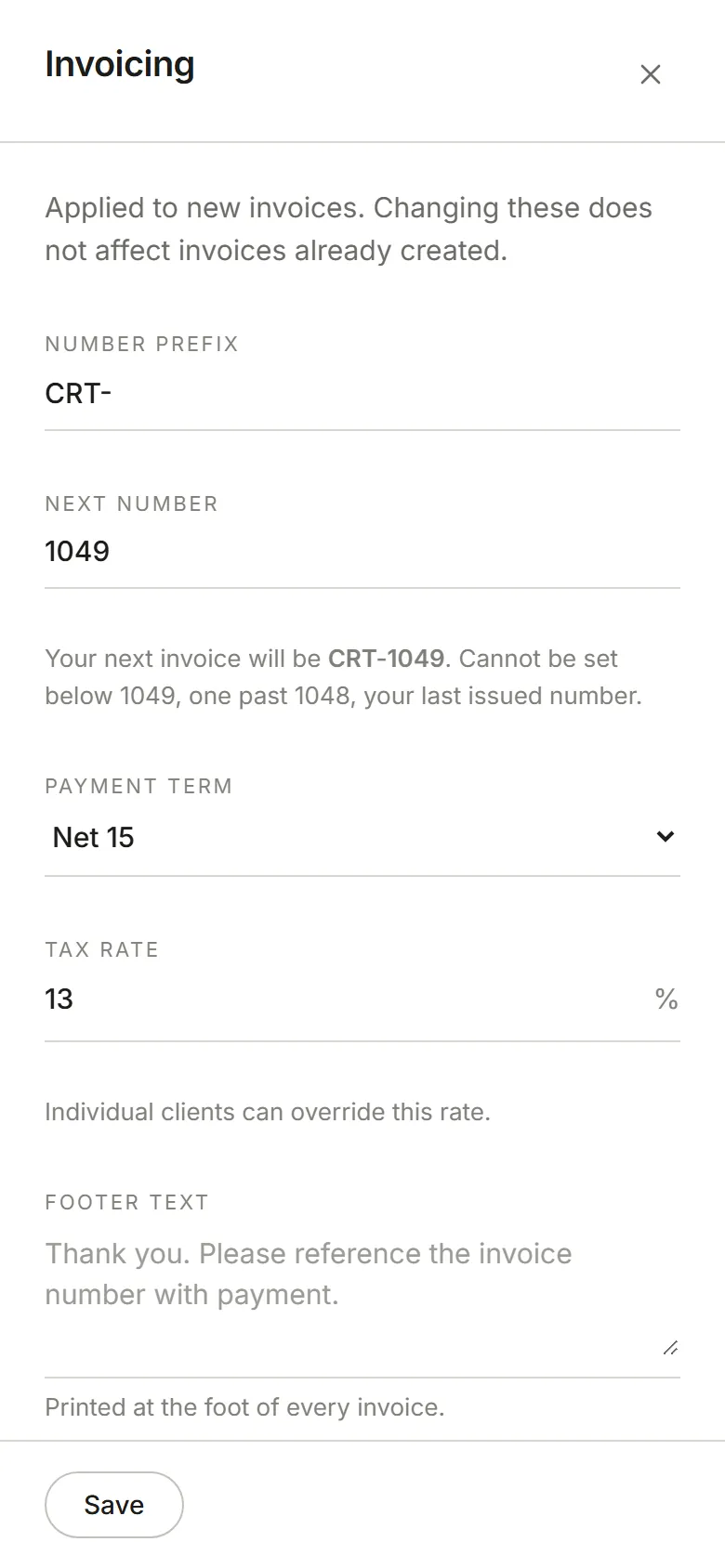
- Number prefix and Next number make up your invoice numbers. The panel shows what your next invoice will be. The next number can’t go below one past the last number you issued.
- Payment term sets when new invoices fall due, for every client that doesn’t have its own terms.
- Tax rate is added to new invoices. A client can have its own rate instead.
- Footer text is printed at the bottom of every invoice.